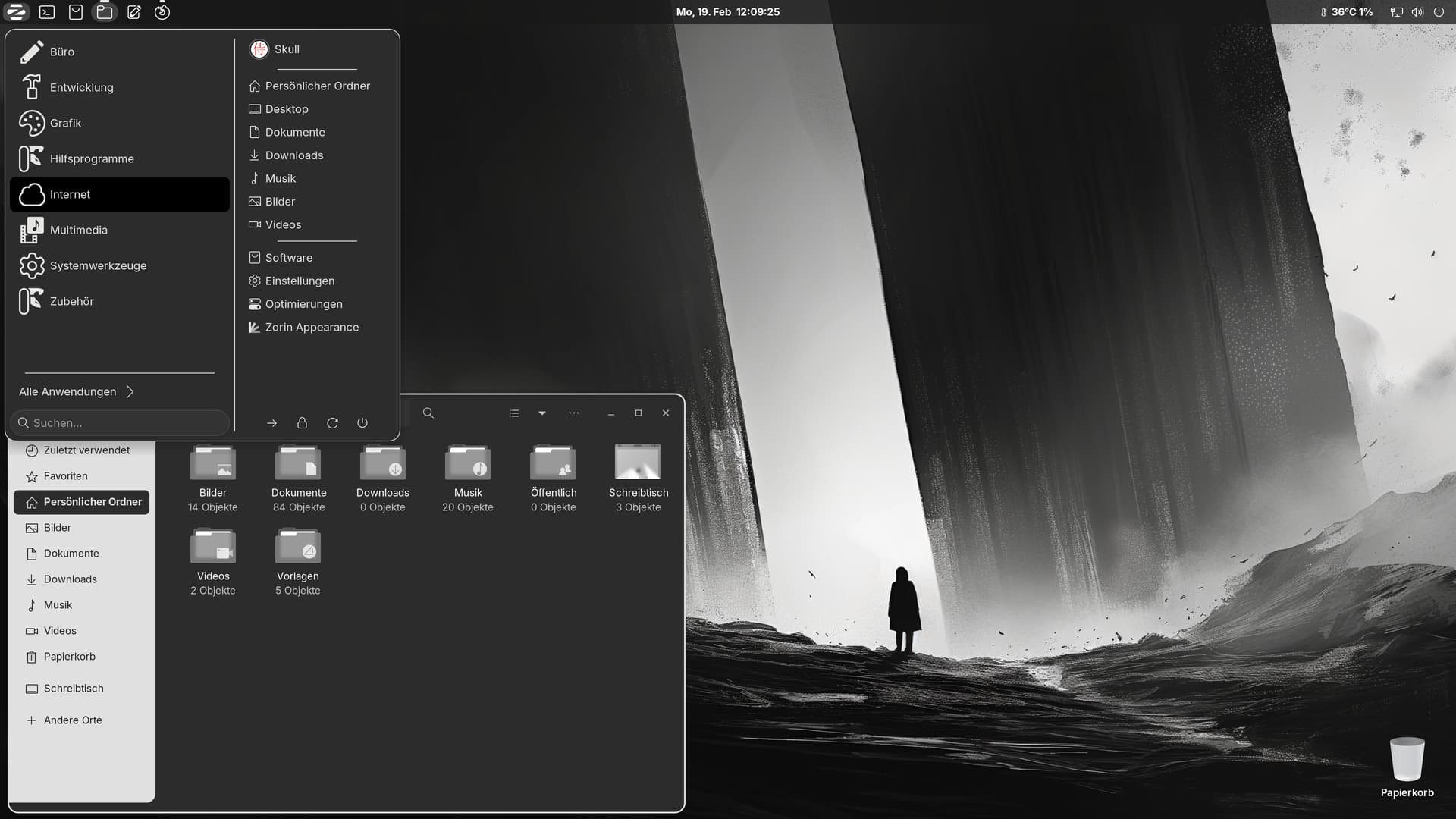
After a fresh Installation I only make some Adjustments on my darker Desktop:
3 Likes
Love this, smooooooooooooth
Nice desktop indeed
1 Like
Oh this is cute
1 Like
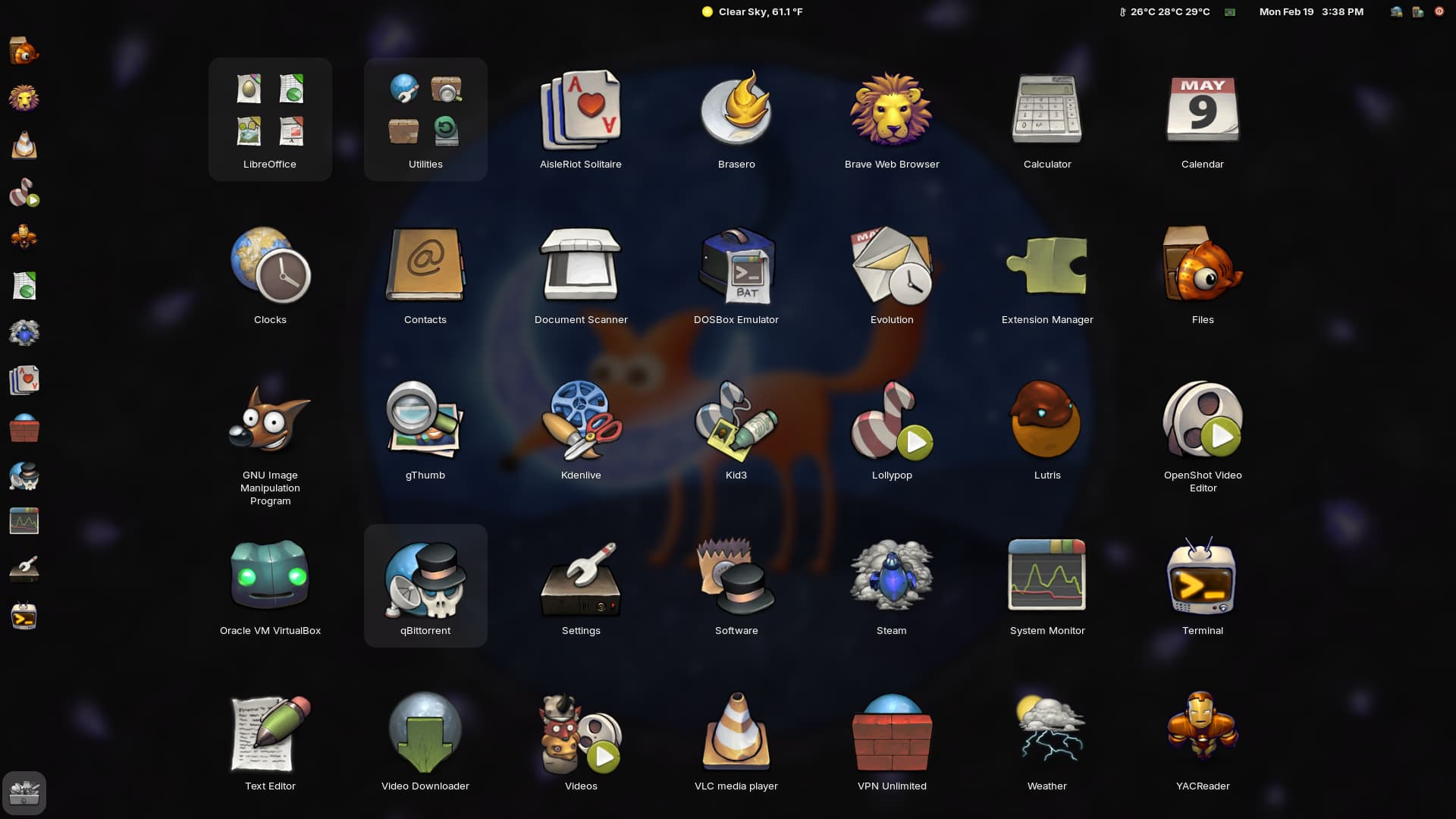
I've been messing about with the V-shell Gnome extension and now my app drawer looks like this. Notice the triple line names and the fantastic buuf-nestort icons.
5 Likes
Coolness bruh
1 Like

How do you do this thing in the Terminal? Is there a name for that? 
It's called neofetch
You can install it with
sudo apt install neofetch
then in terminal simply enter neofetch
4 Likes
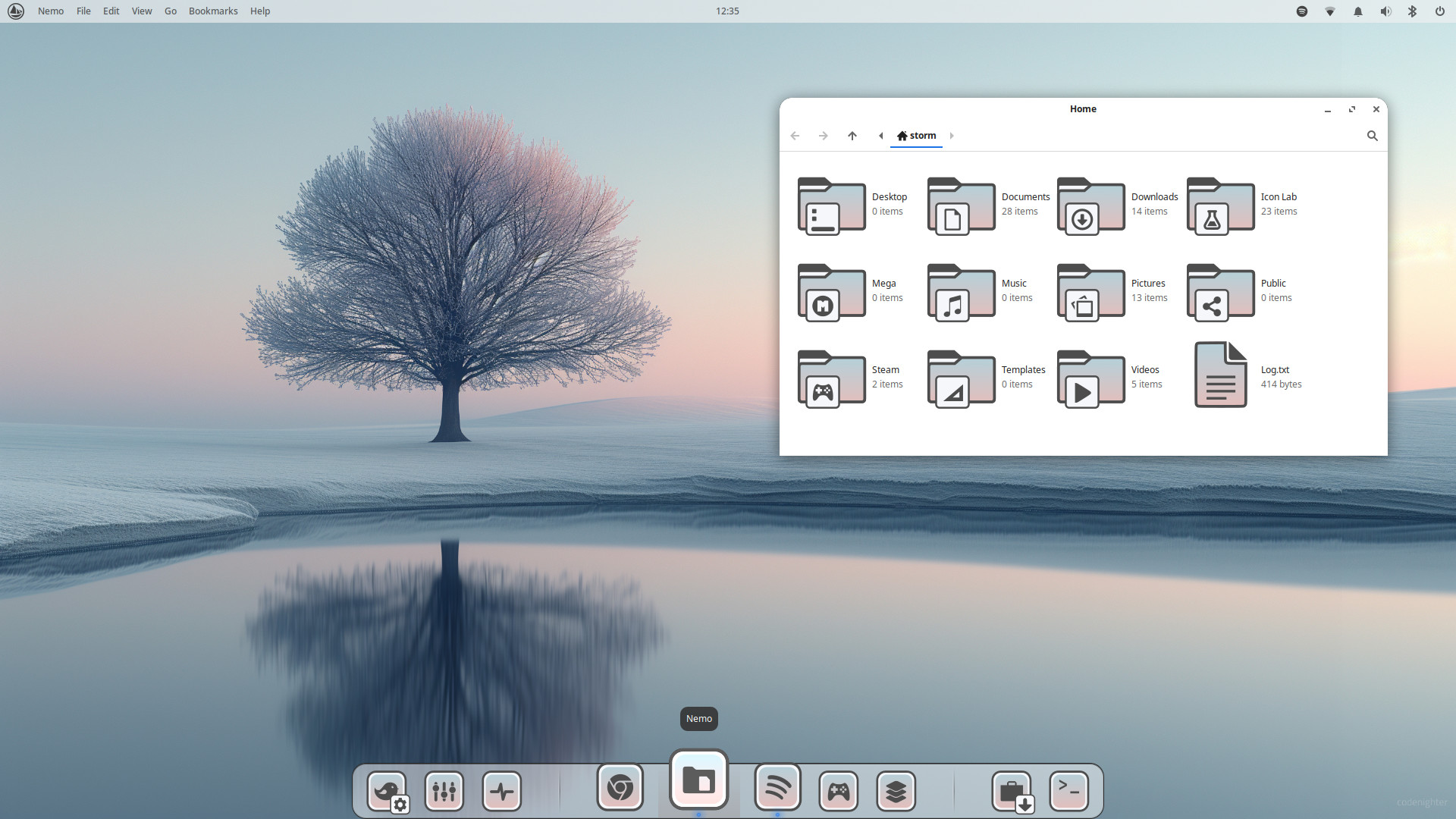
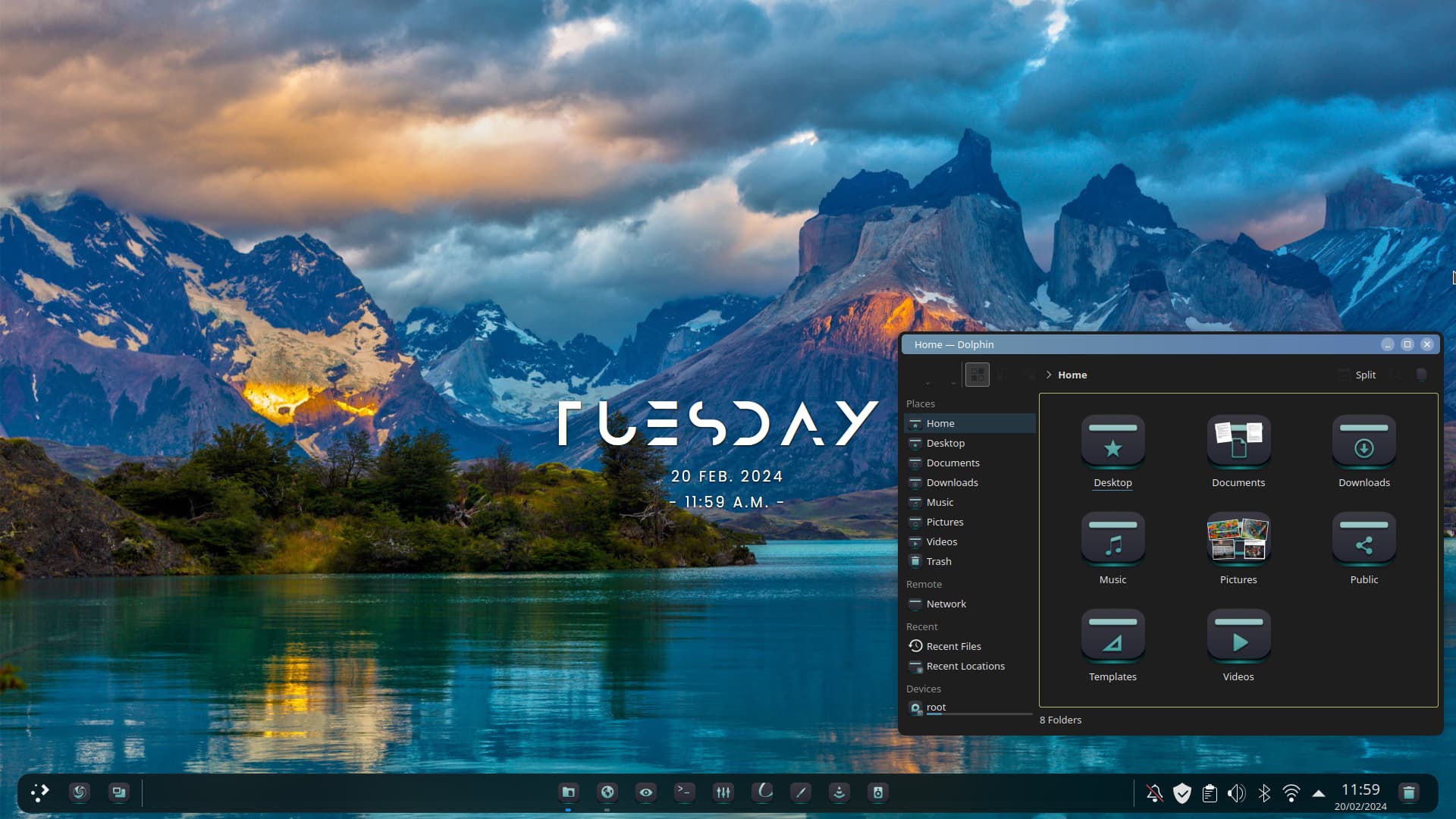
Interesting Color Gradient.
Serene Aquamarine
Manjaro 23.1.3 Vulcan
Linux kernel 6.7
WInDP Modern Dark Plasma
Alien Dark Teal icons
Stunning wallpaper
5 Likes
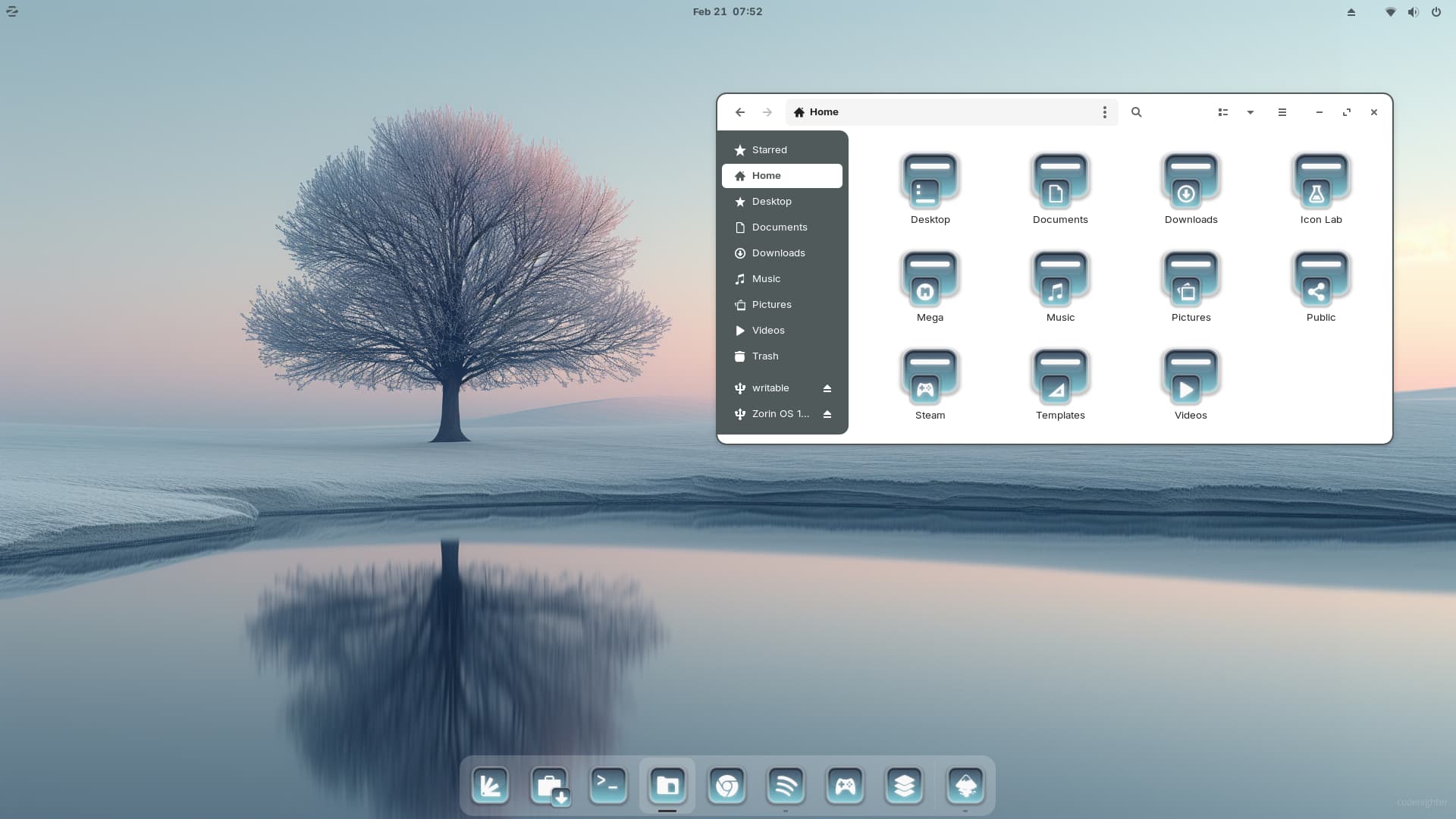

How did you get Globalmenu to work? A few posts earlier they meant this isn't possible with Gnome.
2 Likes
Sadly TheRealDuckie left us and I'm not quite sure how they did that. They were pretty talented.
It's not possible and there's also only a few apps that support global menu, like gimp, Inkscape and chrome. If you want global menu, you have to install a different Desktop Environment, like KDE, Budgie or XFCE.
1 Like
Thx @Storm
Or Unity, and maybe Mate. 
TheRealDuckie was on Zorin OS 16 with Gnome 3.38 which allowed a Gnome Extension to be used that added the Global Menu.
However, Zorin OS 17 includes Gnome43 upon which that extension is not supported.
2 Likes
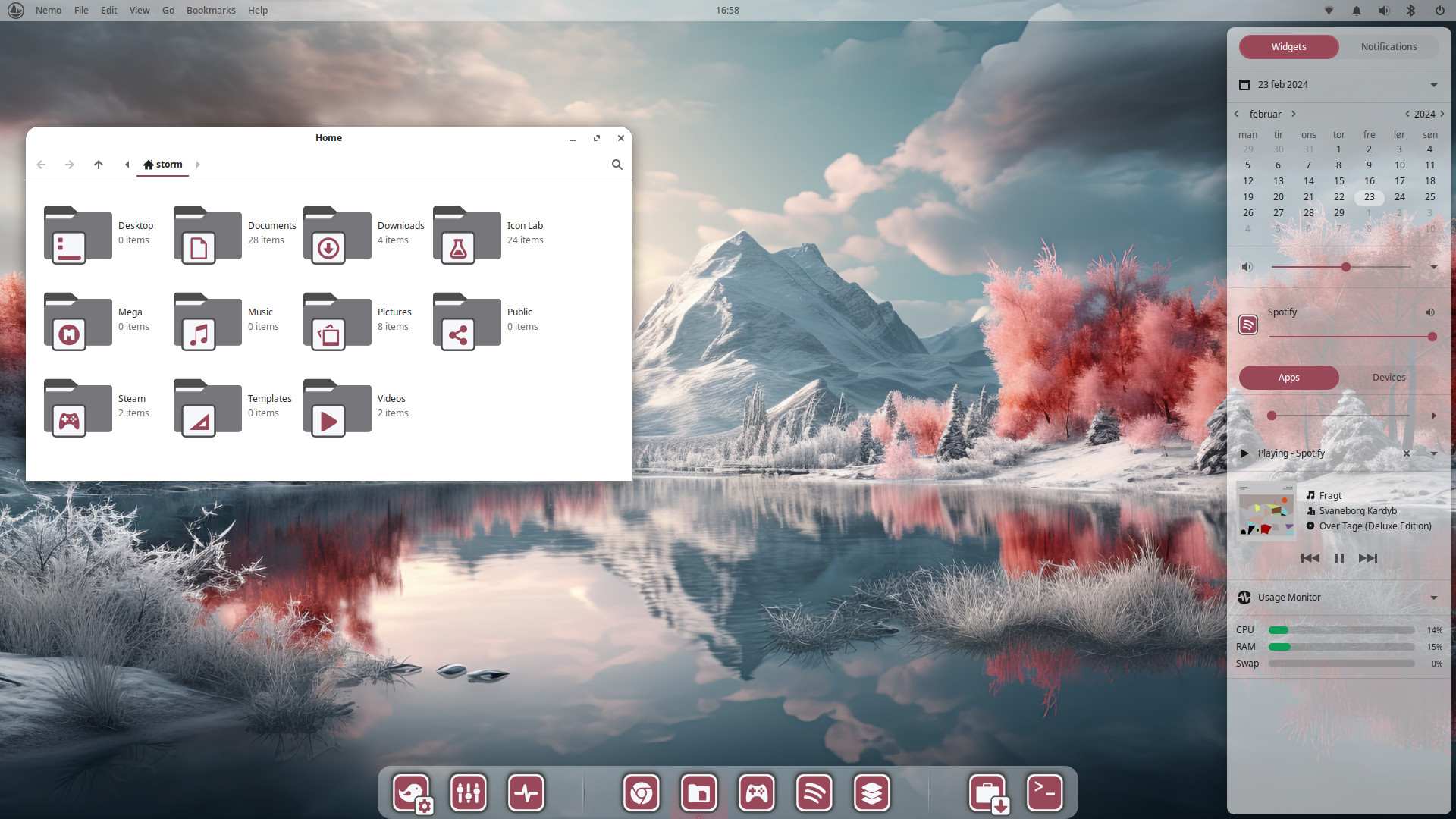


The Wallpaper is still very cool!
1 Like