7 Likes
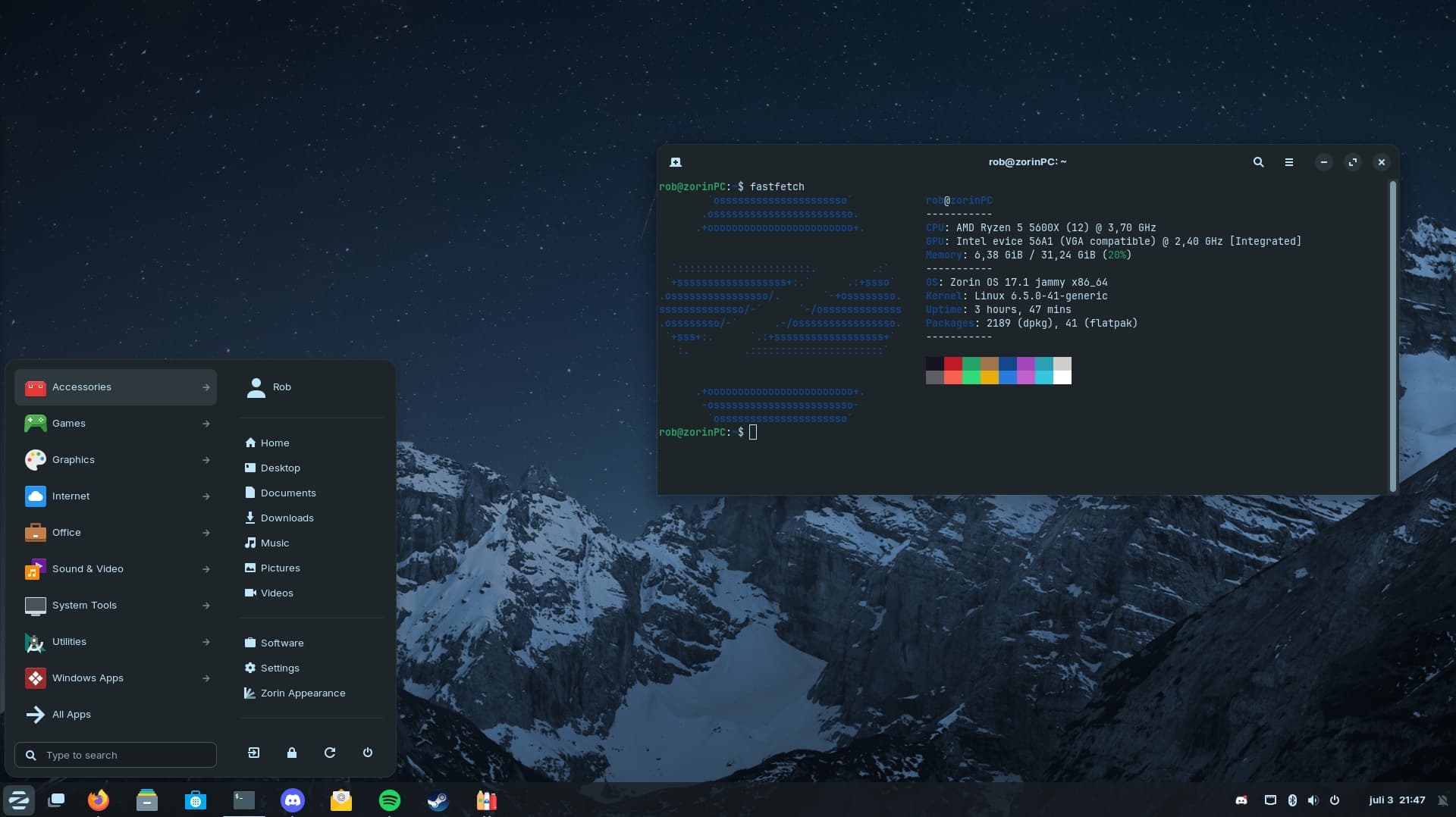
Alien icon theme - by Storm
Wallpaper
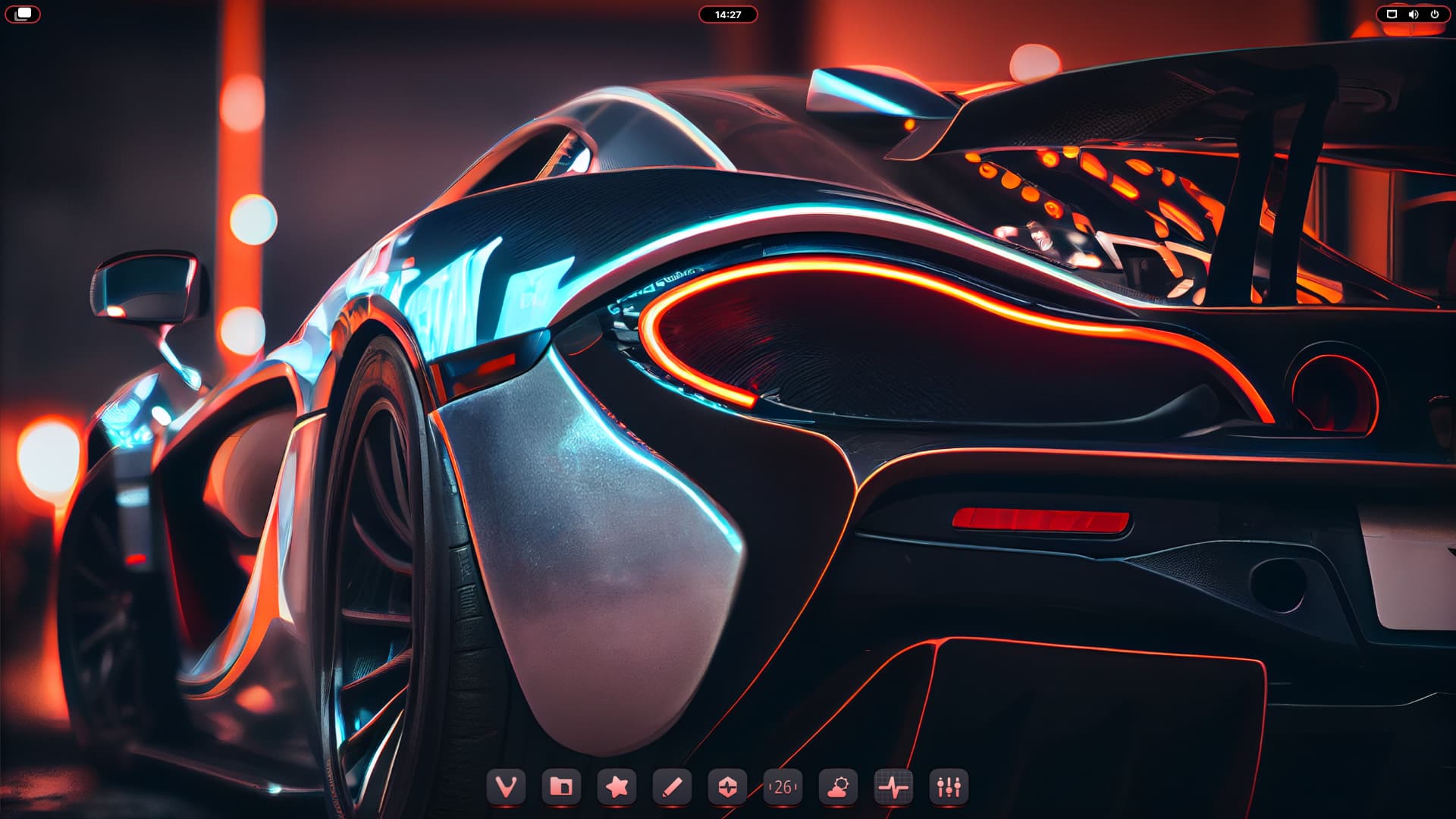
Extension: Open Bar
9 Likes
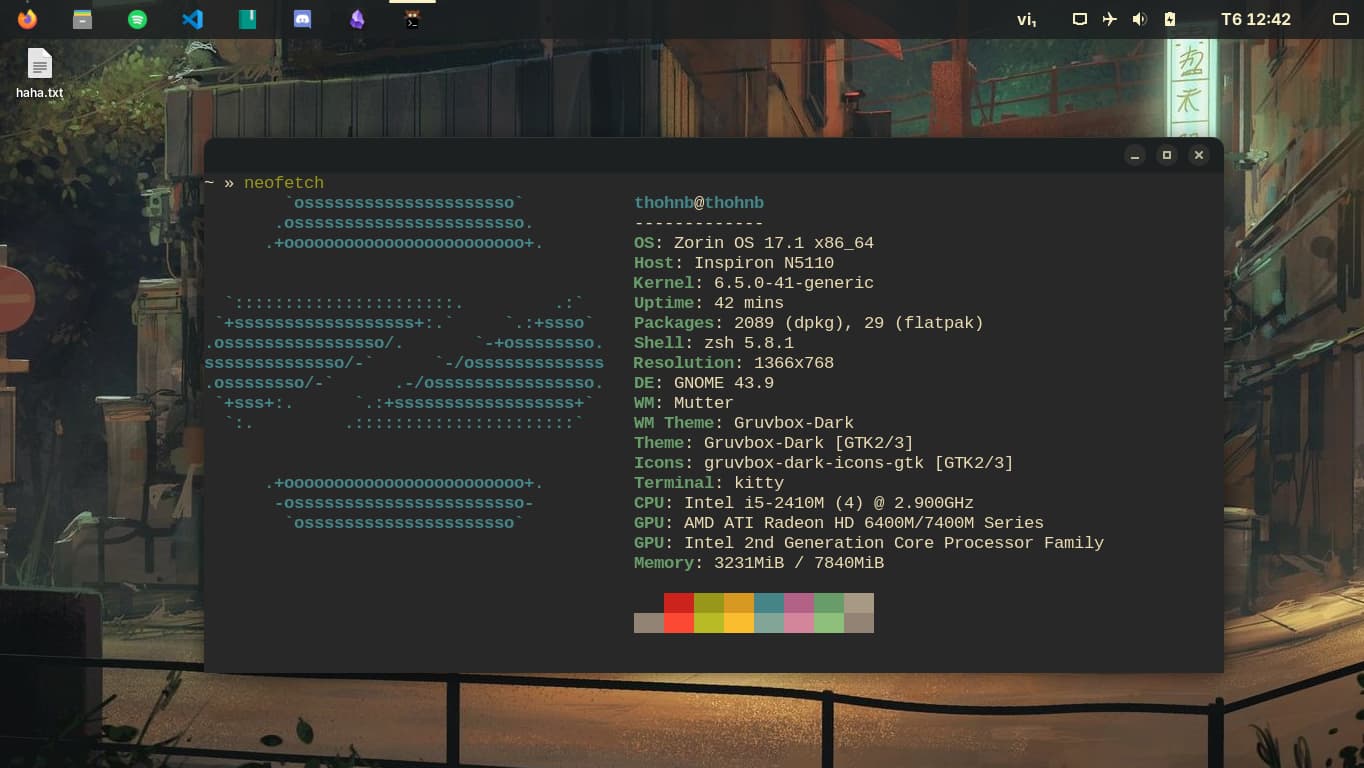
This is mine.
Theme: Gruvbox GTK
Terminal: Kitty
Wallpaper: Here
5 Likes


Woaw, that is really good looking! Welcome by the way : )
1 Like
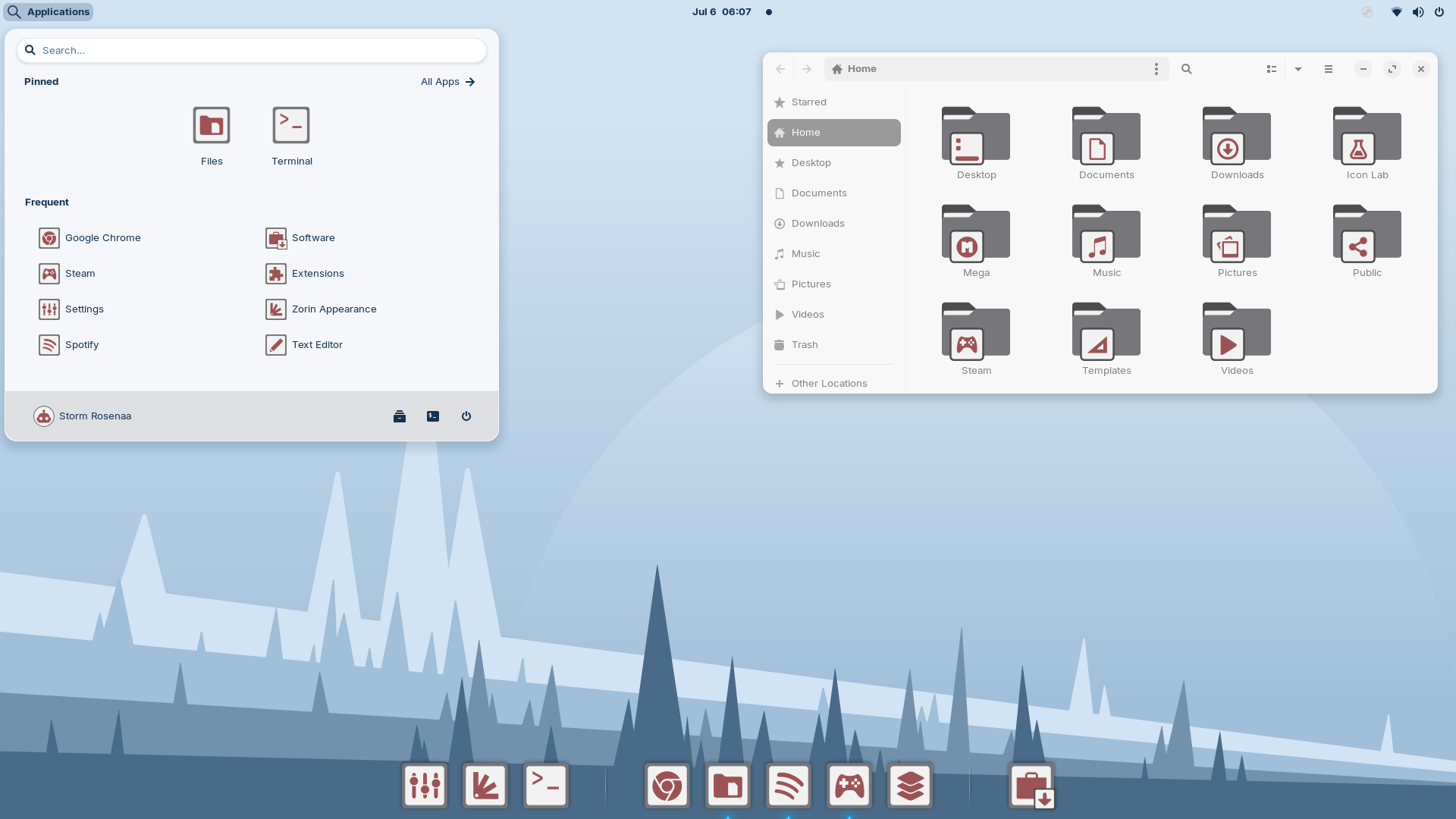

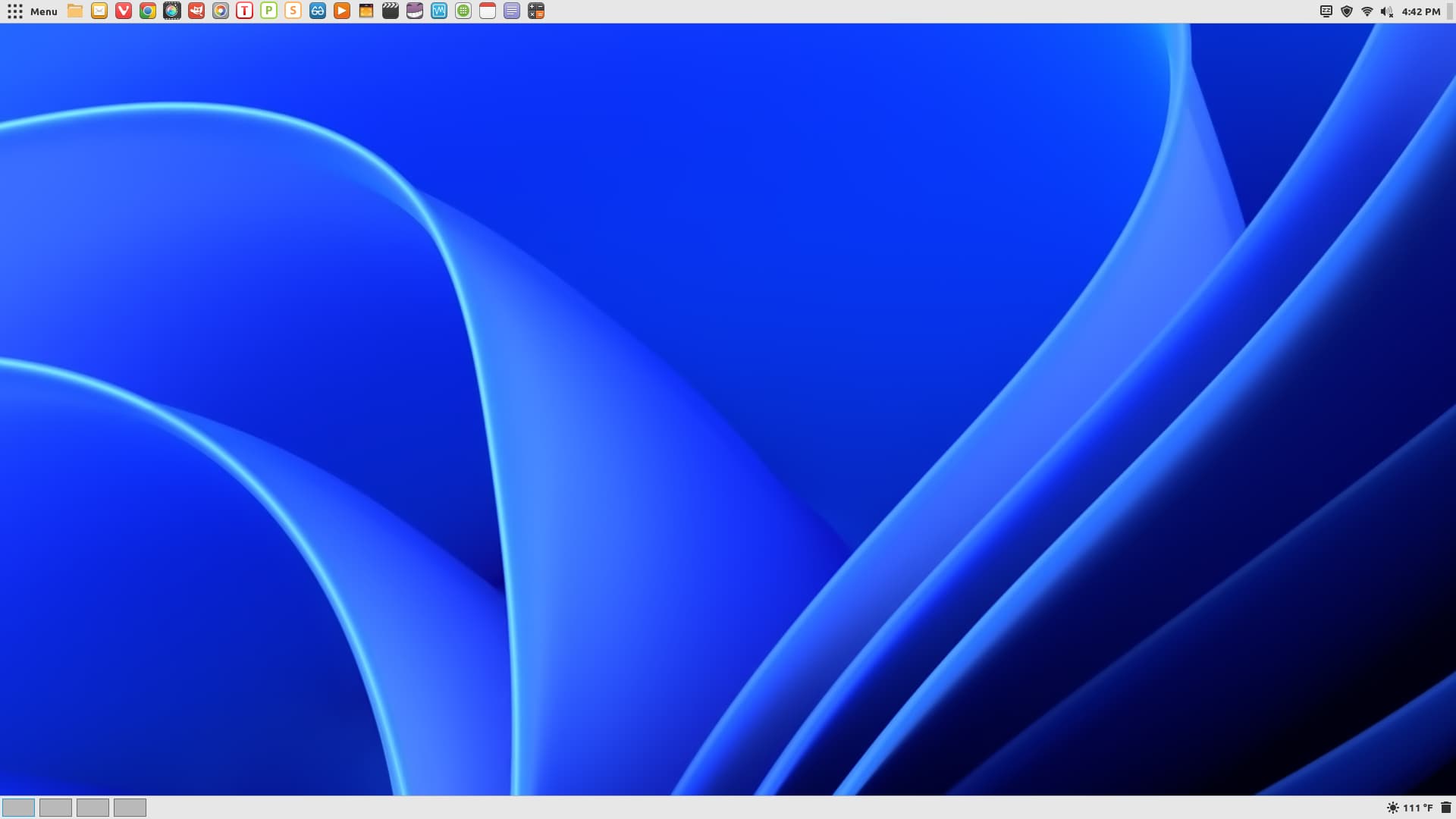
@zenzen - here you go, per your request. Enjoy.
5 Likes
How did you make the bar smaller? That looks really nice!
2 Likes
Right click on the panel ---> Taskbar Settings.
Position tab ---> Panel Thickness (height) or Panel Length.
2 Likes
I'm using the Gnome layout, I don't think it's possible there.
I'll try to play with another layout!
1 Like

The artwork was done by nemupan, the same artist that made the banner for this year's summer sale on Steam. I stumbled across them on Twitter and found this piece which I REALLY like so I made a wallpaper from it. Orange highlight color to match, still working on getting the RGB to match!
8 Likes
That looks cool! When You would invert the Colors, You would have a Version for a light Theme.
1 Like
Aye. I intend to do so 
2 Likes
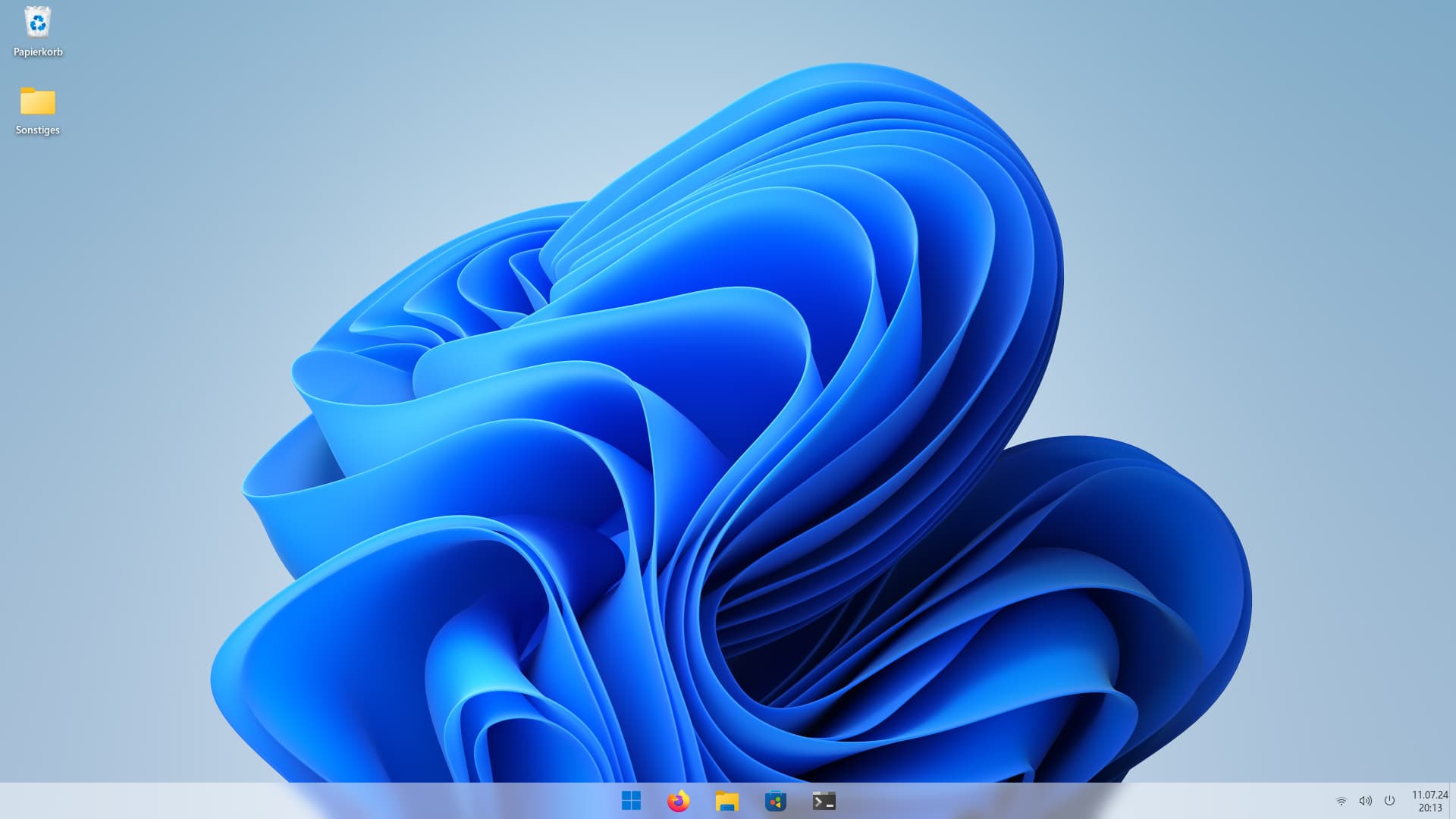
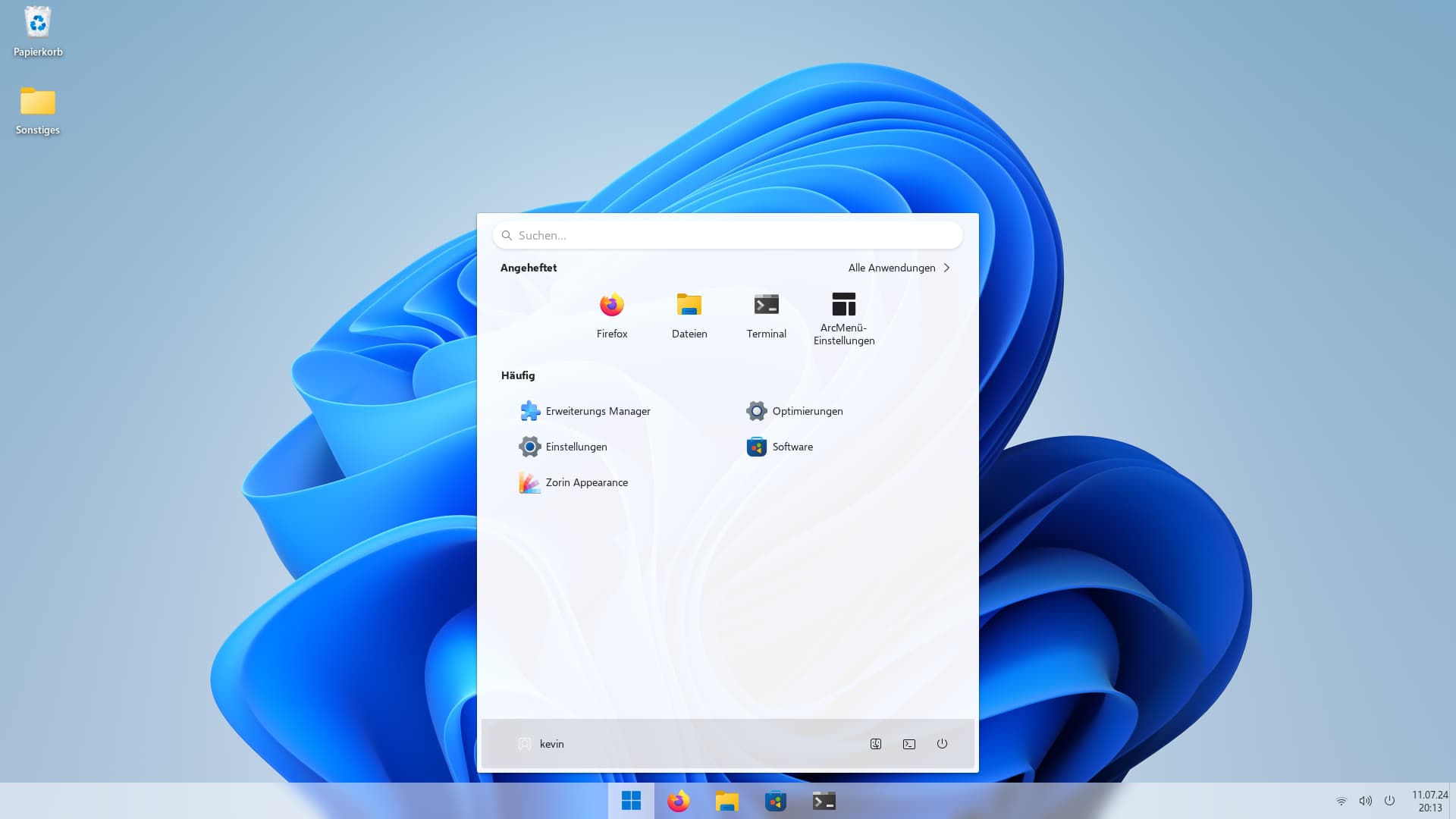
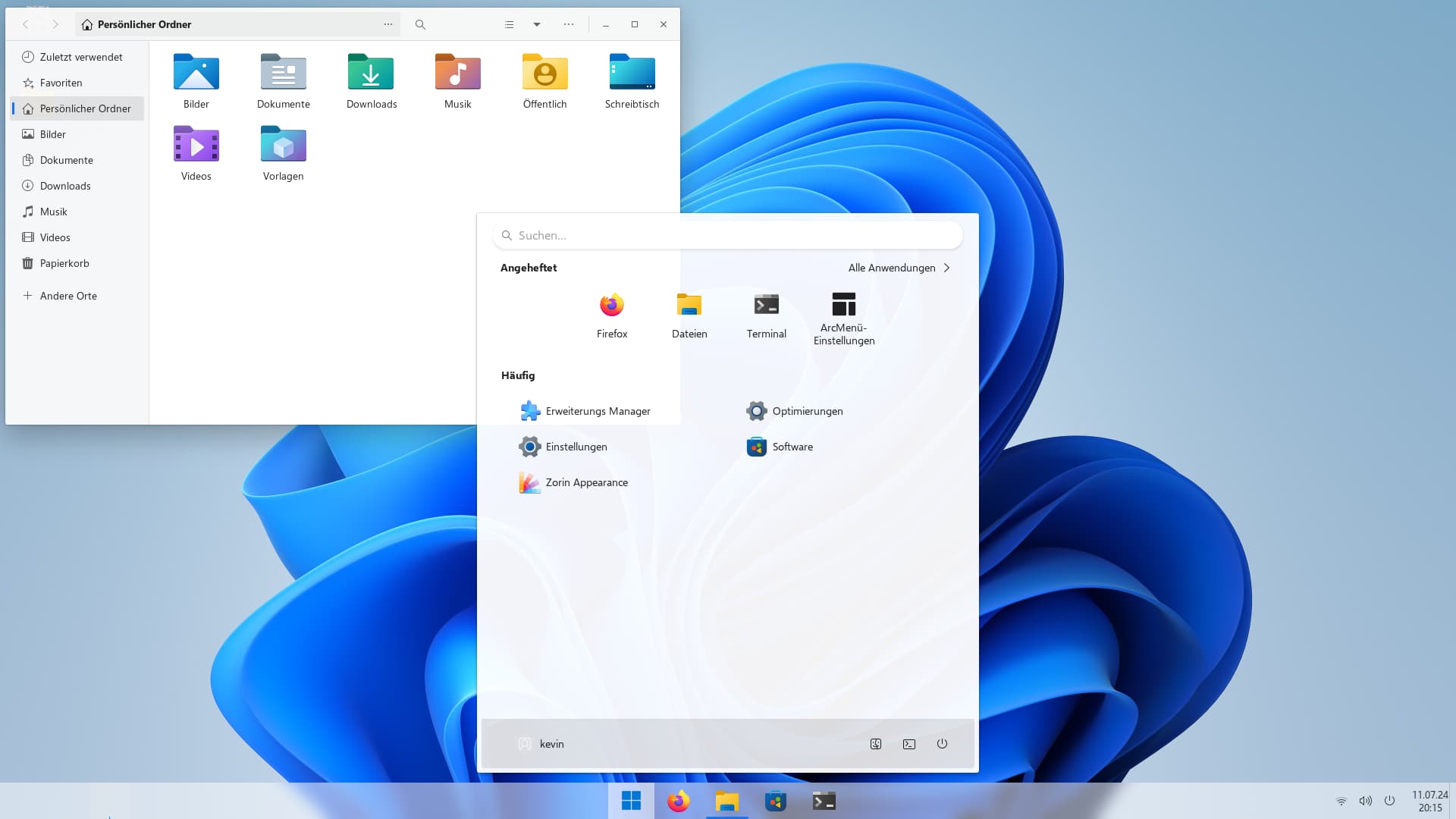
Not bad a tall! 
1 Like
Although I would move the menu to the left if it was me.
2 Likes
I also prefer the menu on the left. However, by default the menu in Windows 11 is also in the middle. That's why I left it like that for the screenshots
1 Like
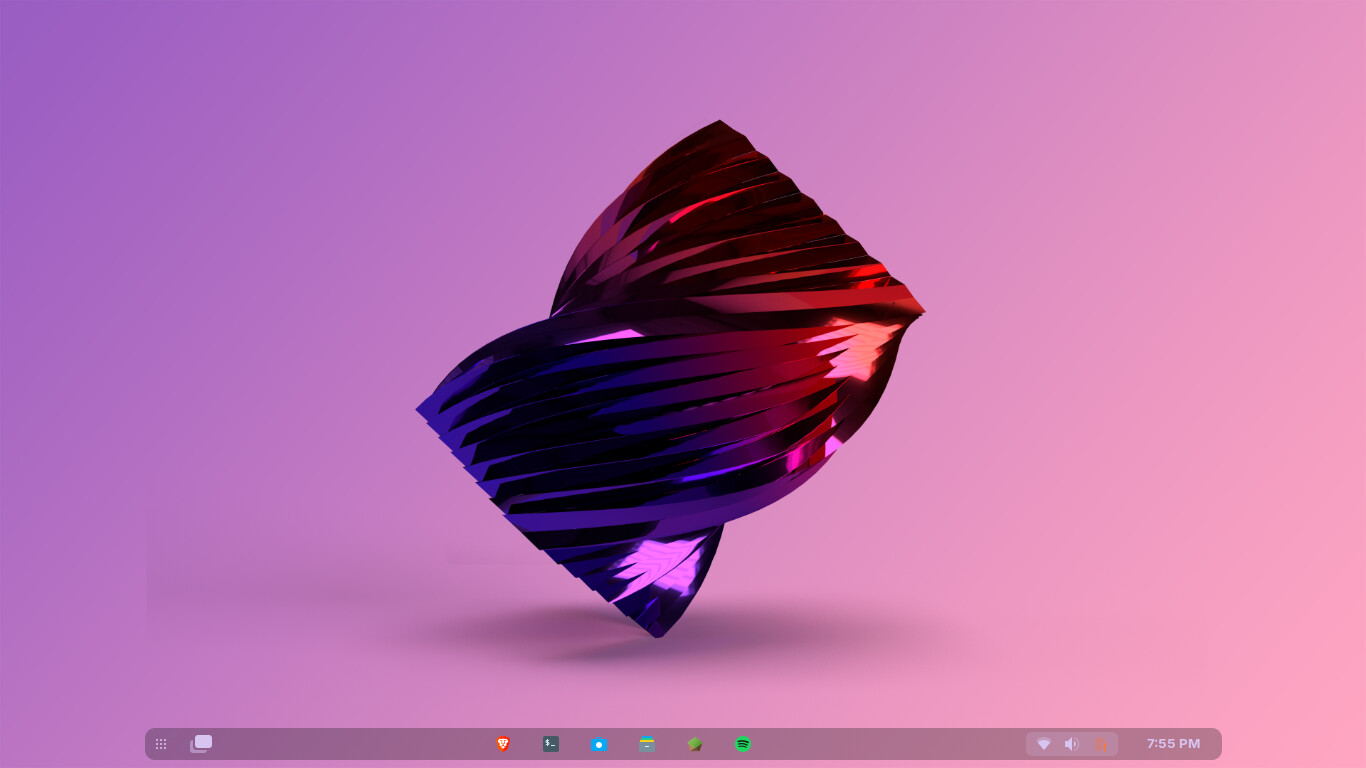
I created Wallpaper
(Adobe Illustrator, in the macOS)
Preview in Zorin OS:
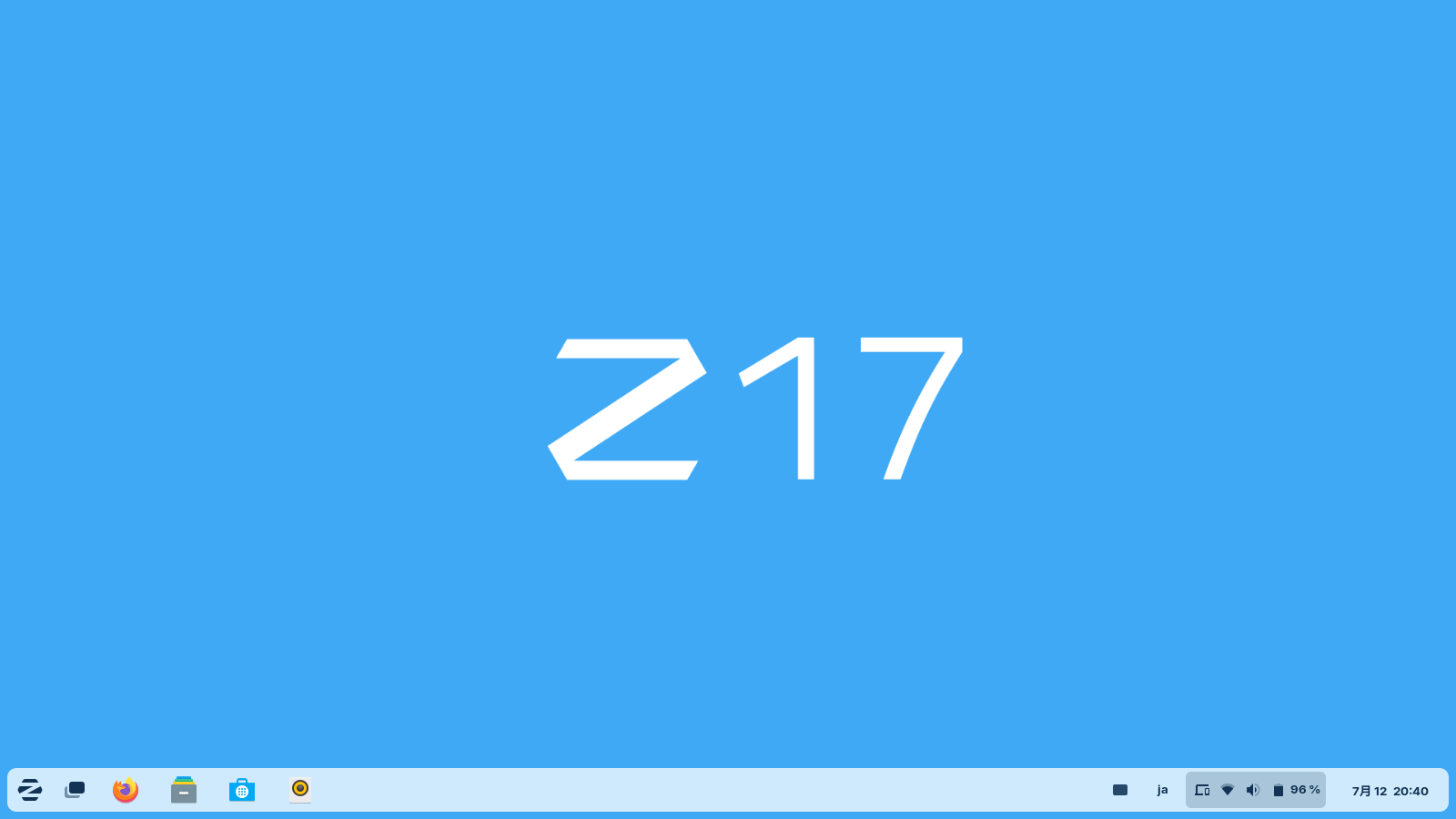
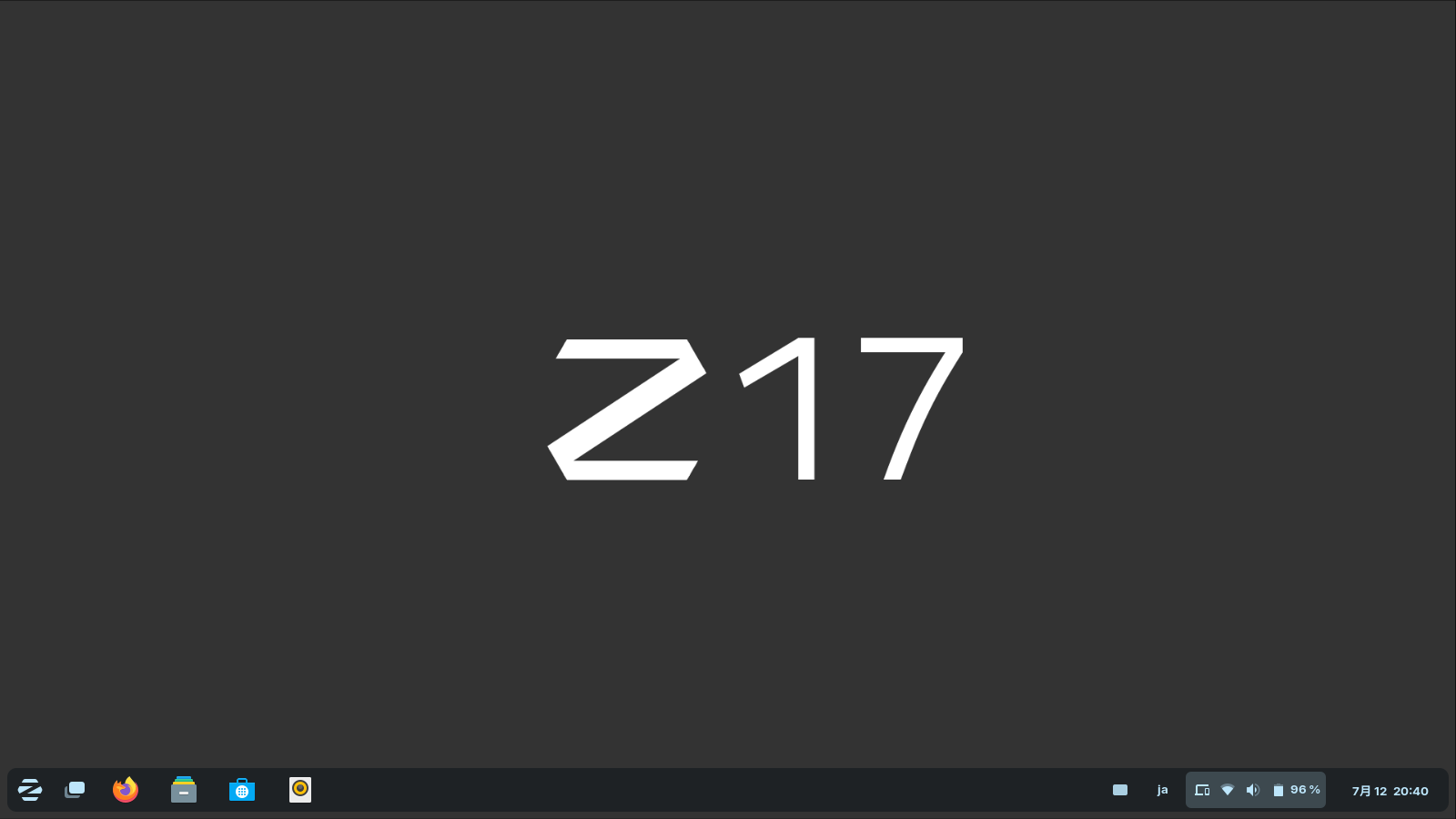

Download:
Download from My Website
6 Likes
Shw333t
1 Like