Wow. 
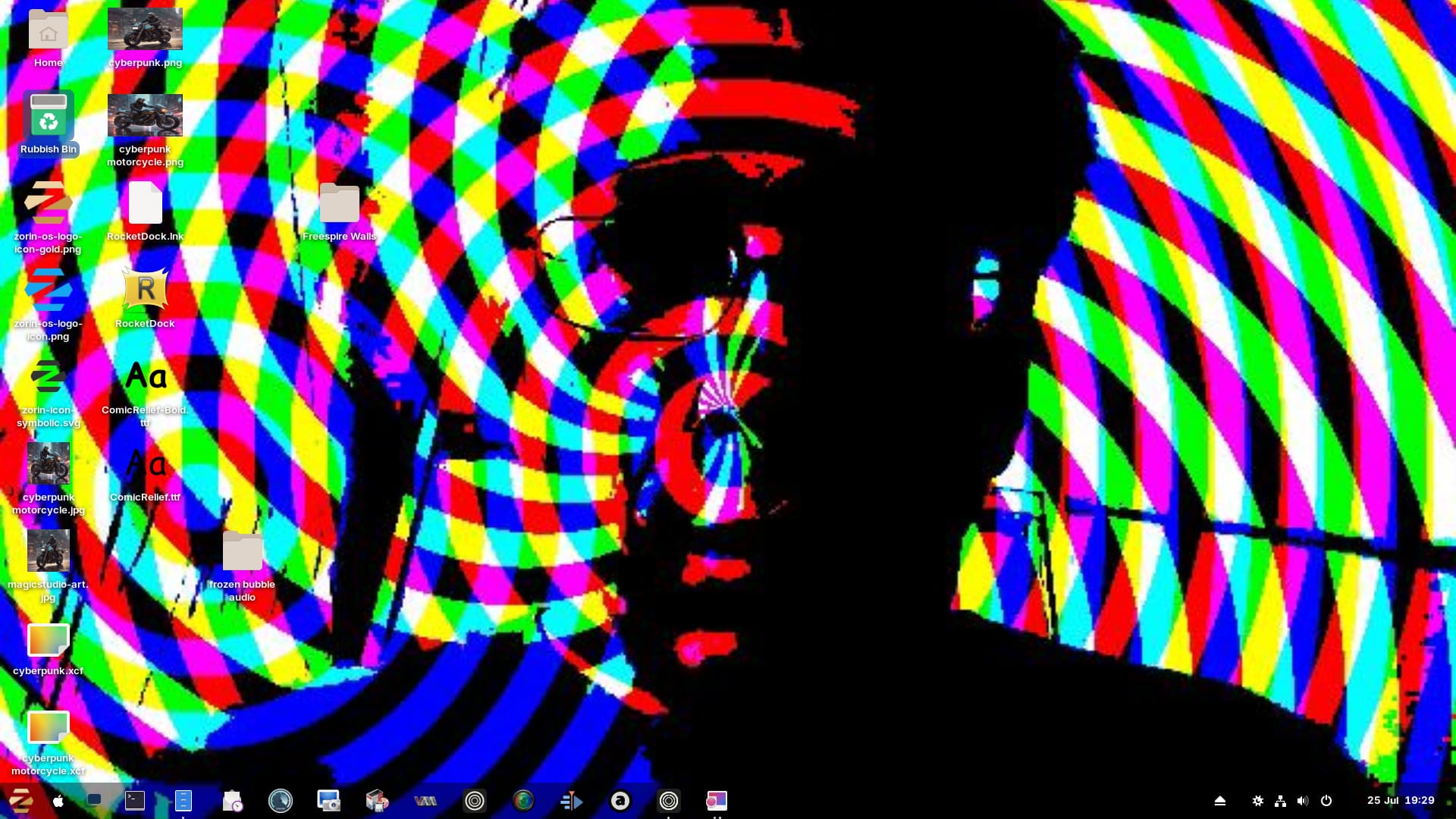
Urgs ... I couldn't have that. That would extremely annoy me. Alone seeing the Screenshot is enough for me, hahaha!
1 Like
Try this one instead:
1 Like
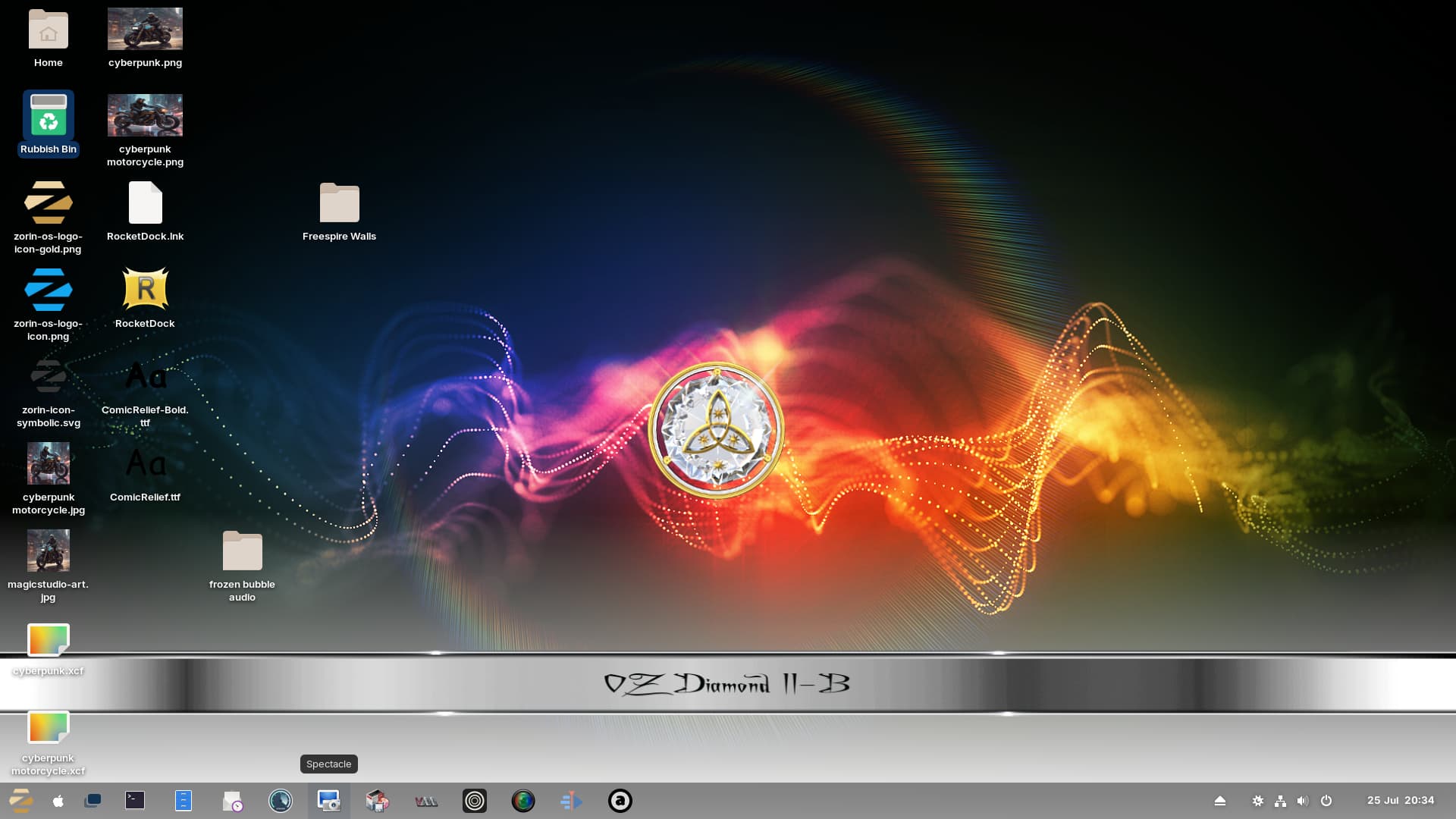
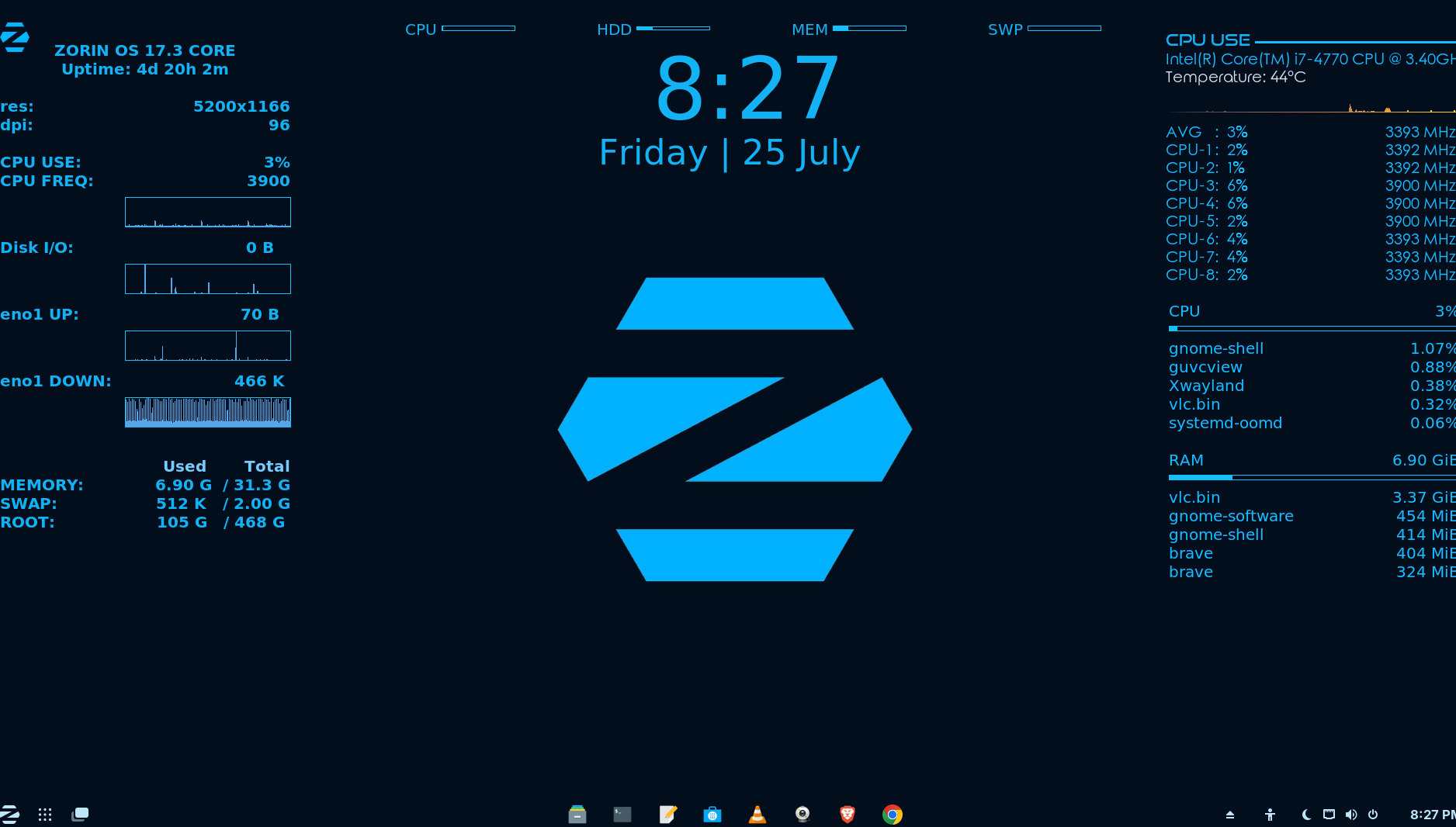
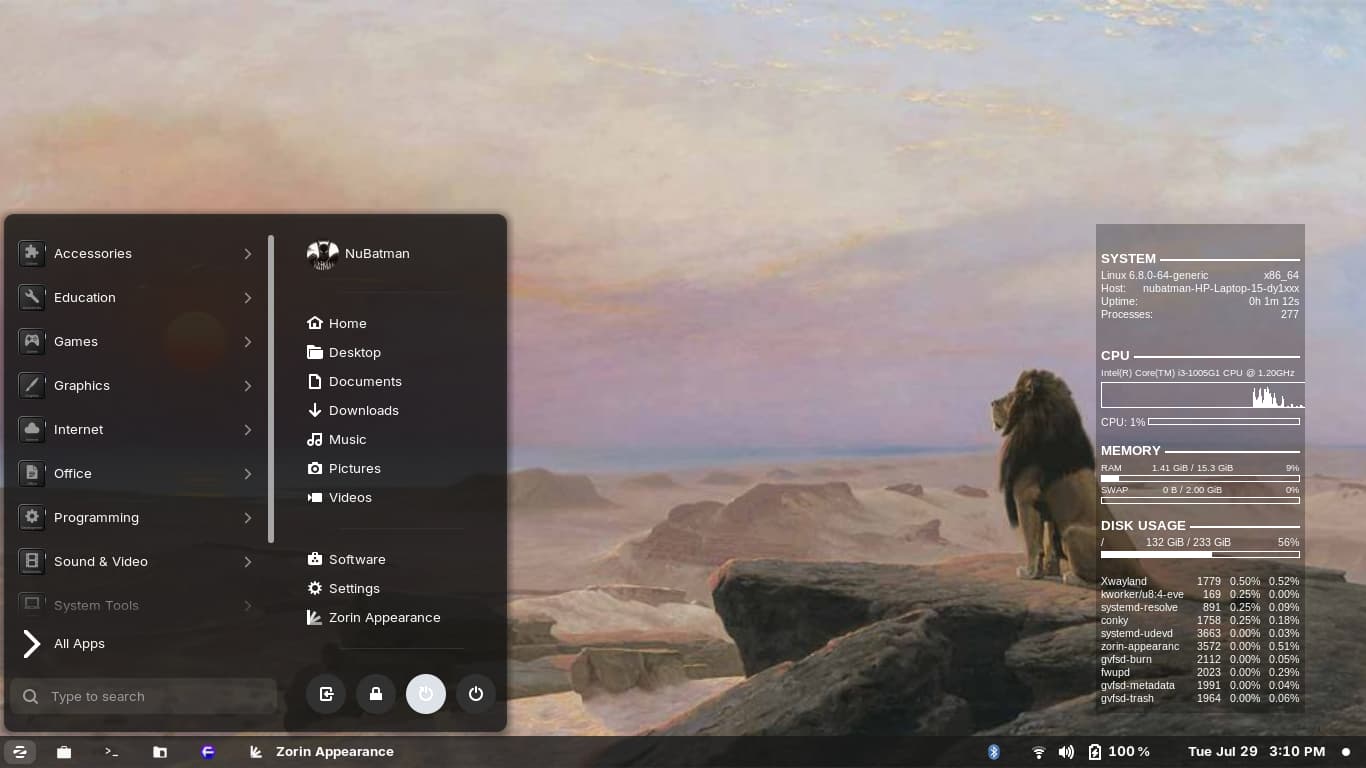
I put that to use.
Yeah, your putting it to use alright, looks good on the background. Your also pushing that CPU, 2 cores are running at 3900MHZ. As usual Gnome Shell is highest usage on resources. Let your computer stay on long enough, don't be surprised to see Gnome Shell using 1GB of RAM. I have 32GB of RAM though, so its fine.
There were a couple of times, when I almost crashed my computer, using up to 30GB of RAM. All I had to do, was close my internet browsers, restart them up, & I was back to a more normal RAM usage. If for some reason that didn't work, I cleared the RAM with a full restart.
Also, I don't allow my computer to auto throttle. I lock my CPU frequency. Reality is, you don't need more then 2.2GHZ for most computer tasks. I'll set a higher frequency, if I'm gaming or doing production workloads.
My computer is capable of underclocking believe it or not, I can run it at 1.2GHZ for energy saving off the battery. And I can overclock the CPU to 4.8GHZ if necessary. I never take the CPU above 4.5GHZ though, I just don't see 4.8GHZ necessary, no game requires that much CPU power from all 8-cores.
Typically in gaming workloads, especially at 4K, the GPU gets the most usage, I'll set my 3080 to max performance. Gotta be careful with notebook heat soak, as thats lost efficiency! That is why I run a twin blower cooler notebook pad.
I'll run the pad on lowest setting for anything 3GHZ & bellow. Anything above 3GHZ, I'll set the cooler to high. I also adjusted my internal notebook fan curves in the bios. Anything around 30C to 50C, I keep the noisy fans quiet. Anything around 55C & up, I let the fans ramp up.
I love your background read out. I use P-sensor, but of course, thats an APP not integrated into the background like you have got going.


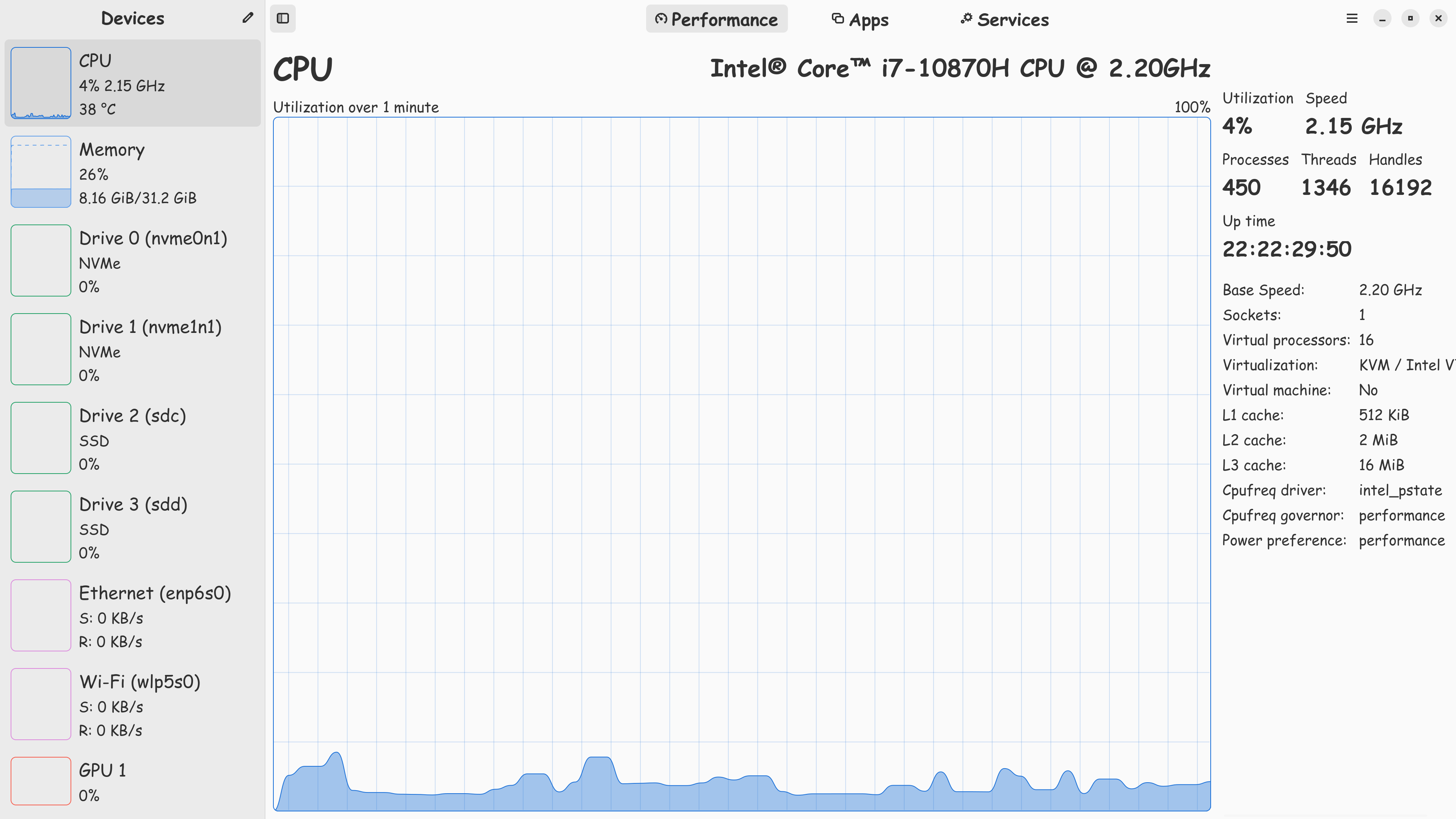
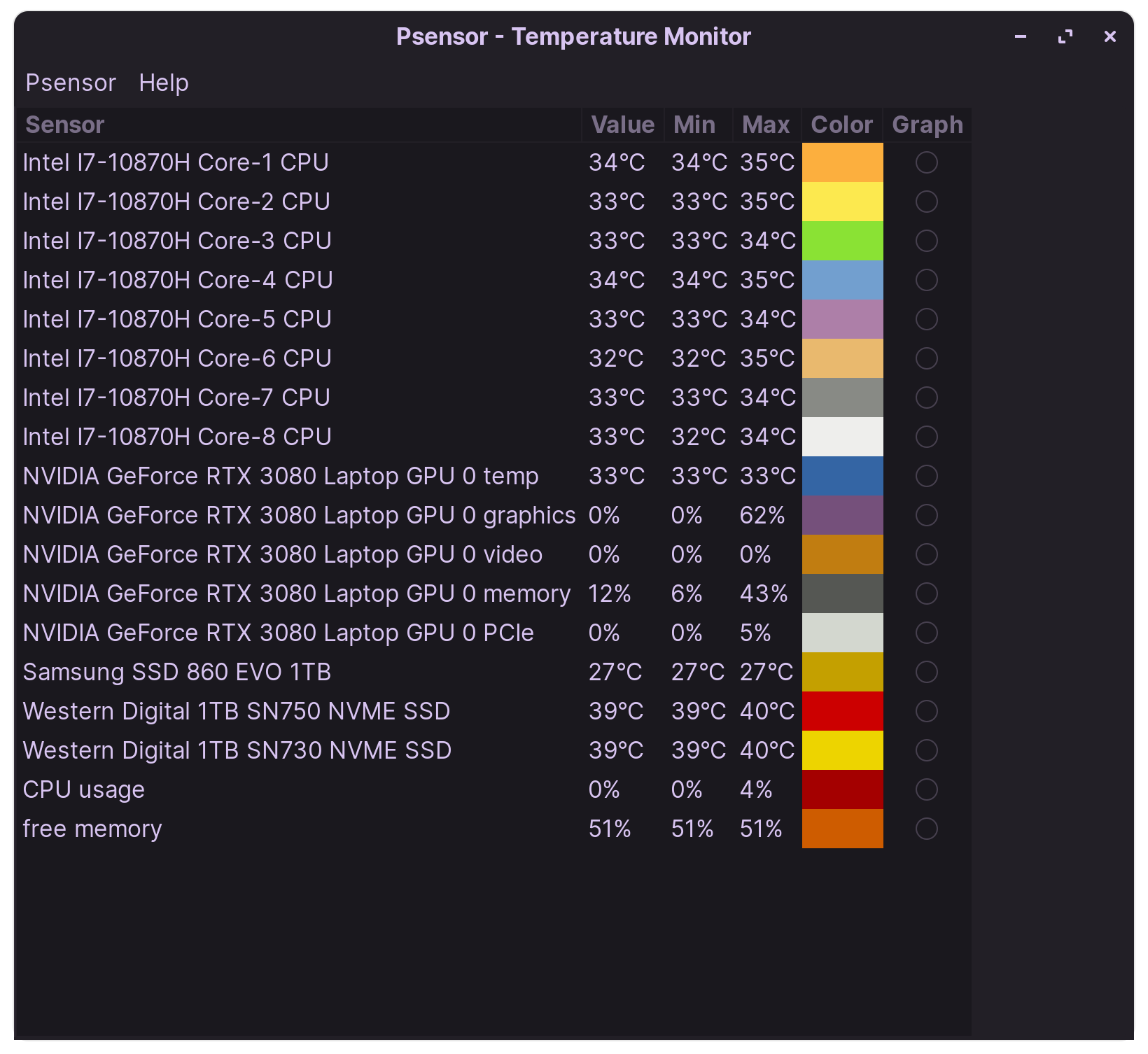

This, This, This.
Wasteful use overclocking, plus it generally overheats the computer for no gain. Many different computer issues can be solved with Smart Clocking.
1 Like

I changed a setting somewhere in an app and it went from about 800MHZ to 3900MHZ. I can't remember where but at the time I thought that had to be great.
I peak at 3.8, which I had lowered from 4.8.
3.9 should be fine.
1 Like
I could hear my fans which never happens so I put the setting to on demand . It was actually fine at 800.
I have never over-clocked any PC as this to me is the same as red-lining an engine from cold. This leads to a failed machine in a short time. The same goes for boot times. Journaling OS's need a minimum of 5 seconds, less than that can have serious effects on the system. That is one thing I like about Q4OS, it defaults to a 5 second boot time. Remember, good things come to those who are patient.
1 Like
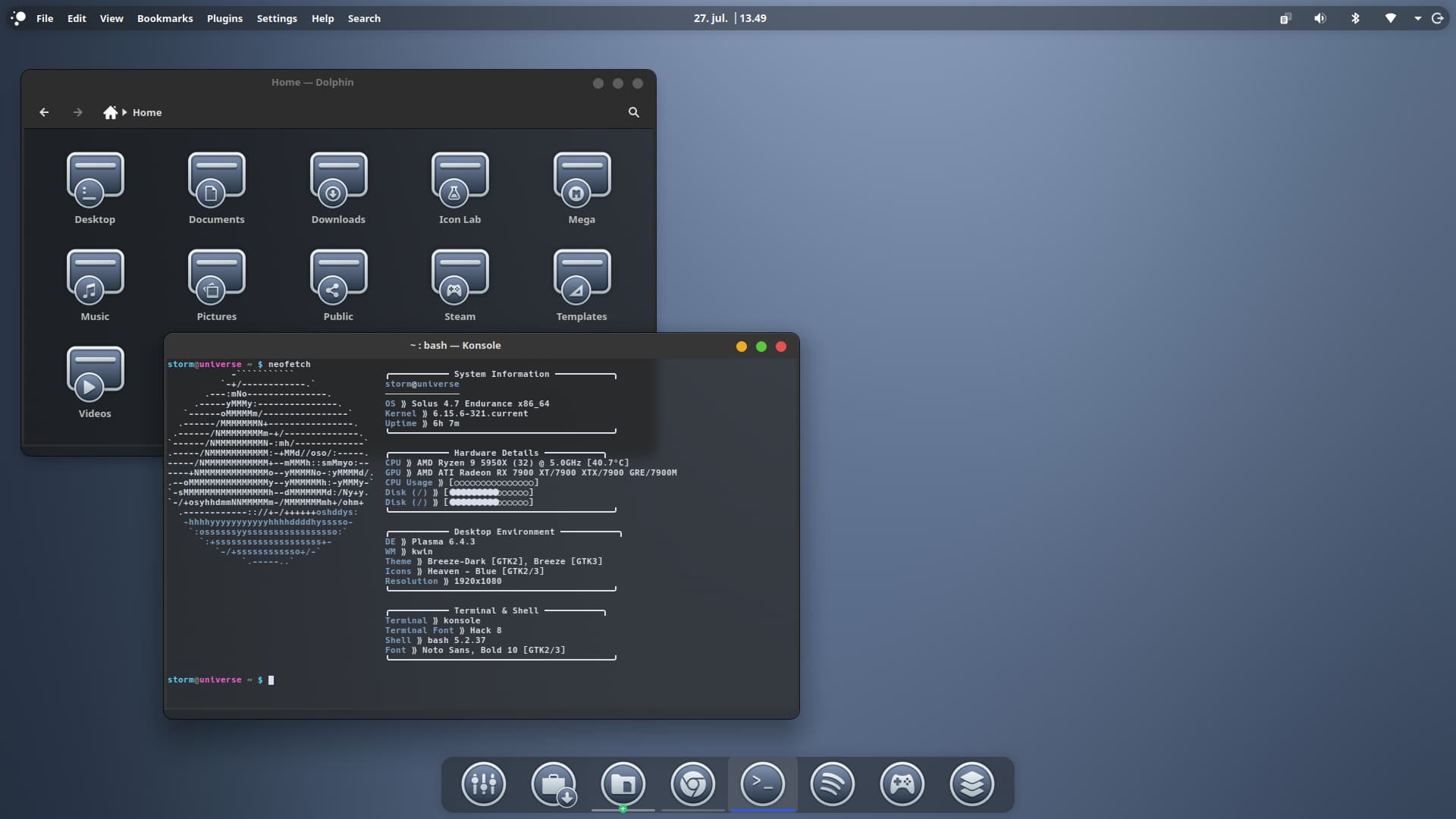
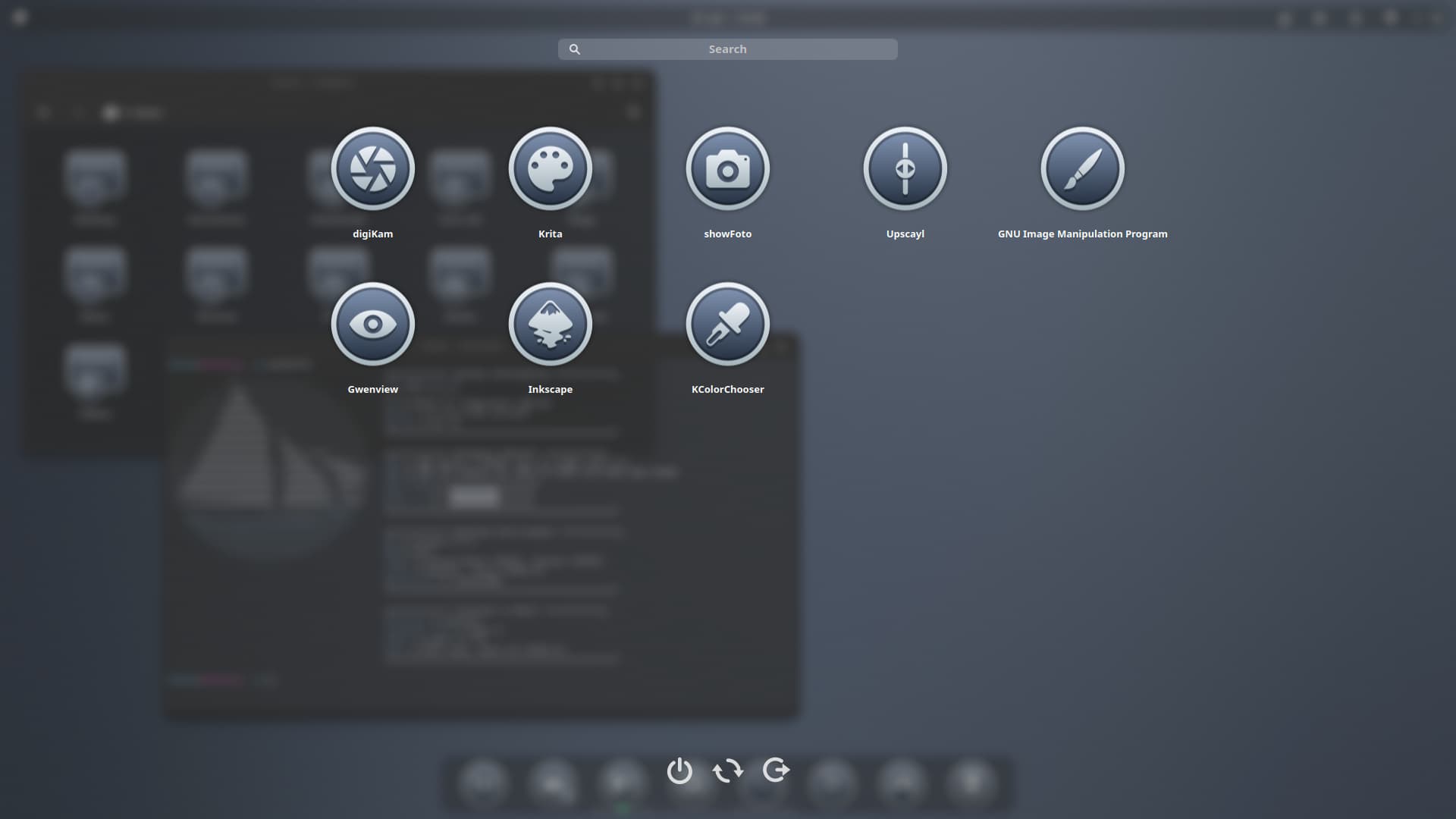
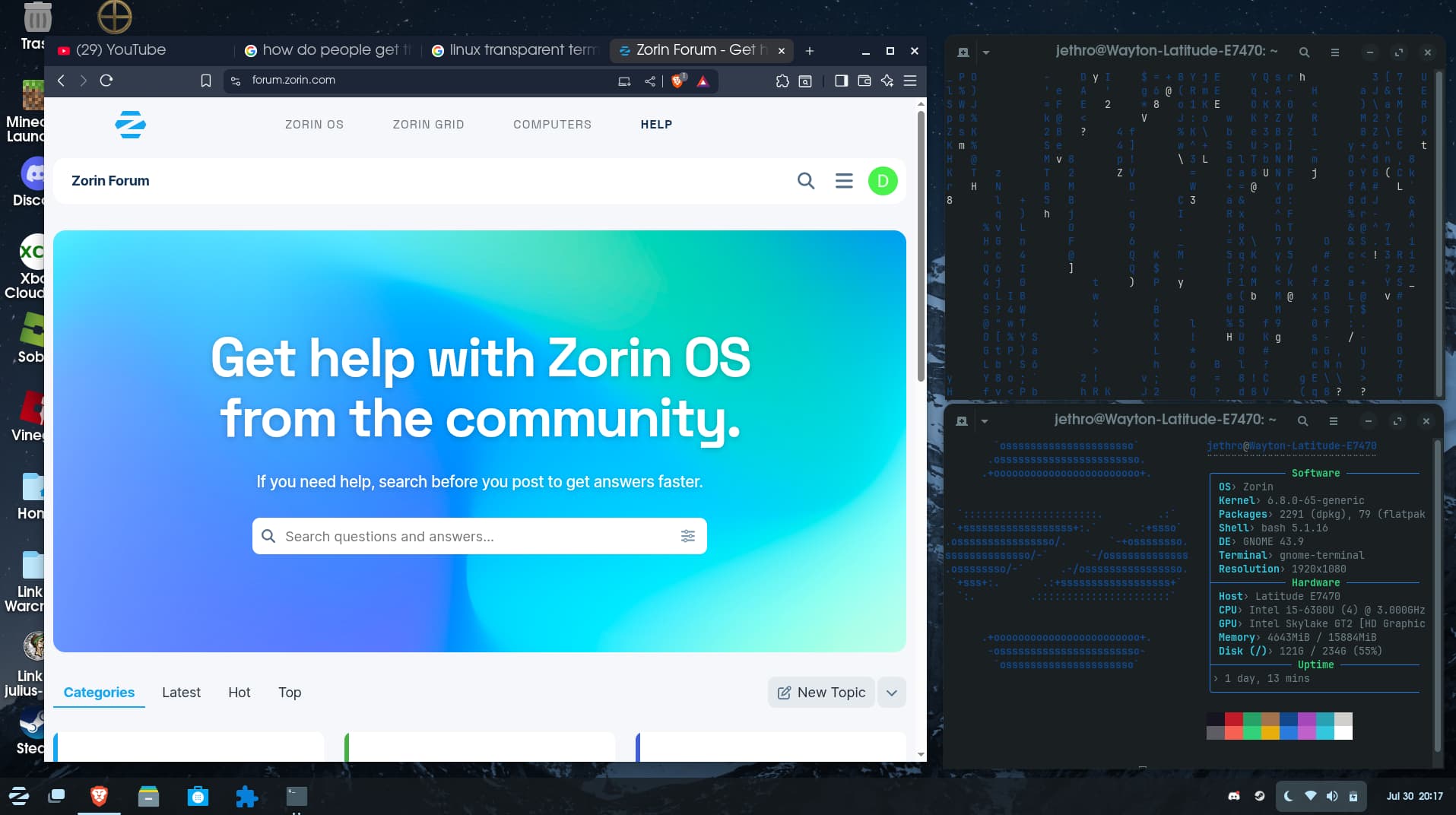
I've not posted on this thread yet but this is my normal setup

I usually use Forge for tiling (since im on a laptop)
i had it off when i took this screenshot, i used Cmatrix for the cool code bits and i modified my neofetch to add the boxes
4 Likes
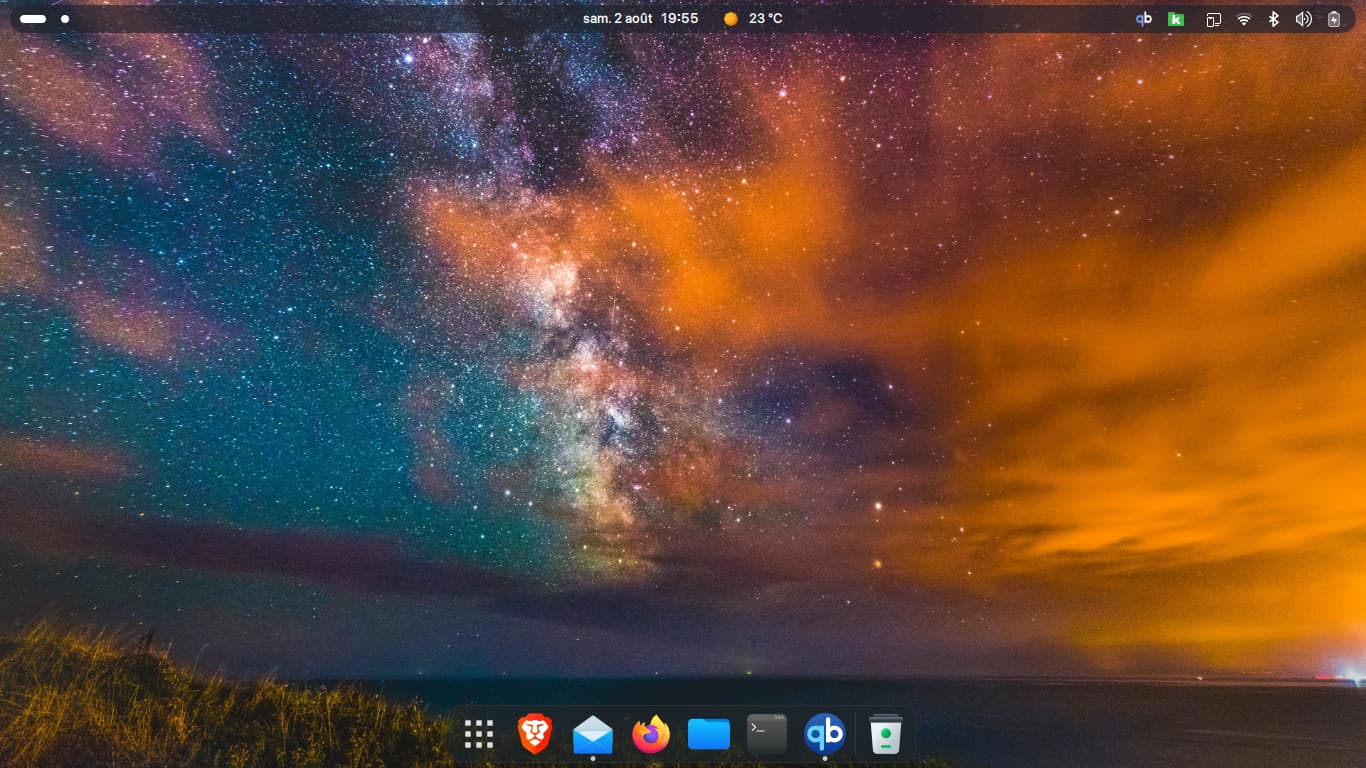
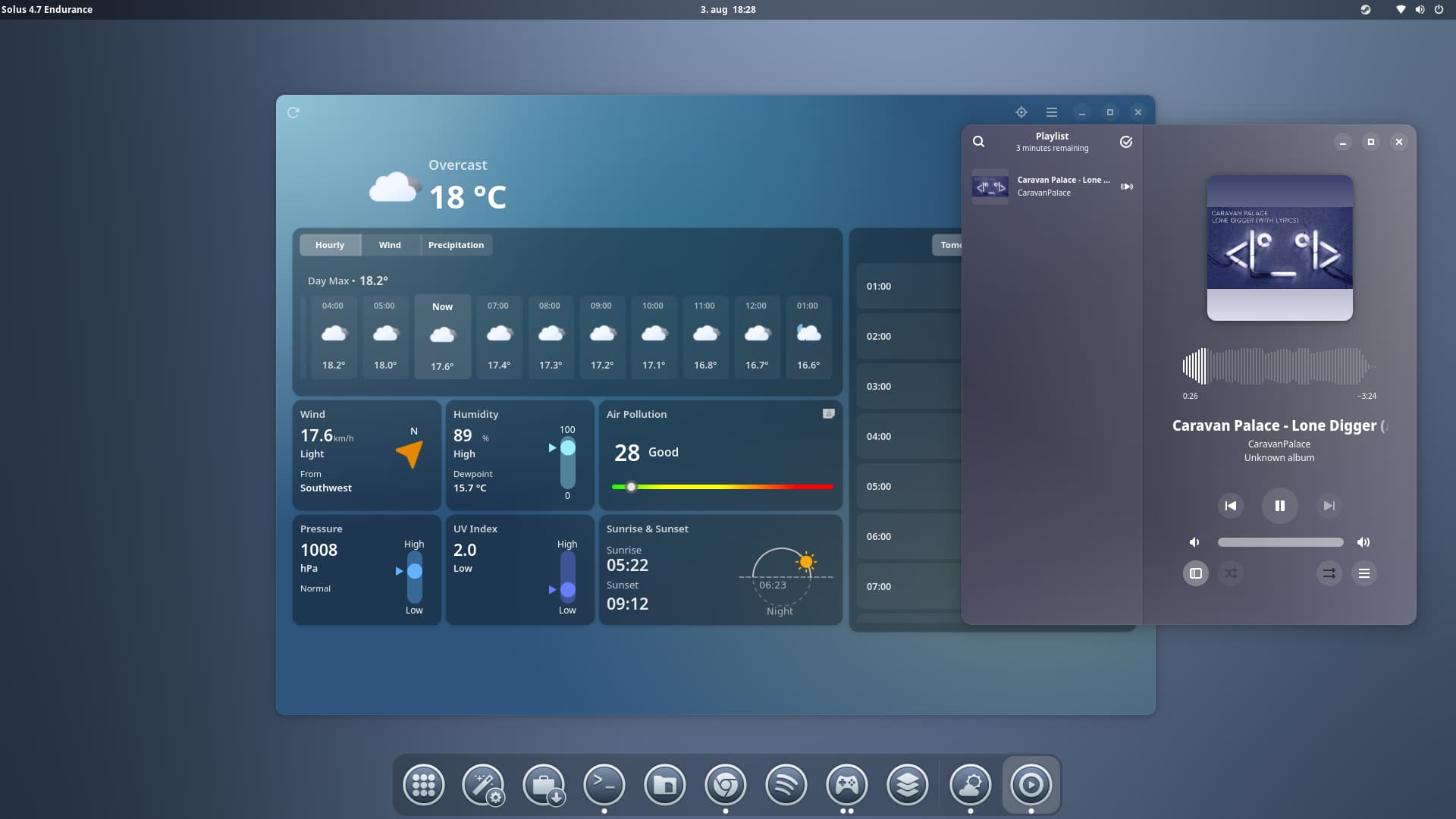
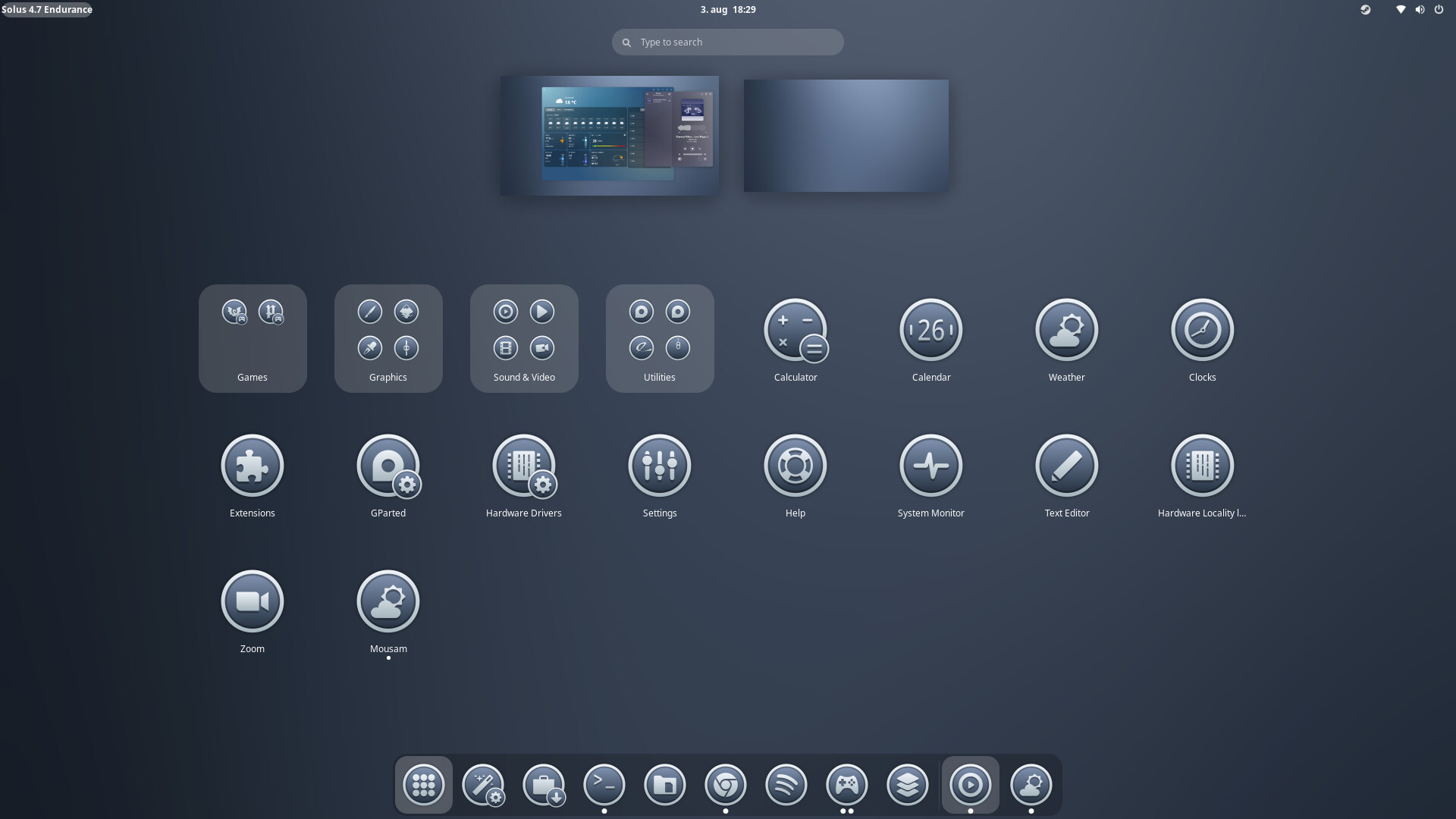

What is this for a Theme?