No Problem. Take Your Time.


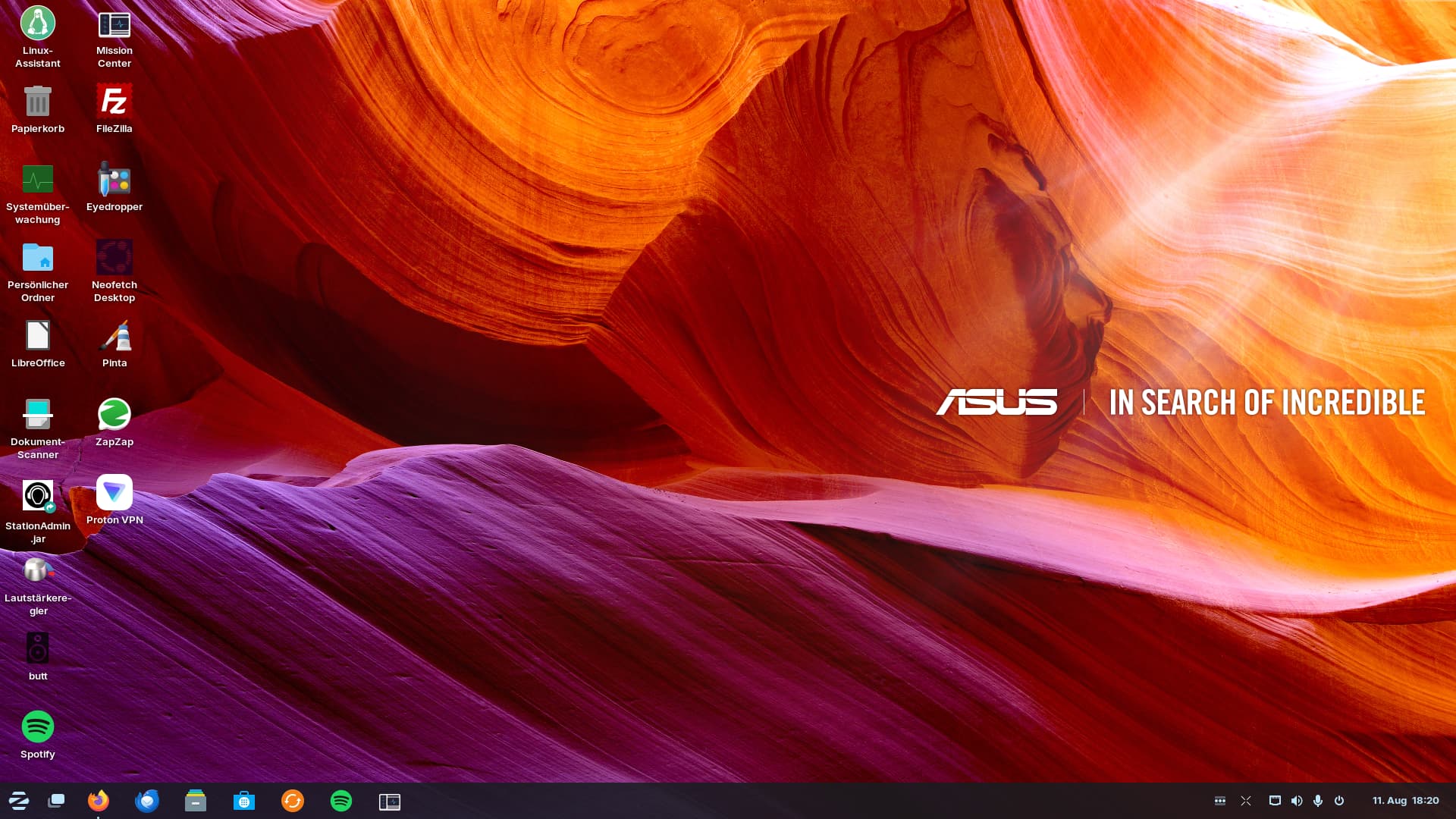
Nice wallpaper
1 Like
- Input Remapper (input-remapper)
What kind of app is it?
Couldn't find anything on * Decibels
4 Likes
Input Remapper is for changing Input for Keyboards for Example. So, for changing Keys or Key Combinations. You can find it in Gnome Software:

Sorry for Decibels. I forgot that Gnome has changed the Name because they want add it for their standard Programs. You should still find it with ''decibels'' in the Search but it will show You some generic Name like Audio Player:

2 Likes
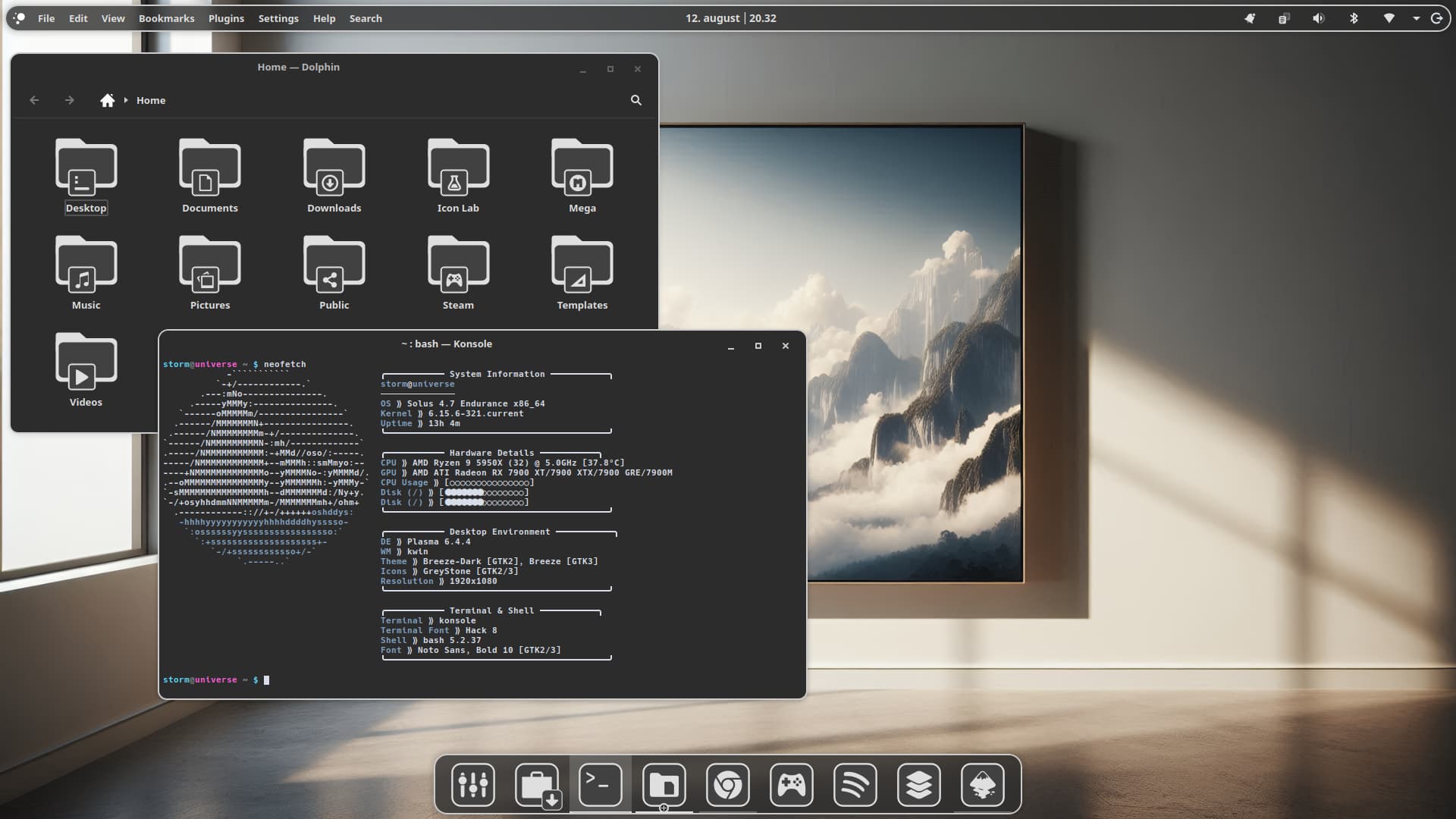
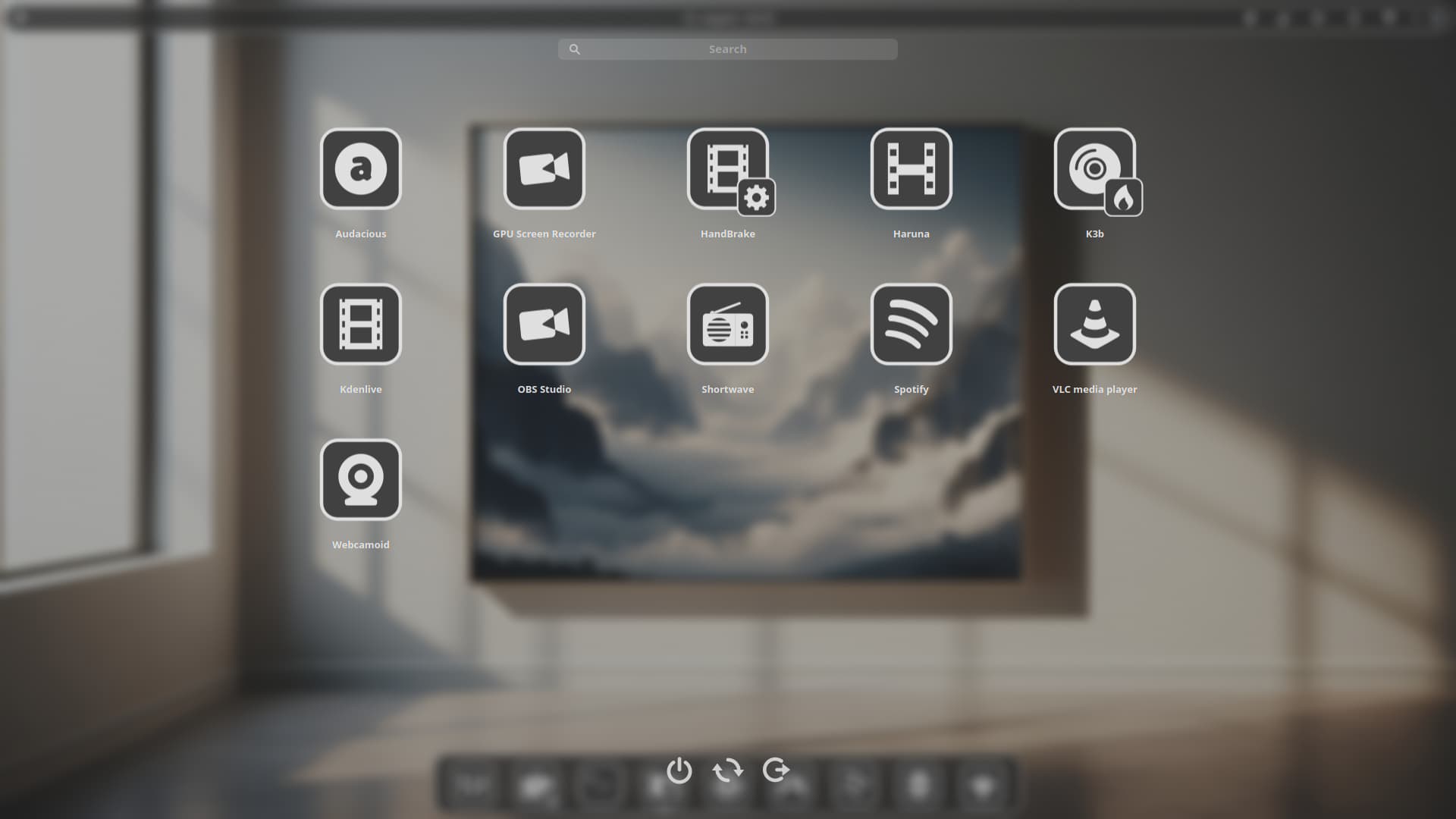
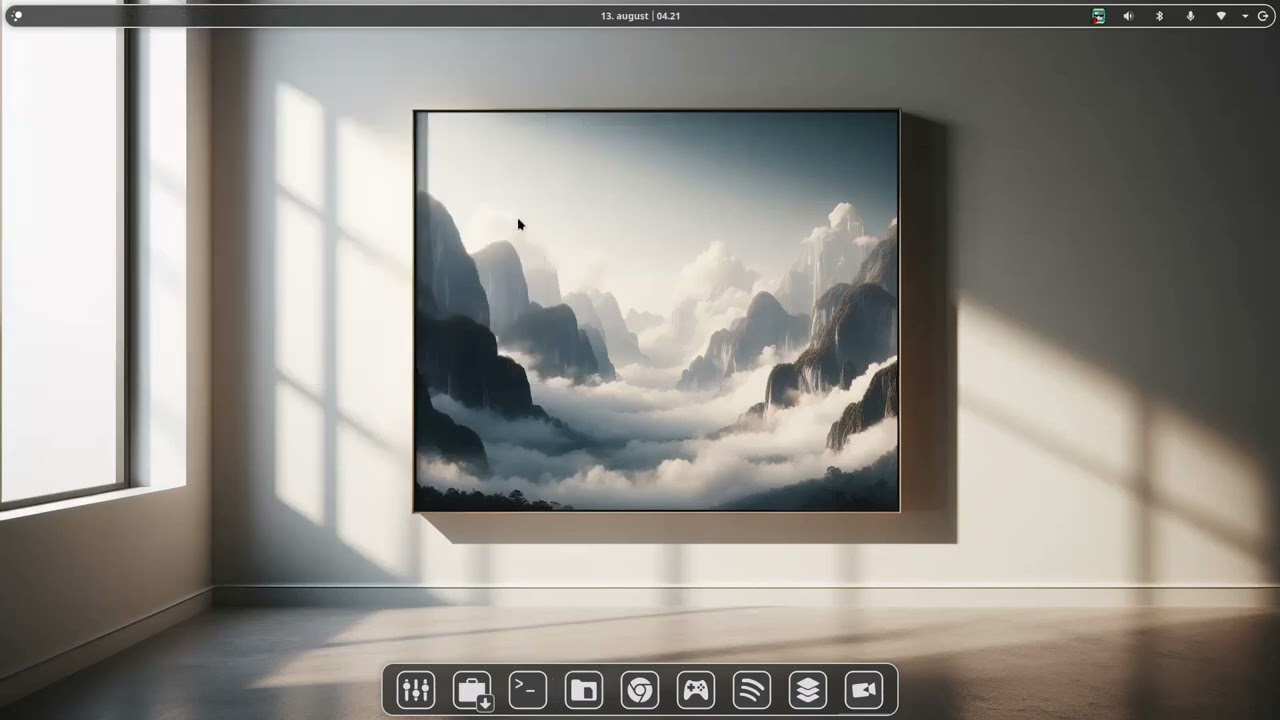
Here's a video of my GreyStone version 2.0 in works on KDE.
6 Likes

I like the decent litte Light at the bottom Edge; not too much, not too less in my Optinion.
You could try switch the dark grey(-ish) to a brown Color and then use it for a Noctua Theme Built, hahaha!
1 Like
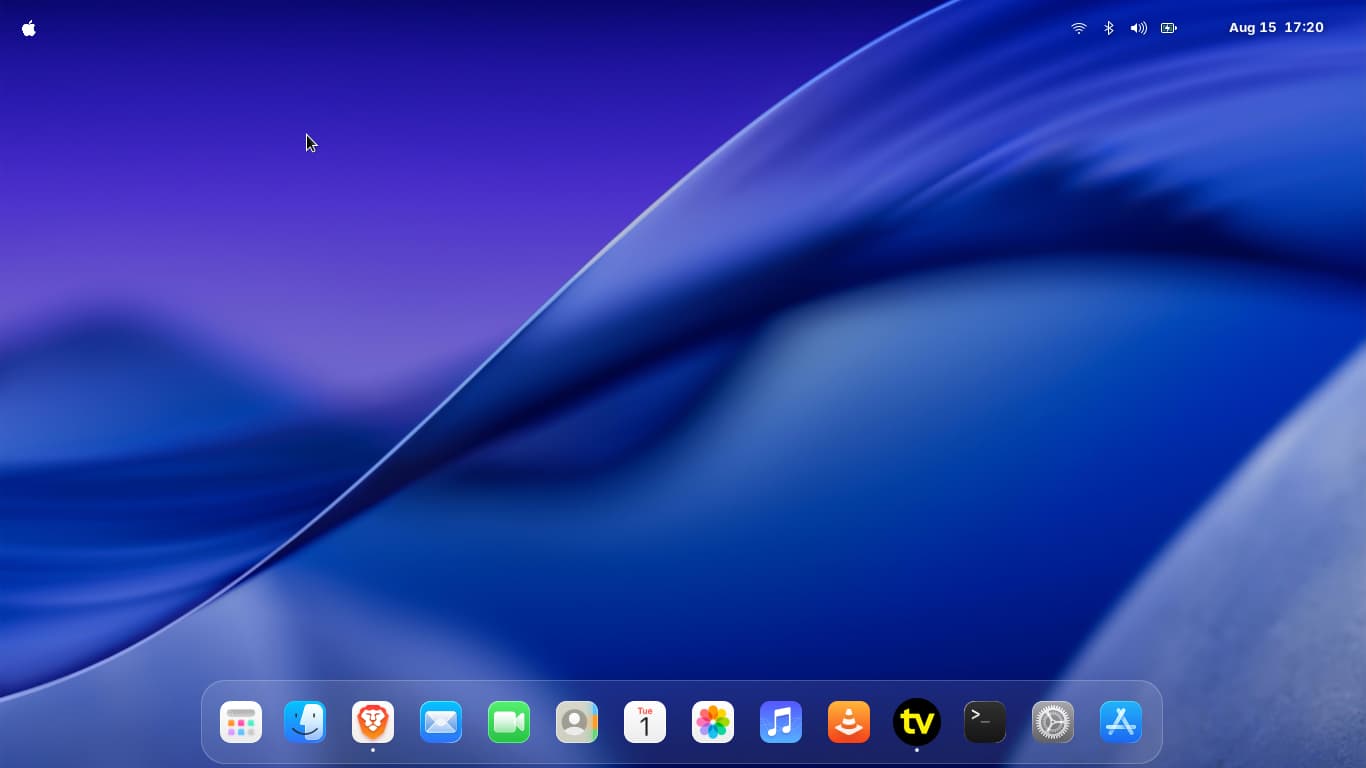
ZorinOS 17.3 Pro
MacTahoe Dark Nord GTK
MacTahoe Blue Icons
MacTahoe Wallpaper
Floating Panel Extension
Maccy Menu Extension
Rounded Windows Corners Extension
Fish Shell Terminal

6 Likes
Sweet!
3 Likes

After trying i3 with xfce for a while, I've been meaning to take things a step further and use only a tiling window manager. Just the other day, Linux Mint Debian Edition crashed on another laptop, leaving it in an unbootable state.
Bad news — Linux Mint is now in my blacklist until further notice — but also an opportunity to try something new!
Since this laptop is quite old and has very modest hardware, I decided to go with the lightest window manager that I could find. And here's Debian 12 running dwm, dmenu, st and slstatus:
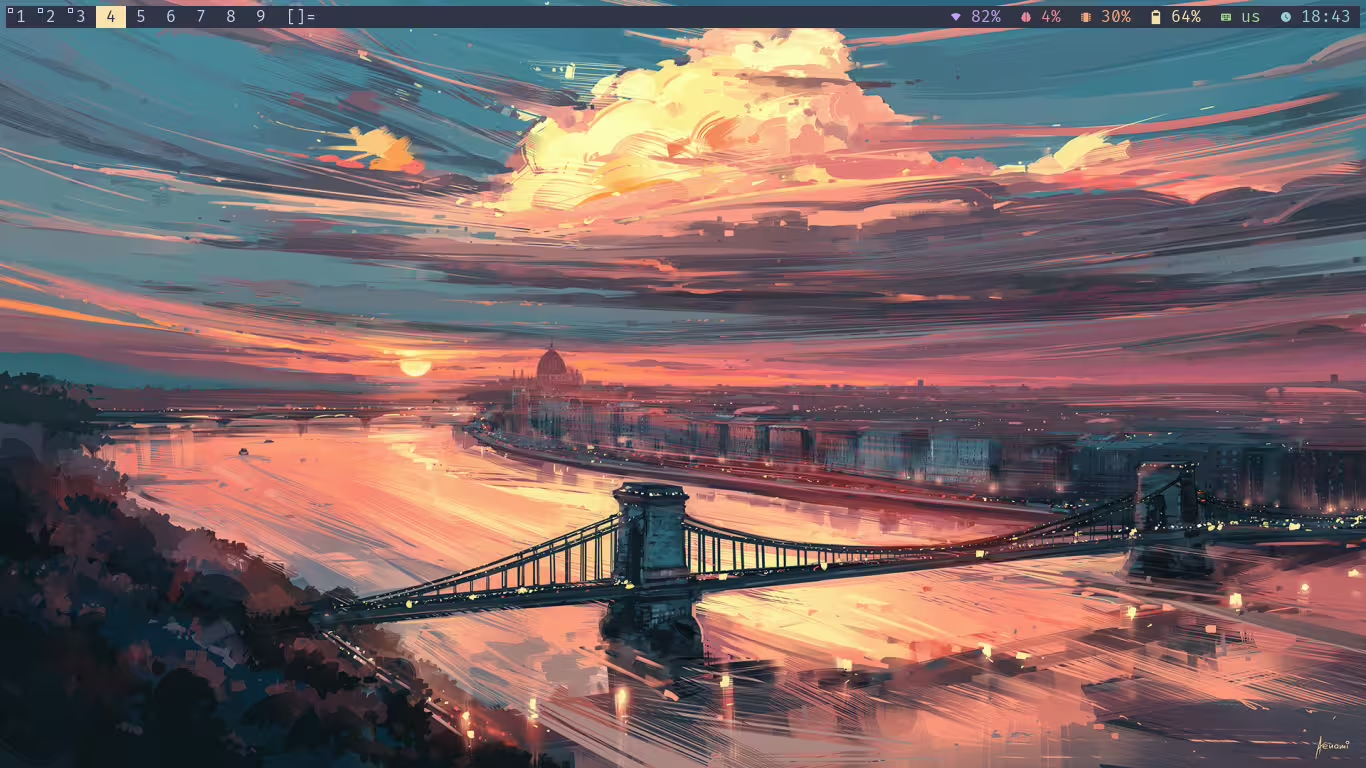
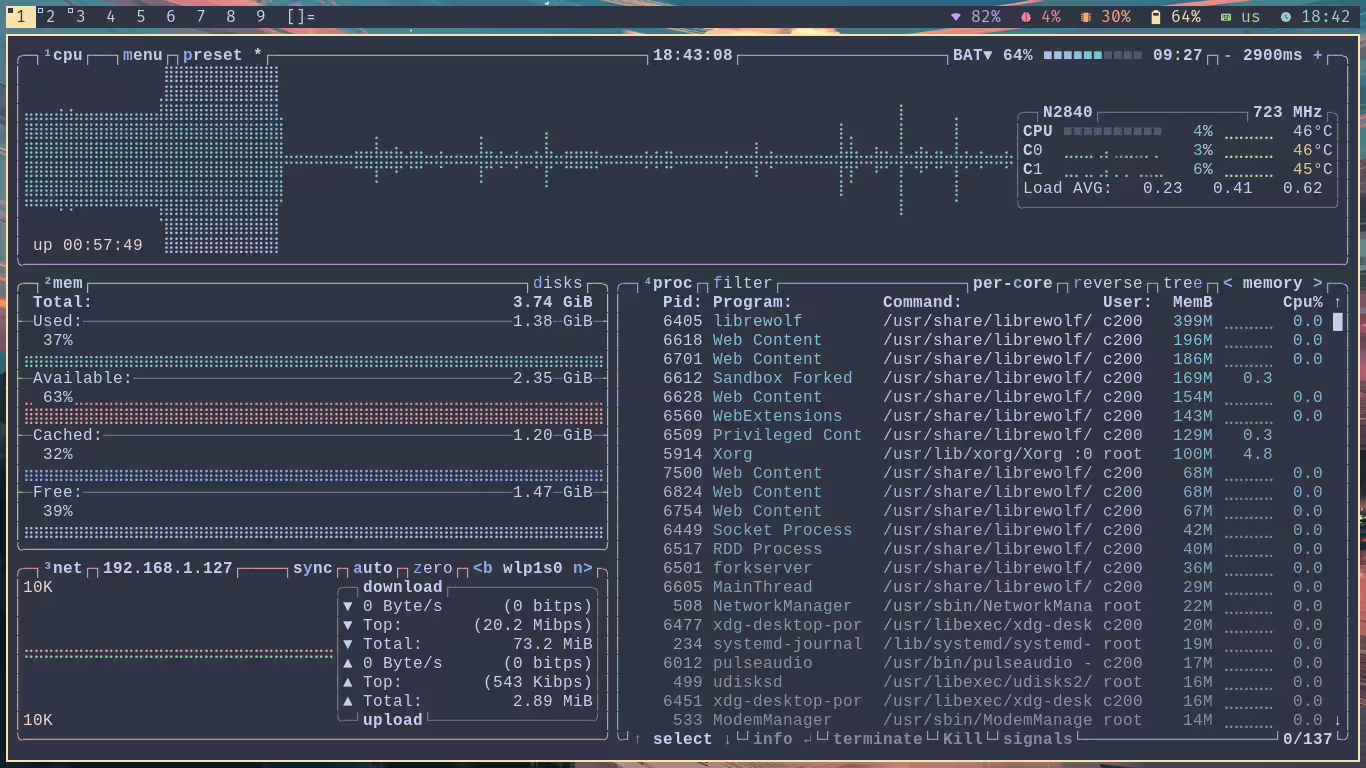
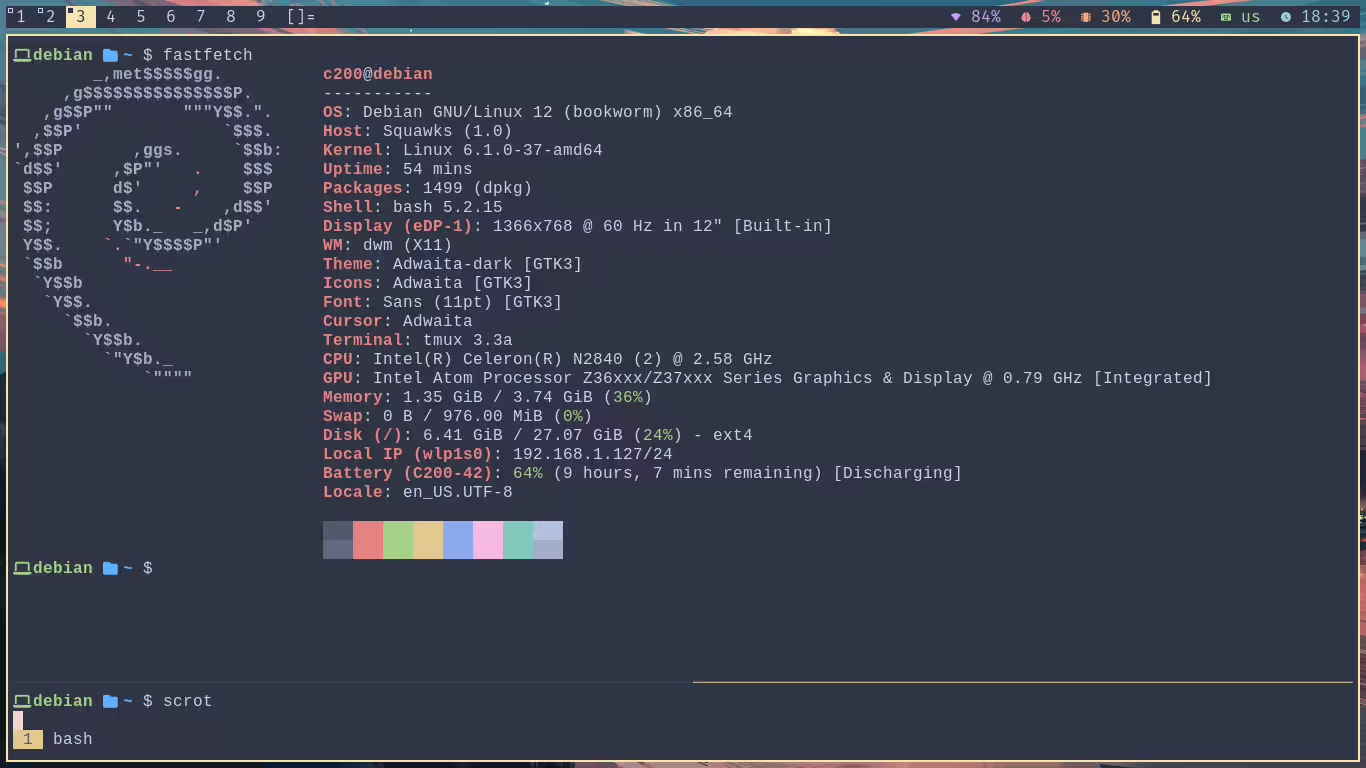
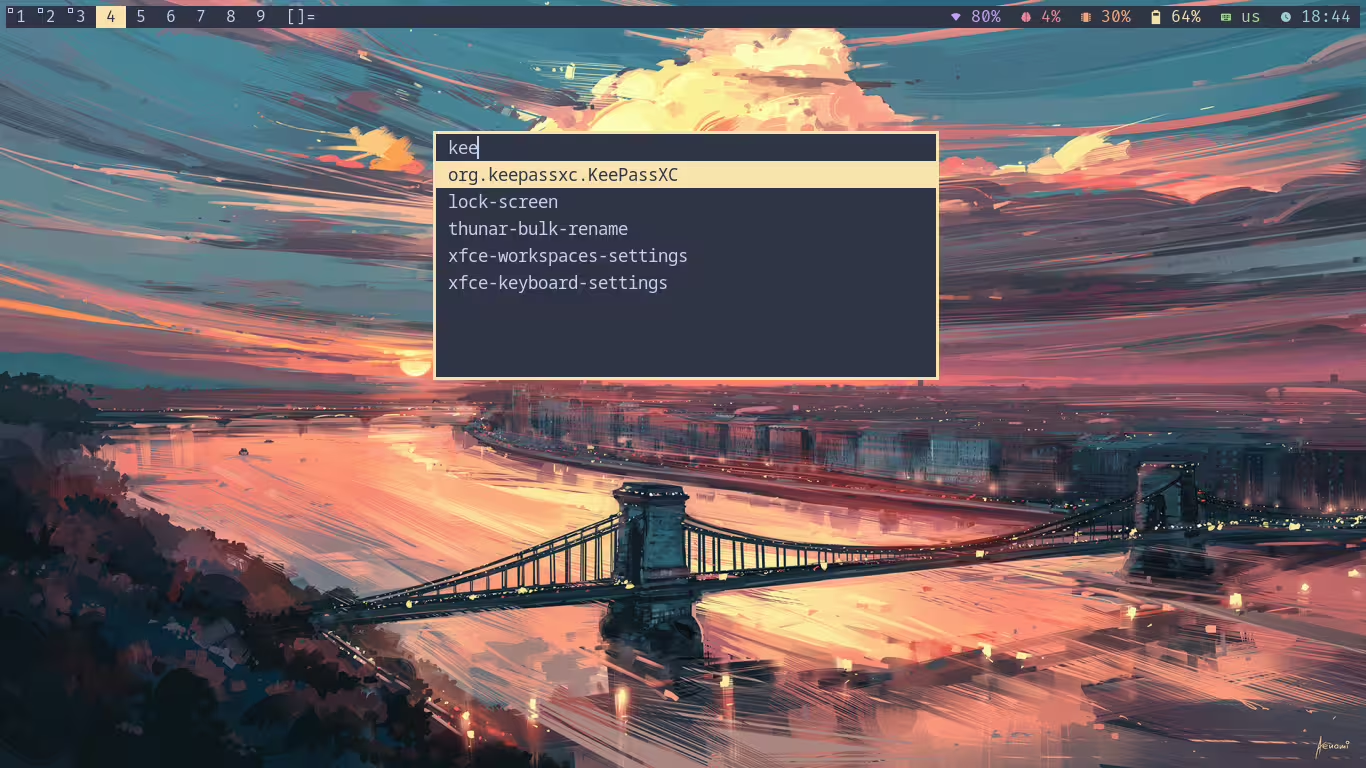
I'm still trying to figure out a lot of things that desktop environments provide out of the box, but I'm getting there. I'm happy that this old laptop can run as fast... I'm really enjoying tiling window managers!
I've also created a small script to take a screenshot and blur it, to use it for my lock screen with slock:
6 Likes
I've toyed with them in the past, but haven't committed a lot to them. Maybe with Zorin lite being sunset I should try going that route full time and see what the deal is.
1 Like
It started as an experiment for me as well. As I expected the first contact to be a little rough, I combined it with XFCE:
And it has been going very well, still running with Debian. Once I figure out all the little things that I'm used to do, like using the mouse wheel to control the volume, and things like that, I'll likely install it on my main machine to see how I do.
There's quite a bit to learn, I recommend it for that alone!
2 Likes


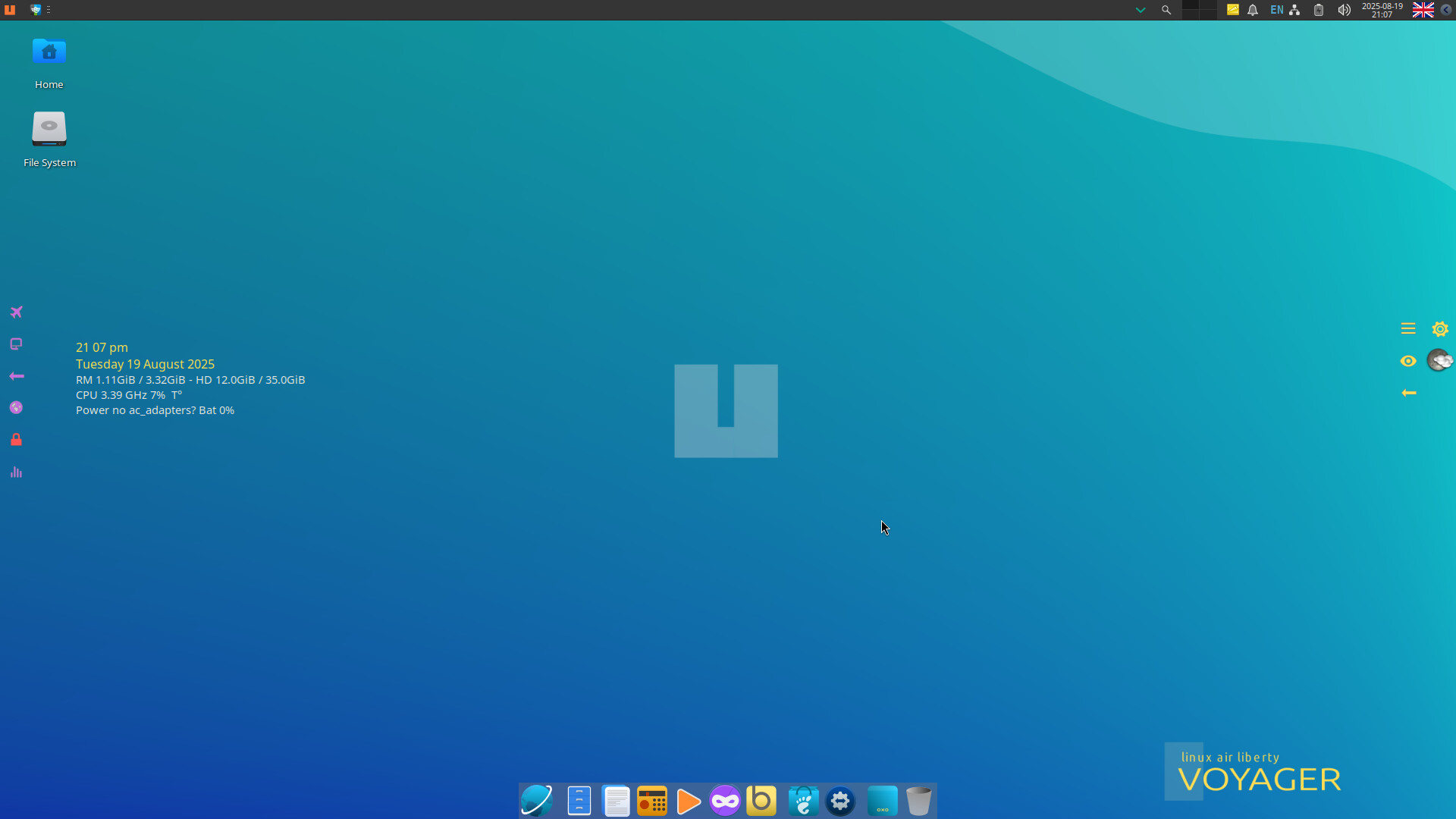
Voyager 25.04 (24.04-1.2LTS crashed in live mode in virt-manager!) VM inside Zorin 17.3 (Dark Mode applied):
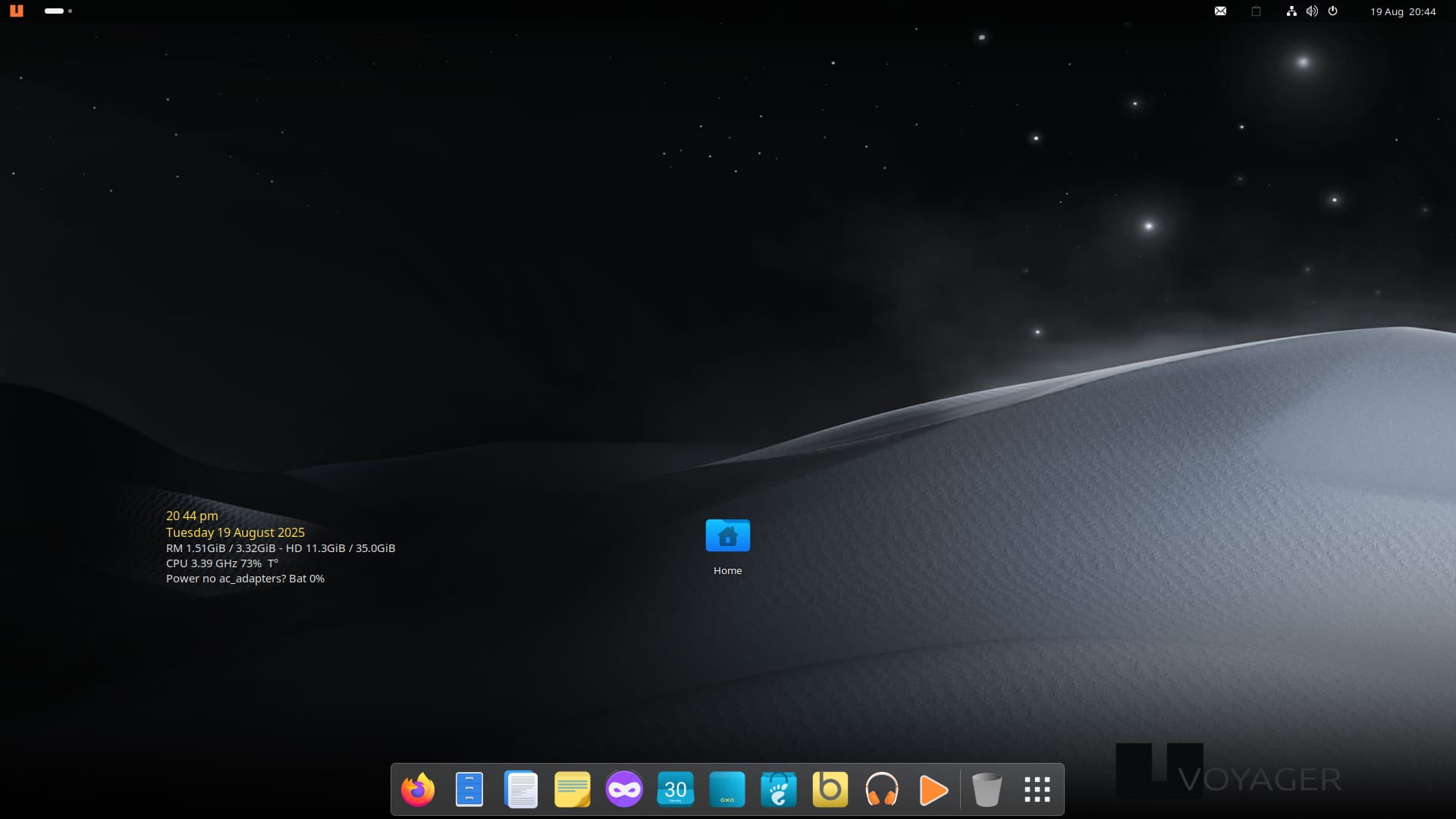
There approach has been to include xfce in this release (and the 24.04) so guess this maybe the way Zorin are going?:
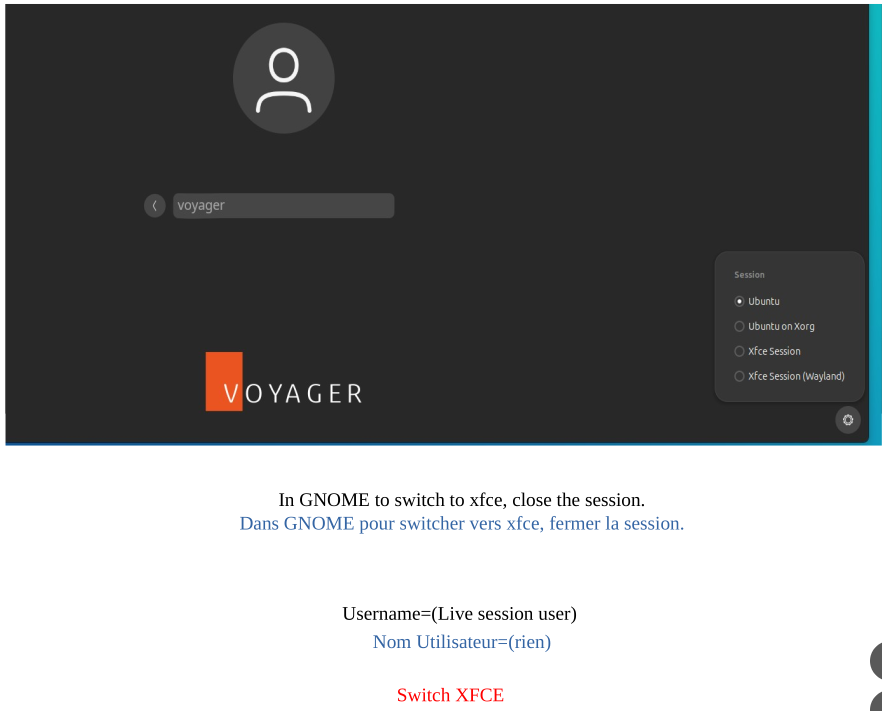
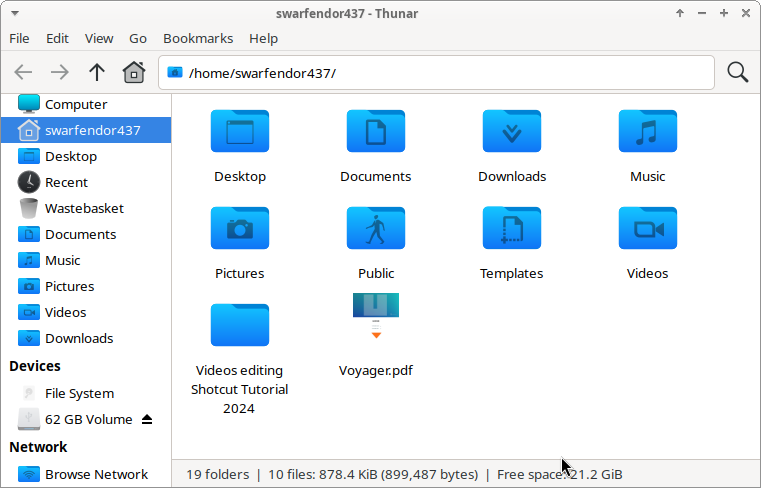
What I don't like is, it restricts you to your user files, there is no way to explore system files! Like total lock down!
This is what the xfce desktop in Voyager 25.04 looks like (also available with Wayland!  )
)
Interestnigly in xfce you can see the file system in Thunar:
2 Likes