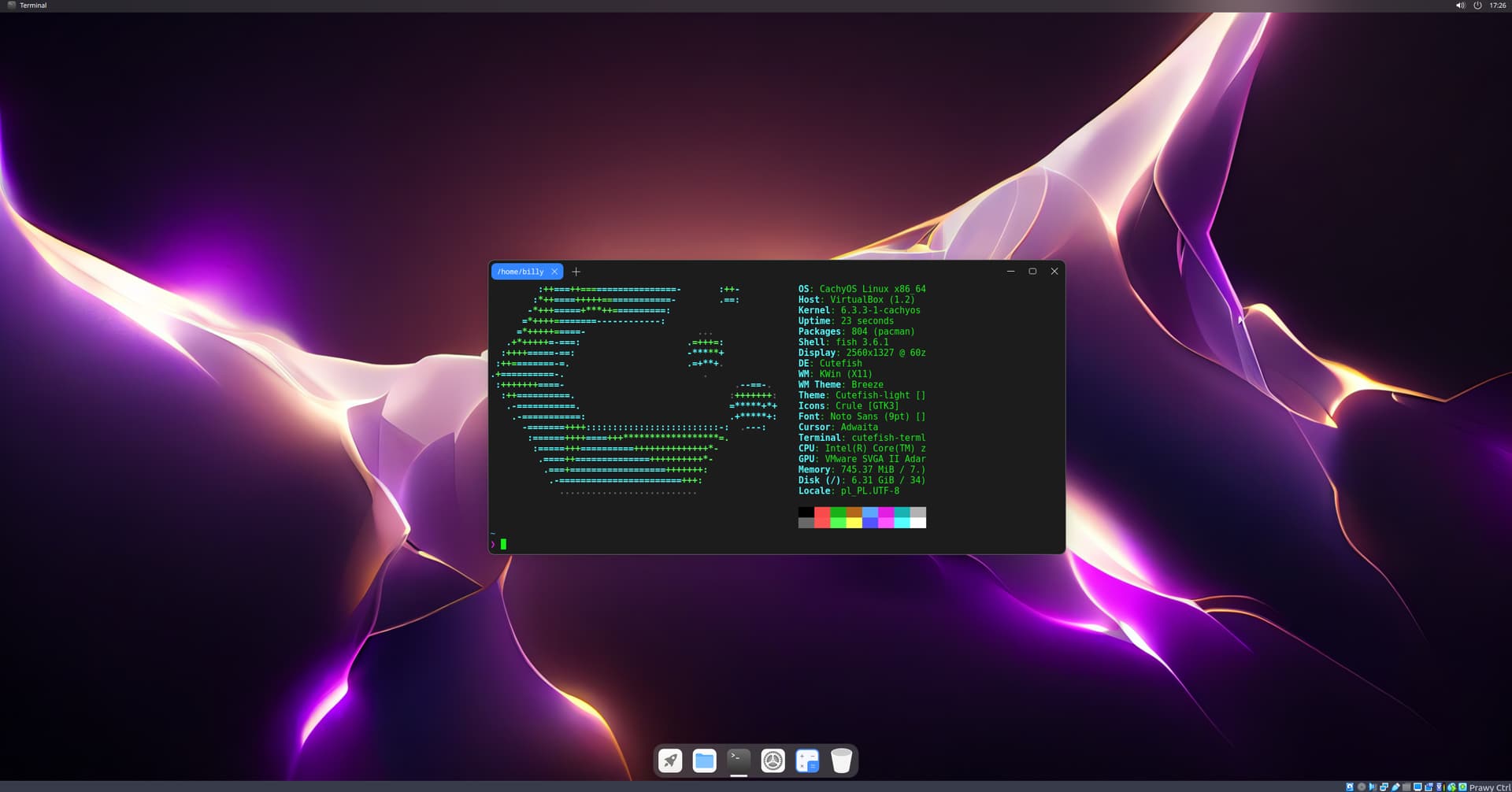
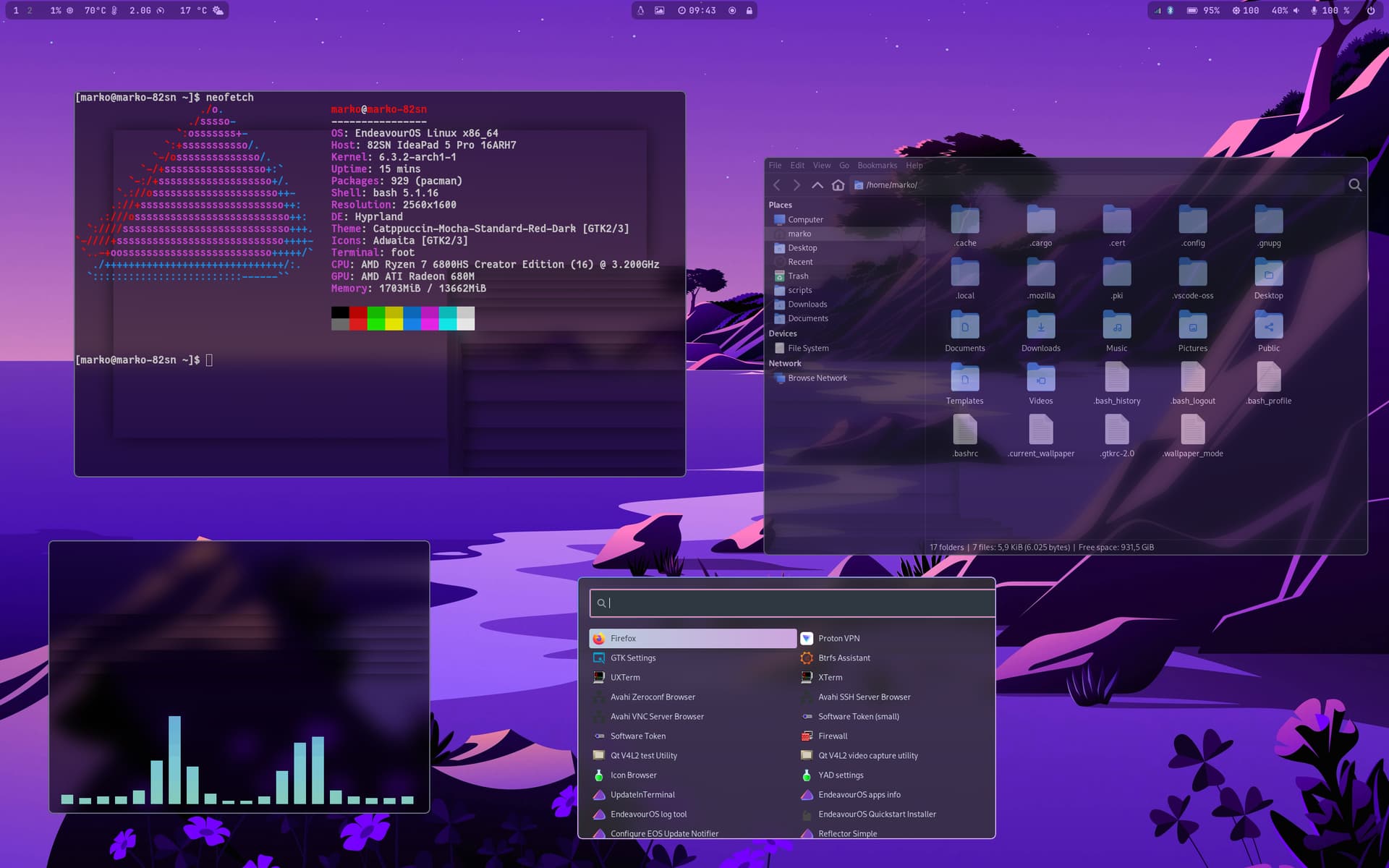
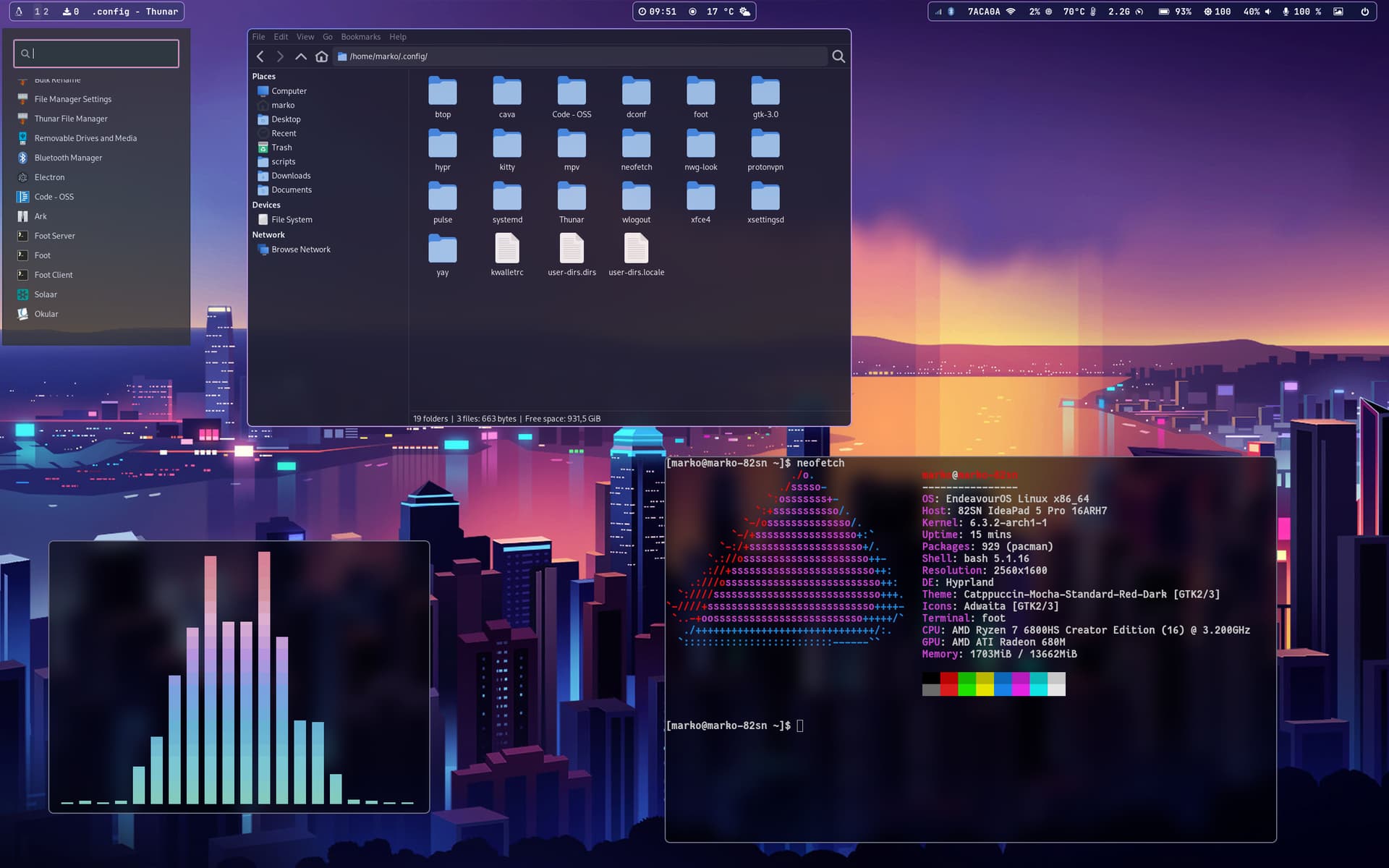
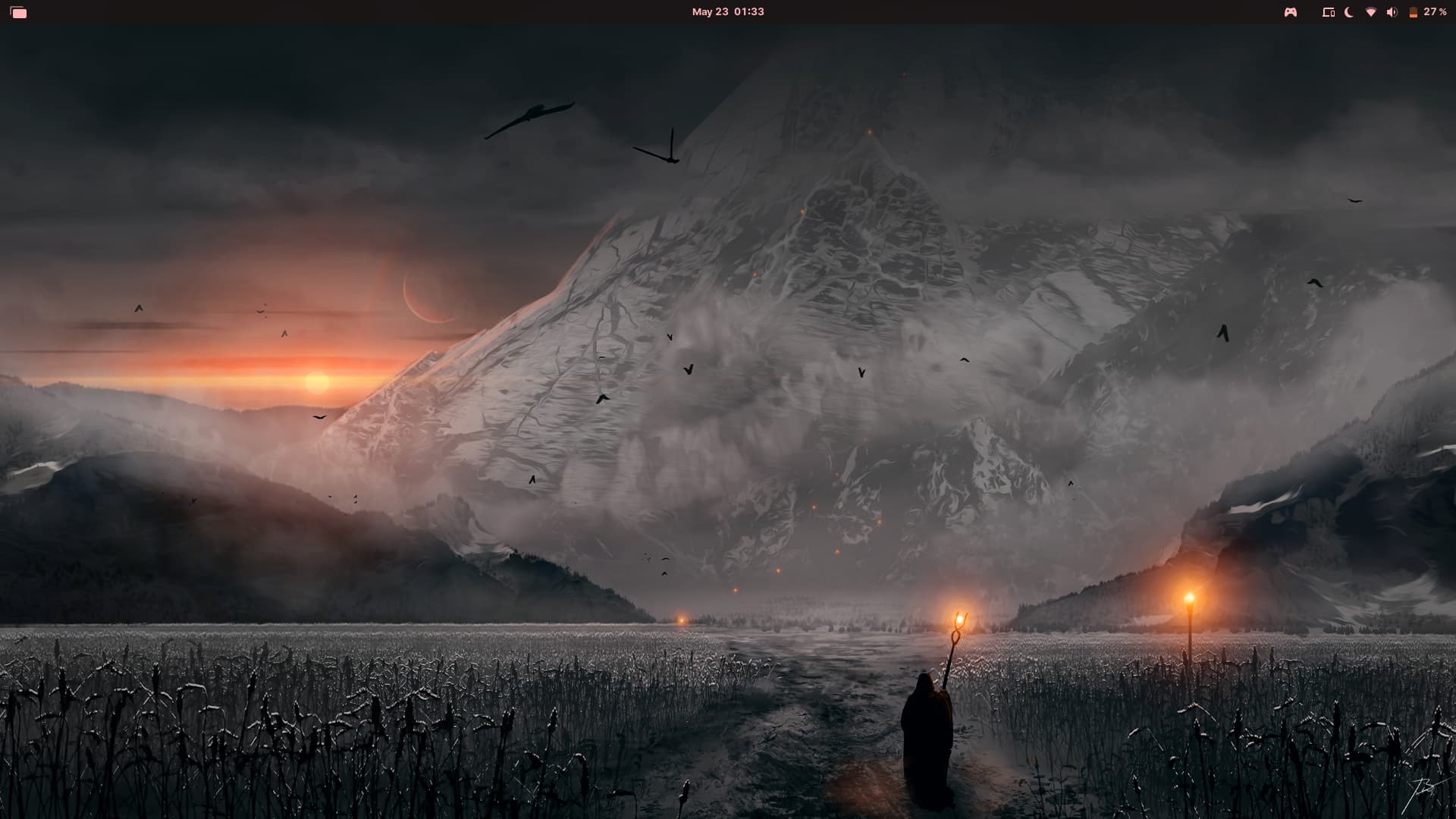
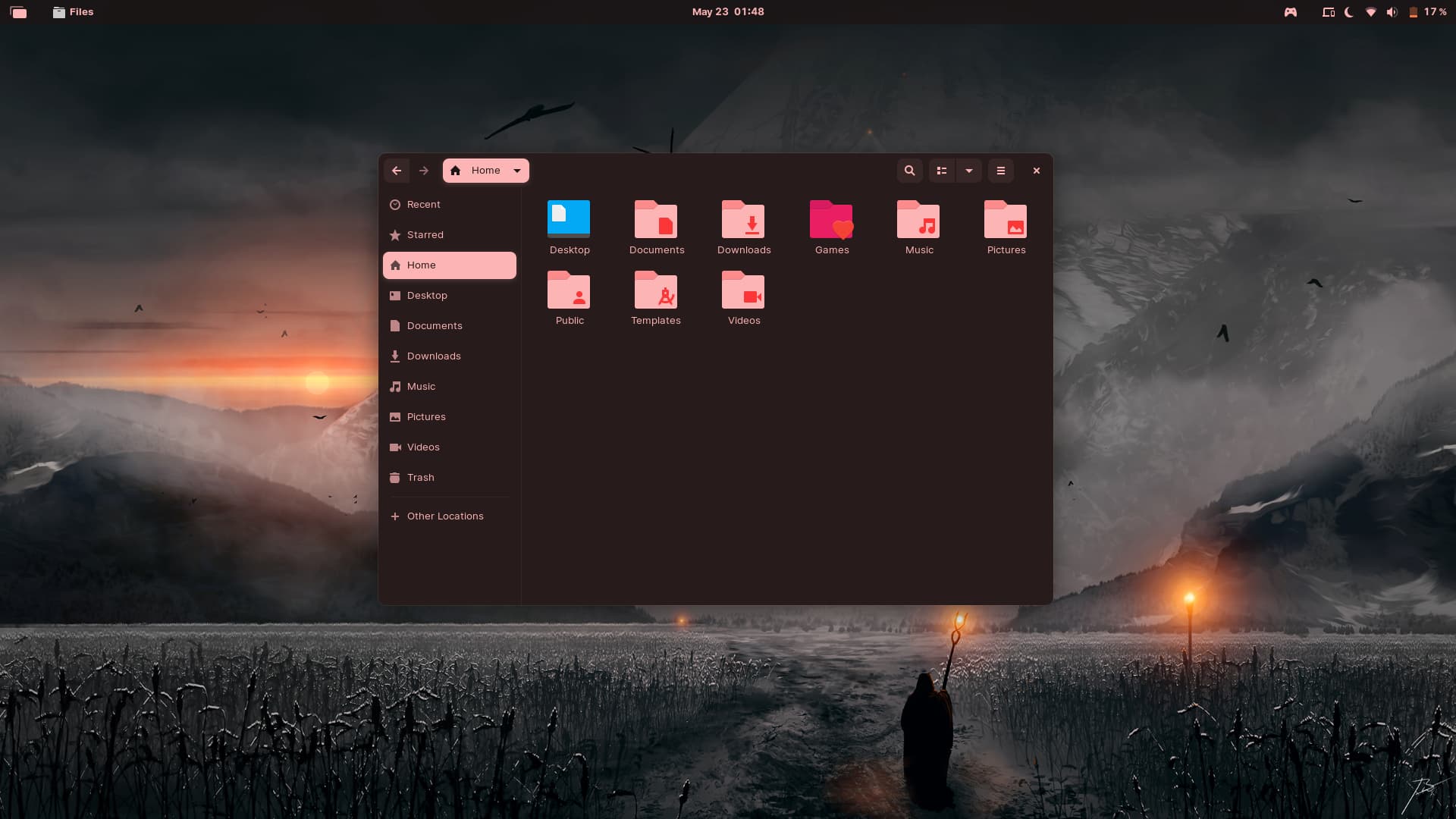
Pinning the trash can to the taskbar may actually be one of the best ideas I never thought of, would've save me so much trouble back in the day 
1 Like
Thanks. This is what I was doing on Windows. I learned that Nautilus opens the trash with running nautilus trash://, so I was able to do the same thing on Zorin OS.
https://askubuntu.com/questions/327943/how-to-open-trash-through-terminal
1 Like
Where did you find that wallpaper?
I rarely change my own wallpaper or desktop, but I love seeing what other people come up with. Sometimes, you even learn something like with the trash icon on the taskbar as @Hackgets did.
Sometimes I also browse through r/unixp*rn to see some really elaborated customized desktop layouts.
3 Likes
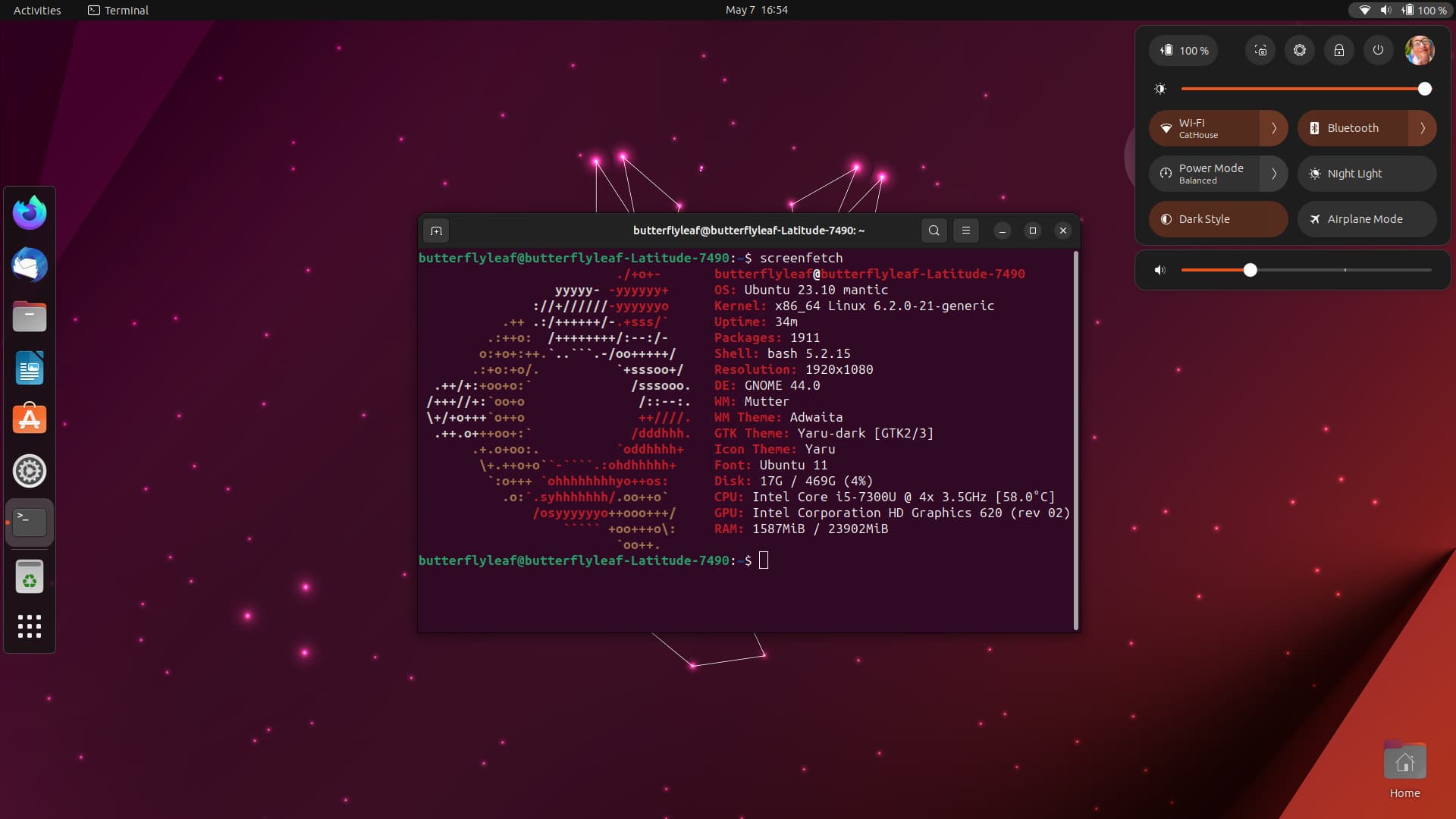
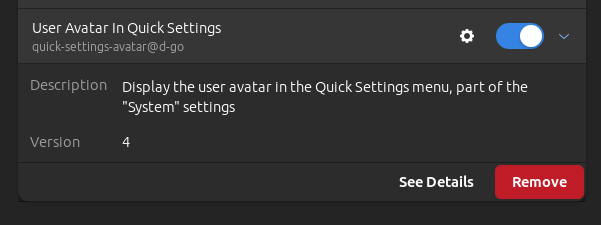
2 Likes
Very nice @Turtle11 and nice collection of extensions too.
1 Like
How to reinstall default icon theme zorin os 16.2?
sudo apt install --reinstall zorin-icon-themes
3 Likes
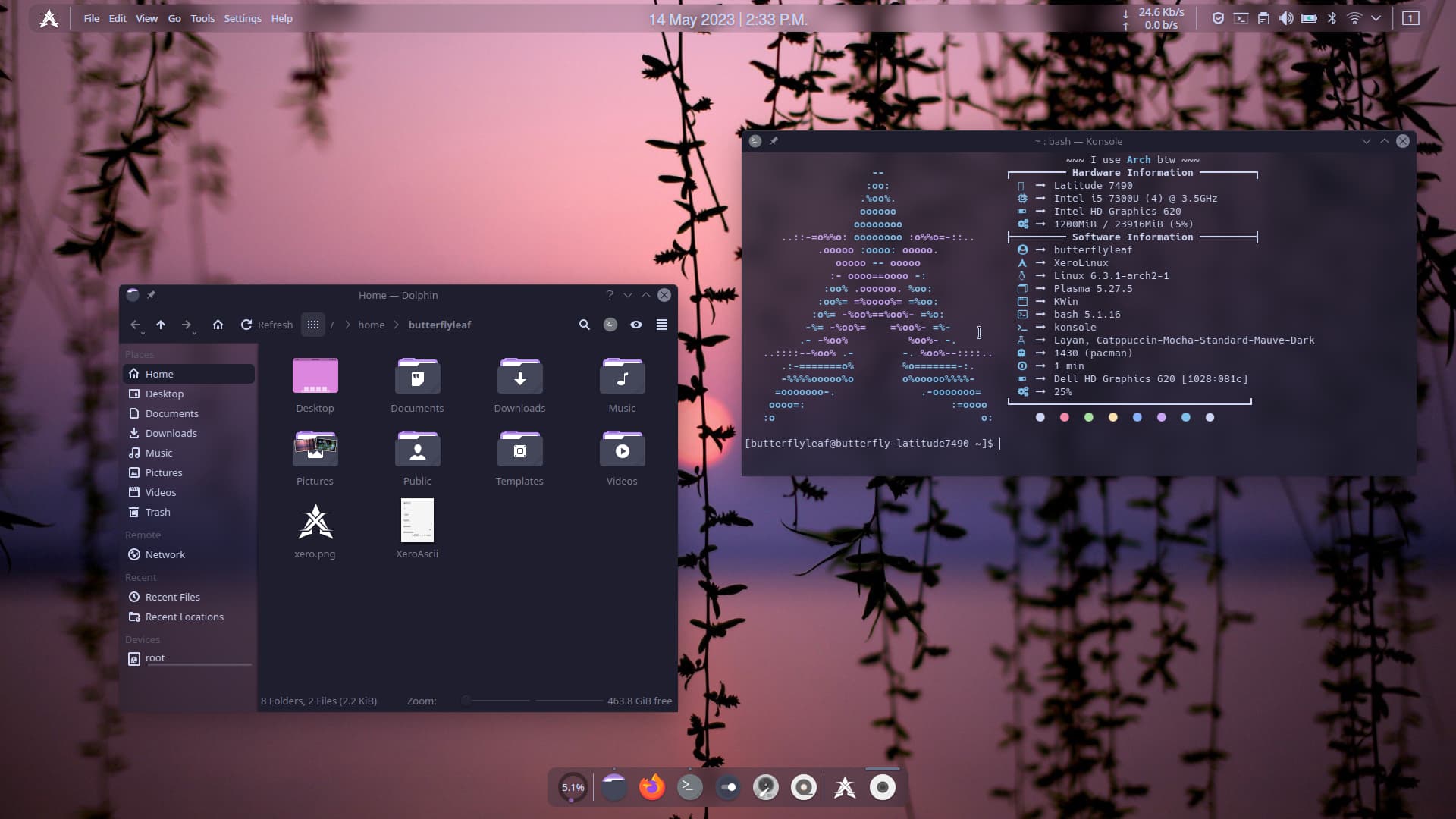
Very nice, what are you using to customize it like that?

7 Likes
It's new to me too but I like XeroLinux a lot.
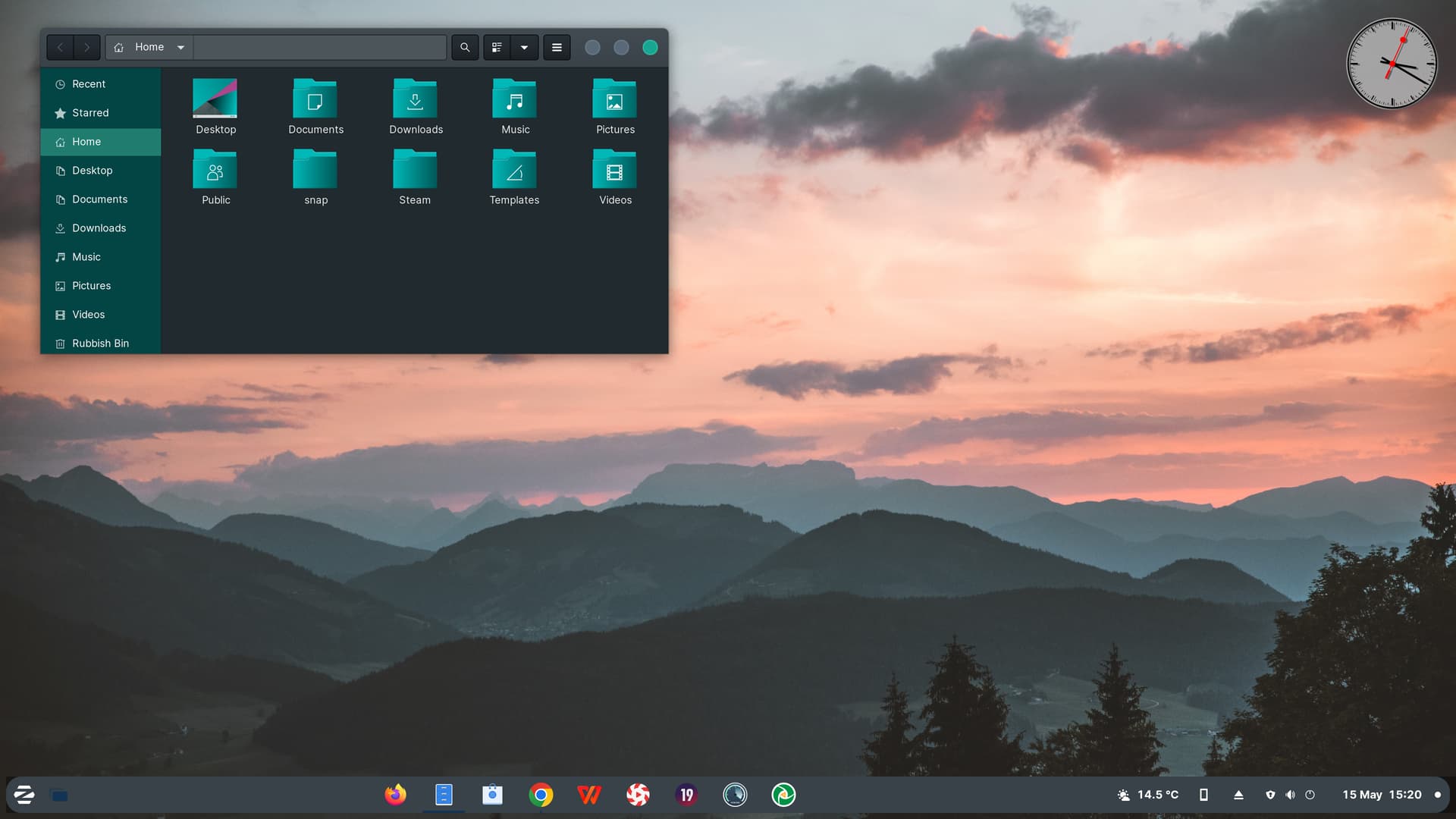
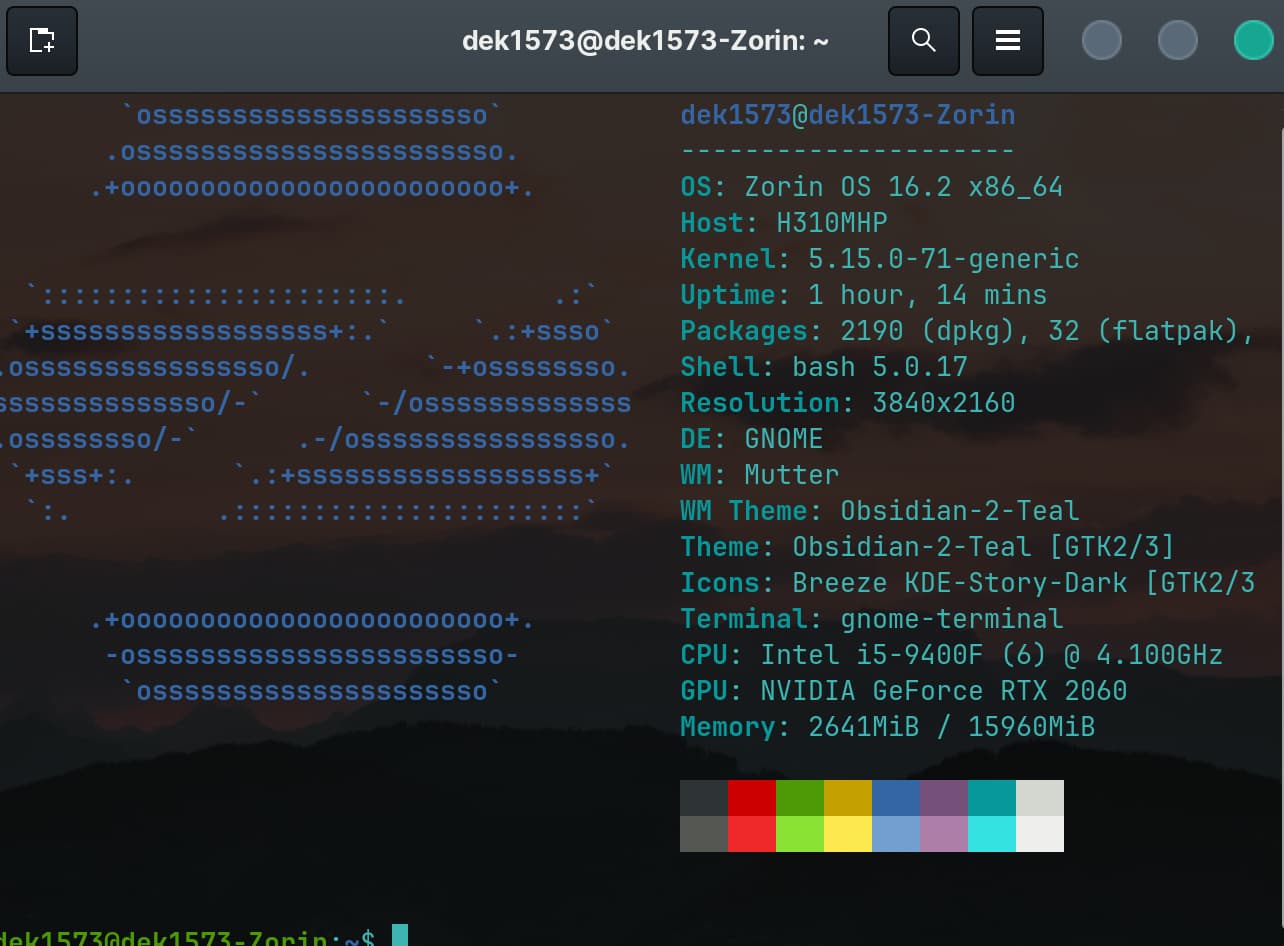
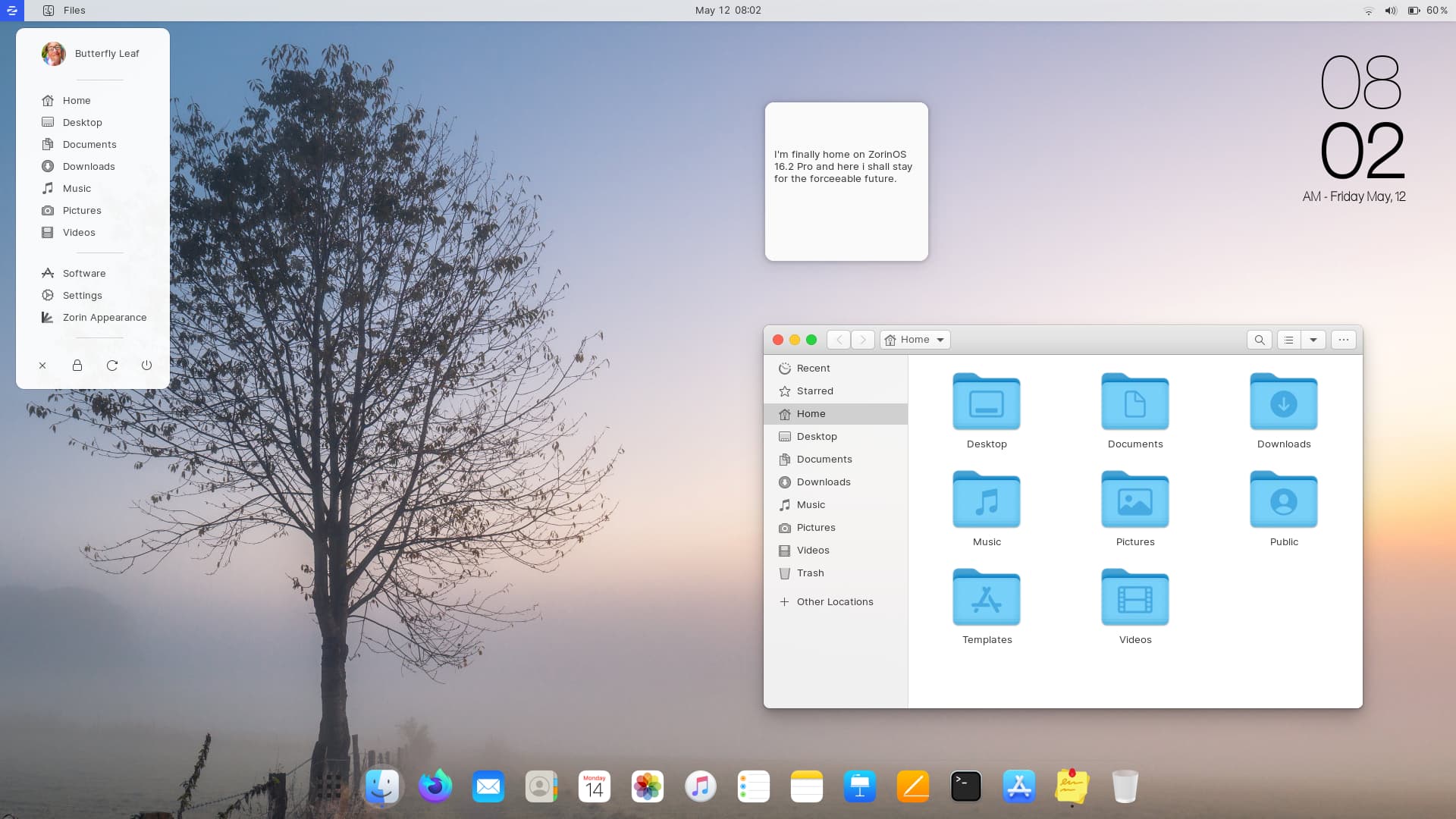
Buddha Nature
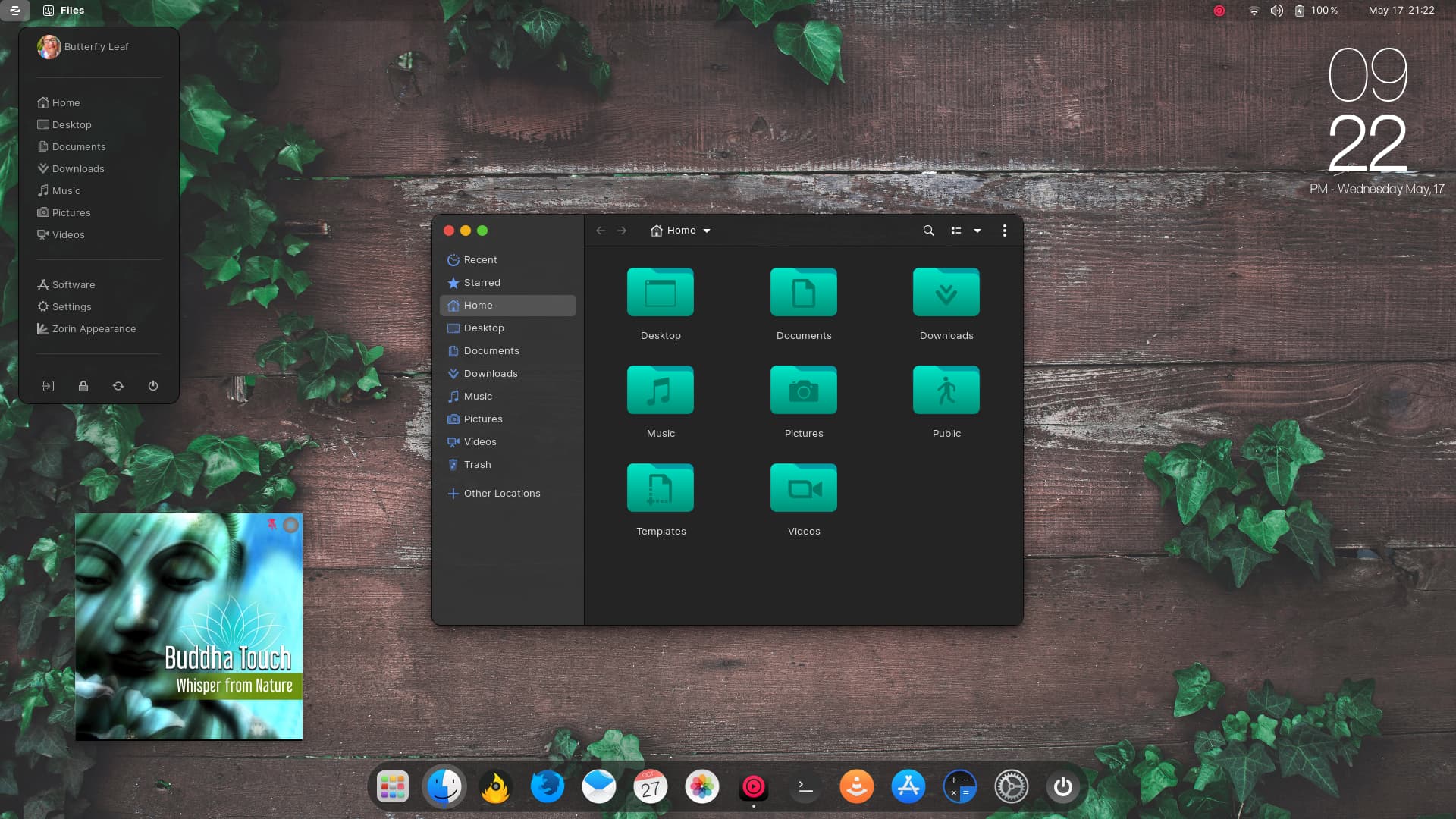
ZorinOS 16.2 Pro
WhiteSur Dark theme
Kora Green/Mojave Circle mashup icons (Personal)
Green Vines on Wall wallpaper
Phone Clock Conky widget
Cider Apple Music Player
3 Likes