Yeah, not a fan of their WM.
Damn sorry I mistakenly deleted my previous post you replied to I’m sorry. I have shaky hands sometimes. Anyway I said I’m gonna go back to Zorin hopefully it will work there. 
Yes, I am on Zorin OS 16.2 Pro
1 Like
Ok I'm on Zorin OS 16.2 Pro, i installed and turned the extension on and nothing happened.
Not every window will show a menu. Nautilus, for example, only shows the title of the app.
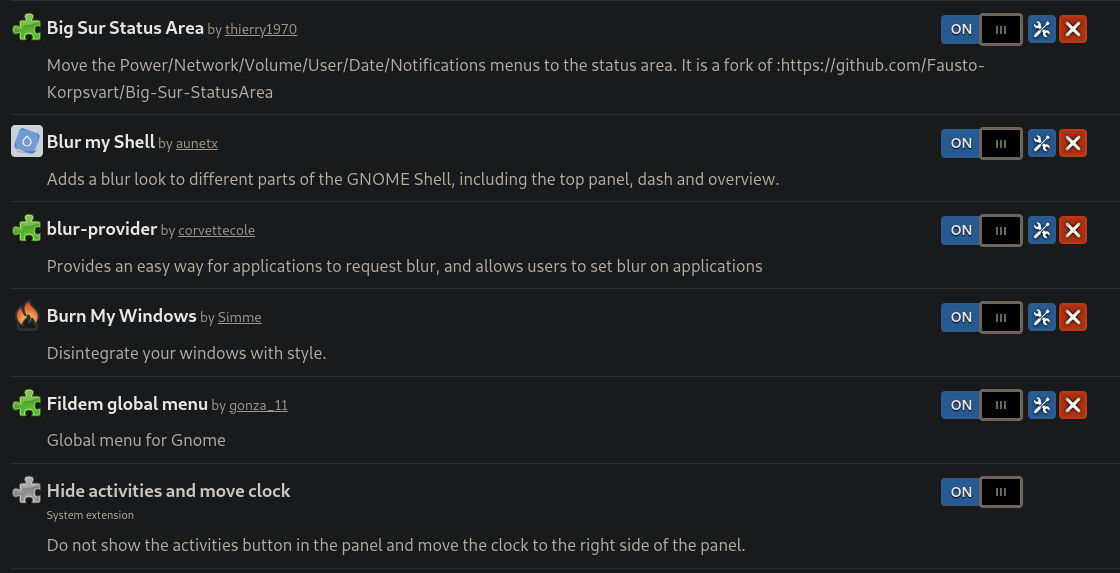
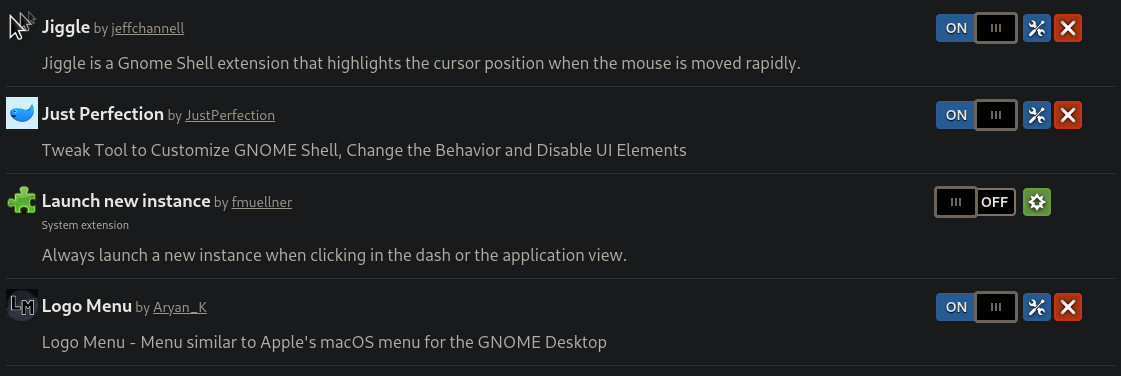
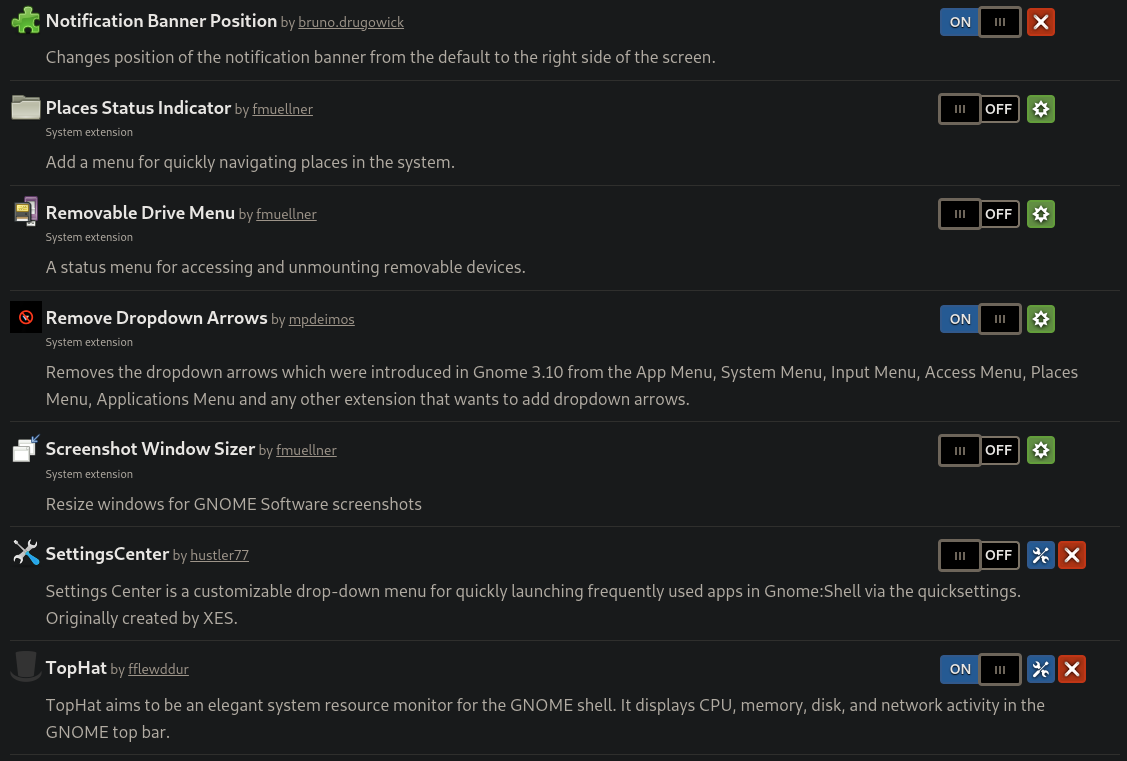
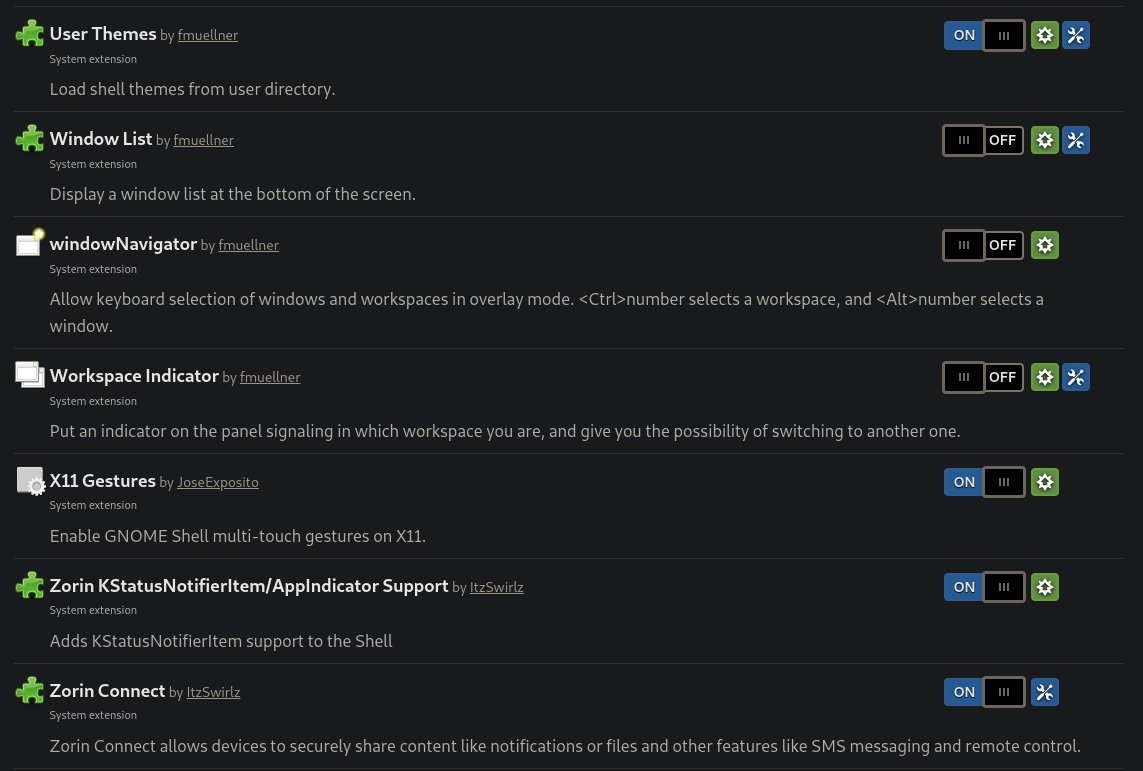
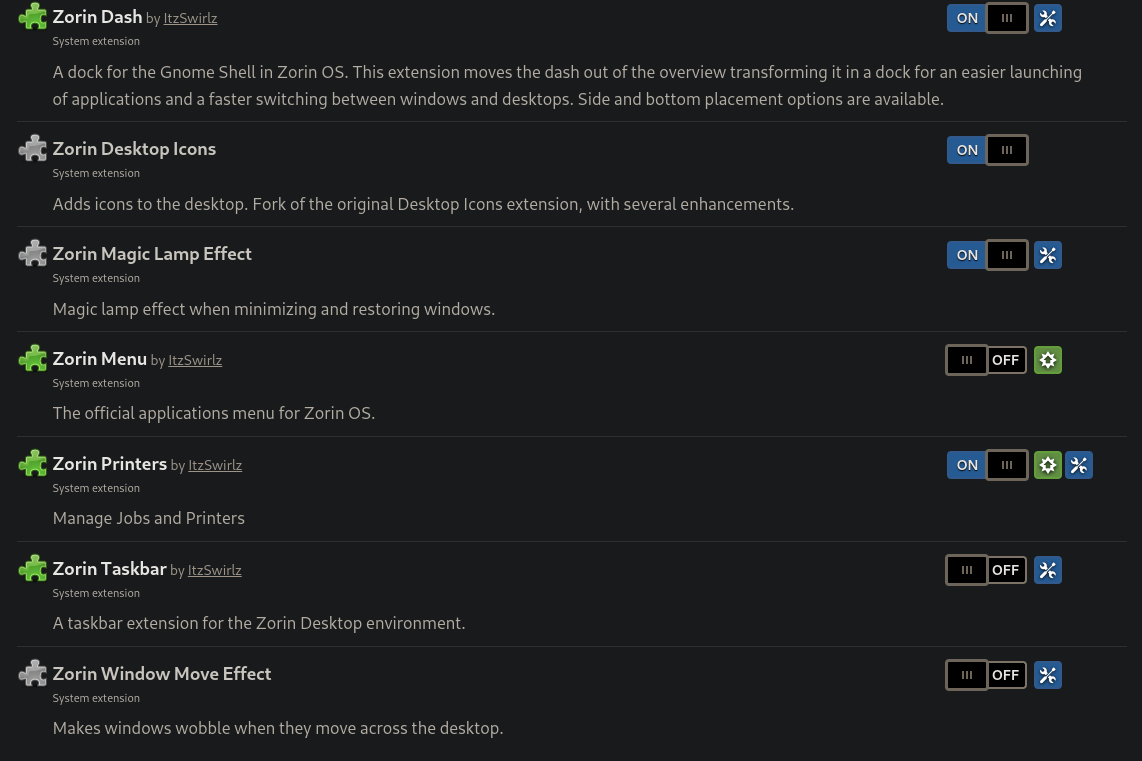
Thanks so much this is a treasure
1 Like
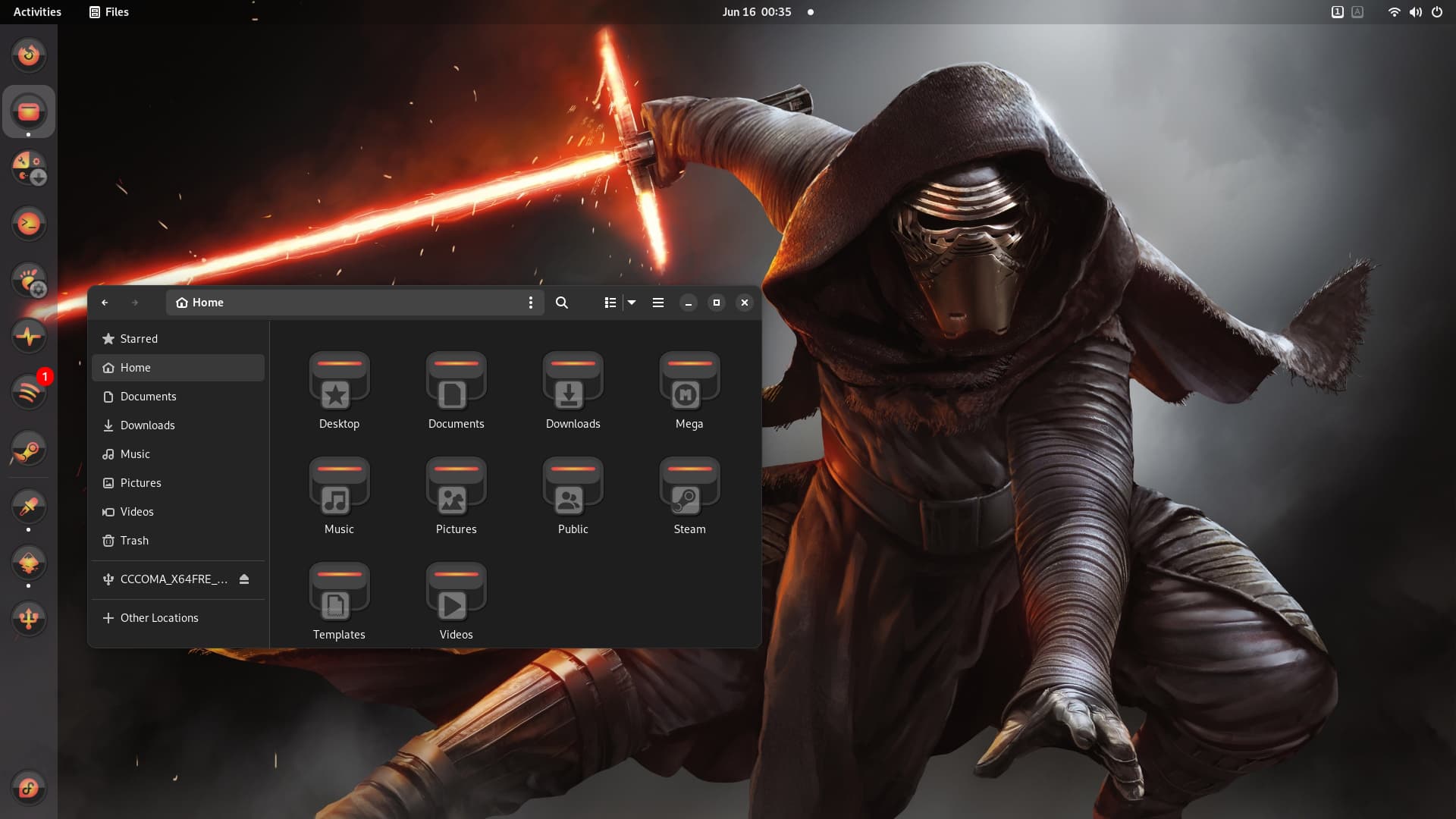
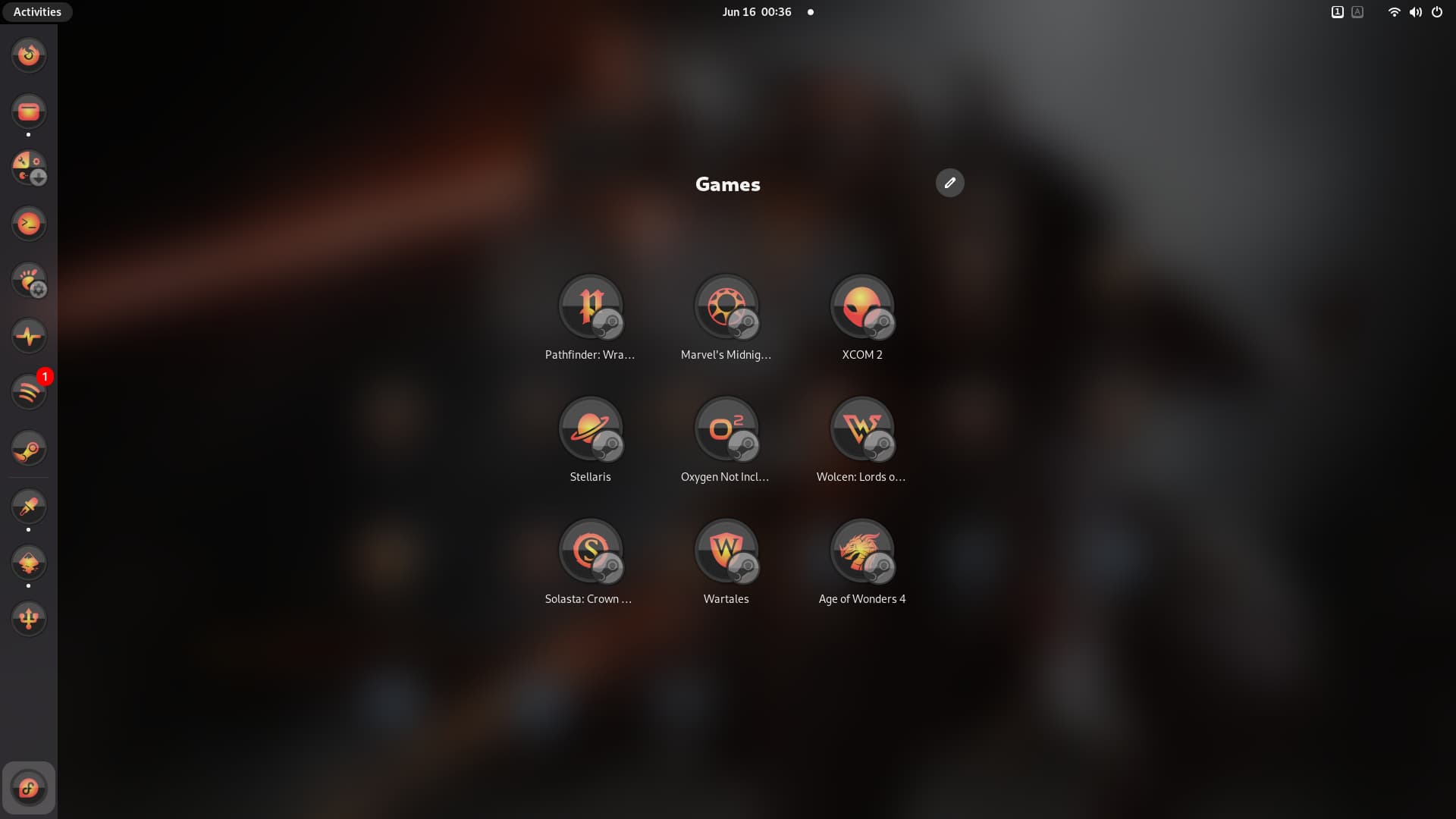
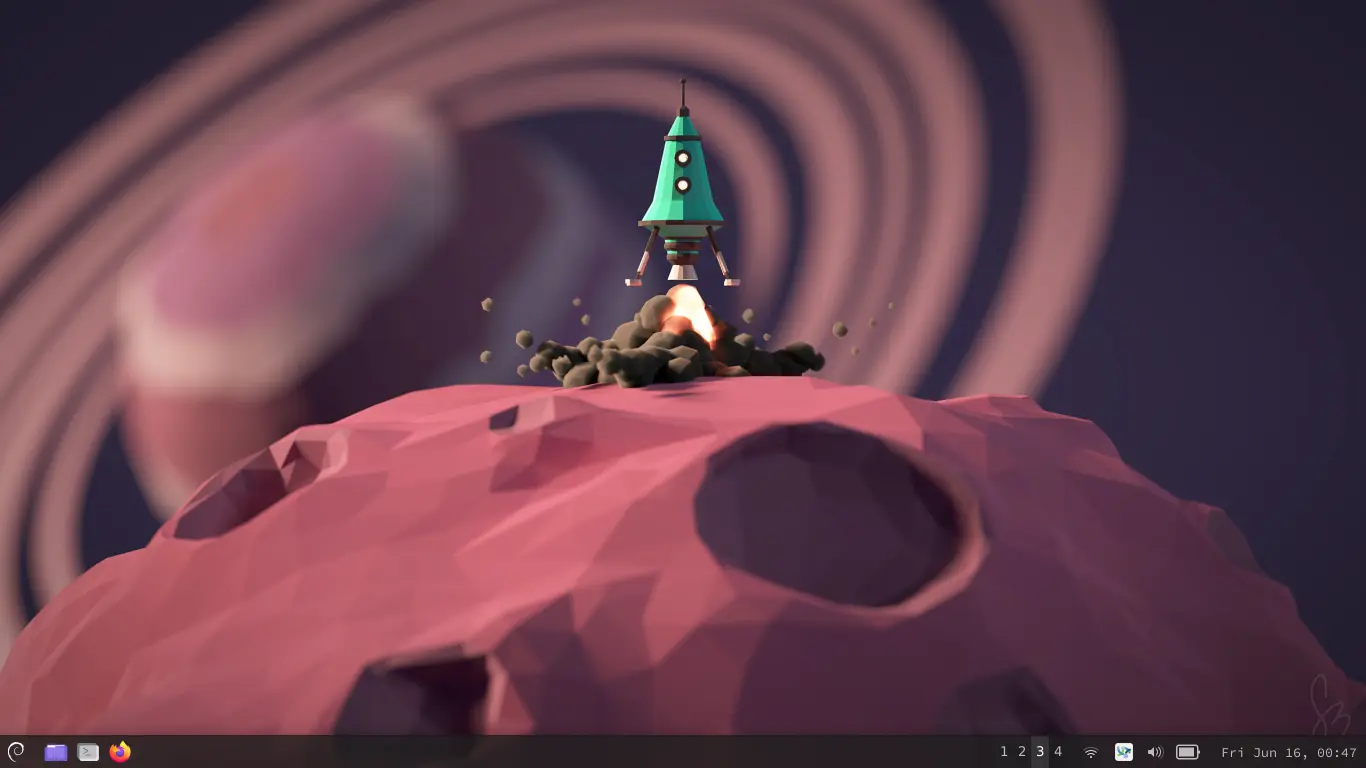
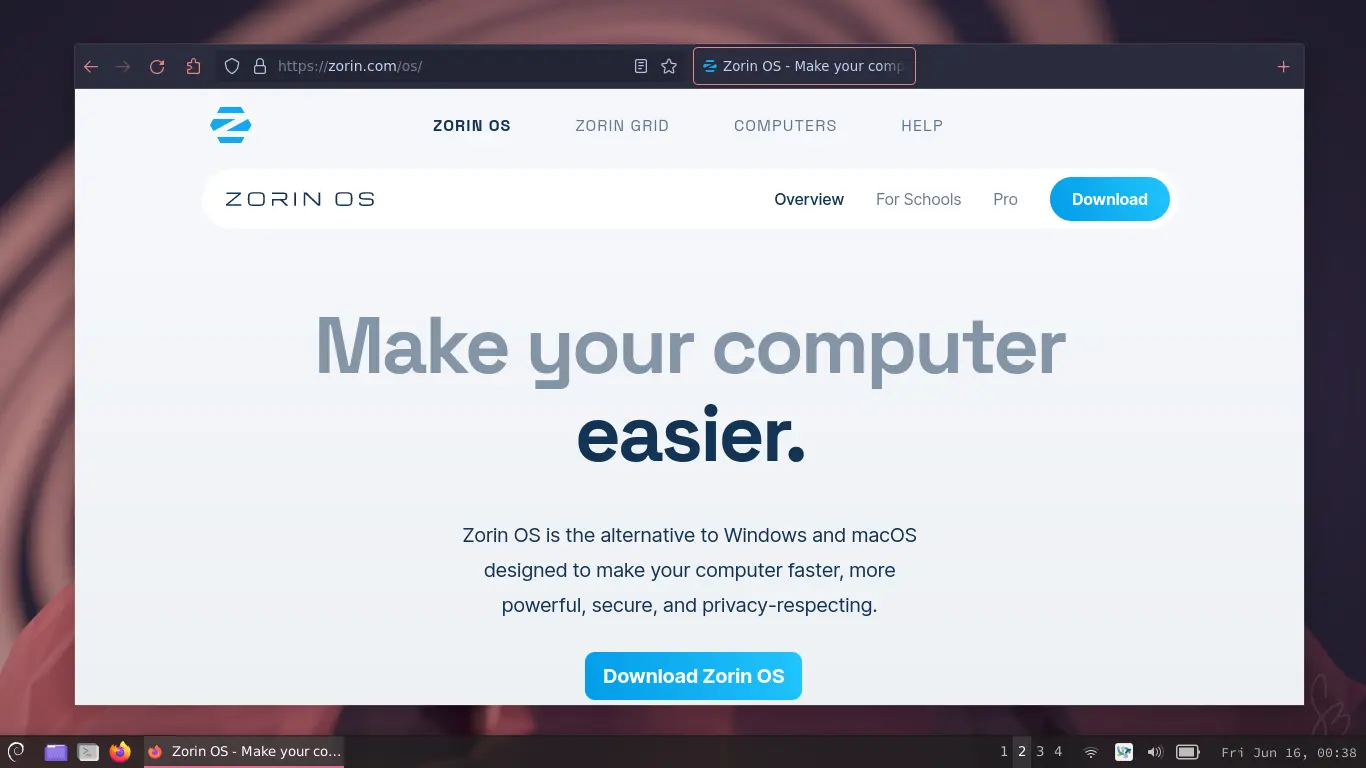
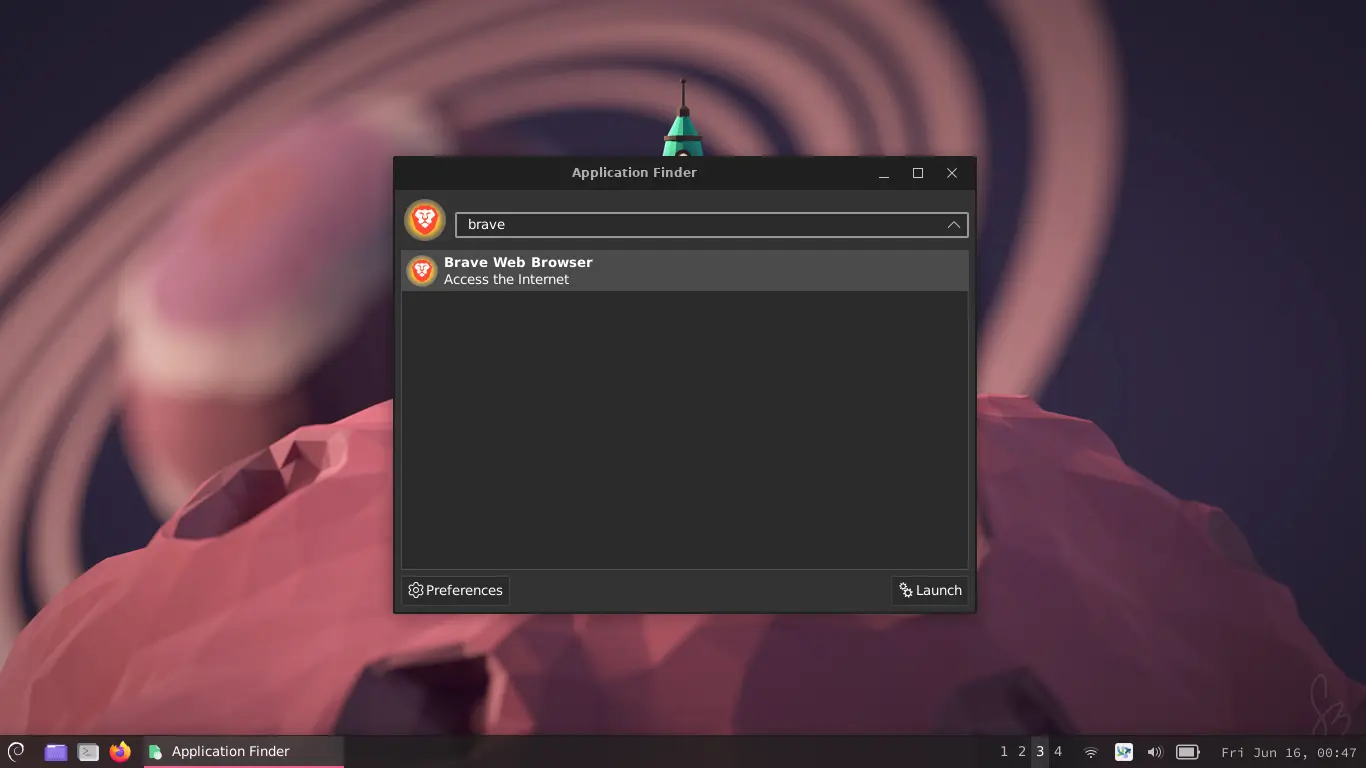
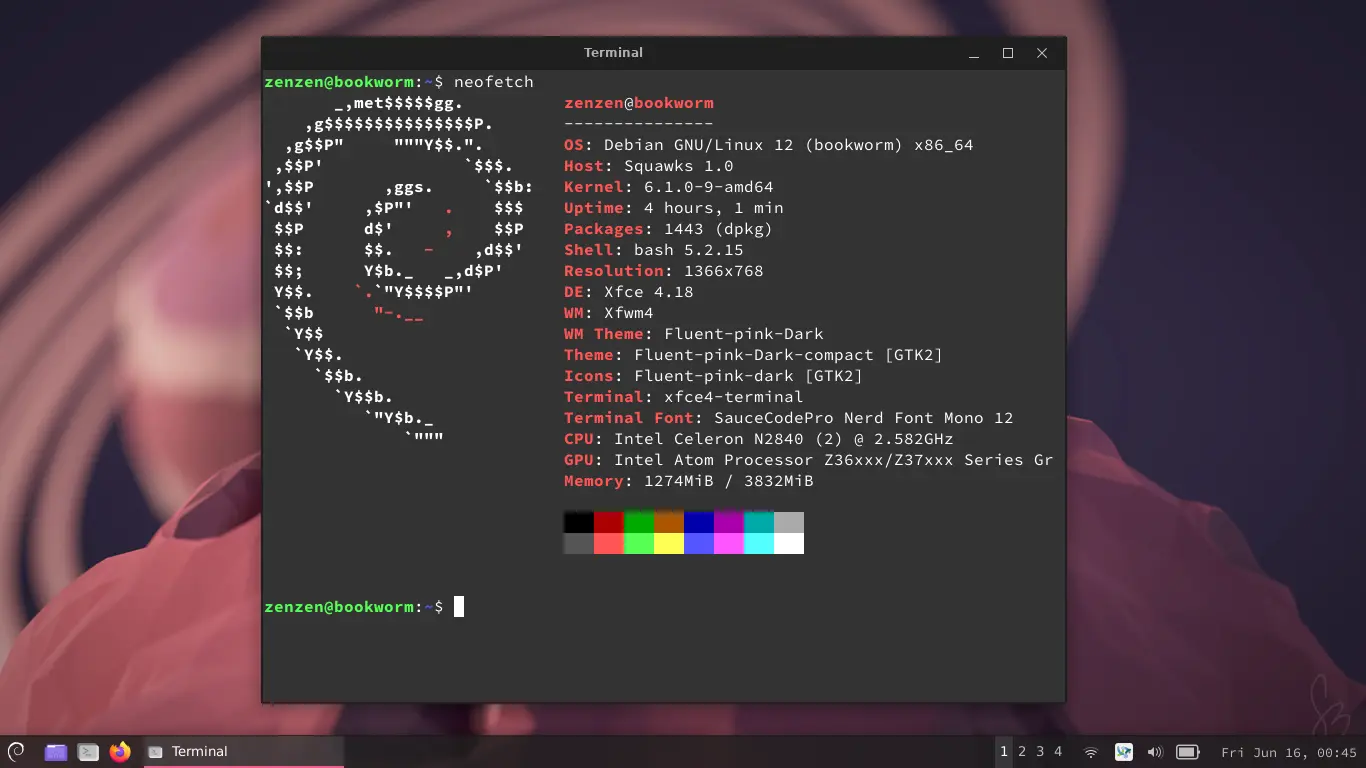
Today I had a spare computer laying around and decided to give it a new life by installing Debian with XFCE. I followed this really helpful video to apply the appearance theme, icons, etc.
I've been using it all day for my normal tasks with very nice results, points in favor of both XFCE and Debian. Here are some screenshots:

7 Likes
Cool dtop @Storm
2 Likes
Hey that looks great @zenzen
2 Likes
Made a video 
3 Likes
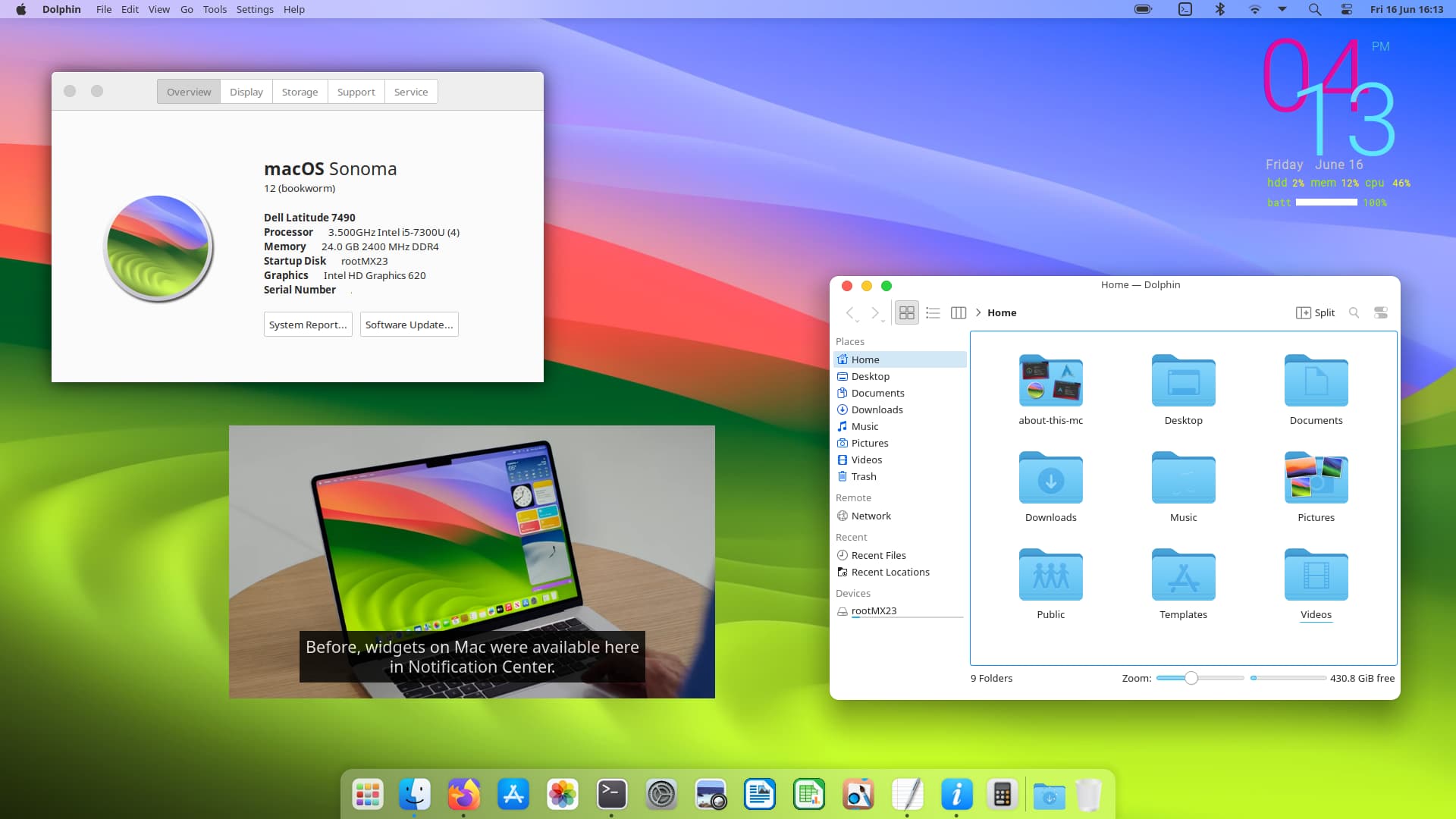
MX Linux 23 Beta 2 with Plasma DE works great out of the box without even additional extensions.
MX Linux 23 Beta 2
WhiteSur Plasma Theme
WhiteSur Icons
OSX Sonoma Wallpaper - find it in this thread
About This M C
4 Likes
Is the video PiP from Firefox?
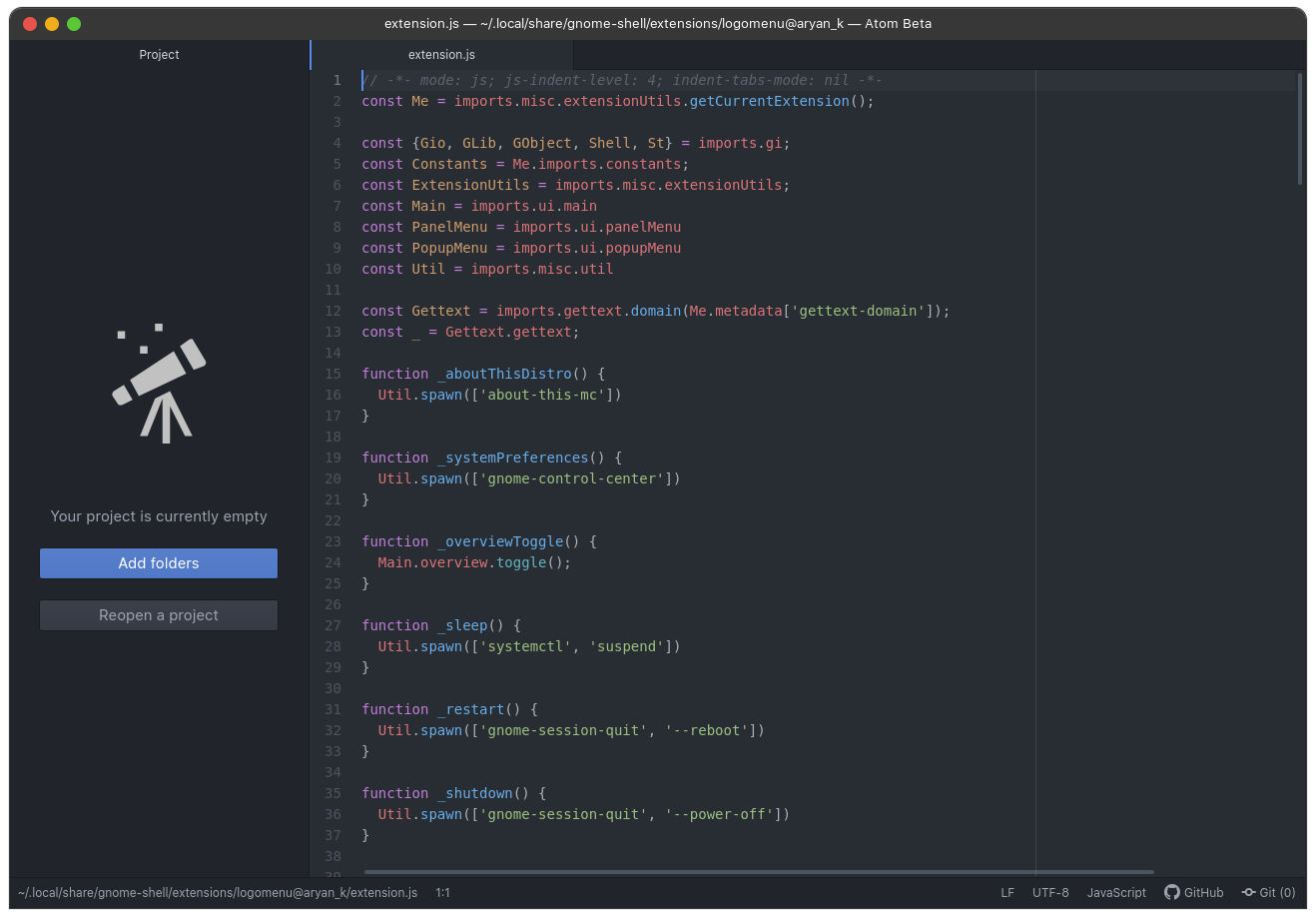
Also, if you put the about-this-mc folder in /home/YOURUSERNAME/local/share you can launch it like a normal app in terminal by just typing about-this-mc or using it as a launch argument for a desktop file...or, like I did, as a menu item in Logo Menu extension:
2 Likes
Yea that's a pip from YouTube on firefox, ah cool ok yea I run it via the terminal command. I'll look into it thanks.
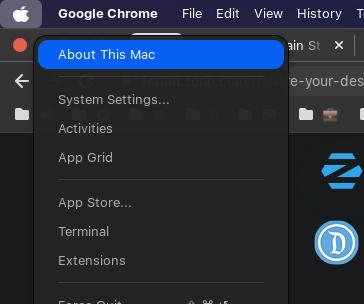
I am able to run it straight from here:
1 Like
Ah dope ok coolt hx
1 Like
I love how menu shows up in top bar for Dolphin on it's own.
I have some free space on hard disk. Wondering debian or mx linux.
Now i am using some time fedora. Want check how long will be stable.
I was a couple days with gentoo and dwm - digital window manager. Linux neverending journey to discover new lands. @Storm you are always on top with theming - your passion.
Looks nice! Where did it come from?