How do i show the heroic games launcher appimage in the app menu?
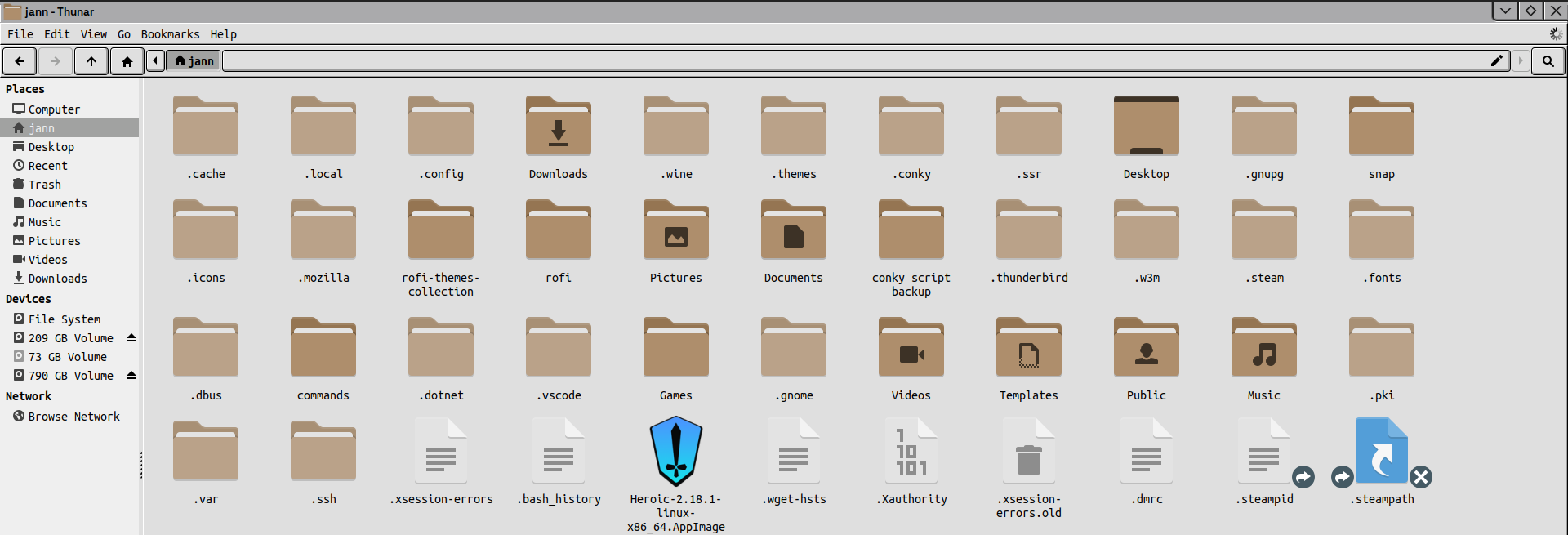
You can create a .desktop file for it and place it in the /.local/share/applications directory in your home folder.
The file can be named heroic.desktop
Contents:
(replace $USER with your username and the rest of path to with the actual path to the appimage and the actual name of the appimage.
Set the
[Desktop Entry]
Name=Heroic Games Launcher
Exec=/home/$USER/path to /Heroic.AppImage
Icon=heroic
Type=Application
StartupNotify=true
Categories=Games;
Comment=Launch heroic
Terminal=false
Once saved and placed, you can refresh the app menu if needed
chmod +x ~/.local/share/applications/heroic.desktop
update-desktop-database ~/.local/share/applications
1 Like
works
1 Like
This topic was automatically closed 90 days after the last reply. New replies are no longer allowed.