Cómo solucionar el problema de falta de sonido en el navegador Brave , constantemente se va el audio viendo videos de youtube
Is Brave installed as Flatpak or .deb Version? Do You have this Sound Issues only in Brave or with other Programs, too?
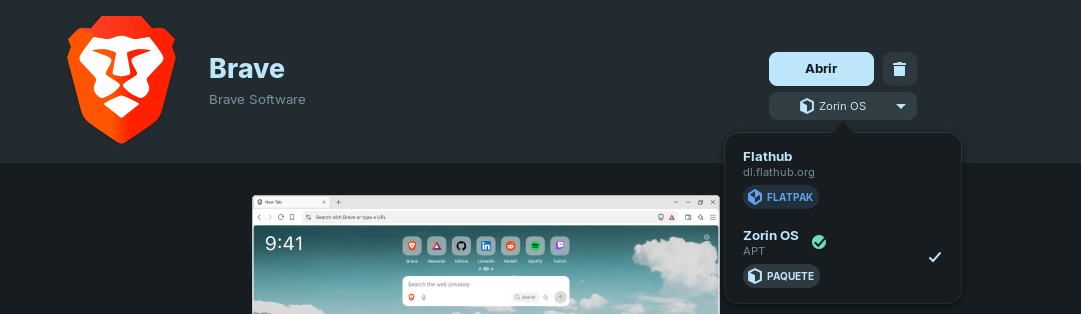
Okay, and is the Sound Issue only in Brave or in other Programs, too?
solo en brave pasa eso
abro youtube en firefox funciona perfectamente
You could try to disable Hardware Acceleration in Brave and see if it change something. Also: You could try Pulse Audio Volume Control. It is a tool for set up Audio Input and Output. You can install it with sudo apt install pavucontrol in the Terminal. When installed, open it and check the Configuration and Output tab and check what Options and Audio Profiles do You have. And see how it behaves with Brave.
1 Like
no sirvio de nada sigue el mismo problema en brave
Maybe try a Reinstall. Type in Terminal sudo apt reinstall brave-browser
Another Thing: Does Your system run in Wayland or X11? You can check that with the Terminal Command echo $XDG_SESSION_TYPE
When it should run in Wayland, You could try it with switching to X11/Xorg. To do that, go to the Login Screen. Click there on Your Profile so that the Password Field appears. When it is appeared, You should see a Gear Icon in the bottom right Corner. Click on it and choose the Option ''Zorin Desktop on Xorg'' and then log in.
Are Secure Boot and Fast Boot in BIOS disabled? If Windows is still installed: Is Fast Start-Up in Windows disabled?
This topic was automatically closed 90 days after the last reply. New replies are no longer allowed.