[Link Removed]
only half the site renders and things don't update from drop down boxes.
Some images are missing. This happens in both Brave and Firefox.
I removed the Link because it can be understand as Spam. Could You instead post some Screenshots of the problematic Area's please?
1 Like
What you describe sounds like a graphics driver issue.
It is unlikely to be limited to only One Website, however. If you are experiencing it on one and only one website, I would suspect the site itself.
You can check your GPU and driver:
sudo lshw -C video
The website was also not shown correctly on my system. Many images missing. I think it is a problem with the website. You could contact the seller.
Recently, I had a problem with the forum's website that many things weren't loaded and I was not able to login, and then I remembered, that I had changed the brave settings for a test and set high security protection and had disabled features (java script). After I reset everything to normal, it worked.
If you have the problem only on this website, it is probably a website issue.
1 Like
Two images that highlight the problem.
- images are missing but work on my Android phone.
- drop down box when selecting alternatives no updates in price or images.
selecting different tabs not working
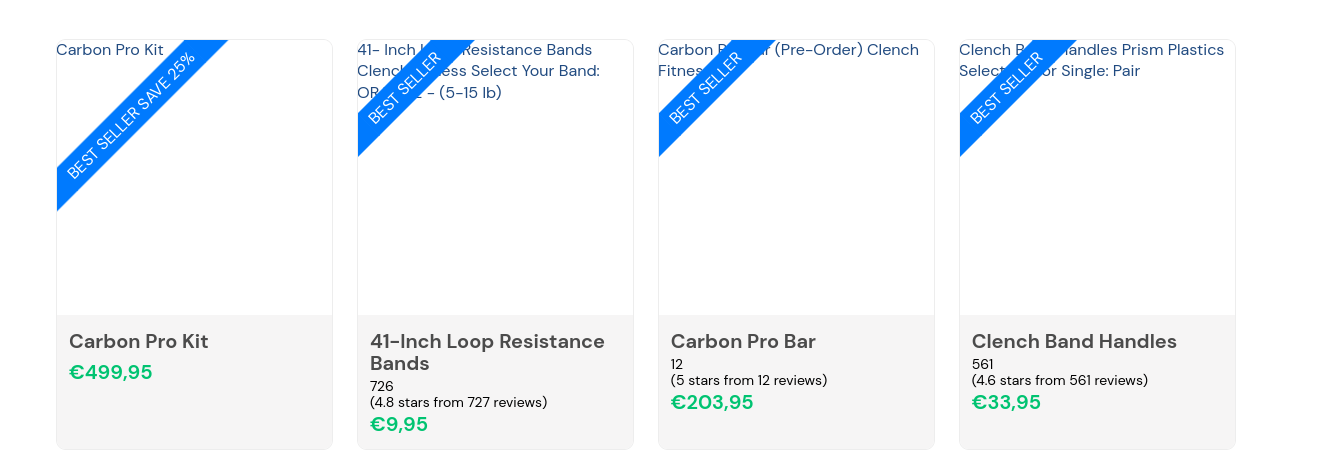
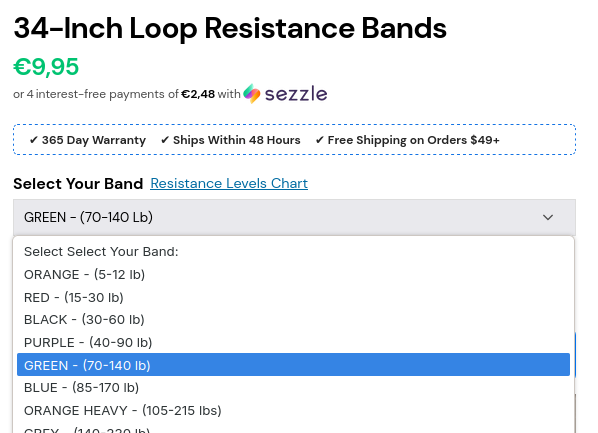
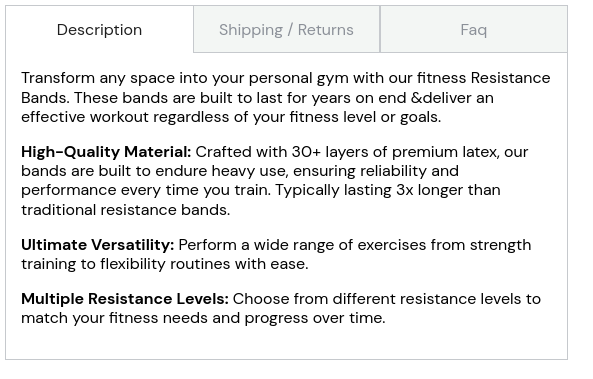
This website works ok on my Android phone.
How is Your Browser set up?
I also didn't get the website to work in Linux with Firefox or Brave, just on my Android phone it works. I tested also incognito mode, disabled the Brave shields for the website and changed many browser settings, but found no solution yet.
1 Like
I initially tested this on Zorin OS, using my preferred browser - and the webpage displayed normally.
On Android phone, it displays normally.
I then tested on Firefox with adblock enabled and on Brave Browser set to default privacy settings - and images were missing and descriptions were then truncated.
This means that the Webpage itself is in error, as it is not properly identifying its components. Contacting that website administrator is the path to resolution.
2 Likes
How do you mean?
Do You use the Private Mode? How are the Privacy Settings or the Browser are set up? Do You have any Browser Extensions installed that addresses Privacy and Data Protection?
yes privacy badger and Ublock Origin disabled both of them still no difference.
What Browser do You use at the Moment?