I've recently gotten Slay the Spire 2 (great game so far!) and got around to installing it on Zorin after having it working elsewhere on another Win box.
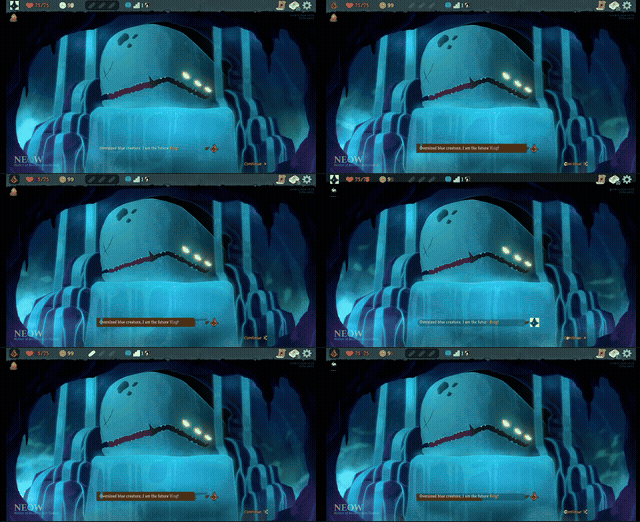
I am experiencing allllll sorts of artifacting, seen in the gif below. I've attempted to change every settings in the settings -> graphics but I cannot seem to get it working properly, nothing helps. Tried forcing Steam to be running Steam Linux Runtime 3.0. Proton doesn't seem to be supported by my hardware.
Help?
Hi and welcome.
I am not a gamer, but wonder if your game (is it native Linux or a Windows game?) might run better under Winboat?
Hmmm, i hadn't considered something like Winboat, I'll give it a shot. Thanks.
Welcome to the Forum!
- Can You post Your Hardware Specs?
- If You have a Nvidia Card: What Driver do You use?
- Does Your System run in Wayland or X11? You can check that with the Terminal Command
echo $XDG_SESSION_TYPE - Is Steam installed as Flatpak or .deb Version?
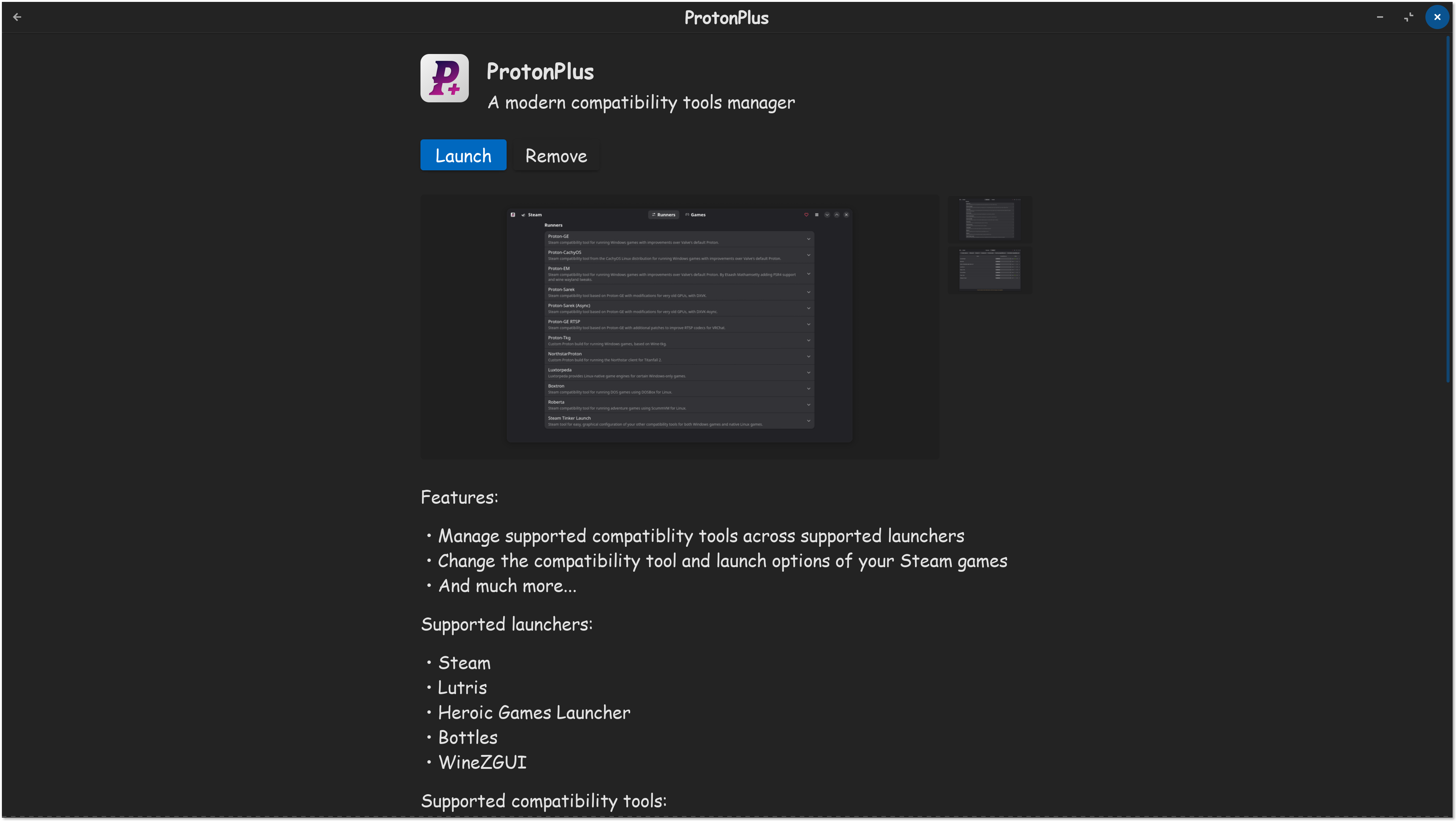
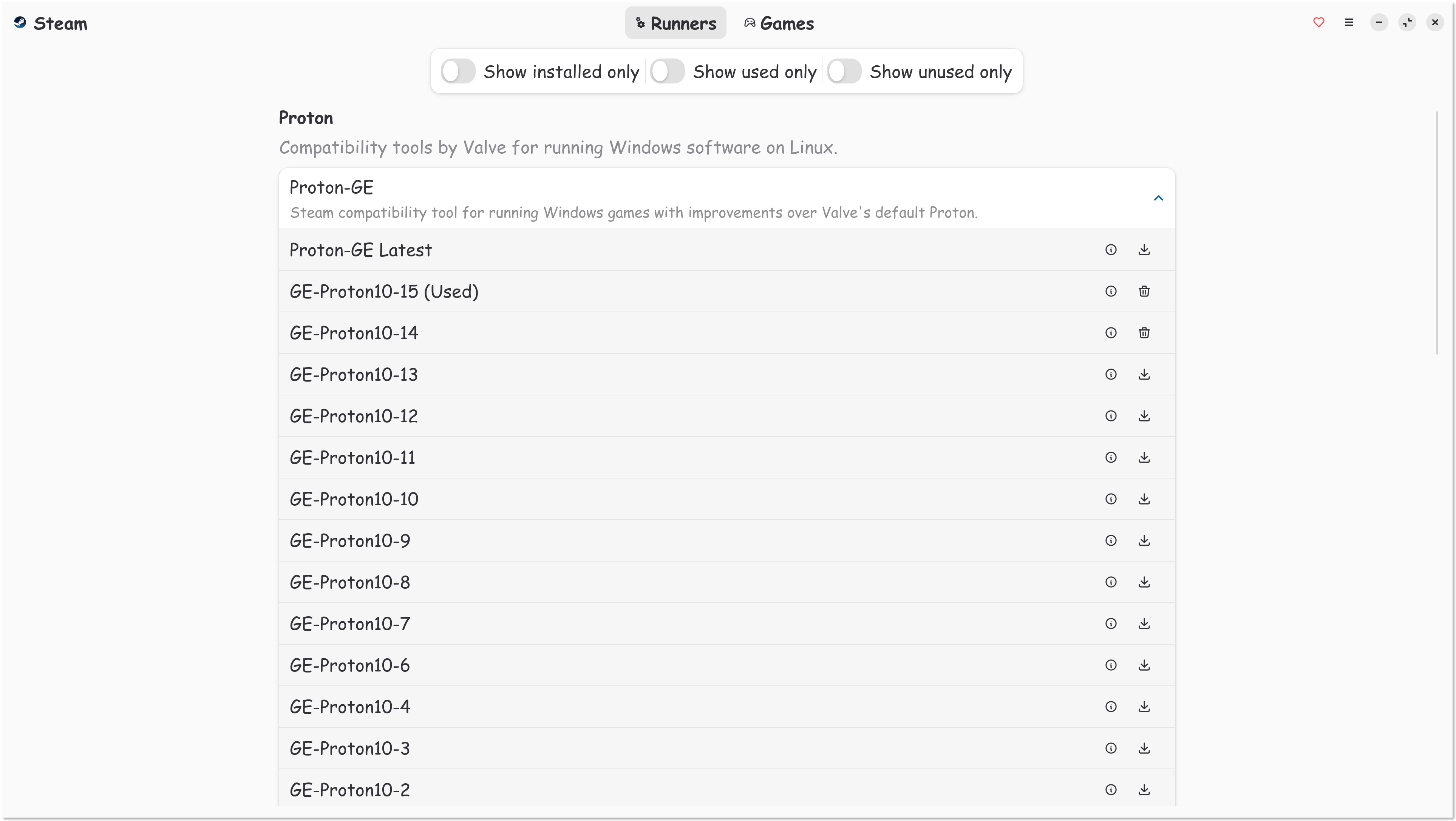
You could try the Tool ProtonPlus (available in Gnome Software) to install Proton Versions. But I think, this should be possible in Steam, too.
1 Like
I just bought the game (huge fan of the slay the spire franchise).
Works great, no issues. I got a Radeon 7900 XTX run under Wayland on Solus Linux. Slay the Spire 2 runs natively in Linux.

1 Like
Personally, I always recommend playing games through Steam, literally best chance to get any game running on Linux, Steam & Proton. Having said that, yes ProtonPlus is another option. Even I got that on my computer too.

This topic was automatically closed 90 days after the last reply. New replies are no longer allowed.