I am on Zortin 18.1 Pro, and it's only my second week off of mswindows.
2 days ago I remember seeing an update to Gnome (something).
As a complete newcomer to Linux I can't recall the details but I allow updates without looking since I knew Gnome is something important. The update seemed to go OK.
But I'm seeing some strange behavior since then.
I have no idea if these are related in any way, but:
-
Yesterday for the first time, there was a complete system hang and required the power button (windows deja-vu, except at much higher anxiety since I am in completely passive user on linux for now).
-
Yesterday I installed Pycharm IDE and it wouldn't even start. I went through some steps I found online: clearing cache, restart ,etc. which didn't help, but I hope I didn't mess things up. I can post the steps if needed.
-
Today there was a mysterious message popped on top of the screen, stating something like "System failed to lock because another process did not allow it".
-
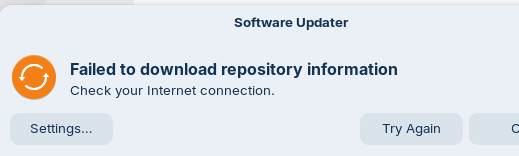
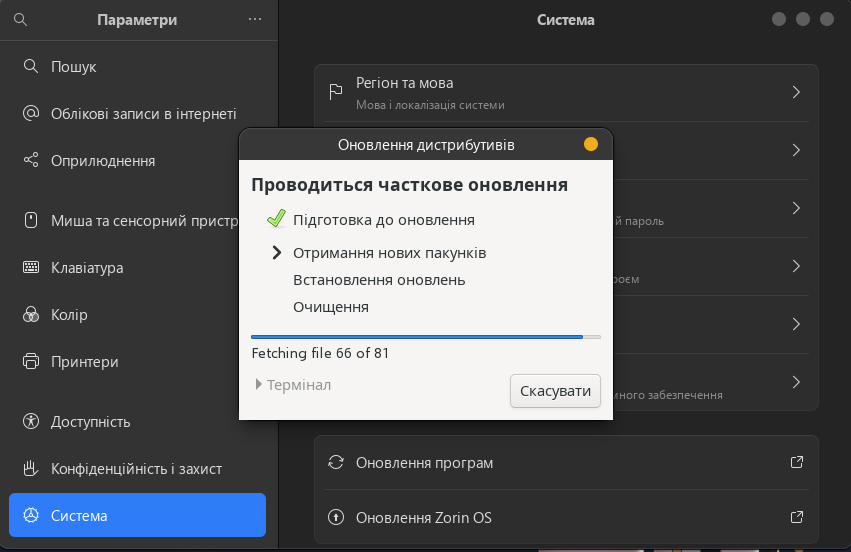
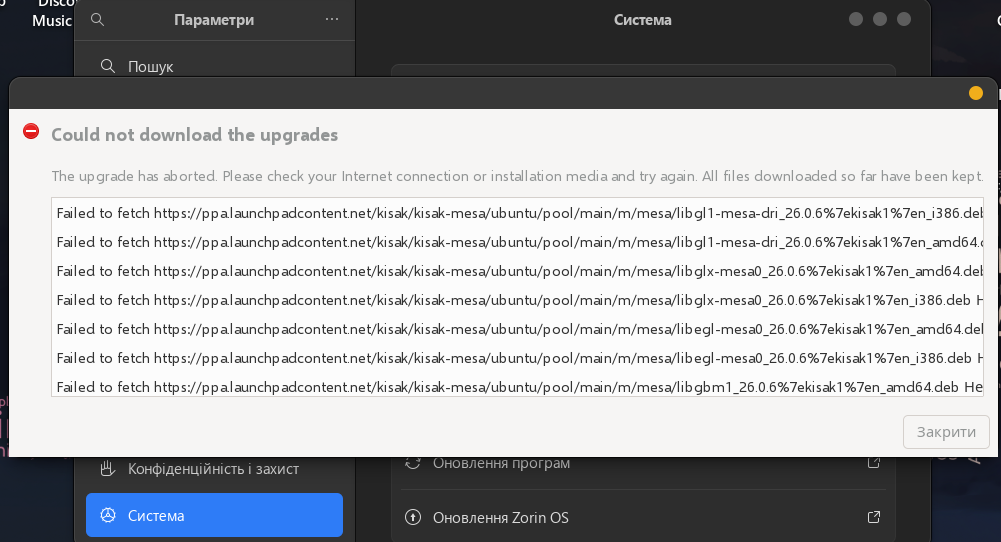
Next I wanted to check on a specific app update and went to the Settings:System:Software updates and after a wait I see:
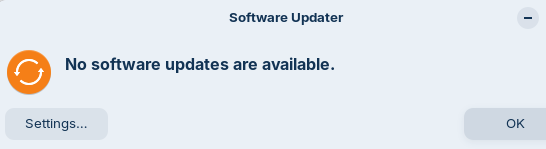
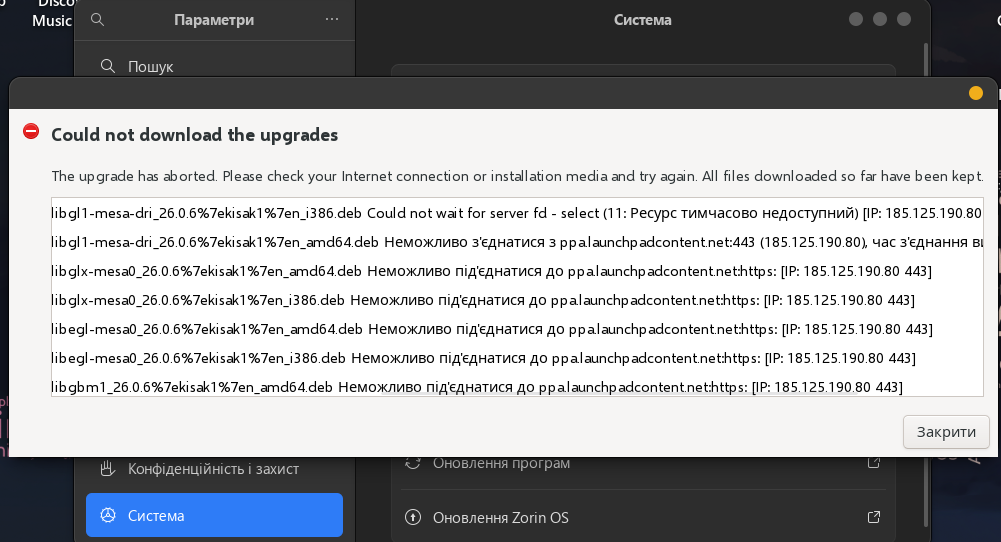
If I click OK then I see:
Incidentally, The SOFTWARE app itself seems to run OK. So before posting I went there and there were two updates, including one for Gnome 49.
Immediately after that It said Gnome 50 is available. I allowed that as well.
I haven't restarted the pc, but item-4 is still happening.
Any advice will be most appreciated.
1 Like
Hi.
The message about lock failure usually points to another process updating.
As an example you open a terminal and enter:
sudo apt-get update && sudo apt-get upgrade
and then try running Software Updater you will get that message.
3 Likes
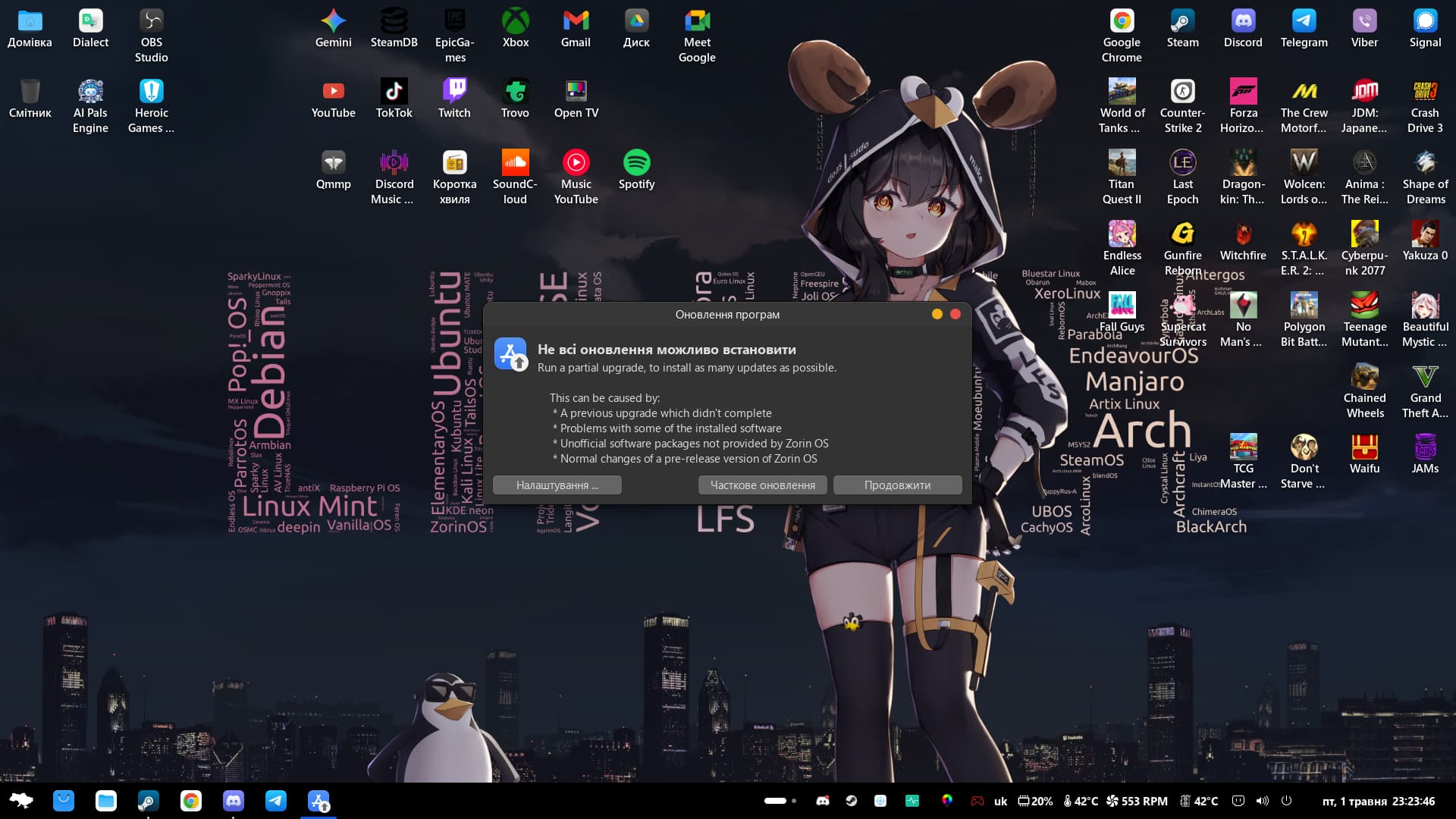
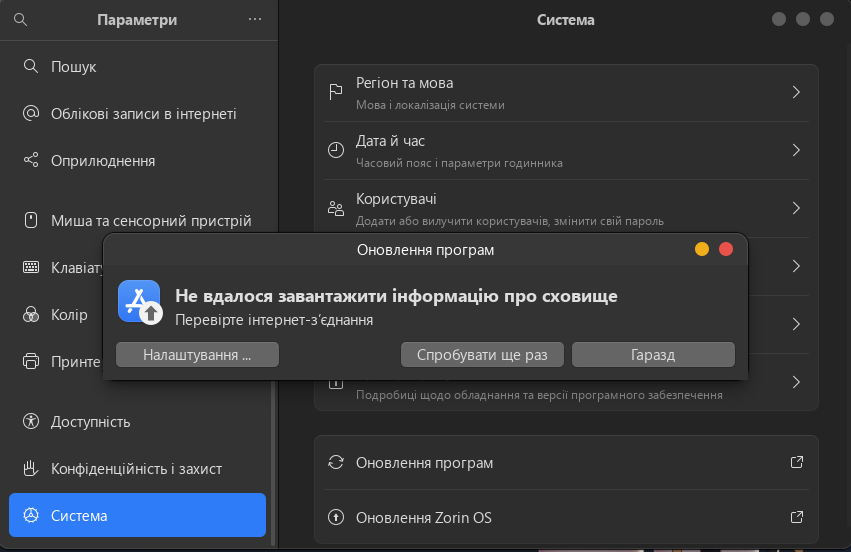
Cheers, though I think this might have been going on for the past few days as I've been having slow connections and updates not always working. Though today decided to dig into what's going on and for me at least it seems to be with the ppa.launchpadcontent.net servers. I only know it's those one because I try running updates via Terminal.
The servers are not responding - the update problem has been hanging for 2 days.
vkedaxvip@vkedaxvip-MS-7B51:~$ sudo apt update && sudo apt upgrade
[sudo] пароль до vkedaxvip:
В кеші:1 Index of /ubuntu/ noble InRelease
В кеші:2 Index of /ubuntu/ noble-updates InRelease
В кеші:3 Index of /ubuntu/ noble-backports InRelease
В кеші:4 Index of /ubuntu noble-security InRelease
В кеші:5 Index of /stable/ noble InRelease
В кеші:6 Index of /patches/ noble InRelease
В кеші:7 Index of /apps/ noble InRelease
В кеші:8 Index of /drivers/ noble InRelease
Ігн:9 https://ppa.launchpadcontent.net/kisak/kisak-mesa/ubuntu noble InRelease
Ігн:10 https://ppa.launchpadcontent.net/zorinos/apps/ubuntu noble InRelease
Ігн:11 https://ppa.launchpadcontent.net/zorinos/drivers/ubuntu noble InRelease
Ігн:12 https://ppa.launchpadcontent.net/zorinos/patches/ubuntu noble InRelease
Ігн:13 https://ppa.launchpadcontent.net/zorinos/stable/ubuntu noble InRelease
Ігн:9 https://ppa.launchpadcontent.net/kisak/kisak-mesa/ubuntu noble InRelease
Ігн:10 https://ppa.launchpadcontent.net/zorinos/apps/ubuntu noble InRelease
Ігн:11 https://ppa.launchpadcontent.net/zorinos/drivers/ubuntu noble InRelease
Ігн:12 https://ppa.launchpadcontent.net/zorinos/patches/ubuntu noble InRelease
Ігн:13 https://ppa.launchpadcontent.net/zorinos/stable/ubuntu noble InRelease
Ігн:9 https://ppa.launchpadcontent.net/kisak/kisak-mesa/ubuntu noble InRelease
Ігн:10 https://ppa.launchpadcontent.net/zorinos/apps/ubuntu noble InRelease
Ігн:11 https://ppa.launchpadcontent.net/zorinos/drivers/ubuntu noble InRelease
Ігн:12 https://ppa.launchpadcontent.net/zorinos/patches/ubuntu noble InRelease
Ігн:13 https://ppa.launchpadcontent.net/zorinos/stable/ubuntu noble InRelease
Пом:9 https://ppa.launchpadcontent.net/kisak/kisak-mesa/ubuntu noble InRelease
Неможливо з'єднатися з ppa.launchpadcontent.net:443 (185.125.190.80), час з'єднання вичерпався
Пом:10 https://ppa.launchpadcontent.net/zorinos/apps/ubuntu noble InRelease
Неможливо під'єднатися до ppa.launchpadcontent.net:https:
Пом:11 https://ppa.launchpadcontent.net/zorinos/drivers/ubuntu noble InRelease
Неможливо під'єднатися до ppa.launchpadcontent.net:https:
Пом:12 https://ppa.launchpadcontent.net/zorinos/patches/ubuntu noble InRelease
Неможливо під'єднатися до ppa.launchpadcontent.net:https:
Пом:13 https://ppa.launchpadcontent.net/zorinos/stable/ubuntu noble InRelease
Неможливо під'єднатися до ppa.launchpadcontent.net:https:
Зчитування переліків пакунків... Виконано
Побудова дерева залежностей... Виконано
Зчитування інформації про стан... Виконано
59 пакунків можуть бути оновлені. Для перегляду виконайте 'apt list --upgradable'.
W: Не вдалося завантажити https://ppa.launchpadcontent.net/kisak/kisak-mesa/ubuntu/dists/noble/InRelease Неможливо з'єднатися з ppa.launchpadcontent.net:443 (185.125.190.80), час з'єднання вичерпався
W: Не вдалося завантажити https://ppa.launchpadcontent.net/zorinos/apps/ubuntu/dists/noble/InRelease Неможливо під'єднатися до ppa.launchpadcontent.net:https:
W: Не вдалося завантажити https://ppa.launchpadcontent.net/zorinos/drivers/ubuntu/dists/noble/InRelease Неможливо під'єднатися до ppa.launchpadcontent.net:https:
W: Не вдалося завантажити https://ppa.launchpadcontent.net/zorinos/patches/ubuntu/dists/noble/InRelease Неможливо під'єднатися до ppa.launchpadcontent.net:https:
W: Не вдалося завантажити https://ppa.launchpadcontent.net/zorinos/stable/ubuntu/dists/noble/InRelease Неможливо під'єднатися до ppa.launchpadcontent.net:https:
W: Деякі індексні файли не вдалося завантажити. Вони були зігноровані, або замість них були використані старіші версії.
N: Відсутній підписант у записі sources.list(5) для 'Index of /stable/'
N: Відсутній підписант у записі sources.list(5) для 'Index of /patches/'
N: Відсутній підписант у записі sources.list(5) для 'Index of /apps/'
N: Відсутній підписант у записі sources.list(5) для 'Index of /drivers/'
Зчитування переліків пакунків... Виконано
Побудова дерева залежностей... Виконано
Зчитування інформації про стан... Виконано
Обчислення оновлень... Виконано
НОВІ пакунки, які будуть встановлені:
linux-headers-6.17.0-23-generic linux-hwe-6.17-headers-6.17.0-23
linux-hwe-6.17-tools-6.17.0-23 linux-image-6.17.0-23-generic
linux-modules-6.17.0-23-generic linux-modules-extra-6.17.0-23-generic
linux-tools-6.17.0-23-generic
Пакунки, які залишені в незмінному стані:
libnvidia-cfg1-590 libnvidia-common-590 libnvidia-compute-590
libnvidia-compute-590:i386 libnvidia-decode-590 libnvidia-decode-590:i386
libnvidia-encode-590 libnvidia-encode-590:i386 libnvidia-extra-590
libnvidia-fbc1-590 libnvidia-fbc1-590:i386 libnvidia-gl-590
libnvidia-gl-590:i386 linux-modules-nvidia-590-generic-hwe-24.04
linux-signatures-nvidia-6.17.0-22-generic nvidia-compute-utils-590
nvidia-driver-590 nvidia-kernel-common-590 nvidia-kernel-source-590
nvidia-utils-590 xserver-xorg-video-nvidia-590
Пакунки, які будуть ОНОВЛЕНІ:
iproute2 kmod libegl-mesa0 libegl-mesa0:i386 libgbm-dev libgbm1 libgbm1:i386
libgl1-mesa-dri libgl1-mesa-dri:i386 libgles2-mesa-dev libglx-mesa0
libglx-mesa0:i386 libkmod2 liblcms2-2 liblcms2-2:i386 liblcms2-utils
linux-firmware linux-generic-hwe-24.04 linux-headers-generic-hwe-24.04
linux-image-generic-hwe-24.04 linux-libc-dev linux-tools-common
mesa-libgallium mesa-libgallium:i386 mesa-vulkan-drivers
mesa-vulkan-drivers:i386 openssh-client remmina remmina-common
remmina-plugin-rdp remmina-plugin-secret remmina-plugin-vnc thermald
vim-common vim-tiny xxd zorin-exec-guard zorin-exec-guard-app-db
оновлено 38, встановлено 7 нових, 0 відмічено для видалення і 21 не оновлено.
Необхідно завантажити 68,6 MB/921 MB архівів.
Після цієї операції об'єм зайнятого дискового простору зросте на 338 MB.
Бажаєте продовжити? [Y=ТАК/n=ні] n
Перервано.
vkedaxvip@vkedaxvip-MS-7B51:~$