Thanks so much, that worked! Attached is what my setup looks like:
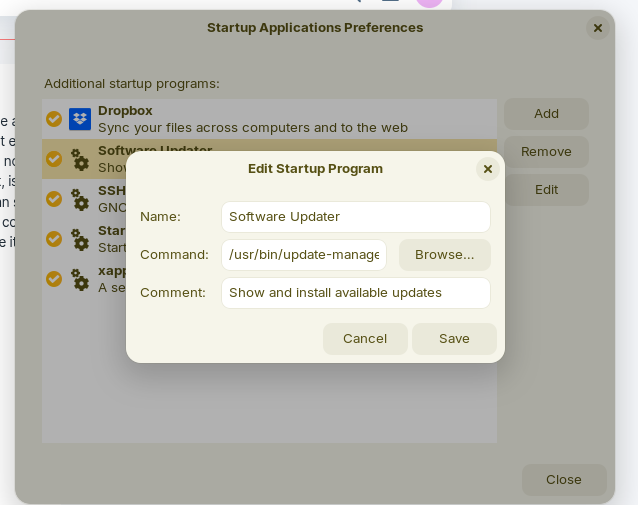

Thanks, I saw Forpli's response first and went that way. But I followed your advice and installed Gnome Tweaks anyway because I'd seen it mentioned numerous times and figured it might come in handy in the future! Confirmed that Software Updater shows up in Tweaks > Startup Applications. And it works as advertised, just after the desktop icons appeared Software Updater went to work!
Thank you.
Update: This issue has now been fixed in the latest updates from the Software Updater today: How to set up unattended upgrades? - #83 by AZorin
More details on the issue:
How to set up unattended upgrades? - #81 by guugues
Ah ok! Thanks! 