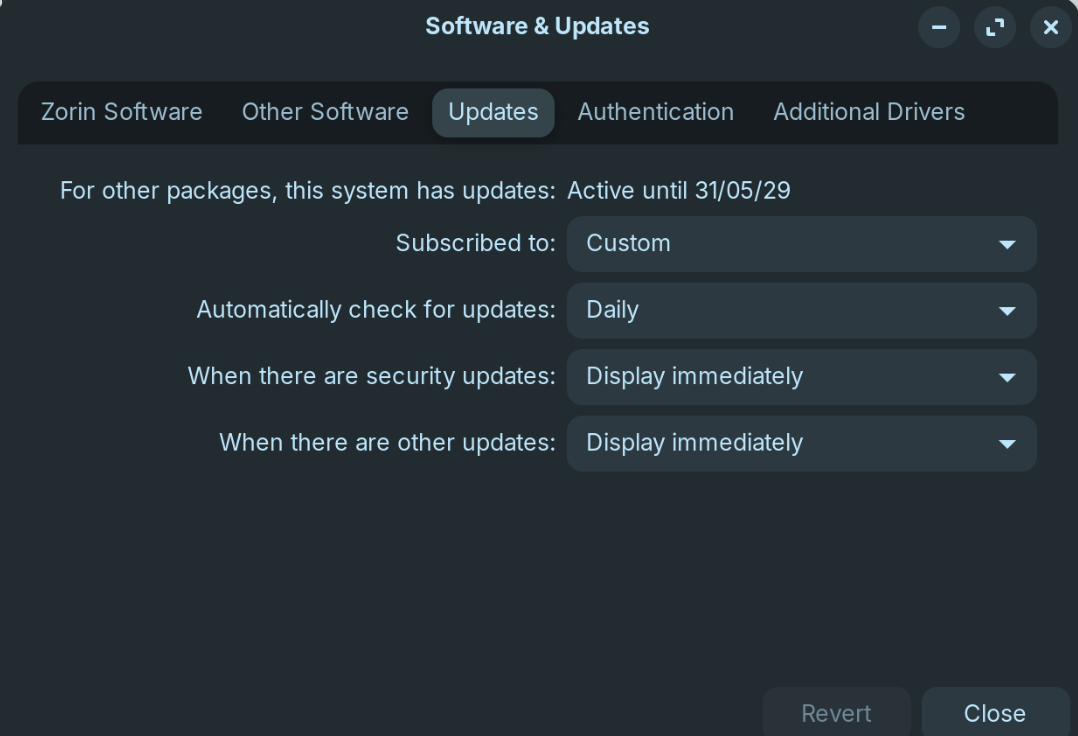
I did a fresh install of Zorin 18 Beta and updated to Core, everything is working great. Except that I just noticed something strange with the Software updater. I have set it up to display security updates and other updates immediately and set to automatically check daily. I have manually checked by starting the software updater few times last week and it did not notify me of any new updates.
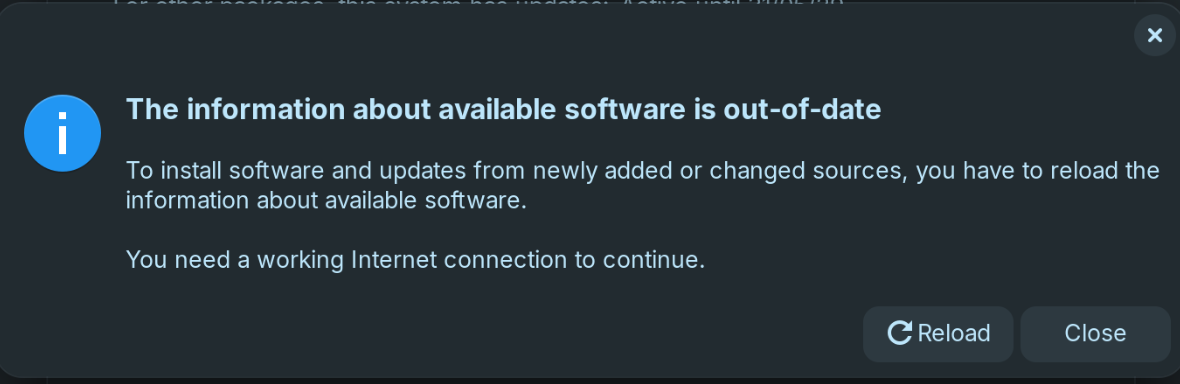
Also, if I change "subscribed to" to "All updates", the value stay stuck on custom and when I close, I get a message saying that the information about available software is out of date.
It used to work fine for me on Zorin 17.
Any help is greatly appreciated?
Thank you
Yes, it does. It's more that Software updater doesn't automatically report any new updates. I have to manually check even if I have set it to automatically report any new updates.
That could be a Thing how the Software Manager in the Background requests the Sources for Updates. I mean, when an Update is available the Automation have to get it. So, it could take a bit for that. The would be my Guess.
Gnome-software is part of the updater and will run in the background - however, it is not unusual that, seeing this extra resource usage, though not actively using the Software Store, users will inhibit or disable this action.
Or set power save settings.
@BrewCoffeeAddict, you may check your power settings or the above, to see if this is being inhibited in that manner, as well.
Thanks @Aravisian.
I do have my laptop plugged most of the time and I can see the battery icon with a thunder.
My power mode is set to balanced and I also have the Gnome extension called " Battery Health Charging" to limit charge at 80% (Home).
But I had the exact same settings in Zorin 17 and I was getting a message when new system updates were available to install.
For the software store updates, I have set it to auto install, I can see that it detects new apps update but it doesn't seems to install these straight away.
So Maybe something to do with some Gnome updater services in the background...
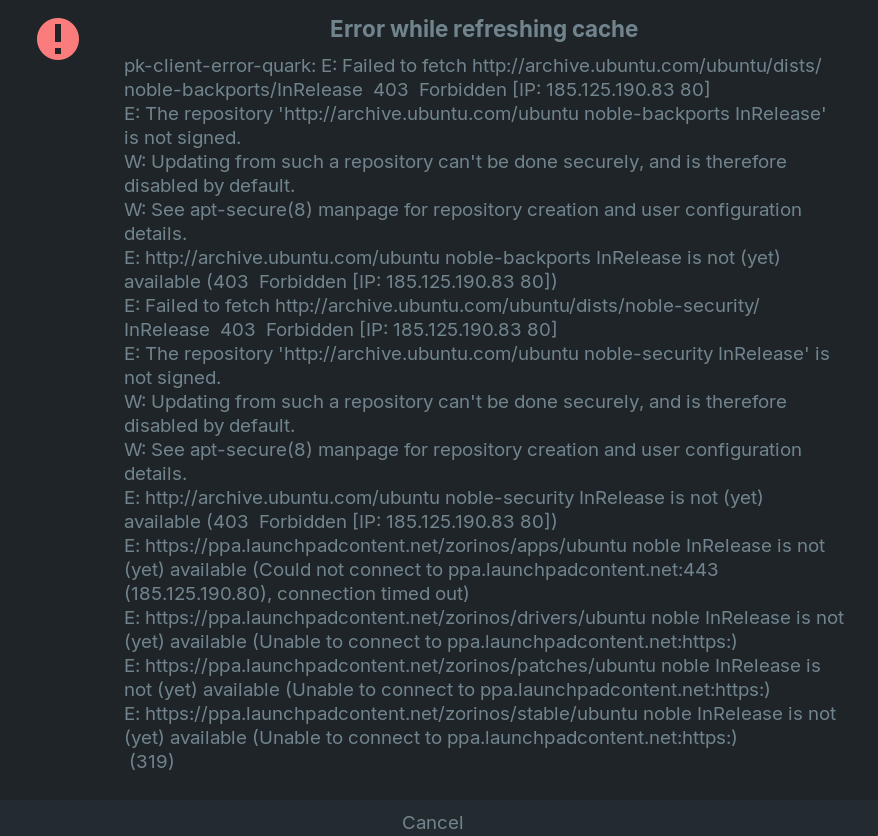
Hello - I have Zorin 18 Core installed, and was going to upgrade to pro today, when I also realized that I wasn't geting any alerts about updates. As part of the upgrade process, the first step is to run the software updater. Upon doing so, I also received the same errors mentioned at the start of this article.
However, I am also getting some additional "bonus" messages as it's trying to update before I can even try to upgrade to pro, and I have no idea what to try to resolve this. Screenshot attached.
Anyone have some ideas as to what to do or what is causing this issue?
@Aravisian - Thanks for the suggestions. Network hasn't been an issue. BIOS was set to secure boot off, so I turned it on. Didn't make a difference either way. I also had tried moving to the "Main server", but no luck there either.
I went ahead and let it search for the "closest" mirror, and it chose "xmission", and I just went with it. Everything started to update, but still received errors (see screenshot). I then updated one component at a time, and was able to narrow it down to the one that seems to be causing all the trouble - it's "Upgrade Zorin OS" that it hangs on. I would hate to have to wipe and re-load, but it's looking like it might be the only option unless I can get this resolved.
I would really like to use the "pro" version I purchased and see what it's like as well, but just can't get there from here anyway.
Sadly no... I had the update notifying me only once since I installed Zorin 18. Since then, I have to manually run it as I never get notified of new updates.
I was trying to debug this and I noticed that the update-notifier service is working for me and can fin new updates. But then the Software updater doesn't notify me.
ls -l /var/lib/update-notifier/updates-available
-rw-r--r-- 1 root root 100 Nov 18 17:47 /var/lib/update-notifier/updates-available

cat /var/lib/update-notifier/updates-available

22 updates can be applied immediately.
To see these additional updates run: apt list --upgradable
If I manually start the "software updater" then I can install these.
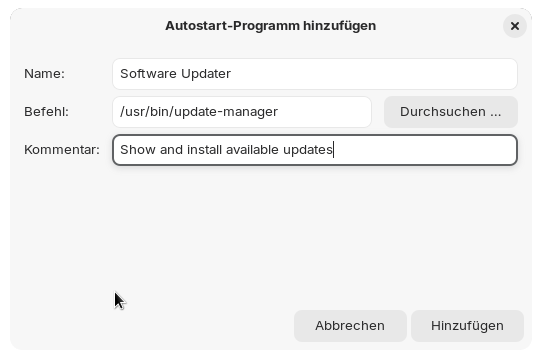
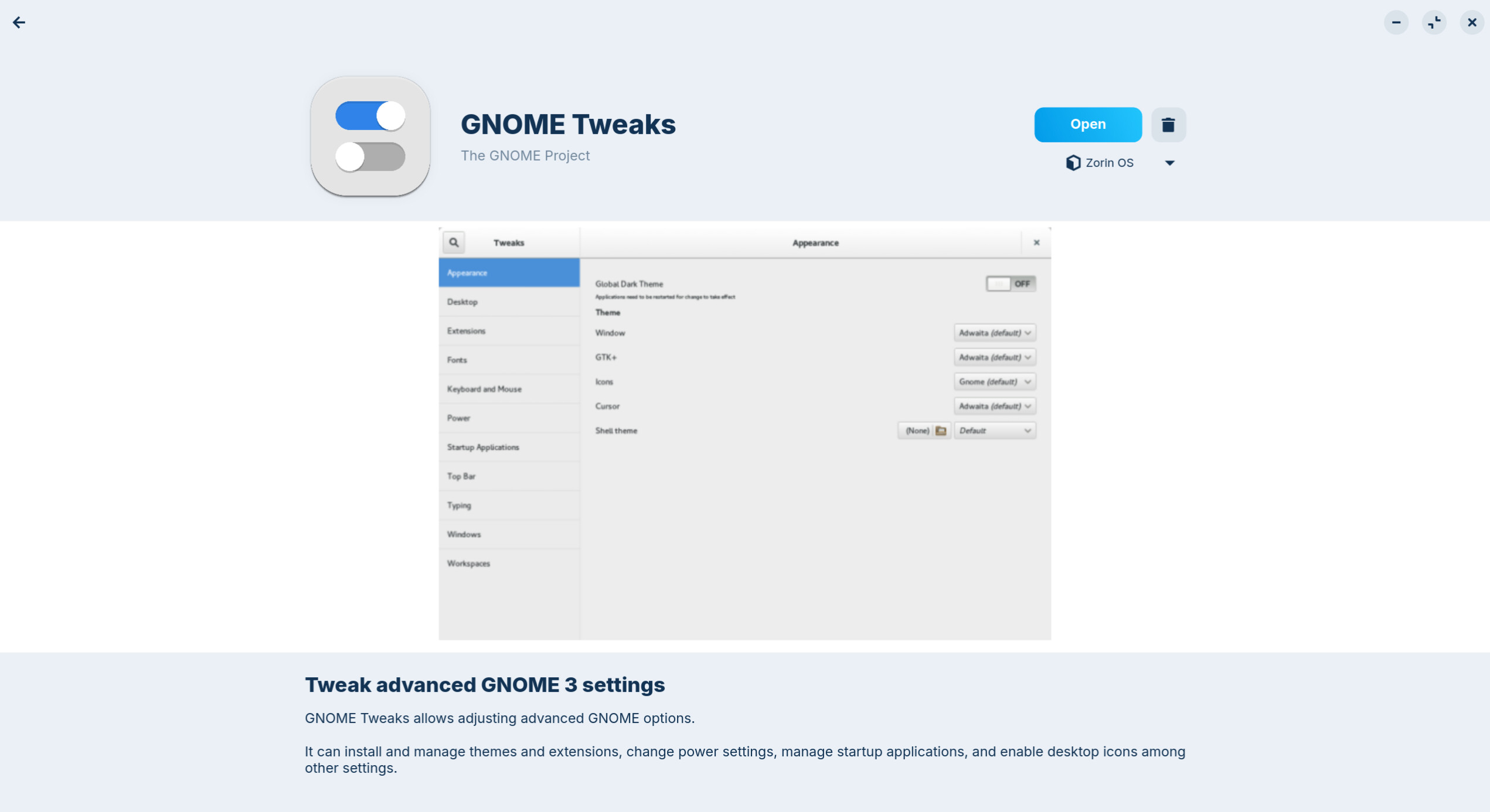
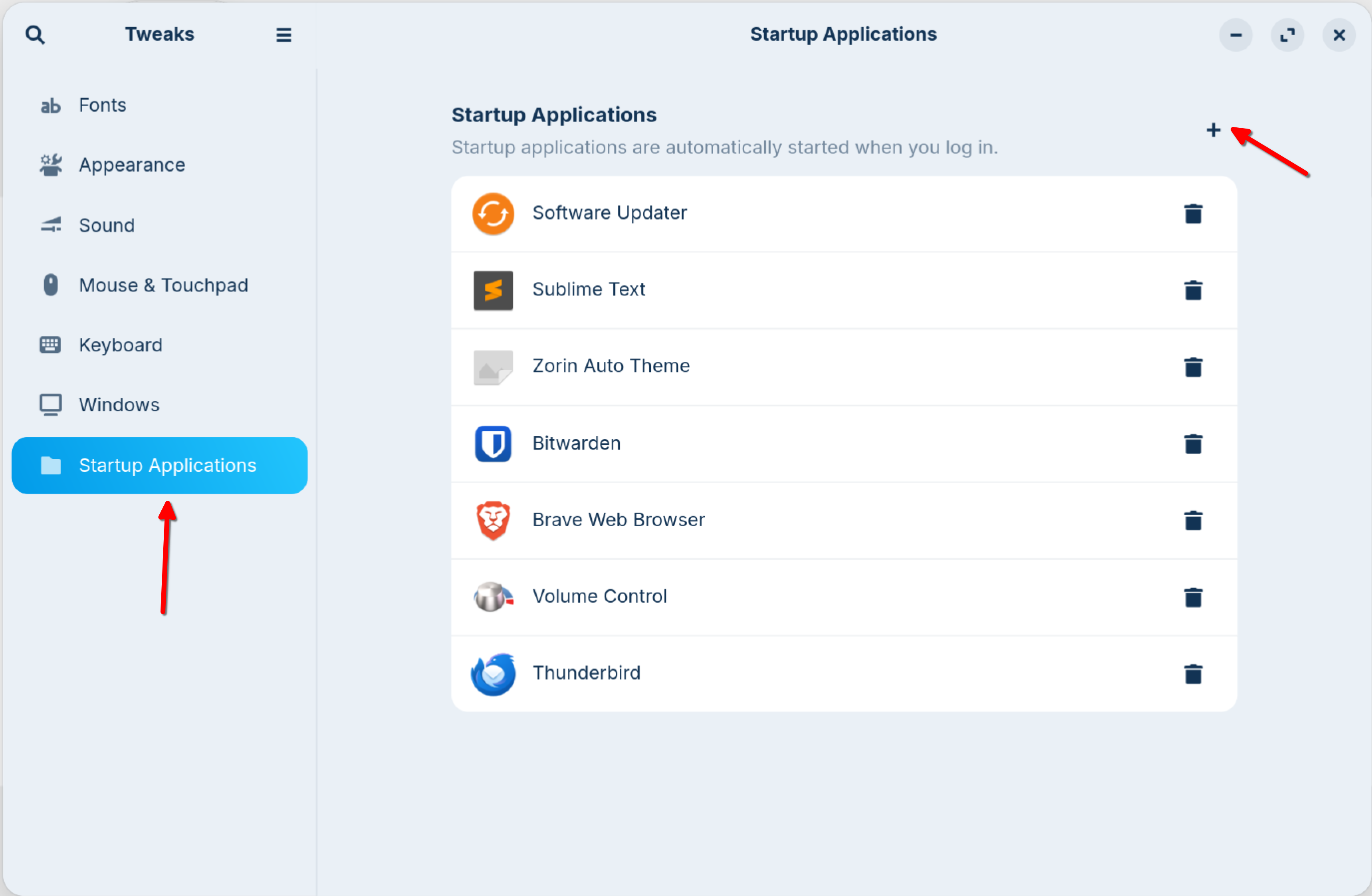
My current workaround is to add the "Software Updater" to the Startup Applications (Via the GNOME Tweaks app).
Since I reboot my laptop daily, it will now check for new updates daily.
Go to Startup Applications and add a new entry. I'm not sure if it is the same as in Zorin 17, but you can check when you right-click on Zorin start menu, select edit menu and at system tools> administration search for software updater (I'm not quite sure what the name in English is, in German it is Update management, is has an circle orange icon with two arrows). Then click on properties and you can see the informations for the launcher, what name and command it has. Note or copy these informations to create a new launcher at autostart programms. I hope it is similar on your system to find it.