(solved)I believe I had a bad update and Everytime I reboot GUI crashes and I can't see the main toolbar I can access terminal via ctrl + alt + F3 and even when I use system to restart GUI a window. I had no choice but to reformat and reinstall with my USB drive... It's running good now
From the zorin-os-16 tag, it looks like you were upgrading straight from 16 to 18. Is that right?
No I was updating drivers at the time. I do not believe I was updating os itself so I would have to double check
Perhaps you were updating display drivers? For GPU, do you have NVIDIA or AMD?
Nvidia drivers and a few others. I also installed a app called level9 so that might be a factor.. apologies for being vague... I need to hop on my pc again to clarify additional information
Edit clarifying it says on terminal I am on version 17 of zorin os.
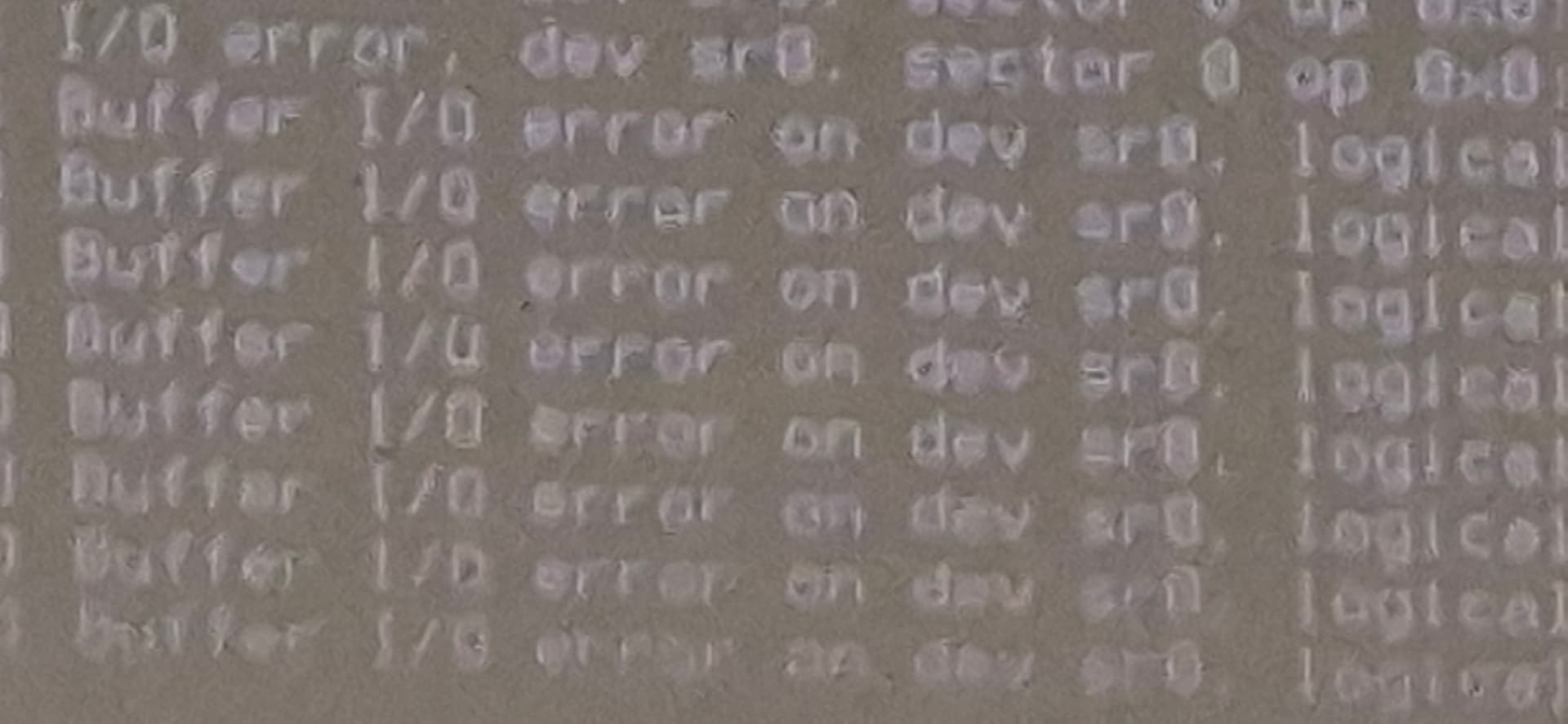
I see the error message. It refers to a CD/DVD drive. ARe you trying to reinstall for a DVD/CD?
No I got nothing in the disk drive I was running a command suggested on Google search that's all apt install --reinstall zorin-os-desktop
ok, so you are reinstalling from a usb drive?
I do have a thumb drive for that if needed so should I just reformat it?
There are many ways we could go - but honestly, the surest way is to reinstall your system. I only say that because that's what you are already attempting to do. The way to do it though by using a jump drive, the same one I presume you used when you did the initial install.
yes, if that is the drive that you used to install the system initially, then yes, boot from that and reinstall the system (which will reformat what you have there now). I hope it is ok that you'll be starting from scratch.
1 Like
I will do that then, I will have to recover other content again... Not end of the world.
good. Listen, one of the best things I did, that I learned the hard way, was to download and use a program called timeshift. It takes a snapshot of your system, so that instead of having to reinstall from scratch when something happens (and something always happens eventually), you just restore from the last save point. Best of all, you can have it backup once a day. It just saves configuratiion, settings, etc. - not your data files - so won't take up much space. Get an externall usb drive and save your timeshift backups there. It is a breeze, and has saved me more than once. You can download it through the normal Zorin software manager I think. If not, it is easy to get other ways.
Just checked to be sure, and you can get it through Zorin Software. Search for it. Before downloading, check to see if there is an apt version. (click the dropdown arrow beside the download icon). Apt is always best. Flatpack next.
Fixed by reinstalling os from my install stick
1 Like
This topic was automatically closed 90 days after the last reply. New replies are no longer allowed.