If you're using Zorin OS 18, this has moved to Settings → Apps → Default Apps.
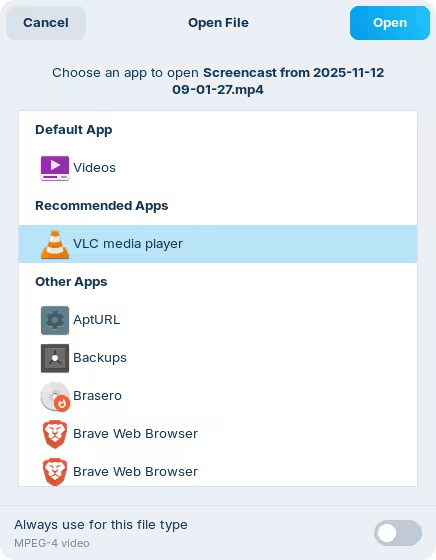
Or, when you right-click on it, select the "Open with" option and check the option at the bottom to "Always use for this file type". This will create an association based on the file extension, so you might need to repeat this for other media files that don't match i.e., mp4 and webm videos.