Hi everyone. I recently purchased the Aspire A15-41M and encountered severe stability issues (Black screens on Windows, boot hangs, and RTC errors). As a Systems Engineer, I have found the root cause in the BIOS v1.10 and developed a workaround. I am sharing this to help other users and to bring this to the attention of Acer's firmware team.*
TECHNICALGUIDE: Stabilizing the Acer Aspire 15 (A15-41M Series) with AMD Ryzen5 8640HS on Linux (Zorin OS / Ubuntu)
Target Hardware: Acer Aspire 15, AMD Ryzen 8000 Series (Hawk Point), Radeon 760M GPU.
Core Issue: Immature BIOS (v1.10) causing graphical freezes, RTC sync errors, and boot failures ("Cold Boot Freeze").
Throughout my nearly 20 years in IT as a SysAdmin and Network Engineer, I have debugged countless systems with BIOS or driver issues that were eventually resolved via updates. However, I have rarely encountered a firmware implementation as frustrating and flawed as the one on this ACER Aspire (admittedly, my first ACER purchase).
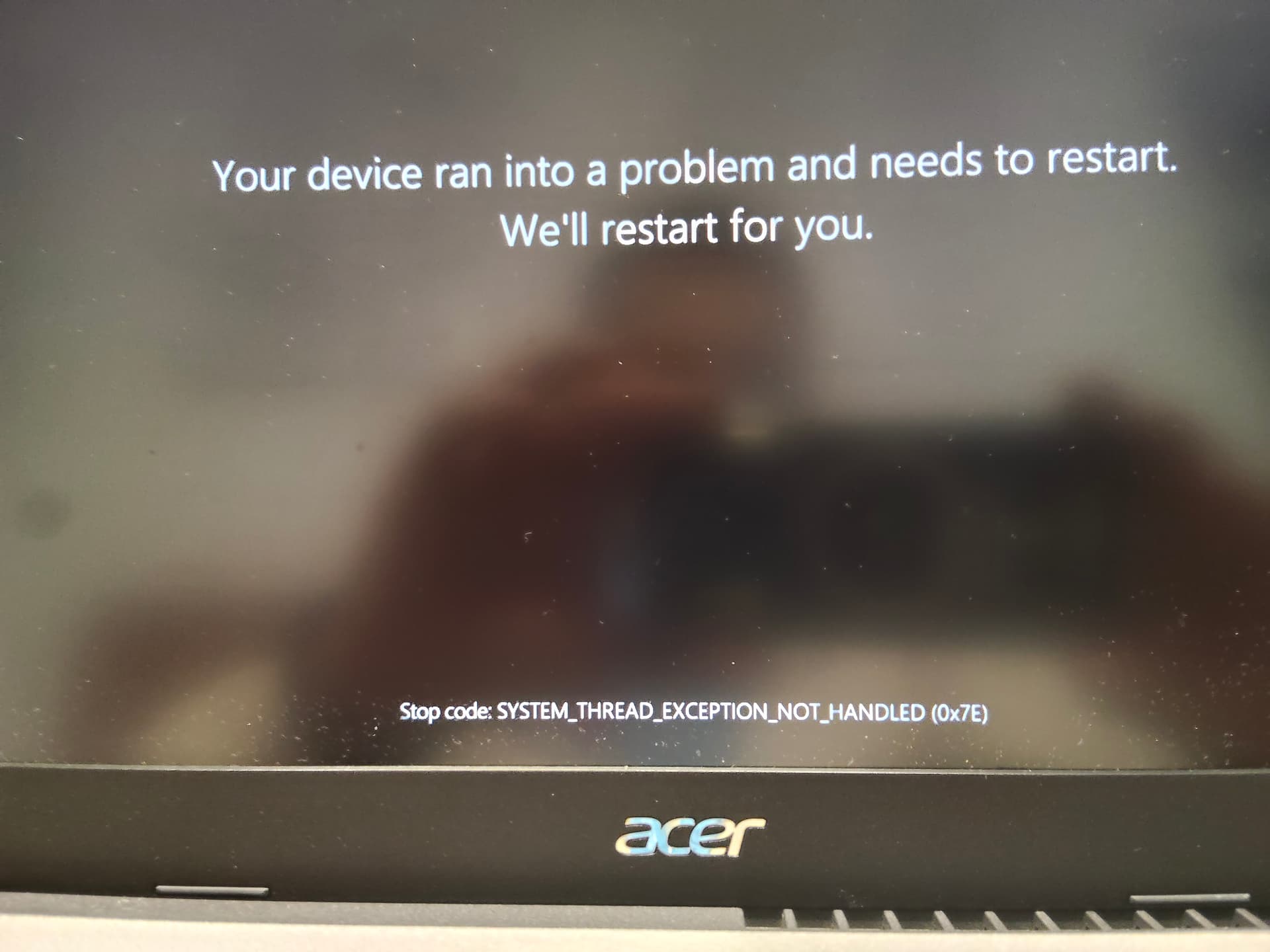
1.Identified Symptoms
- Windows11: Intermittent black screens, frequent reboots (approx. every 2 days), graphical artifacts, and AMD driver crashes. Even after clean OS installs and using both ACER-provided and latest AMD drivers, the issues persisted. The system would often revert to generic Windows display drivers, and the cooling fan would run loudly for extended periods.
- Linux(Default):
dmesglogsfilled withamdgpu:failed to reg_write_reg_waitandMESfailed to responderrors. - BootIssues: System hang at the splash screen after a full Shutdown (Power State S5),often requiring 2-3 forced hard resets to successfully boot.
- BIOS: Hardwareclock (RTC) desynchronization and fans running at 100% duty cyclewithin the BIOS menu for no apparent reason.
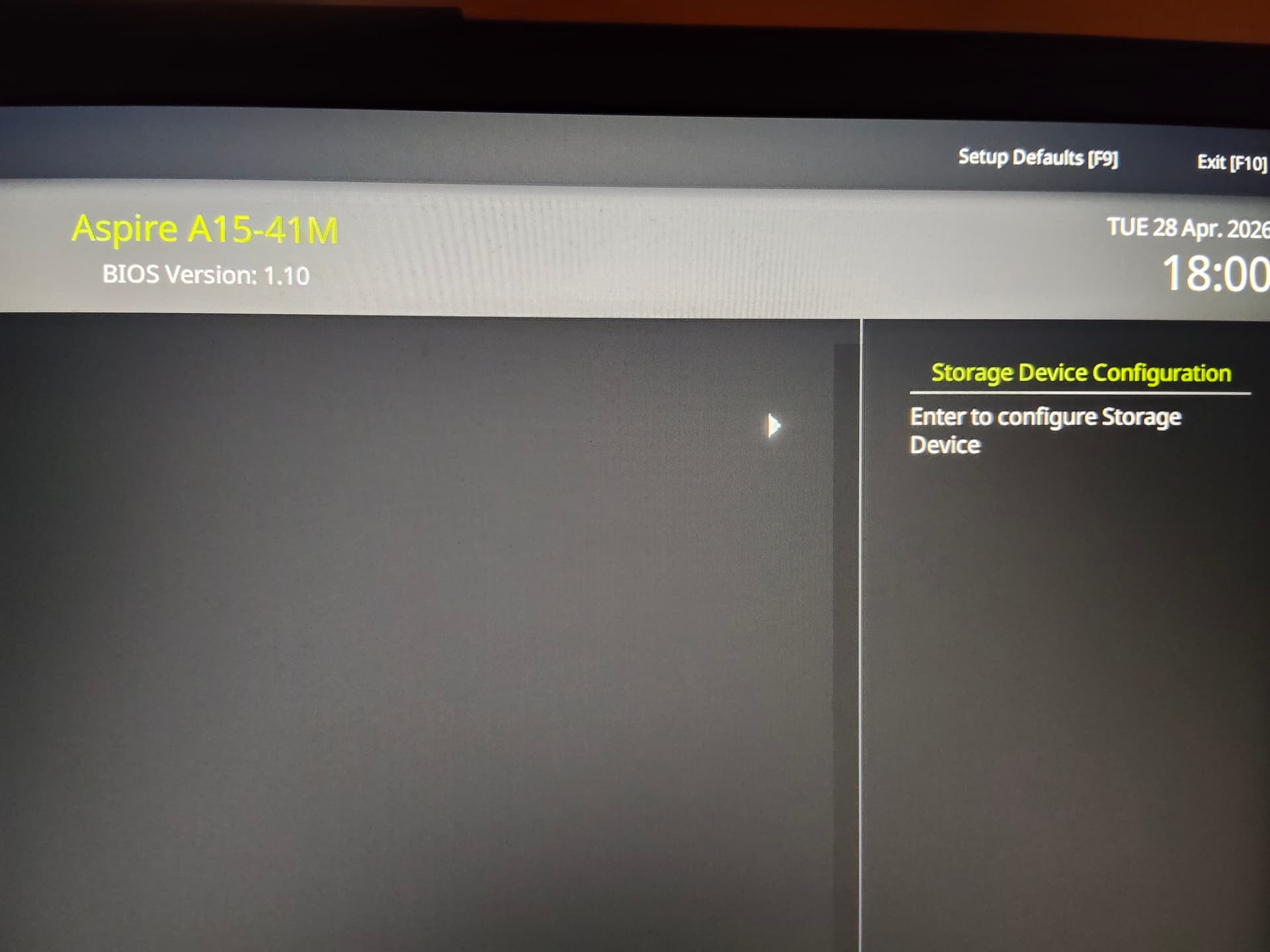
2.Technical Diagnosis
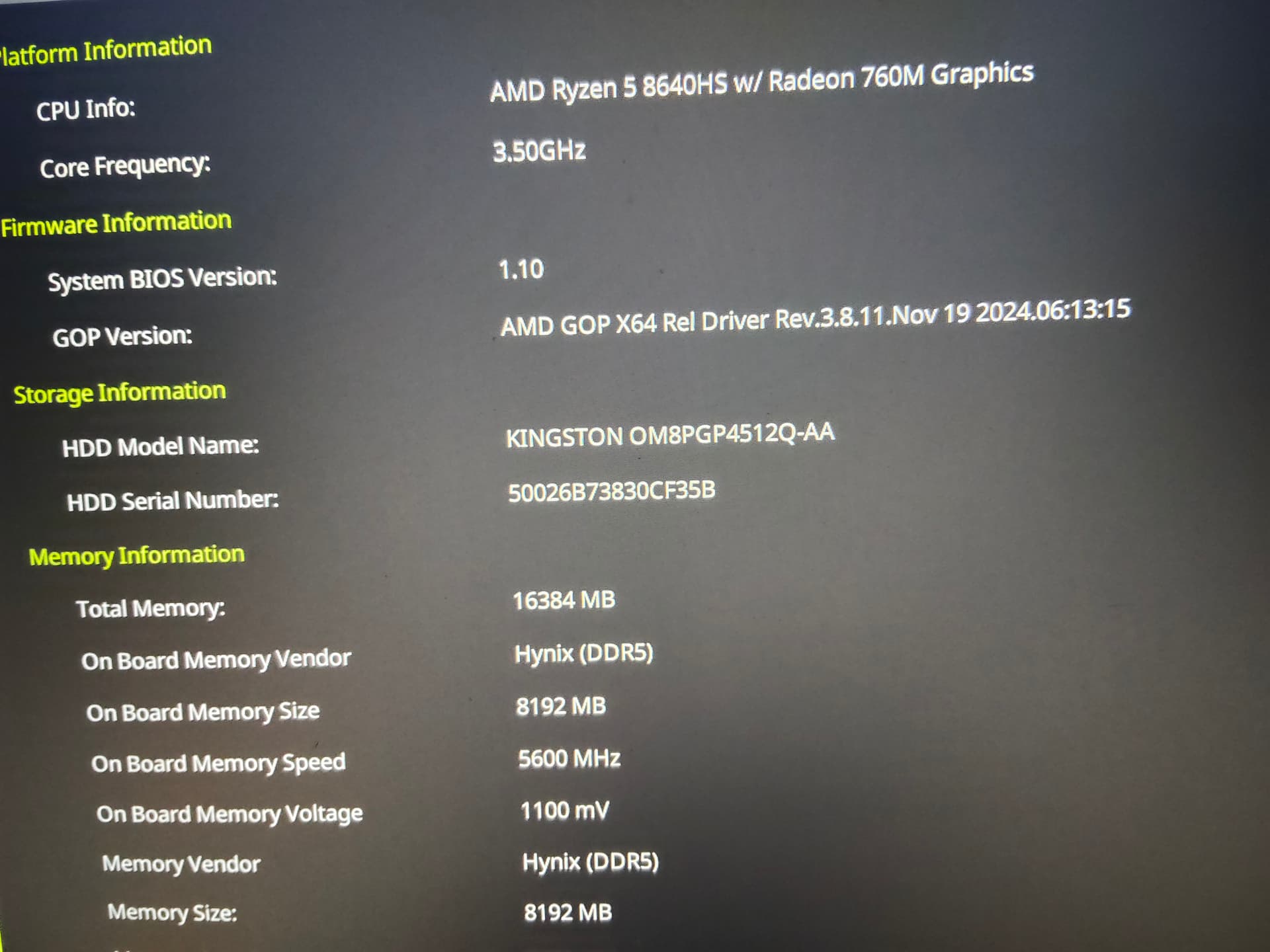
Theproblem is not hardware-related, as initially suspected, but resides in the faulty implementation of ACPI tables and the GOP (Graphics Output Protocol) driver (dated2024!) in the current BIOS version. The firmware fails to manage power state transitions for the integrated GPU and incorrectly maps IOMMU addresses.
3.The Solution: Kernel Optimization via GRUB
To bypass firmware bugs, we must force the Linux Kernel to take direct control of PCI buses and power management.
Step A: Edit Boot Parameters
Edit the configuration file: sudo nano /etc/default/grub
Modifythe GRUB_CMDLINE_LINUX_DEFAULT lineas follows:
GRUB_CMDLINE_LINUX_DEFAULT="amdgpu.runpm=0 amdgpu.mes=0 iommu=pt pci=noaer pci=realloc acpi_backlight=vendoridle=nomwait"
ParameterBreakdown:
amdgpu.runpm=0:Disables aggressive GPU Power Management (prevents black screens).amdgpu.mes=0:Disables the unstable Micro Engine Scheduler on newer Ryzen series.iommu=pt:Sets IOMMU to "Pass-Through" mode to bypass ACPI mappingerrors.pci=realloc:Forces reallocation of PCI resources, ignoring faulty BIOSconfigurations.idle=nomwait:Prevents CPU freezes in deep sleep states mismanaged by firmware.- (Optional) Remove
quiet splashto boot in text mode (highly recommended for monitoring).
Step B: System Update
bash
sudo update-grub sudo timedatectl set-local-rtc 1 --adjust-system-clock
Proceed with caution when applying these configurations.
4.System Optimizations (Service Management)
To prevent synchronization collisions during login, a 2-second delay forthe display manager (LightDM/GDM) is recommended:
sudo systemctl edit lightdm.service
Addthe following lines:
[Service]ExecStartPre=/bin/sleep 2
Proceed with caution when applying these configurations.
5.BIOS Recommendations
- FastBoot: Disabled(Mandatory for correct AMD driver initialization).
- SecureBoot: Disabled(To allow kernel parameters to operate without restrictions).
- VRAM: If available, set a fixed value (e.g., 2G) instead of "Auto".
Conclusion
While the BIOS RTC remains desynchronized and fans still ramp up within the BIOS menu, ZorinOS handles time management and system stability flawlessly once these tweaks are applied. The system no longer hangs at boot and performs reliably across web browsing, Office tasks, and even gaming (tested on Syberia:The World Before viaHeroic Launcher). The GPU achieved a solid 11598 score in glmark2.
Although Acer released this product with deficient firmware support, Linux'sflexibility allows it to be transformed into a stable workstation.
I recommend avoiding this specific model for users who are not comfortable with manual kernel interventions until an official BIOS update (v1.20+) is released.