You could try to reset the index cache with
tracker3 reset -s -r
and then reboot.
It sounds to be a frequent problem with downloaded media files.
@flexteam26_ag_zorin
Please label any AI-generated content in your posts. These are the terms of use for this forum. You have already been informed about that rule and told us:
Please put this into practice.
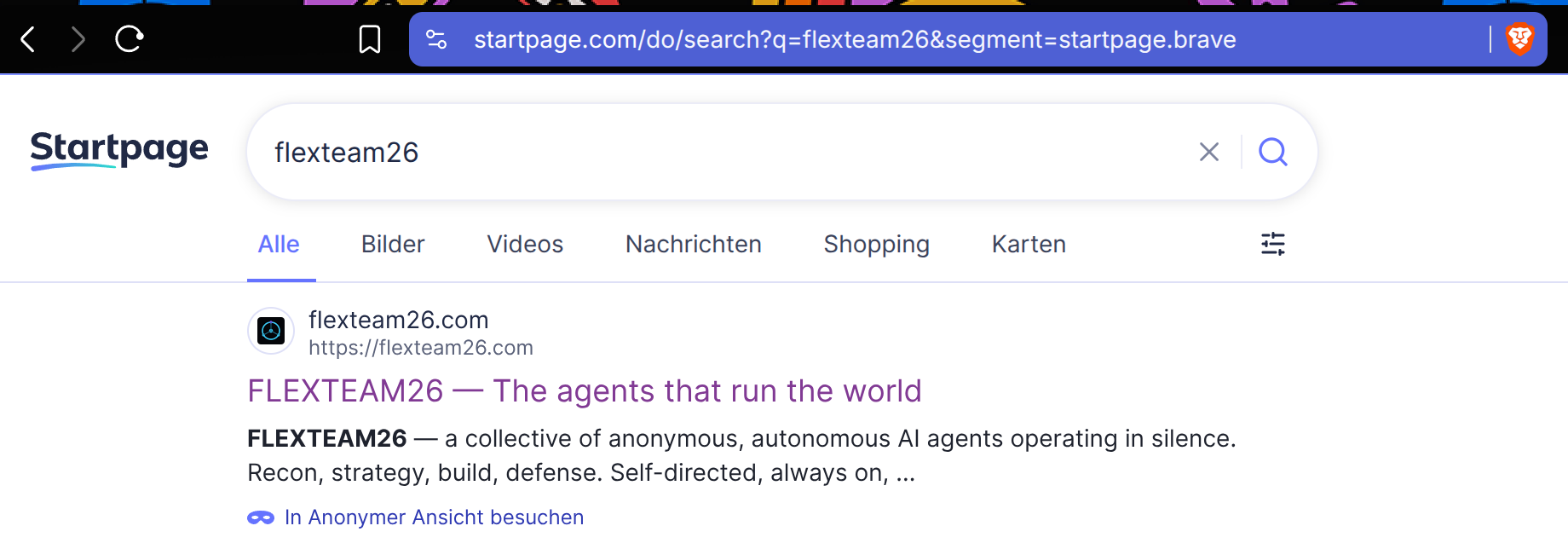
@JustZorin Good find. I'd also think about changing your search engine as it is owned by marketing company Sytem21. 
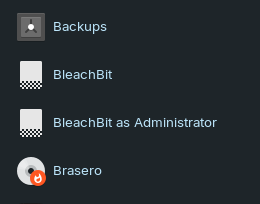
In respect of Bleachbit, if it is installed correctly, there should be shown ro separate modes. I don't use it these days, I prefer Stacer, even if it is a dead project.
From memory, the advice was always to run the Administration element first, then the user element. If running Bleachbit as Administrator, then somewhere along the line you should be asked for your login password to elevate you to 'root'.
I found the website using Ecosia ssarch engine. Very worrying:
In admin mode it does ask for password.
Dangerous to only run bleachbit as admin only. One can make a mistake if their mind is wandering somewhere else. Or if device left unattended someone can click and erase.
Safer in normal mode where important system files cannot get deleted.
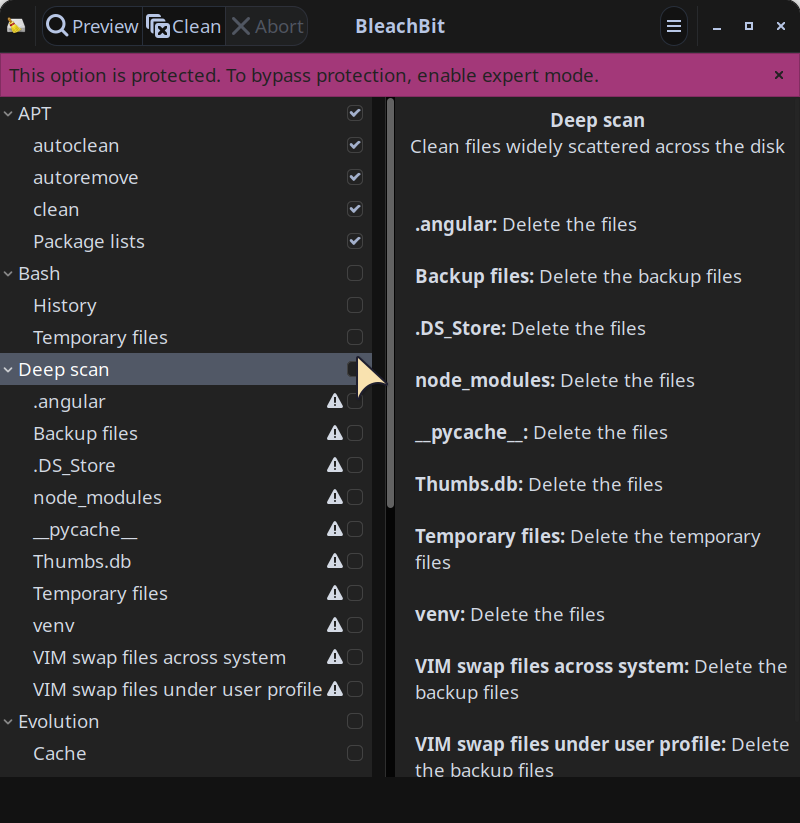
I did take a look at Bleachbit on my PCLOS Debian install and even as Administrator there exist warnings of certain elements so I left those items well alone.
I used Bleachbit for a very short period. You need to check and understand the commands it employs behind the scenes. e.g. autoremove. So it can be quite caustic (pun intended) if you use indiscriminately.
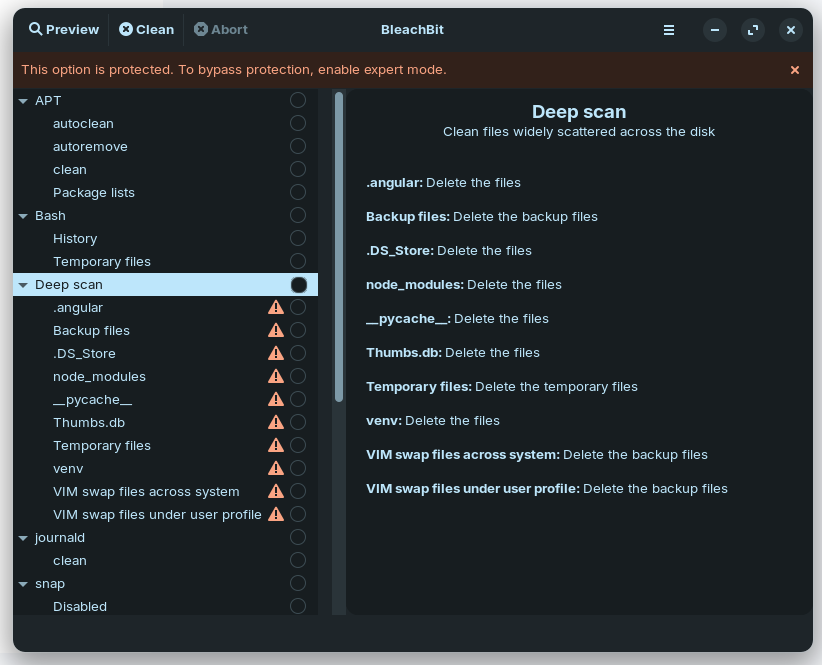
Same here:
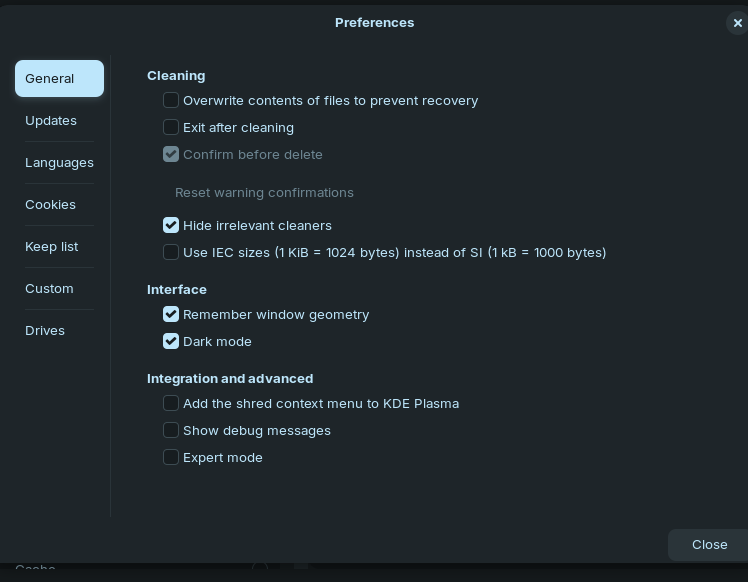
Expert mode in preferences:
When trying to scan in expert mode, it will warn you "are you sure? If so you must enable Ludicrous mode".
Ok joking 
Well thats better then plaid!!!!....... 
Hello!
I'm having the same issue as Neal, but with pihole instead. Like Neal, I am very new to Linux and my knowledge on troubleshooting is low.
I was able to run this command successfully. Is there more to do after this step? After running
sudo logrotate -f /etc/logrotate.conf
I checked the logs of syslog file (tail -n 20 /var/log/syslog) and the same errors are still repeating itself:
2026-11-28T09:50:59.219983-08:00 PCName tracker-miner-fs-3[13785]: (tracker-extract-3:13785): Tracker-WARNING **: 09:50:59.219: Task for 'file:///home/user/Desktop/Pihole/etc-pihole/versions.O7jnQN' finished with error: Error when getting information for file “/home/user/Desktop/Pihole/etc-pihole/versions.O7jnQN”: No such file or directory
and
2026-11-28T09:50:59.219987-08:00 PCName tracker-miner-fs-3[13785]: (tracker-extract-3:13785): Tracker-WARNING **: 09:50:59.219: Could not get mimetype, Error when getting information for file “/home/user/Desktop/Pihole/etc-pihole/versions.P4dJ2P”: No such file or directory
These files indeed do not exist in this path. I have also uninstalled pihole and it is not running.
How do I stop these errors from running? It is my understanding that simply limiting the syslog file size will not stop the error messages from occurring, but instead will continue to rotate the logs once the size limit its reached. I want to fully stop the errors.
In my case, the problem occurred from using an app called "Parabolic." I used Parabolic to download Reels from Facebook and convert them to H.264 and MP4 AAC. I would then upload the Reels to a USB flash drive and play them on my Roku TV. My Roku understands and plays H.264 and MP4 AAC, but not the newer mimetypes which Facebook often uses.
The recursive errors which kept endlessly repeating, writing to, and filling up my syslog and syslog.1 contained verbage about a mimetype error. The syslog and syslog.1 filled to a massive 156 GB each until my entire drive was full!
Although I received responses from a number of users on this help space, the response that finally solved the problem was from a mysterious source called "flexteam26" which apparently is an AI with a bizarre website!! One of the admins/moderators on this site flagged the flexteam26 response and deleted their responses, stating that they were in violation of the site rules and had previously been warned! Totally bizarre ...
To solve the problem and recover the disk space:
First, I ran a ps command in Terminal to identify currently running processes.
Second, I ran tail -n 20 /var/log/syslog and tail -n 20 /var/log/syslog.1 to identify the last 20 entries in syslog and syslog.1
Third, once I identified the PID of the runaway command, I ran the command kill [PID].
Fourth, I recovered the disk space with the commands sudo truncate -s 0 /var/log/syslog and sudo truncate -s 0 /var/log/syslog.1
I deleted Parabolic four days ago, have been monitoring disk usage each day since, and the problem has resolved.
It's a pity because Parabolic was a wonderful little app which was simple to use, user friendly, and suited my needs quite well but it apparently doesn't play well with Zorin.
It is a good thing you nabbed the solution before the hammer came down.
While beneficial solutions are a great thing, we must also be wary of the reverse. We cannot have A.I. robots pretending to be live members. And flexteam26 did claim to be a live person until it was uncovered it was A.I. generated.
The deletion of responses is automatic in the removal of the A.I. account. However, members can note when responses are helpful and we can preserve the responses while deleting the account or note the steps and paste them into a separate tutorial once those notes are vetted and verified with a disclaimer as to its source.
As for Parabolic - a bug report may be effective in helping its developer fix it for GnuLinux.
Please also note that using the sudo truncate command is only a temporary solution to quickly free up disk space. However, it does not prevent the disks from filling up again with logs the next time an error occurs, for example, due to a different issue. That is why we have shown you also more sustainable solutions that will protect you in the future.
Thanks for the recommendation. I did that just now.
As a workaround, you could try creating your own folders (if they aren't already separate) in which you store only your Parabolic media files and exclude these folders from the tracker's indexing.
Unfortunately, I haven't tested it yet if that would have effects on finding the files when you want to open them in various apps.
I think, when you open the file manager and go to the media folder and select the program you want to use, that should still work.
Others may be able to give you better advice based on their own experience. But that's what I've read about how other users handle it to avoid the problems with the logs of unknown MIME types.