I have been using my SONY WH-1000XM3 Bluetooth headphones with Zorin 17 for some months now. After much experimenting with the setups I did manage to get the headphones into a mode that had high quality stereo audio and NO microphone (I am not sure how). Once Zorin enables the microphone on these SONY headphones the audio goes to MONO and very low quality like a 1990s PC. So, I very much want to stop the microphone and hands-free modes from being used.
I recently took the plunge again and installed Zorin 18, but now the OS seems to agressively switch the microphone on and go automatically to hands-free mode. No matter what I try with the "help" of ChatGPT (LOL) I get 5 seconds of low quality audio, 30 seconds of silence, disconnection and re-connection then another 5 seconds of low quality audio as the cycle repeats.
Do any Zorin Wizards out there know a way to select the high quality "card" for the audio and disable GNome from "probing" for a microphone that it could connect to???
Thanks (in advance) to any bright sparks out there!
I also have the Sony WH-1000XM3 headphones and tested them with Zorin 18 live session. I have installed pavucontrol
sudo apt install pavucontrol
and have good sound when I don't use the headset mode.
Open pavucontrol, go to tab configuration and select one of the High fidelity playback profiles for your WH-1000XM3 headphones.
I hope it works on your bare-metal-install.
I also have problems with my other bluetooth headphones on my Mint computer based on ubuntu 24.04 which work correctly with live sessions of Zorin and Mint but not on my bare-metal-install - they only sometimes work well (unpredictable, mostly they connect-disconnect the whole time and don't find the a2dp sink which is needed to have good sound), and because of this I usually connect them with cable to work well.
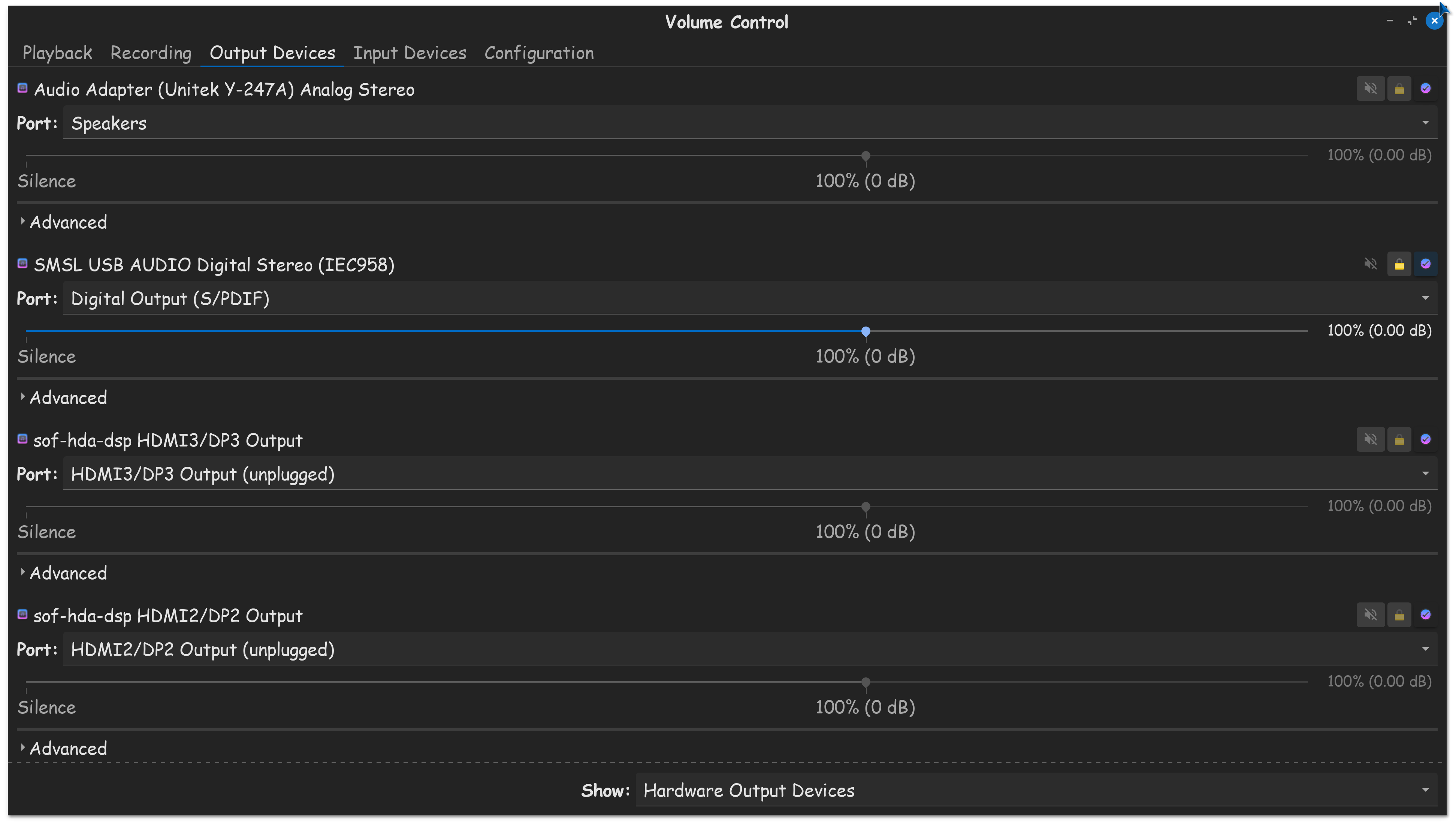
I use Pulse Audio Volume Control to make the full adjustments to my sound. (That don't require editing a config file) Once I get my sound setup how I like it, I use the system bar, to quickly select my sound input/output.
That used to be its own separate extension. (Sound input/output chooser) The Zorin team listened to us, and embedded it since OS 17, so it should be there on OS 18.
Thank you for the very encouraging messages. They gave me the confidence to keep trying different methods to get the Sony WH-1000XM3 headphones to work normally again.
I first went back to Zorin 17 and experienced the same issues as in Zorin 18. This really confused me as it was working before. I then changed all of the hardware back to my old setup and then the headphones worked very well in Zorin 17 AND Zorin 18. I tried a few different things and have concluded that I have one USB Bluetooth "dongle" that seems to malfunction with both Zorin 17 AND Zorin 18 Operating Systems.
When I don't use the badly behaving USB Bluetooth dongle I don't get any problems. So, I decided to leave this there at that point.