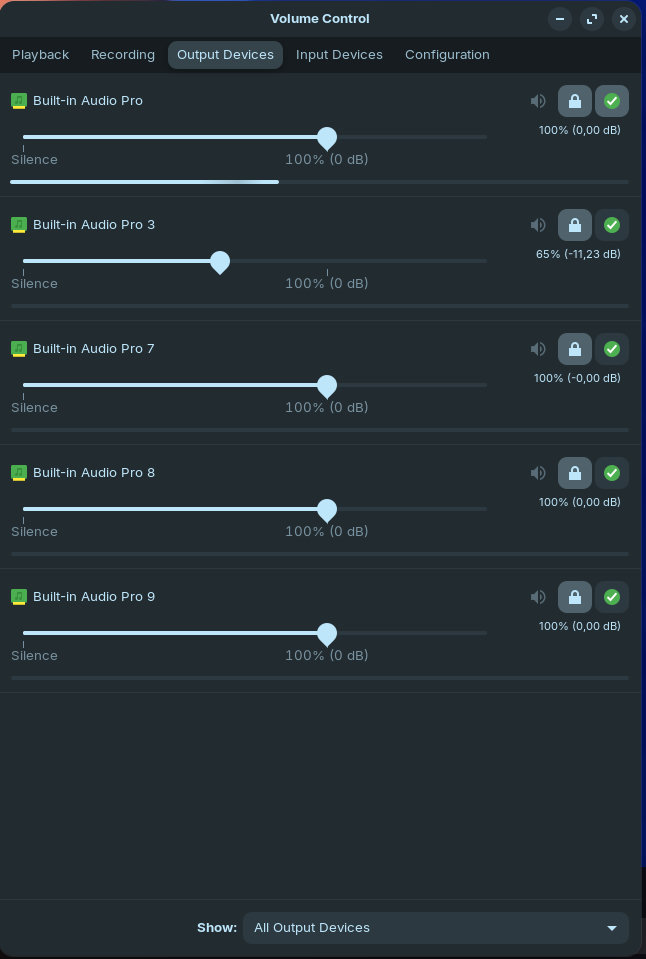
i'm back again at Zorin. This time on a Lenovo M90Pro Gen 4. Installed the latest Zorin version a couple of weeks ago but could only setup the PC today. Ran the updater and everything.
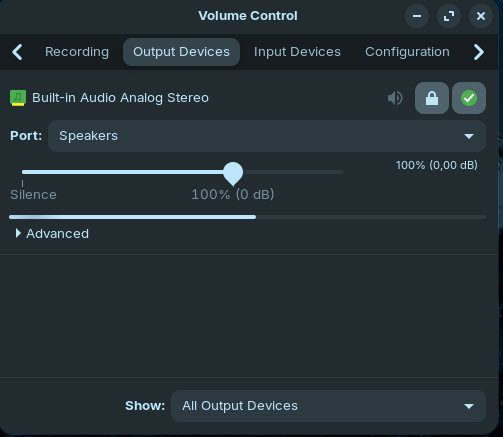
The problem is: No sound. In the settings the devices are detected and the small white bar showing amplitude is pulsating for output and input device. They are not muted and I checked the PC for any buttons that mute. These buttons do nothing in Zorin OS.
These steps I already tried unsuccessfully:
"sudo apt-get install alsa-tools
then create a new document and paste the following:
Playback device is default
Stream parameters are 48000Hz, S16_LE, 1 channels
Sine wave rate is 1000,0000Hz
Rate set to 48000Hz (requested 48000Hz)
Buffer size range from 128 to 2097152
Period size range from 64 to 1048576
Using max buffer size 2097152
Periods = 4
was set period_size = 524288
was set buffer_size = 2097152
0 - Mono
I didnt hear anything if that is helpful.
Simple mixer control 'Master',0
Simple mixer control 'Capture',0
I cranked everything up to max in the sliding controls on the bottom right. Other than that im not sure I know how to increase the volume.
Is that info relevant to what you asked? Its a lot if text.
No worried m8. Still the same. "No valid command specified." I copied the command using the copy button in the forum and used ctrl+shift+v to paste it into the terminal.
Command 'mixer' not found, but can be installed with:
sudo apt install csound-utils
Seems like my computer is missing something. Im guessing I shall install mixer?
This is the mixer output:
--Csound version 6.18 (double samples) 2024-04-07
[commit: none]
libsndfile-1.2.2
util mixer:
Usage: mixer [-flags] soundfile [-flags] soundfile ...
Legal flags are:
-o fnam sound output filename
-A create an AIFF format output soundfile
-W create a WAV format output soundfile
-h no header on output soundfile
-8 8-bit unsigned_char sound samples
-c 8-bit signed_char sound samples
-8 8-bit unsigned_char sound samples
-a alaw sound samples
-u ulaw sound samples
-s short_int sound samples
-l long_int sound samples
-f float sound samples
-R continually rewrite header while writing soundfile (WAV/AIFF)
-H# print a heartbeat style 1, 2 or 3 at each soundfile write
-N notify (ring the bell) when score or miditrack is done
-F fpnum amount to scale amplitude for next input
-F fname file of a scale table for next input
-S integer sample number at which to insert file
-T fpnum time at which to insert file
-1 -2 -3 -4 include named channel
-^ n m include channel n and output as channel m
-v verbose mode for debugging
-- fname Log output to file
flag defaults: mixer -s -otest -F 1.0 -S 0
mixer: error: Insufficient arguments
end of score. overall amps: 0.0
overall samples out of range: 0
0 errors in performance
Elapsed time at end of performance: real: 0.000s, CPU: 0.000s
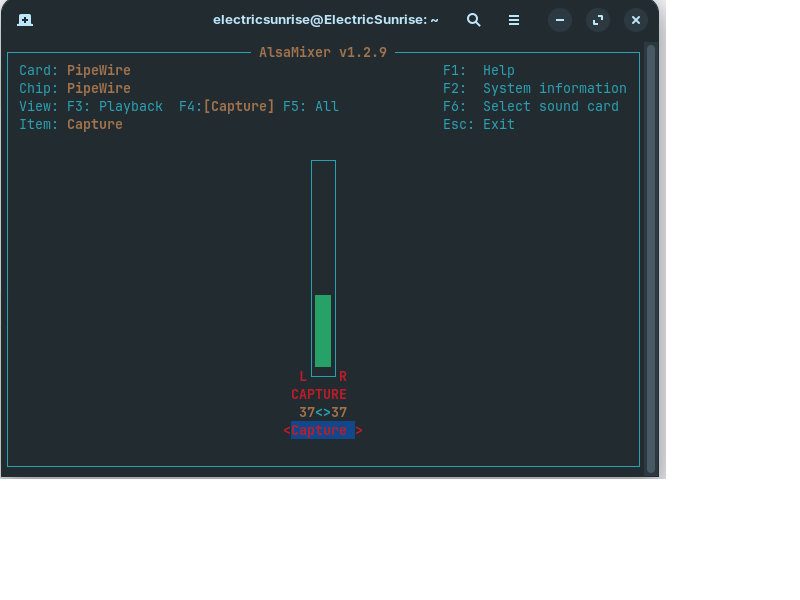
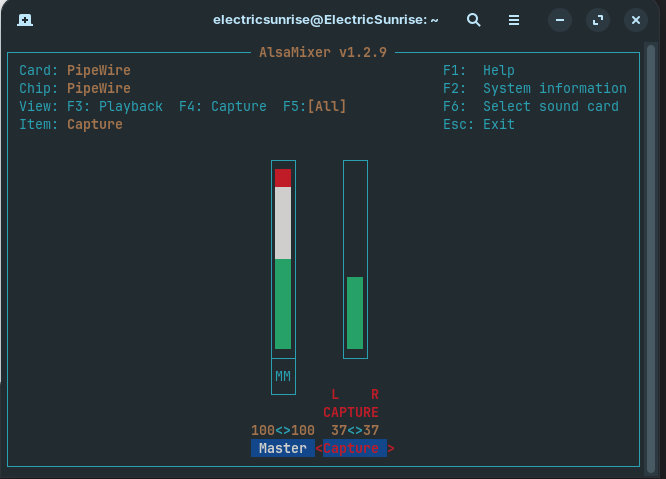
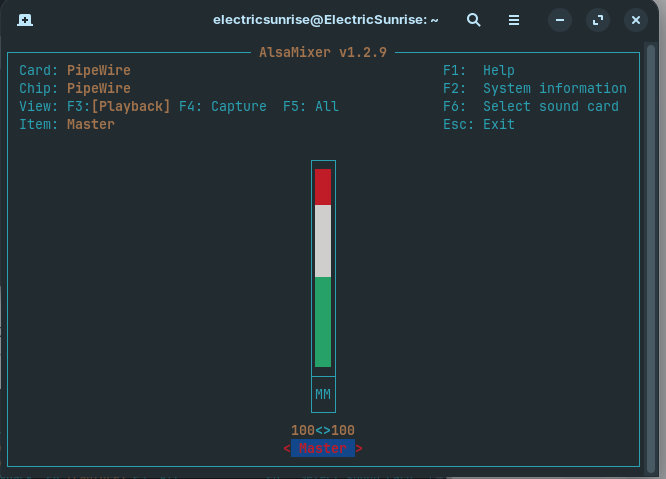
This will open an interactive mixer. Once it opens, press Tab to cycle through different views. Look for any controls that show [off] or 0% and tell me what you see. Take a screenshot if you can—it'll be clearer than typing it out.
Jesus thanks for telling me about the inbuilt tool. Was getting a bit annoyed again that in linux everything is so f-ing difficult. Installing a paint program, most dont work because of dependencies I dont understand. Then they have menus that are terrible. Am starting to think this is again a mistake. Man Linux takes 5 minutes in anything I wanna do to make me feel its ....
How do I get the screenshot into a usable picture? Ive tried three paint programs which are overwhelmed with ctrl+v....
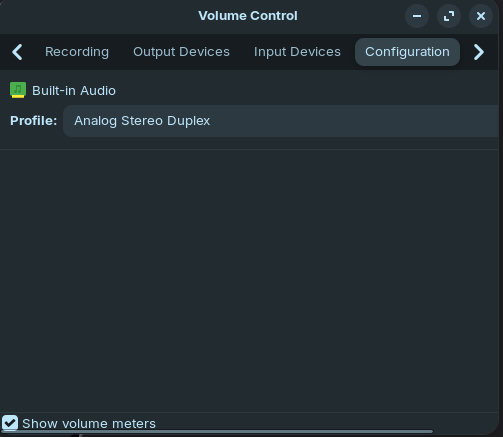
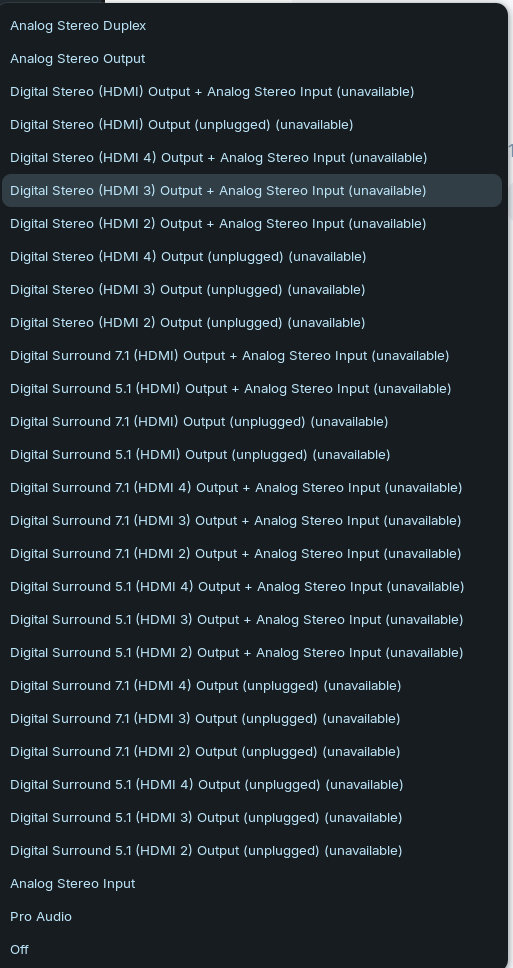
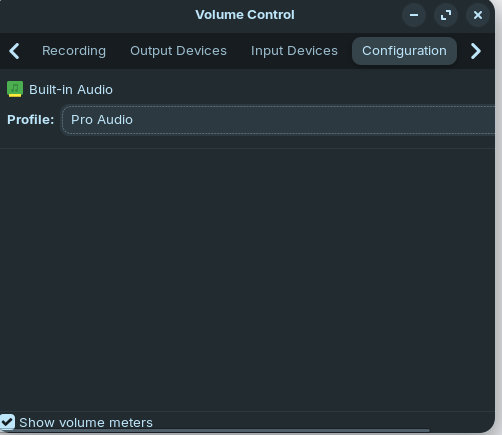
Edit: I have a temporary solution by using my bathroom speaker via Bluetooth. When I select Pro Audio that bluetooth connection doesnt work, but on the analog stereo duplex it does. Is that helpful?
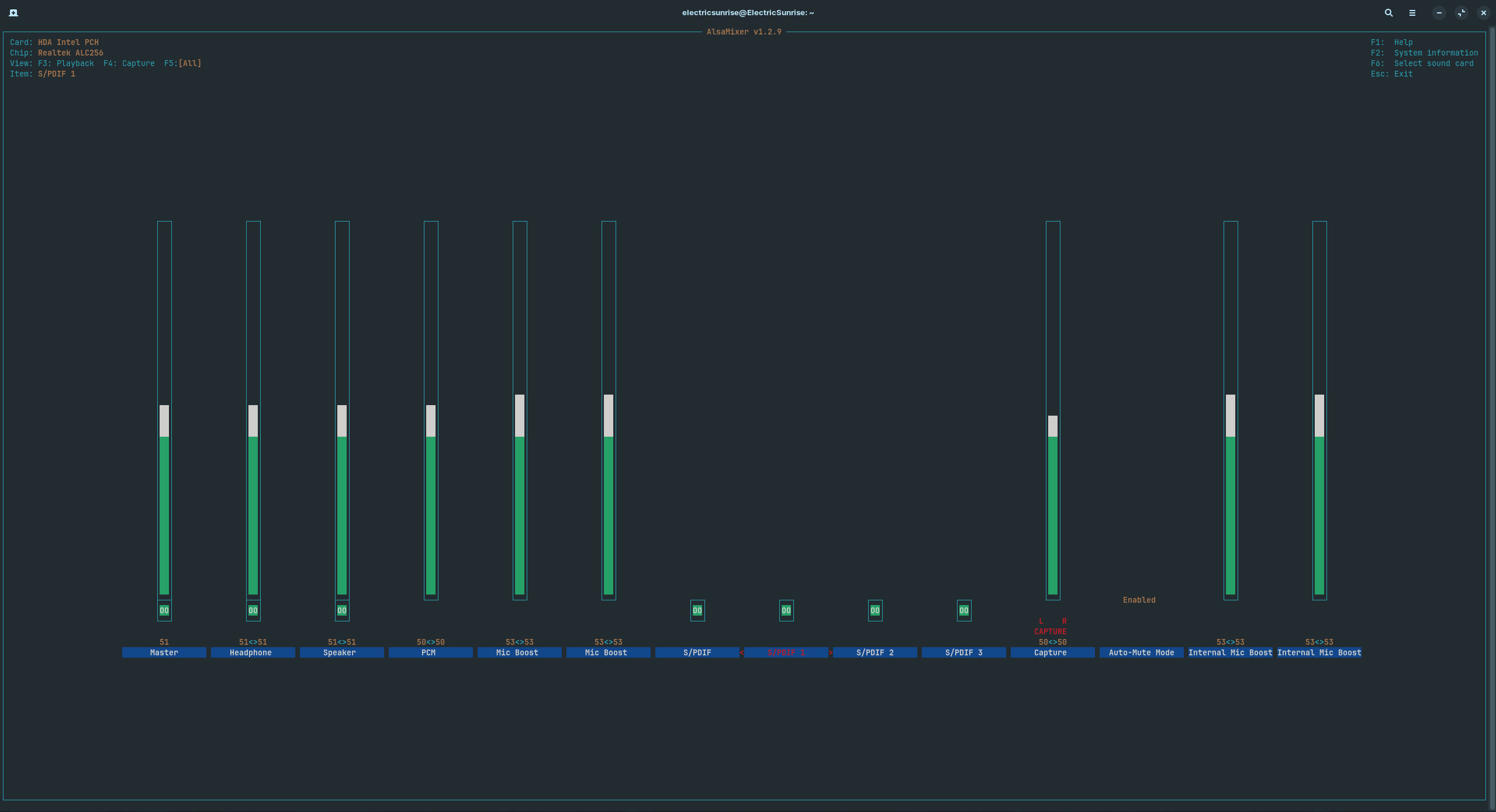
with alsamixer
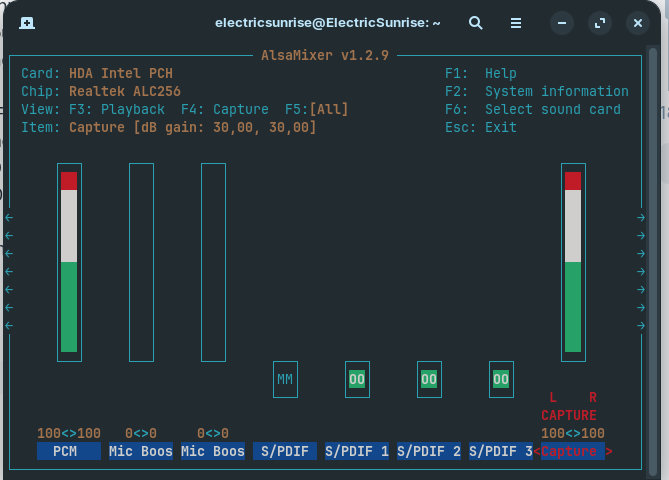
I don't see a "Speaker" or "Headphone" control visible in this view. Those are often separate mute switches that can be toggled on/off, and if they're OFF, no audio will play even if PCM is at full volume.
Can you use the arrow keys to scroll left/right in alsamixer to see if there are more controls ? Look specifically for:
Oh, didnt know there was more to the menu, sry for that. So this is the whole menu. Tried changing settings while a youtube video was running. Still no sound.