I just recently installed Zorin OS 18 Pro. So far, it's been great! Fixed all the performance issues I was experiencing on Windows. However, my internal speakers have not been functioning. The OS is recognizing my speakers as Raptor Lake-P/U/H cAVS; but no sound comes out of them. I've tried using the Alsa tool, but to no avail. Any ideas?
Welcome to the Forum!
Are Secure Boot and Fast Boot in BIOS disabled? Does Your system run in Wayland or X11? You can check that with the Command echo $XDG_SESSION_TYPE
Did You already tried Pulse Audio Volume Control? It is a Tool for set up Audio Output and Input. You can install it with sudo apt install pavucontrol
When installed, check the Configuration and Output Tab's for Audio Options and Profiles.
1 Like
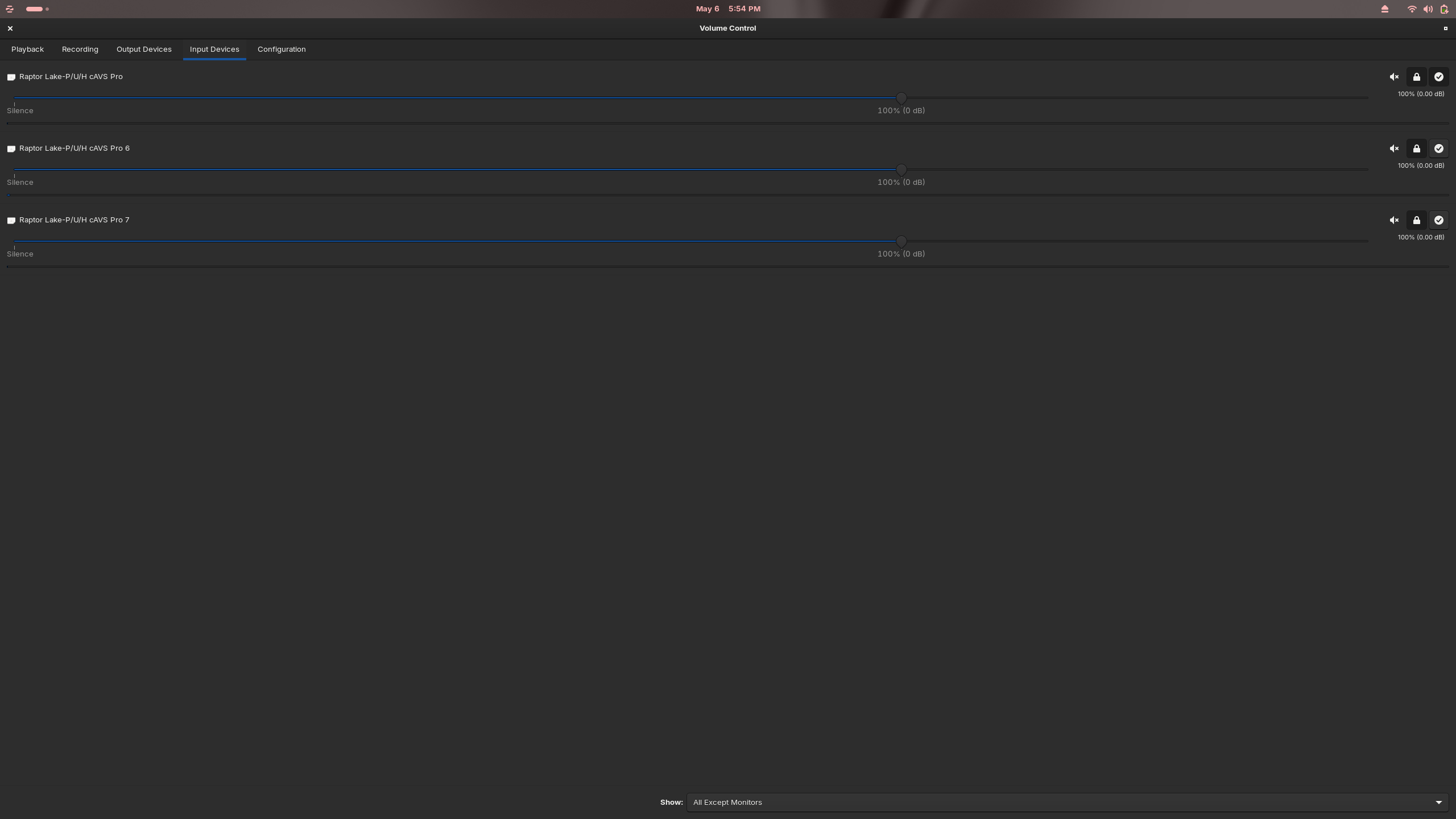
Hello! My system is running in X11. I did install Pulse Audio Volume Control, and it shows my output devices as "Raptor Lake-P/U/H cAVS." However, I believe that it somehow is registering my CPU as a sound device.
My sound card is older than yours (Tigr Lake) but I found this on another forum specific to Raptor Lake. May be worth a try.
Primary Fix: Install SOF Firmware
Most Raptor Lake audio issues stem from missing DSP firmware. Run the following commands to install the required package:
sudo apt update
sudo apt install sof-firmware
After installation, reboot your system . This resolves the "dummy output" or "no audio devices detected" errors reported by users with the Intel Corporation Raptor Lake-P/U/H cAVS controller.
Here, You show the Input Devices. For Speakers check the Tab left of it: Output Devices.
@Ponce-De-Leon Asked you that, could you verify ?
The terminal said it is unable to locate the package? The first command works.
Apologies. Secure Boot and Fast Boot are both disabled in BIOS.
Try sudo apt install firmware-sof-signed
That worked to install the firmware. I just rebooted, but the speakers are still not producing sound.
What is with that:
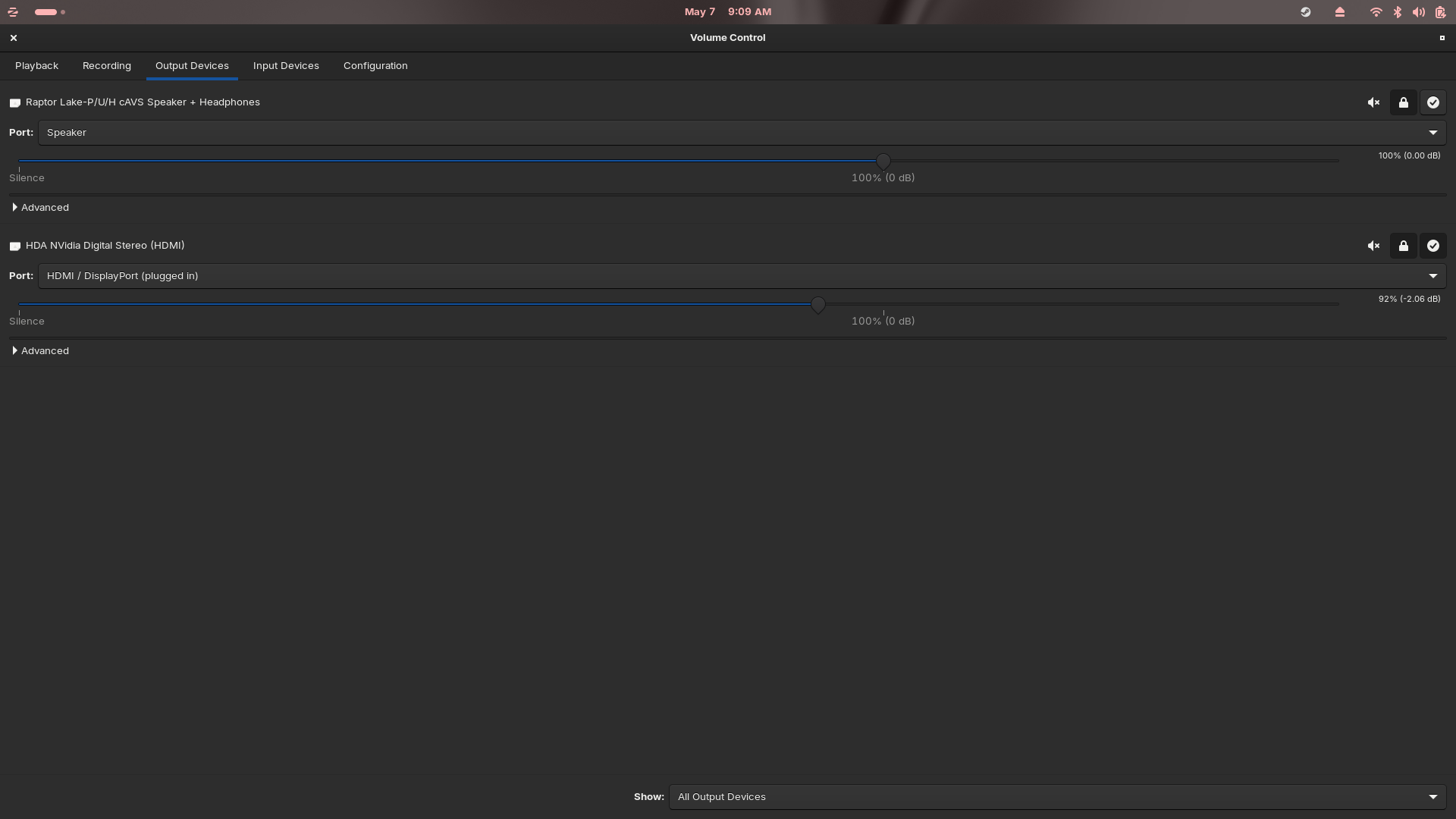
When You click there on the Dropdown Menu, what Options do You have?
Do you mean alsamixer run from terminal?
What does that display for your soundcard/s
i.e. in alsamixer hit F6 to list soundcards. Maybe post a screenshot here.
For many razer blade computers the people recommend a script from bugzilla. I'm not sure if that can help you. The last post here in that thread shows it a little bit what to do. The script is the attachment in comment 94 of the bugzilla link.
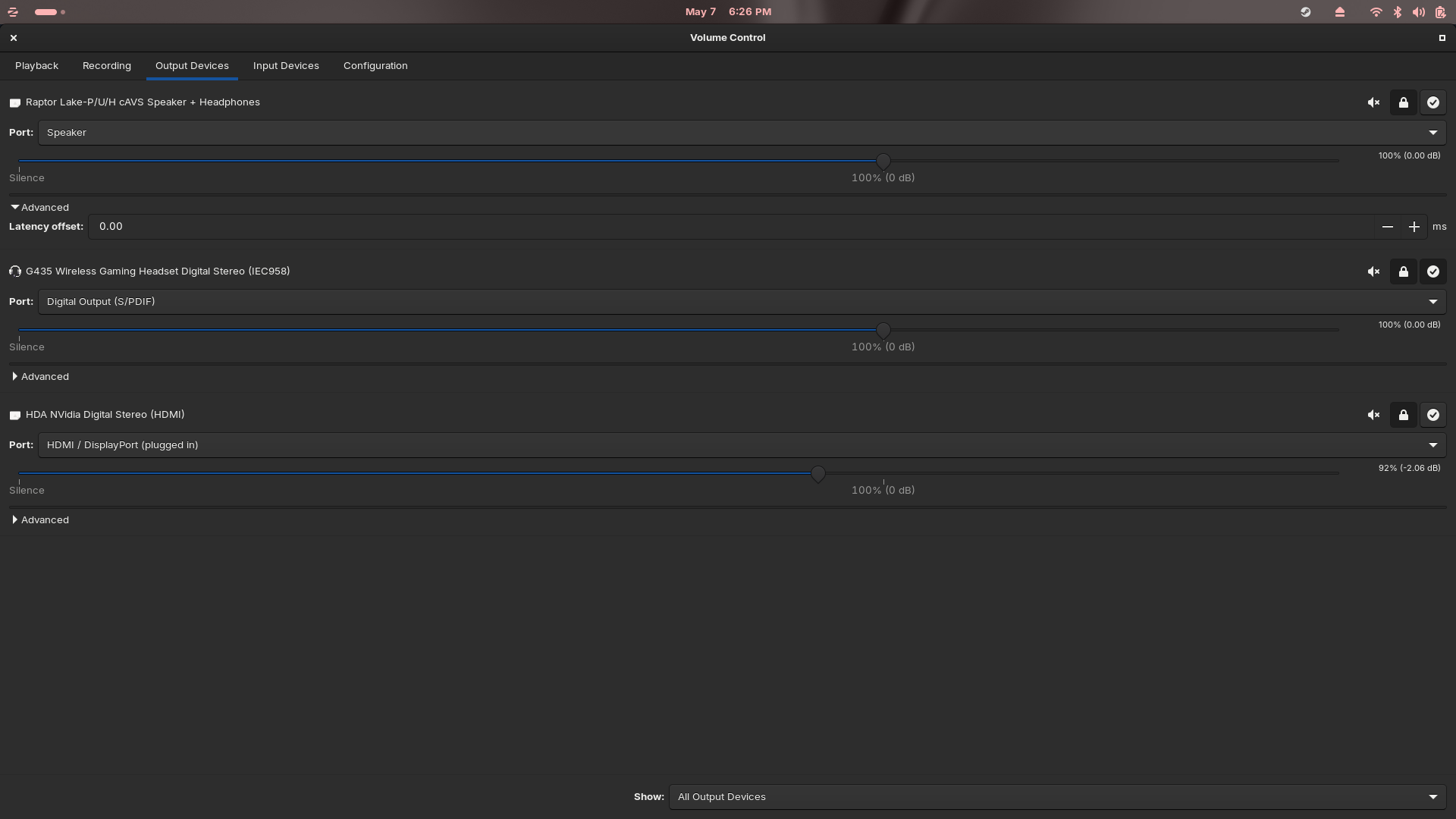
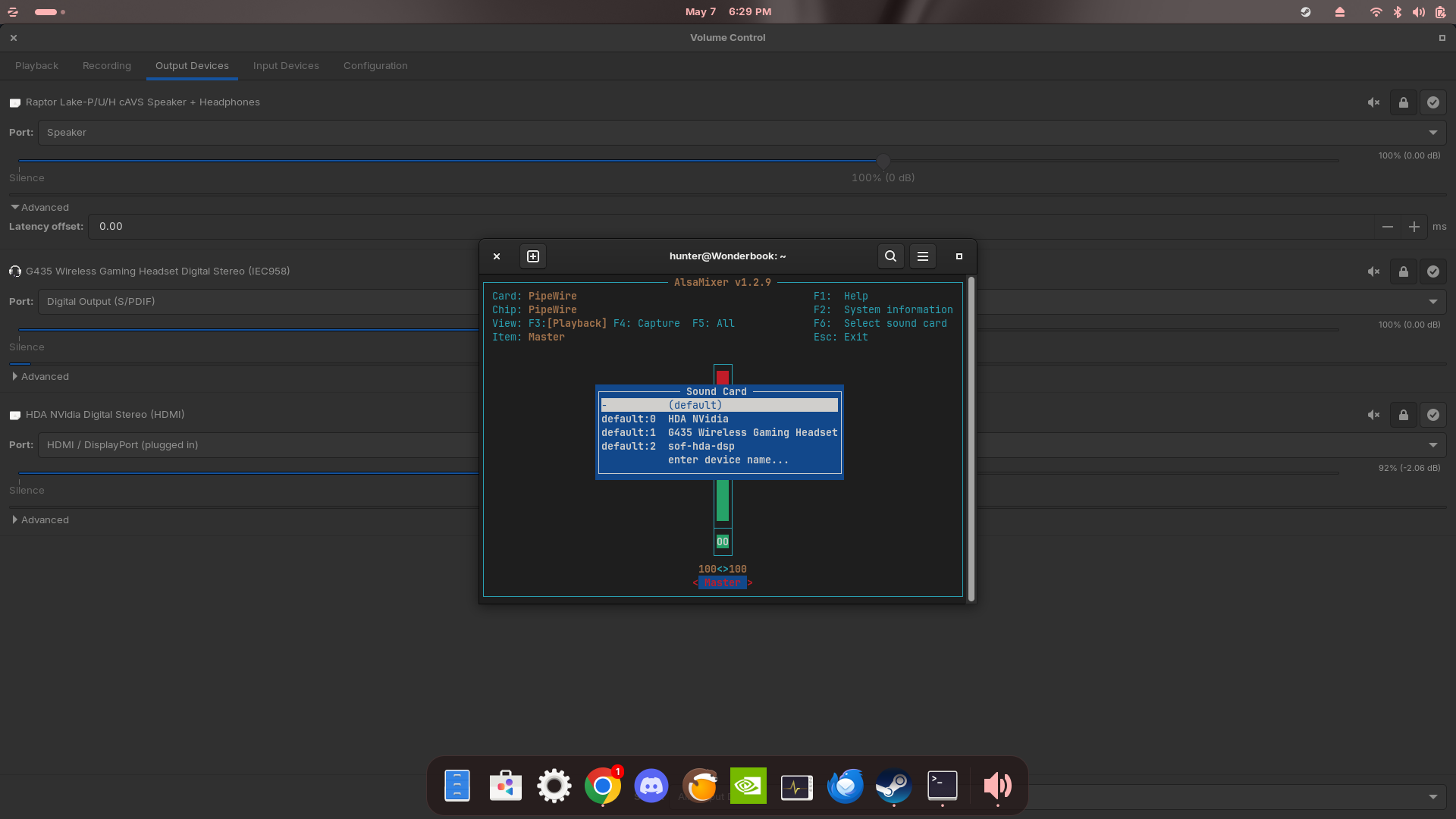
I have tried running that script. It didn't seem to have an effect.
These all look to be external devices. not your internal speakers.