Ciao a tutti
Ho installato Zorin OS 18.1 Core E non riesco configurare la stampante hp laserjet pro MFP M26NW collegata IN MODALITA' WI FI
QUALCUNO MI PUO' AIUTARE?
Grazie Luca
Hello and welcome to the forum.
At Docs - Zorin Help, you'll find several guides, including one on how to install a printer.
Printers and Scanners - Zorin Help
Hi and welcome.
In addition to @SAPien 's post and because it is a network printer you will need to stop cups-browsed and then disable it or you will find multiple entries appearing once you have installed it:
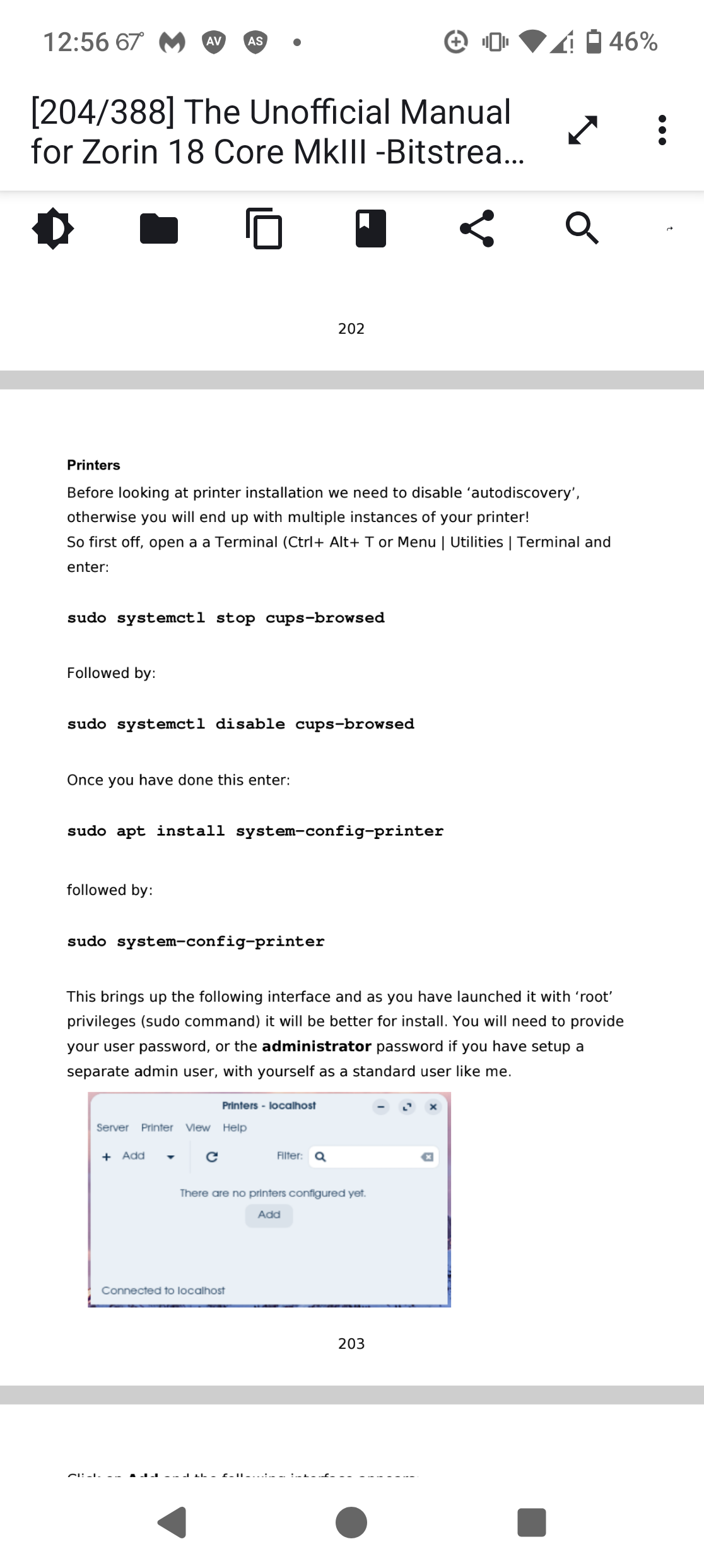
Once you have installed all the HP software in the guide @SAPien pointed you to and system-config-printer,
click on 'Add Printer' and a new window opens.
Wait for the Network printer menu to populate then use the 'AppSocket/HPJetDirect' option.
All you need to do here is enter the IP address of your all-in-one printer and hopefully it will register.
2 Likes
Welcome to the Forum!
Are Secure Boot and Fast Boot in BIOS disabled? If Windows is still installed: Is Fast Start-Up in Windows disabled?
Does Your Wifi work in common and only the Printer Connection doesn't work or does the Wifi not work at all?
@LucaUbo1975 As we have not heard from you decided to create a video - boy was that fun! Used the guide as posted by @SAPien and followed my own advice of stopping cups-browsed then disabled it. I could not use HPLIP GUI as I don't physically have such a printer, but I know a way of cheating, usually by using sudo system-config-printer which Zorin removed from Zorin 18. I had to use CUPS in the end via the browser to find the printer driver - but I went wrong with entering the network details. So went back to sudo system-config-printer, used the .AppSocket/HP JetDirect' option under printers and then found the driver second time around - don't know if this was a result of launching CUPS via the browser, but pretty sure I did not find it first time around, and don't think I 'missed it' while scrolling. Enjoy!
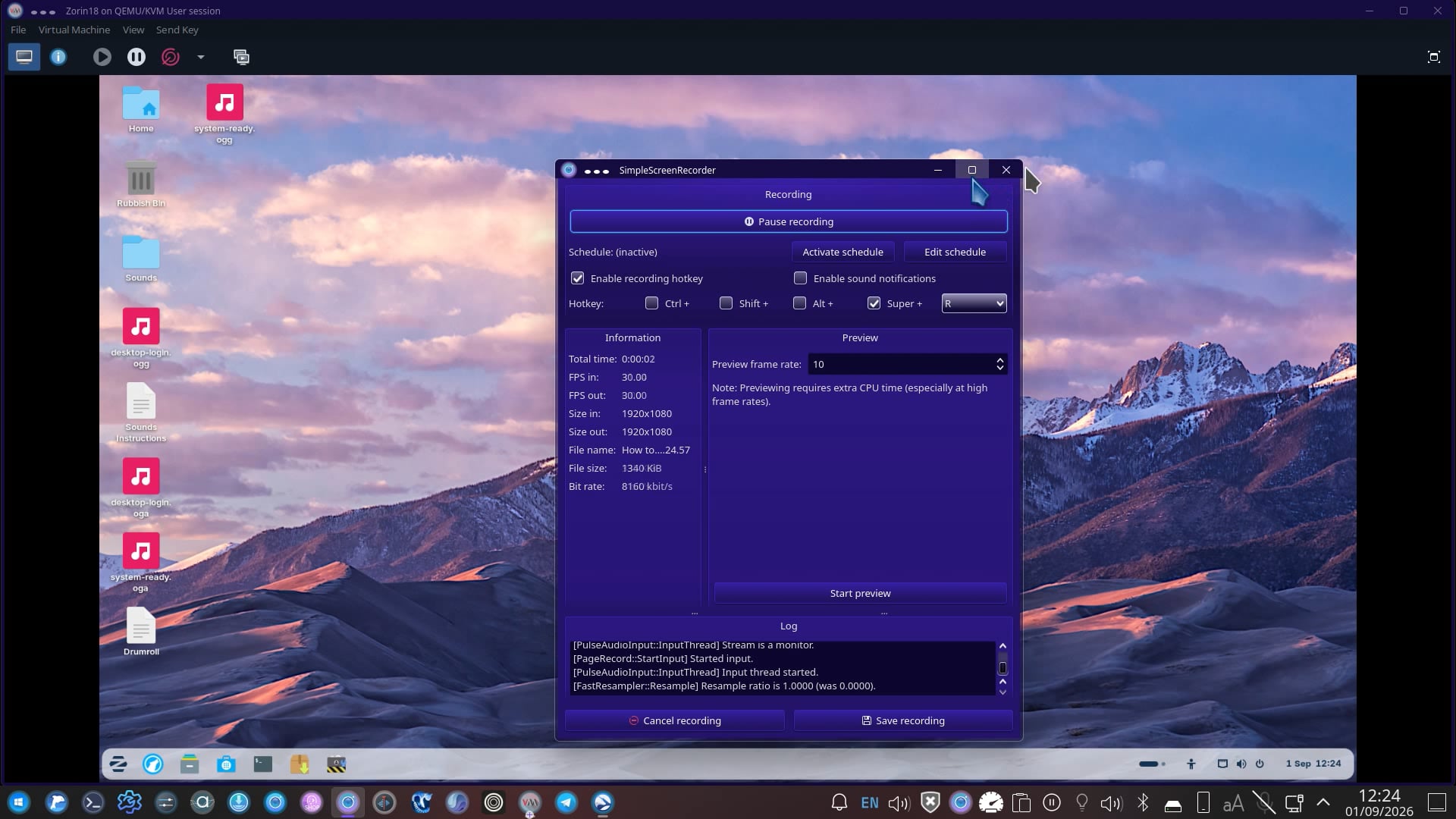
It is still uploading as I type this.
[UPDATE: It is now available to view.]