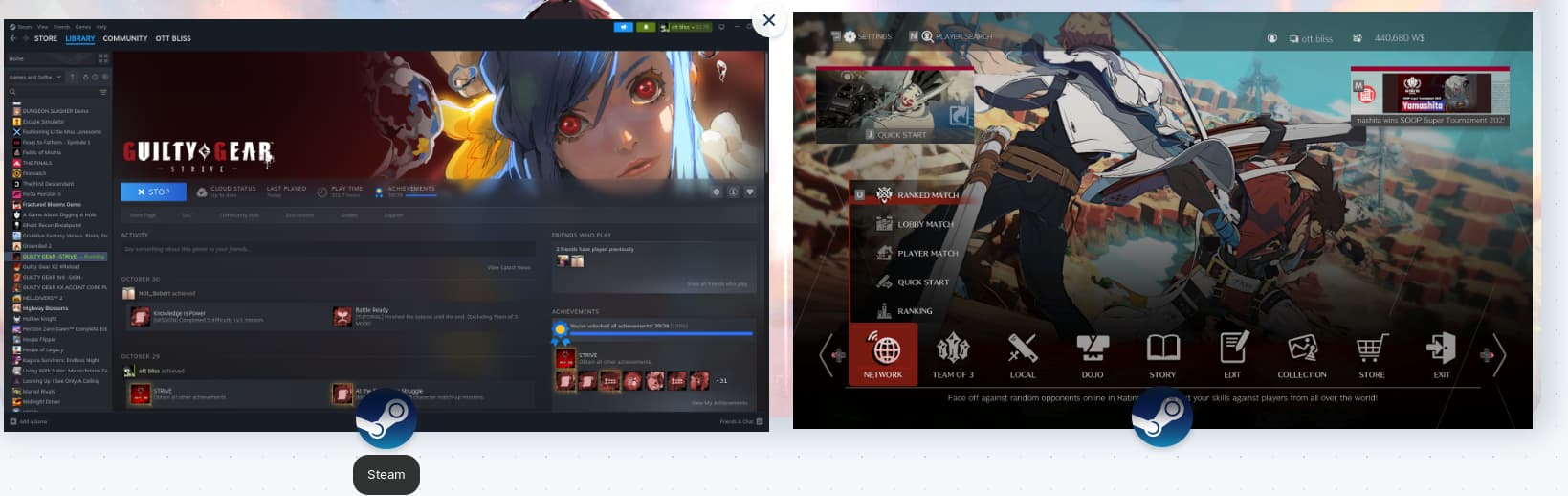
Hi there, sorry if this is a silly/stupid question, but I've seen other people having separate taskbar icons for Steam games and other apps which open separate instances being separate?
Simpler terms, my Steam games are opening in with the Steam icon and not their respective game icons. What setting do I do to make them different from the Steam app?
Where as the games would open seperately on the taskbar and be at the farthest to the left, in my case atleast. How do I get this to work? It's a small nitpick but it bothers me a lot. Thank you so much!
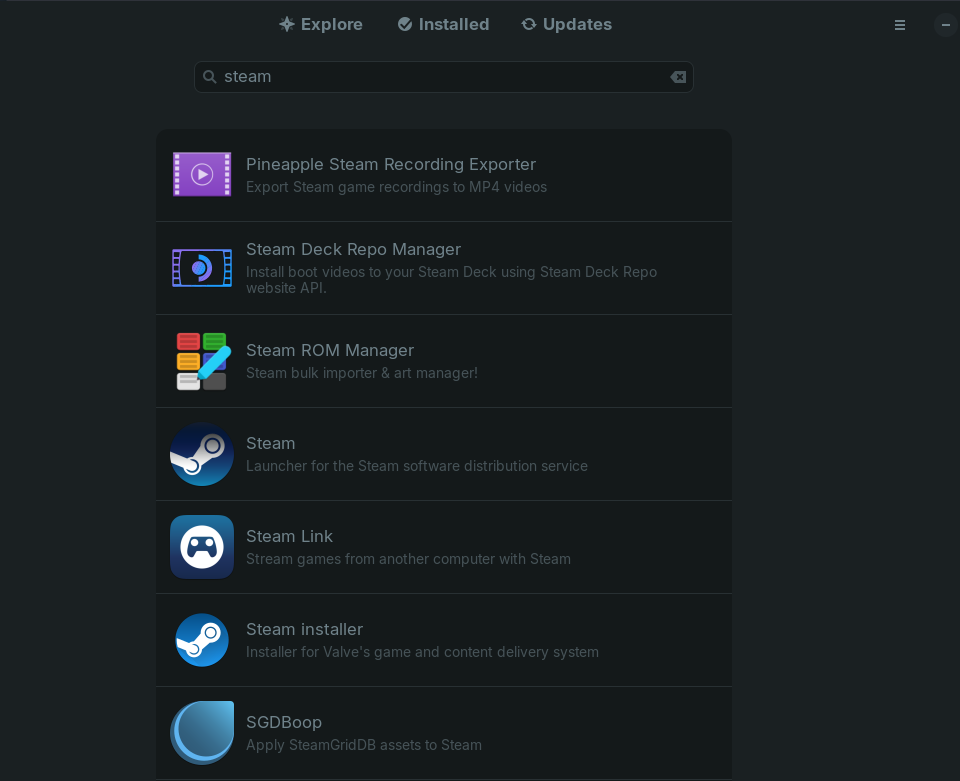
Welcome to the forum. The first thing I'll ask is, "How did you install Steam?" If you used Zorin's Software store, there are two options. One is just called "Steam" and it will install Steam as a Flatpak. (This is important, but I'll explain later.) The other option is "Steam installer." Finally, you could also have downloaded a file from Steam's website and installed that way.
If you installed with the first option--using the Software store and choosing Steam--you got the Flatpak, and I'm going to recommend you try uninstalling your games and Steam, and then reinstalling using either the file downloaded from Steam's website or the "Steam installer" option in the store. Yes, this is a bad user experience; it's something we've brought up with the devs, but this is how it is right now.
Why does this matter? This is the bit I said I'd get to later. Flatpaks are a way of packaging up programs for users. They have some advantages and some disadvantages (enough disadvantages that many experienced users here won't touch them), and I think you're hitting a disadvantage: Flatpaks run with a lot of restrictions. On the surface, this is to protect the user's system by limiting what programs can touch. In practice, especially with trusted programs, it gets in the way.
IF you didn't install the Flatpak--that is, if you used the "Steam installer" option or the Steam website, then there's no point going through the whole reinstall process right now.
This is not an issue for me, as I launch all games from the Steam APP. I don't launch games from icons on the desktop. Having said that, whenever you go to install a game with the Steam app, it will ask you if you want to install a desktop shortcut. If you have that box checkmarked, it should do that. I don't know what else to tell ya.
Whichever one you installed will have a mark on it that says "Installed." (I don't have one because I downloaded from Steam's website instead.) It's my belief that you have the one that's just "Steam" and that's causing you problems because it's a Flatpak.