Just installed Zorin 18 and Steam and I was just wondering why some games are running and some not.
While "Transport Fever 2" and "Depraved" are running just fine, "Foundation" and "Dawn of Man" are not starting. It says "Compatibility tool failed". I tried to use Proton Hotfilx and Proton Experimental but nothing helped.
Is Steam installed as Flatpak or .deb Package? If it is Flatpak, I would suggest to try it with the .deb Version:
And could You post Your Hardware Specs? And does Your System run in Wayland or X11? You can check that with the Terminal Command echo $XDG_SESSION_TYPE
@Ponce-De-Leon I installed Steam as .deb and I'm using X11.
I try Zorin on my old machine. Intel Core i7 7700K, nvidia GTX 1080, 32 GB RAM
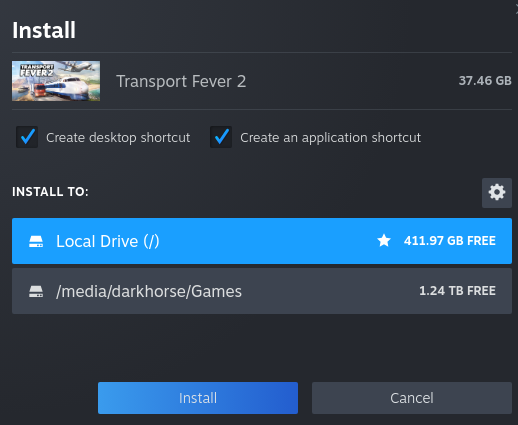
In the meantime I have re-installed Steam. Important to say... now the situation is different. If I install the previously not runing games on the local drive, they are working just fine. If I install them on the secondary SSD they won't start, no error message at all.
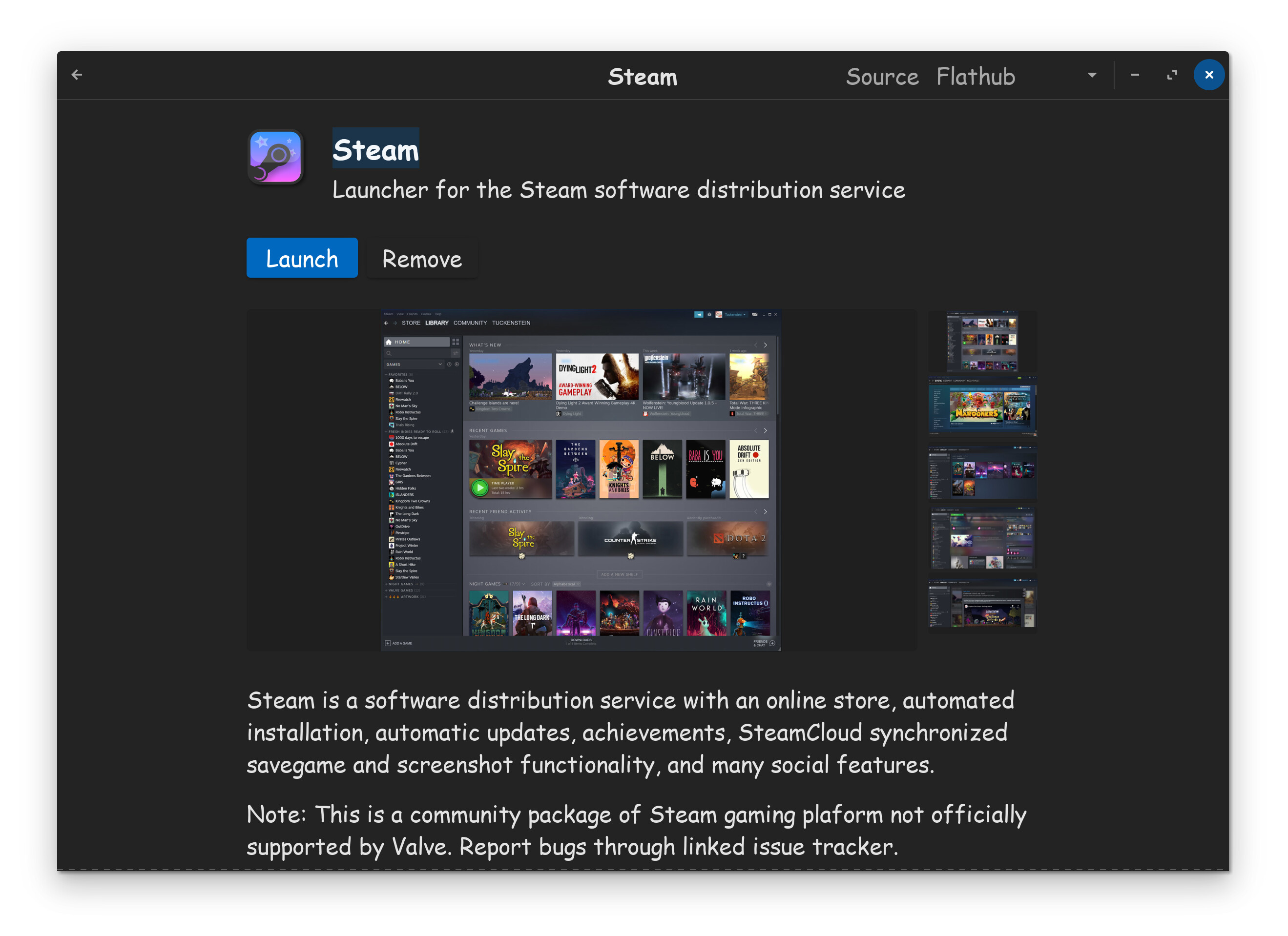
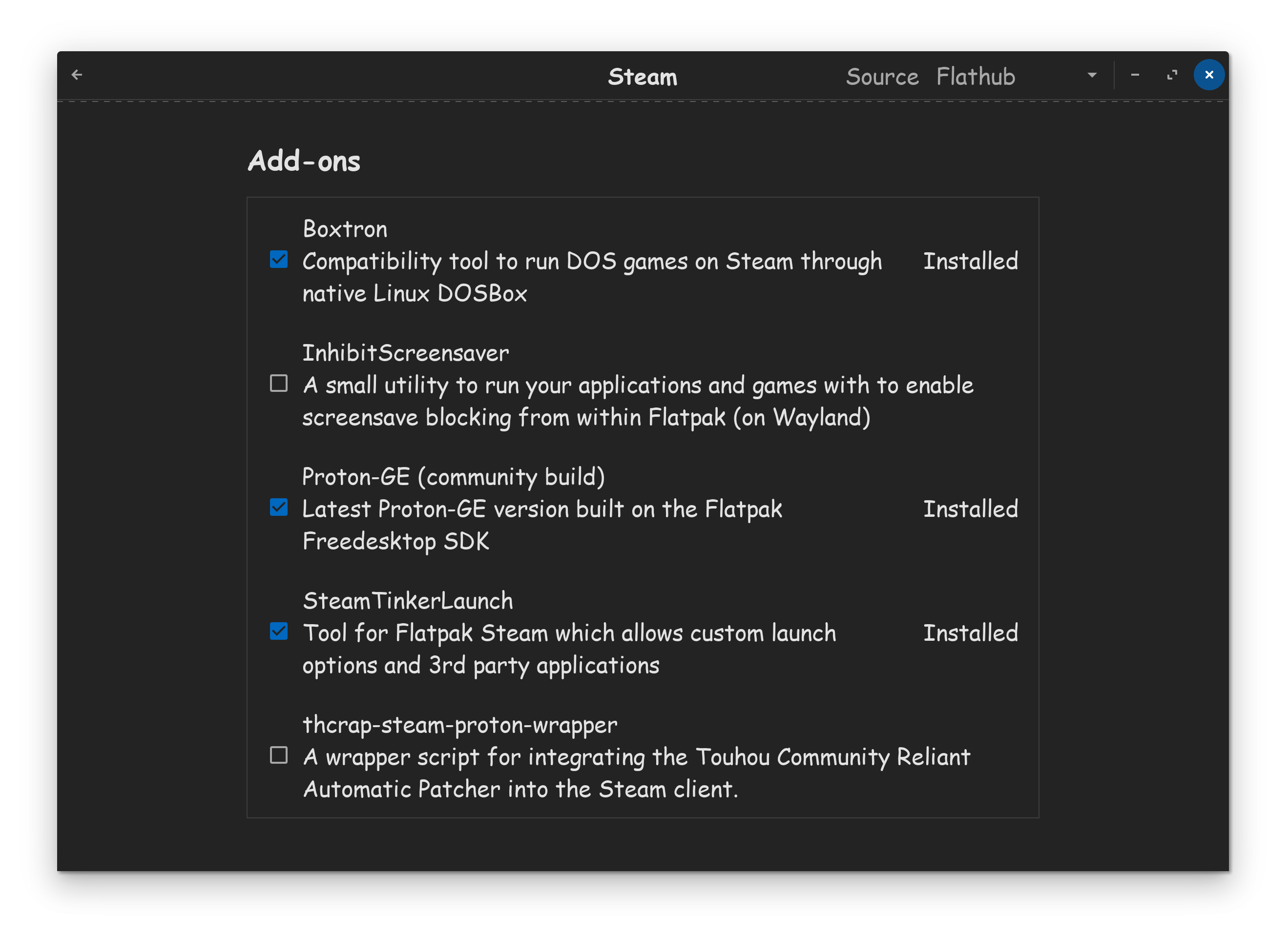
With Flatpak Steam, it doesn't come with Proton-GE. You have to put a checkmark in the Proton-GE box, located on the Steam install page in the software center.
On another computer running POP OS, it doesn't even have the Proton installs, located on the Steam install page in its software center, and unless I'm mistaken, they install the DEB version.
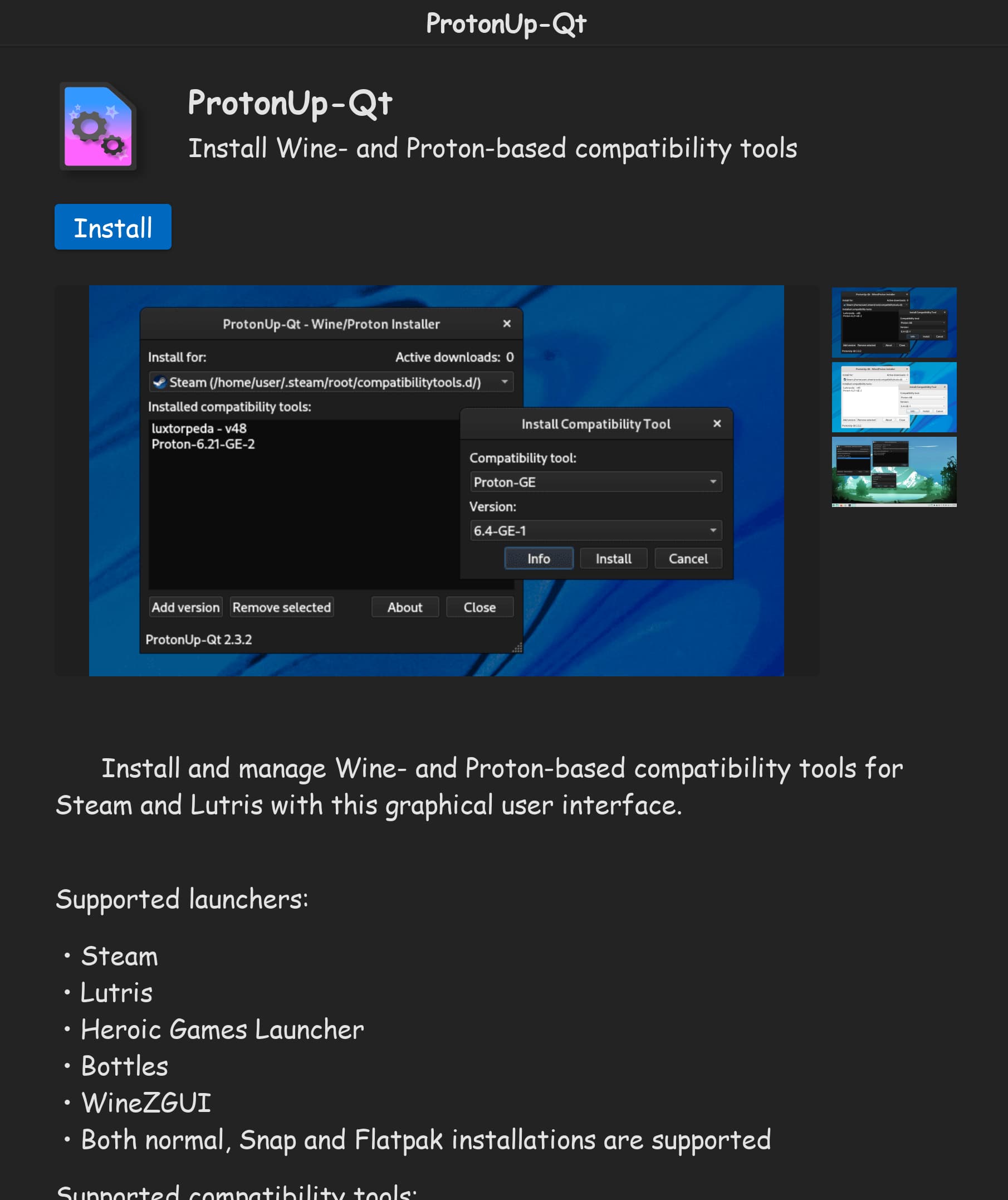
The tool might be necessary to install Proton-GE for the OP, otherwise, why else are they asking how to install Proton. Also, there are a couple of tools in the software center, for managing Proton's, not just that one. There is also ProtonPlus.
At the end of the day, use whatever you need, to install what you need.
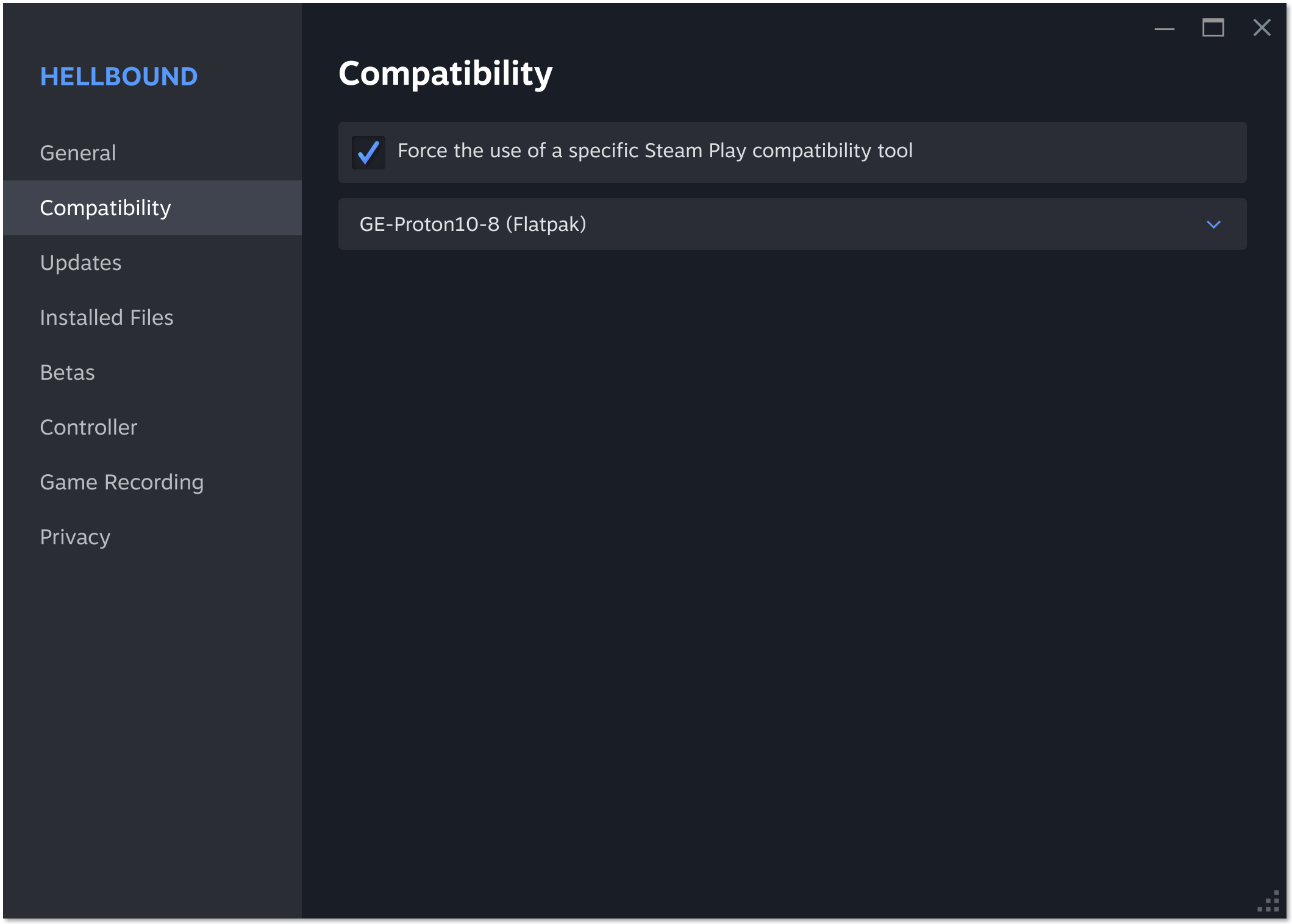
Steam offers only Valve's Proton. GE-Proton is by the same fellow who created Nobara Linux, and some games won't work without it. Diablo 4 initially required GE-Proton (then called Proton-GE, don't ask me why they moved the GE). Just today I actually hit a game that hung after the logos with Valve's Proton versions, but swapping in GE-Proton solved the issue.
It's pretty normal for Valve to eventually get those games running on their own version of Proton after which GE is no longer needed. (Again, Diablo 4. I think. I actually don't have it via Steam, but via Battle.net, so I can't confirm.)
Makes sense. The time period when I knew it didn't was right at launch, before I'd even switched to Linux. Rock Paper Shotgun had a guide on getting it working on a Steam Deck, and it required ProtonUp-Qt as above.


 )
)