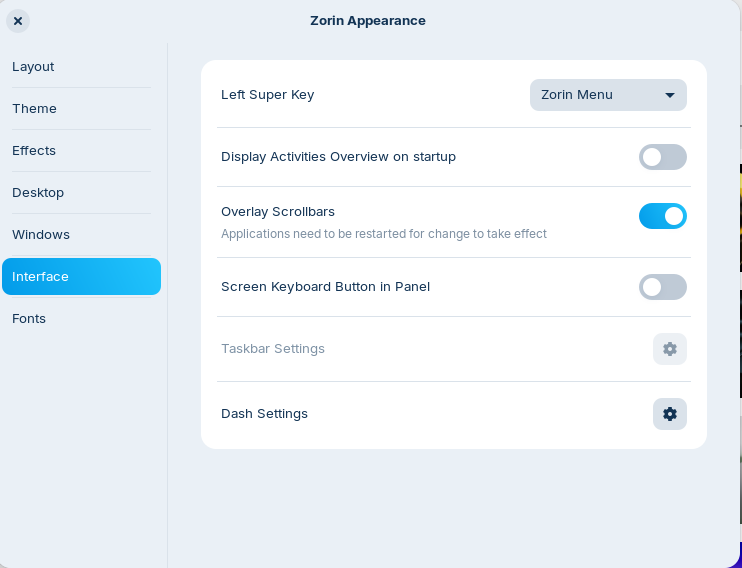
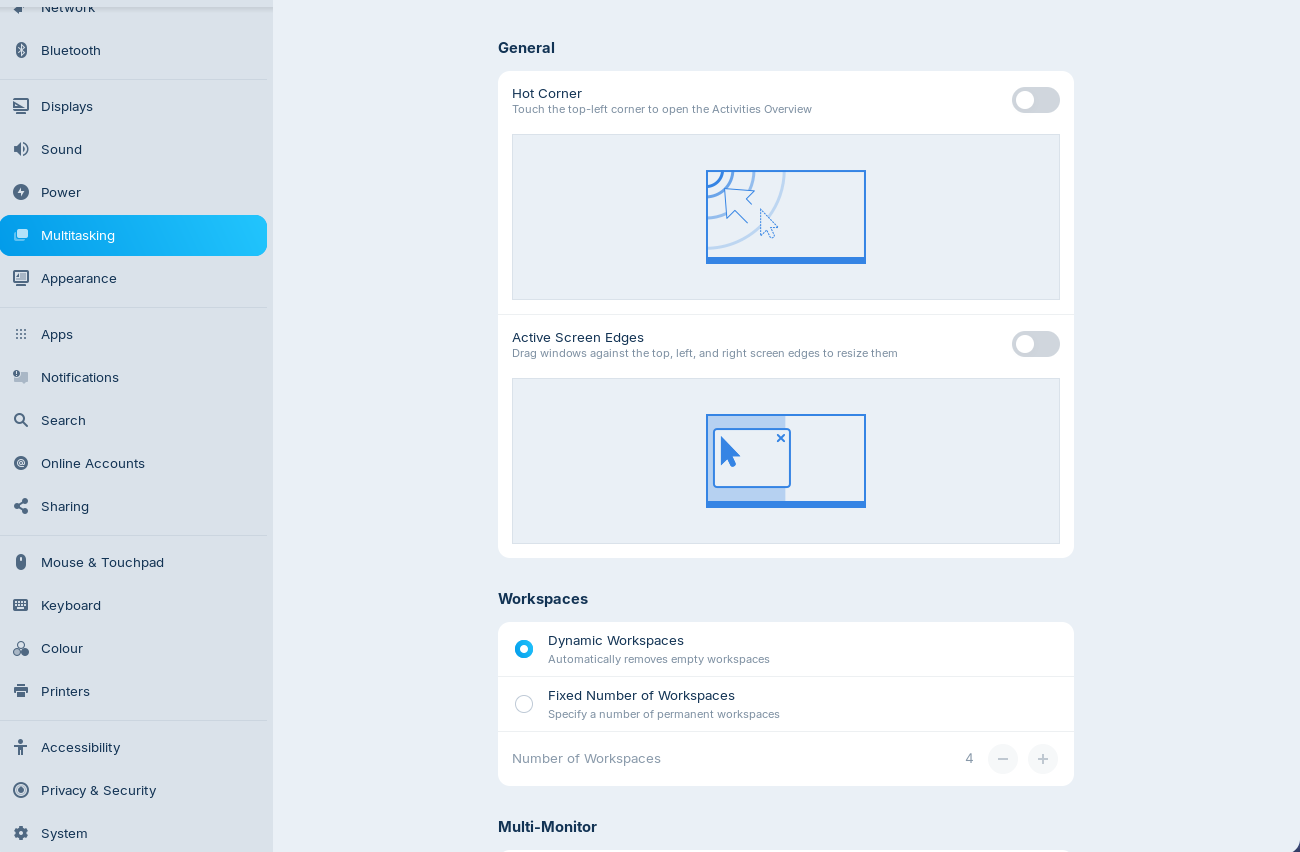
I get slightly panicked by this behaviour. As soon as I try to arrange my windows and move them to the side they get "sucked up" and expanded to fill the entire screen. I don't know what this behaviour is called and how to disable it. It's such an incredible unwanted feature.
I'm sure everyone but me loves it. But I sure as heck don't. It panicks me that I can't control the windows to my liking. And once it's expanded there's no way to "grab" the bottom of the window to make the height less tall. There are blue "zones" displayed as you move the window.
Please help.