Some weeks ago, at work, I replaced my Zorin OS machine (MSI, i5-12450H, 16 GB RAM, NVIDIA GeForce RTX 4050 Max-Q 6 GB) with macOS (a MacBook Neo that uses a phone processor and only 8 GB of unified memory).
It's the first time I'm using Mac even though I used Linux and Windows for many years. Some of the things I didn’t like:
Close  / Minimize
  / Maximize
  buttons: Close doesn’t exactly quit, minimizing and hiding are different things and after that, app doesn’t show on 3 finger scroll up view, maximize button is actually for fullscreen.
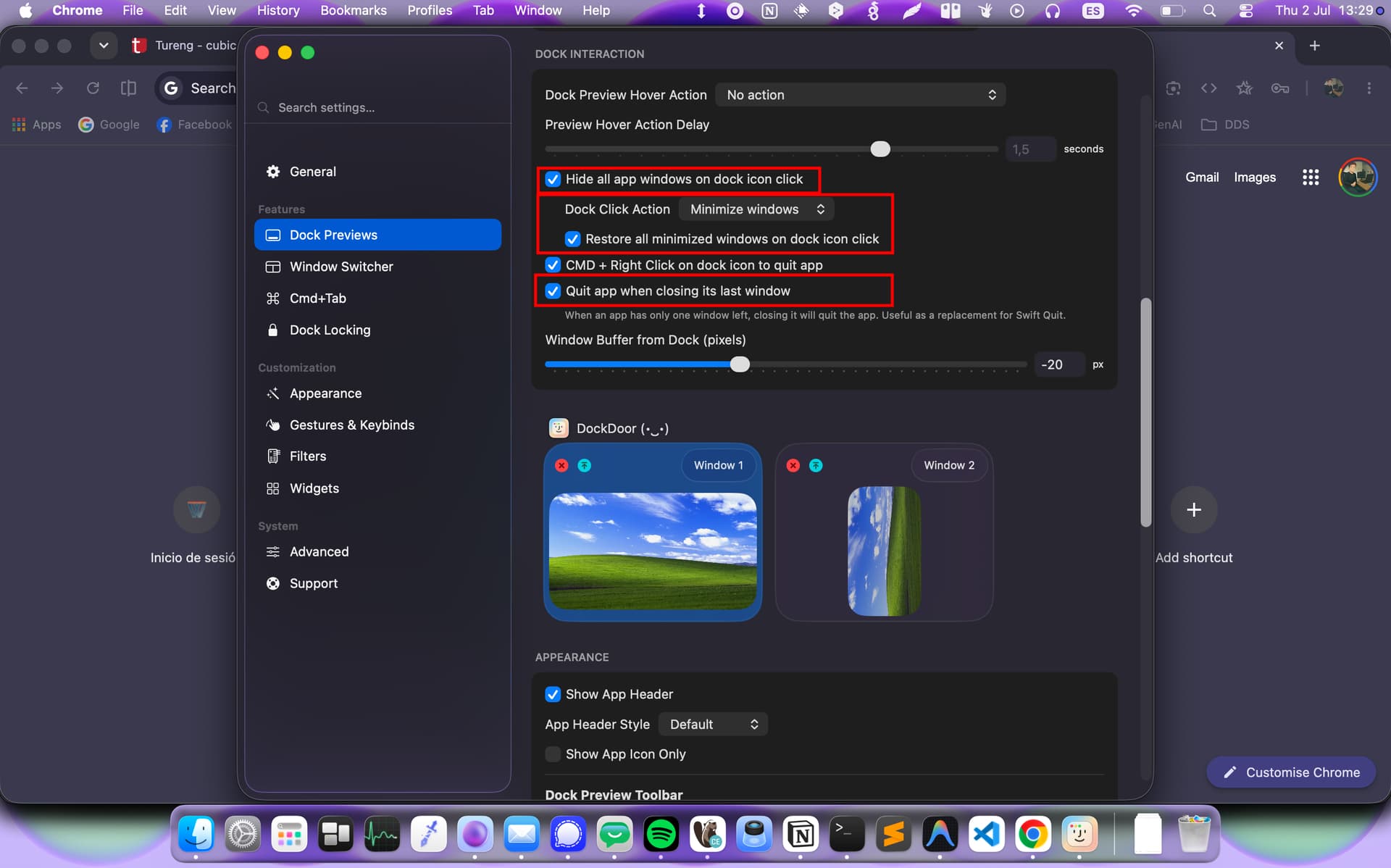
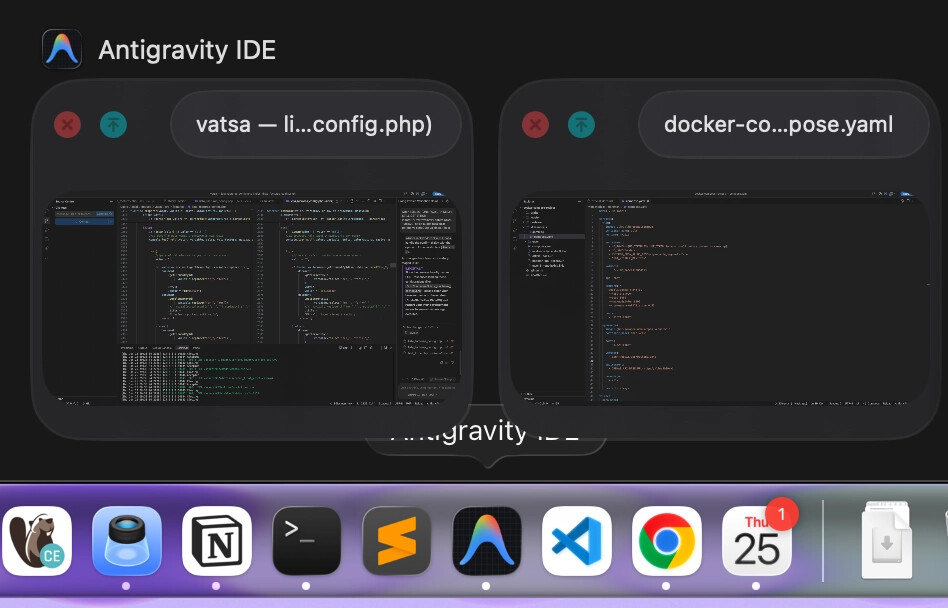
I also didn’t like how macOS manages the Dock. Managing an app with multiple windows is really difficult. It doesn’t even show previews on hover. Clicking an app icon in the Dock focuses the app, but clicking it again doesn’t minimize it. Since GNOME’s “GNOME Knows Best” philosophy considers a dock unnecessary and relies on extensions for taskbar functionality, the Dash-to-Dock extension (used by Ubuntu and Zorin) behaves similarly to macOS. I guess only Windows handles this properly. Anyway, I solved those issues with third-party apps like DockDoor.
While using macOS, I realized why GNOME feels like a cheap copy of macOS. Other bad GNOME decisions, such as not having a “Create New File” option in the context menu, seem to come from macOS’s bad decisions as well. (Thanks to Zorin, which creates this functionality through the ~/Templates folder.) I also didn’t like how poor the mouse wheel functionality is on macOS. For example, you can’t use the wheel for zooming, and changing the natural scrolling setting for the trackpad also reverses mouse scrolling. Fortunately, free third-party apps like Scroll Reverser and ScrollToZoom fix these issues.
Other than some bad UX decisions like these, the result was surprising. I really liked macOS. It provides 100x more built-in customization than GNOME does. Except for the things I mentioned, I don’t have to install third-party apps just for customization. On GNOME, everything depends on third-party tools. Finally, I no longer need to install an extension just to show the top panel (menu bar) on a second monitor.
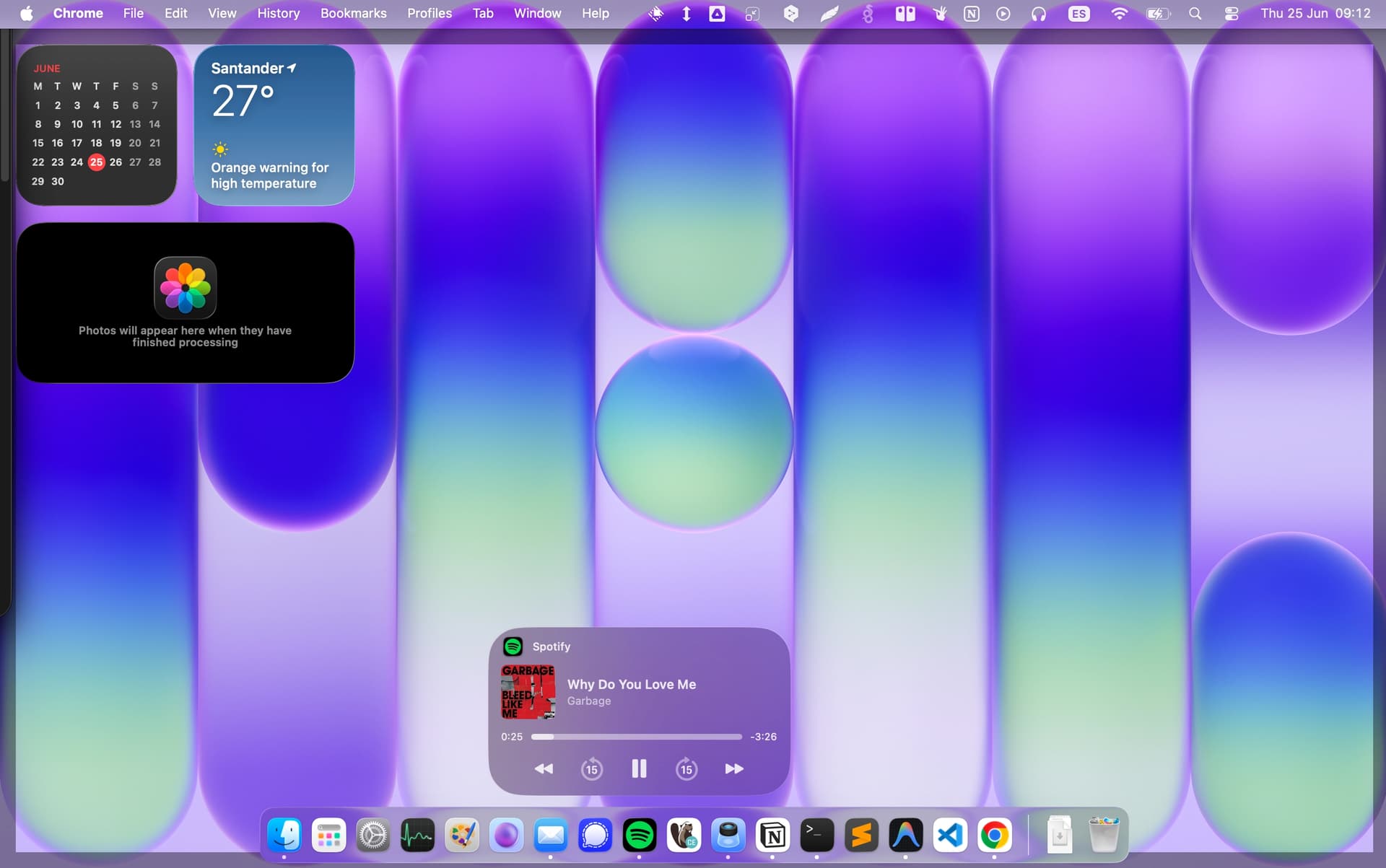
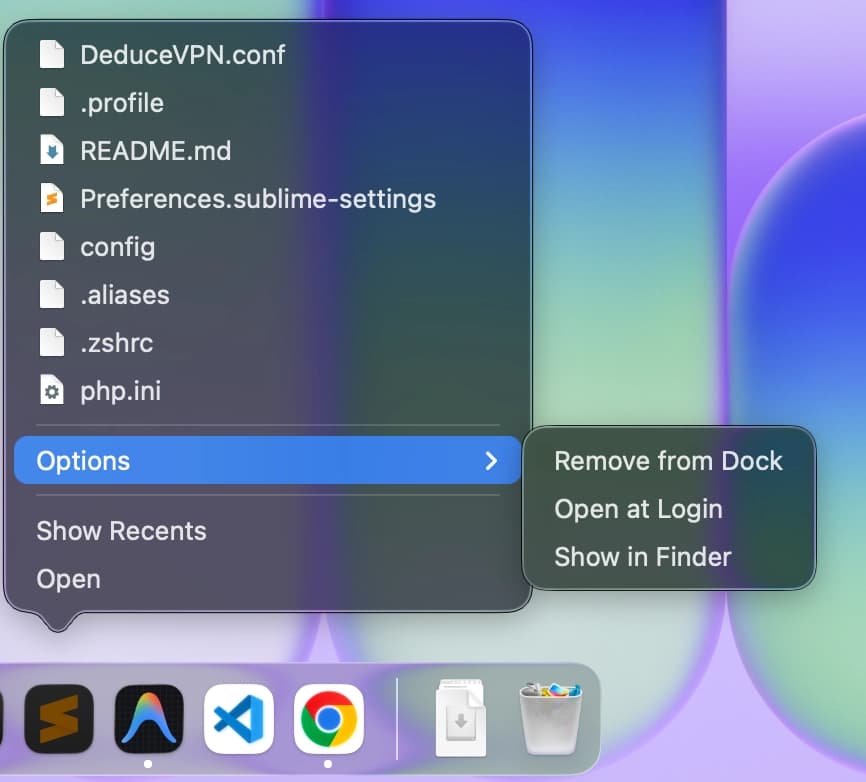
I really liked to have media controls or showing last items on apps without extensions. (Windows also has these features)
Unlike Zorin/GNOME, macOS includes a clipboard manager that can store history for up to a week. I can access emojis with just a shortcut. Clicking an emoji copies it directly instead of showing its Unicode representation. (For me, that’s another weird GNOME decision. ibus-setup is even worse - it only works with GTK apps. Pressing the emoji key combination often just types "e" in the text box. You’re supposed to press Space to bring up the category list, or type "face" + Space to search for face-related emojis.)
The battery lasts around 600% longer than it did on Zorin (x64), even though I use the same applications. Apple did a great job with the power efficiency of ARM64. I heard that Ubuntu 26 made small improvements about battery but dropping x11 and forcing wayland before it becomes stable is a big no for me.
Application support is another big advantage. Finally, I don’t have to use third-party alternatives, terminal calls to unknown scripts, or Wine (which breaks 80% of the time, doesn’t support 64 bit or cannot use gpu accelaration properly) just to get basic app support. Adobe applications, MS Office, WhatsApp video calls, Google Drive integration in Finder with one-click sync, other professional work tools, integrated text-to-speech, and Notion with proper tab support all work out of the box.
Application installation is another area where macOS shines. You just drag an app into the Applications folder, and that’s it. I was really tired of every Linux application having a different installation method. Some require APT with manually editing and signing keyring files, some require downloading a tar.gz archive that isn’t added to your system path or application menu, some use Flatpak (which many distributions don’t ship with by default and some functionalities don’t even work), some use Snap which most of the community hate, and others use AppImages, which don’t have a standard installation mechanism without third-party tools like Gear Lever.
Themes are another issue. On Linux, some applications use Qt (KDE apps) and others use GTK (GNOME, XFCE, etc.). Long ago, Qt was proprietary, so GNOME adopted GTK, but now GTK keeps dropping features based on GNOME’s design decisions. Even Zorin’s own theme has problems with GTK LibreOffice, making many buttons unreadable. DBeaver Database Manager is a GTK application, and Zorin’s theme had issues with it as well (unreadable buttons and screens) I created an issue on GitHub, and they literally told me they couldn’t fix it, I had to force a different theme just for that app. When you want to use Qt applications on Zorin, your selected theme often doesn’t apply properly, forcing you to use third-party tools like Kvantum or qt5ct. So far, I haven’t experienced any theme-related issues on macOS.
Most importantly, it’s stable. I was tired of the Out-Of-Memory daemon shutting down my PC automatically. After nearly every big kernel update, my system would become unbootable, forcing me to use the GRUB terminal to roll back to a previous kernel and freeze updates. My Zorin OS installation also froze randomly regardless of whether I was using X11 or Wayland and dock was becoming unresponsive- Wayland was even worse because third-party screenshot tools like Flameshot didn’t work properly, showing flashes or playing sounds due to "security" restrictions and cannot be turned off, and these issues remained unresolved for years. Most of the time, RAM and CPU usage were perfectly fine, so the freezing culprit was probably GNOME Shell or some of its extensions, yet journalctl never revealed the cause. In general, macOS remains fast and responsive even when multiple Docker containers and background applications are running.
I wanted to write these things because it’s just shocking for me to have better experince than Linux/Windows with less resource.