Hi. I expect the answer is here somewhere but what I've seen seems to be people with no internet connection.
I am connected via WiFi but keep getting the System message "connection failed
Activation of network connection failed.
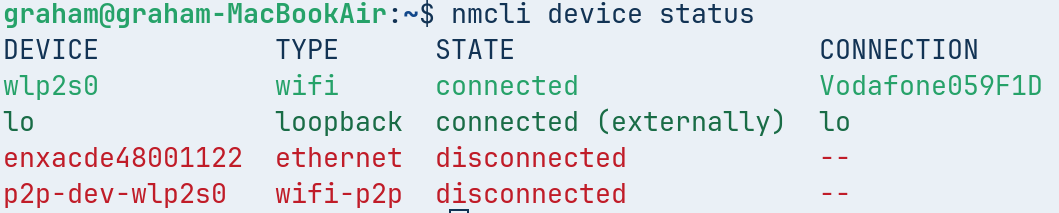
Seems to be "p2p-dev-wlp2s0 wifi-p2p disconnected " ? I don't know what that is.
Can someone point me in the right direction please?
Hi and welcome.
Looking at your screenshot looks like you are using a 4g router/Data SIM from Vodafone. Which is it?
Hi. Thanks for the quick reply.
I have Vodafone 500 Broadband on a 3rd party TPlink router.
I did a quick Brave A.I. search on this (Zorin 18 is a fork of Ubuntu 24.04 hence latter used in search criteria):
" The device name p2p-dev-wlp2s0 with the type wifi-p2p and state disconnected is a standard Wi-Fi Direct (Peer-to-Peer) interface created by your wireless adapter, not a cellular modem interface. This specific entry typically appears alongside your main Wi-Fi adapter (wlp2s0 ) and is often harmless, as it represents a separate channel used for direct device connections rather than internet access.
If you are attempting to use a Vodafone data SIM (cellular modem) on Ubuntu 24.04 and cannot connect, the issue is likely that the modem is not being recognized or is blocked, as the p2p-dev interface does not handle cellular traffic. In Ubuntu 22.04 and later, users have reported that certain cellular modems (such as Quectel EG-25G) require an FCC unlock or specific configuration in ModemManager to appear as a gsm or wwan device, which is distinct from the wifi-p2p interface.
To resolve the connectivity issue, you should:
- Check for the actual modem device : Run
nmcli dev to look for a device type listed as gsm , wwan , or cdc-ether rather than wifi-p2p .
- Unlock the modem : If the modem is FCC-locked, you may need to unlock it using
ModemManager tools or specific commands provided by the manufacturer, as newer Ubuntu versions do not automatically perform this unlock.
- Verify the SIM : Ensure the SIM is inserted correctly and that the system detects the USB modem hardware via
dmesg or lsusb before attempting to connect.
AI-generated answer. Please verify critical facts."
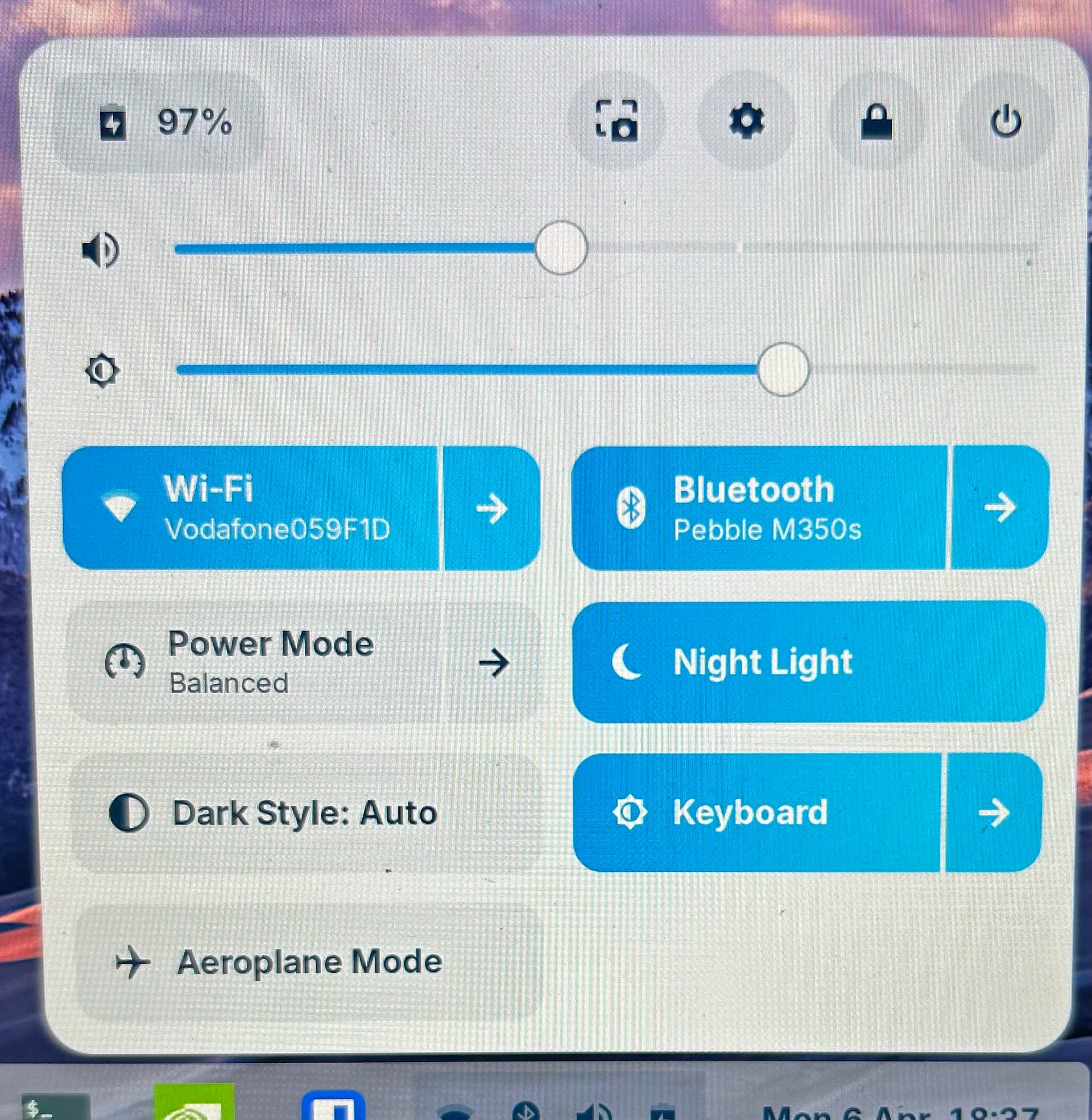
Although the "Wired" option in the taskbar was greyed out I activated it then deactivated it again and now "ethernet" is showing disconnected and the message has stopped.
Maybe that's a little glitch?
You posted again before having a chance to read my previous post. Please take a look.
I tried Smarty SIM in a USB dongle a while back but connection ceased come the afternoon so I gave up on that.
Thanks. I'm on a Fibre landline, Vodafone is just the provider.
I found toggling the "Wired" switch has fixed it for now, not sure what will happen next time I start up.
I've restarted now and the "Wired" button has gone completely
It used to be above Wi-Fi. So.... Seems to be fixed now?
1 Like