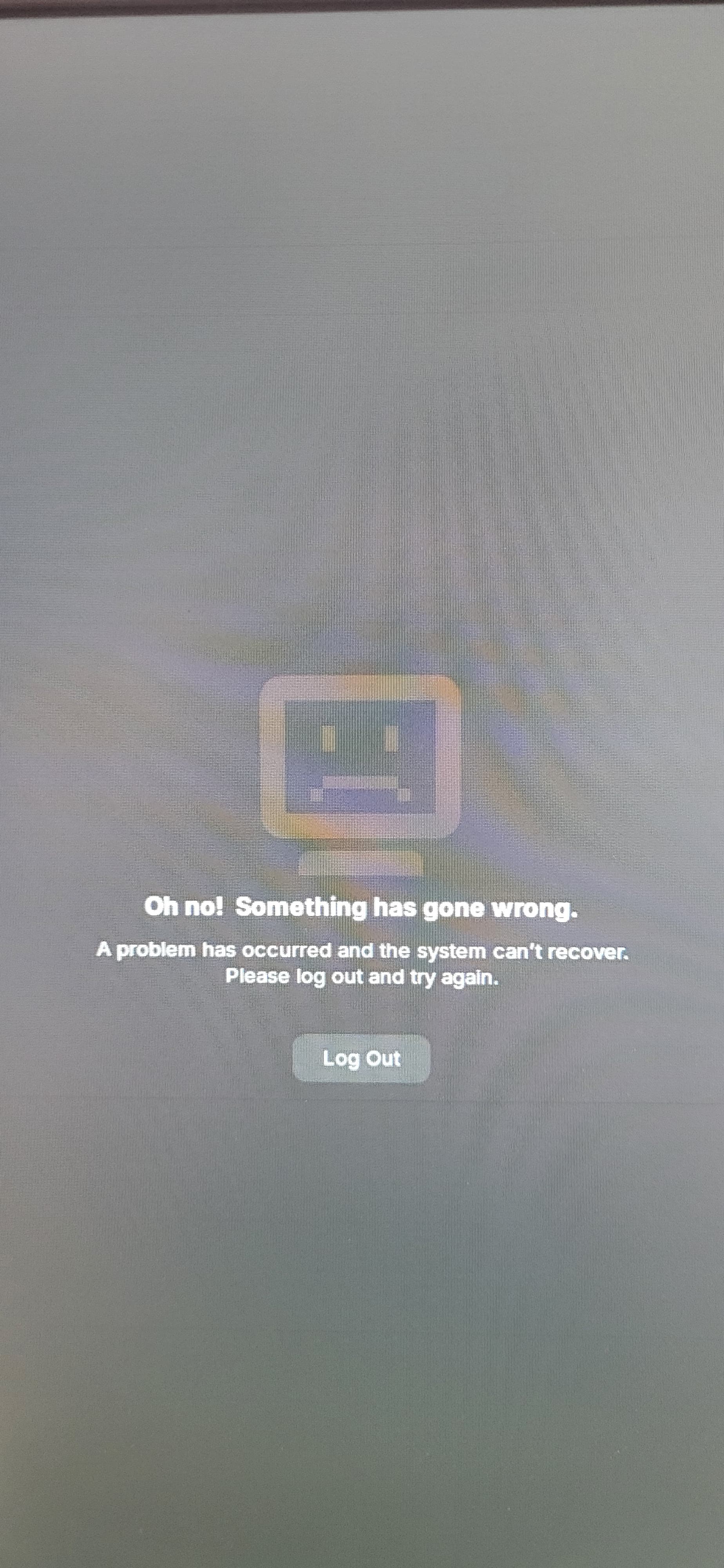
The log always shows these messages:
13:05:30 gdm3: Gdm: on_display_removed: assertion 'GDM_IS_REMOTE_DISPLAY (display)' failed
13:05:18 systemd: Failed to start app-gnome-gnome\x2dkeyring\x2dssh-145344.scope - Application launched by gnome-session-binary.
13:05:15 gdm3: Gdm: on_display_added: assertion 'GDM_IS_REMOTE_DISPLAY (display)' failed
13:05:14 gdm-session-wor: gkr-pam: unable to locate daemon control file
13:05:04 gdm3: Gdm: on_display_removed: assertion 'GDM_IS_REMOTE_DISPLAY (display)' failed
13:03:27 gnome-shell: Received an X Window System error.
This probably reflects a bug in the program.
The error was 'BadWindow (invalid Window parameter)'.
(Details: serial 3078506 error_code 3 request_code 7 (core protocol) minor_code 0)
(Note to programmers: normally, X errors are reported asynchronously;
that is, you will receive the error a while after causing it.
To debug your program, run it with the MUTTER_SYNC environment
variable to change this behavior. You can then get a meaningful
backtrace from your debugger if you break on the mtk_x_error() function.)
This message is a GDM (GNOME Display Manager) assertion warning that has become common with newer GDM versions and is usually harmless by itself.
What the message means
Gdm: on_display_removed: assertion 'GDM_IS_REMOTE_DISPLAY (display)' failed comes from GDM’s code path that handles “remote displays” (remote desktop / login sessions).
On many systems this assertion is triggered even for normal local sessions due to a logic bug, so it shows up in the journal without necessarily indicating a real failure of your graphical session.
When it is usually safe to ignore
In many reports:
Users can log in and use the desktop normally, with this line only appearing in journalctl -u gdm.
GNOME upstream has already fixed the underlying issue in newer GDM releases (e.g. GDM 47 or the 46.3 series), and distributions are gradually backporting the patch.
If your GUI works fine and this is just noise in the logs, the practical options are:
Make sure your system and GDM package are fully updated and then ignore the message if nothing is actually broken.
When it may indicate a real problem
Sometimes this line appears together with:
Login screen failing to appear, looping, or dropping back to text console.
Random crashes when locking/unlocking the screen or closing graphics-intensive apps.
If you see visible problems along with the assertion, typical troubleshooting steps seen in reports include:
Updating to the latest GDM and GNOME packages from your distribution (to get the fix).
Checking GPU/graphics driver (NVIDIA, AMD/ROCm, etc.) and updating or temporarily switching drivers if the crashes coincide with GPU stack changes.
Looking at the surrounding log lines in journalctl -b -u gdm or journalctl -b to find the real error (for example, a GPU crash, Wayland issue, or extension crash) and addressing that instead.
If you describe:
Your distro and version (e.g. Ubuntu 24.04, Fedora 40, etc.)
GDM version (gdm --version or from your package manager)
What actually happens on screen (works fine / crashes / no login)
a more targeted, step-by-step fix can be suggested.
You could always install lightdm as an alternative to gdm3 and see if the situation improves? I just wish Zorin had left Gnome behind, (and Ubuntu) and based 18 on Debian and the Plasma Desktop which is what I have done with Zorin 18: