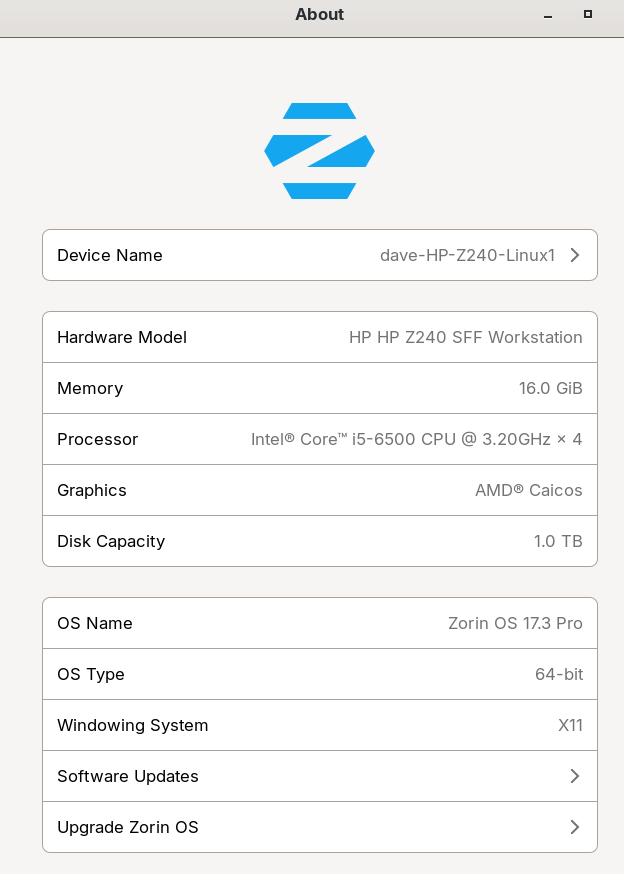
At the times I would expect to hear a system sound, I just get a thump sound. The speaker test thing works, youtube videos play with normal sound via brave. I thought they were there when I first set the machine up, but maybe not, I was sorting out other things......
Zorin has only a few system sounds.
Do you have enabled sounds at settings > sound and there set a sound for the alerts?
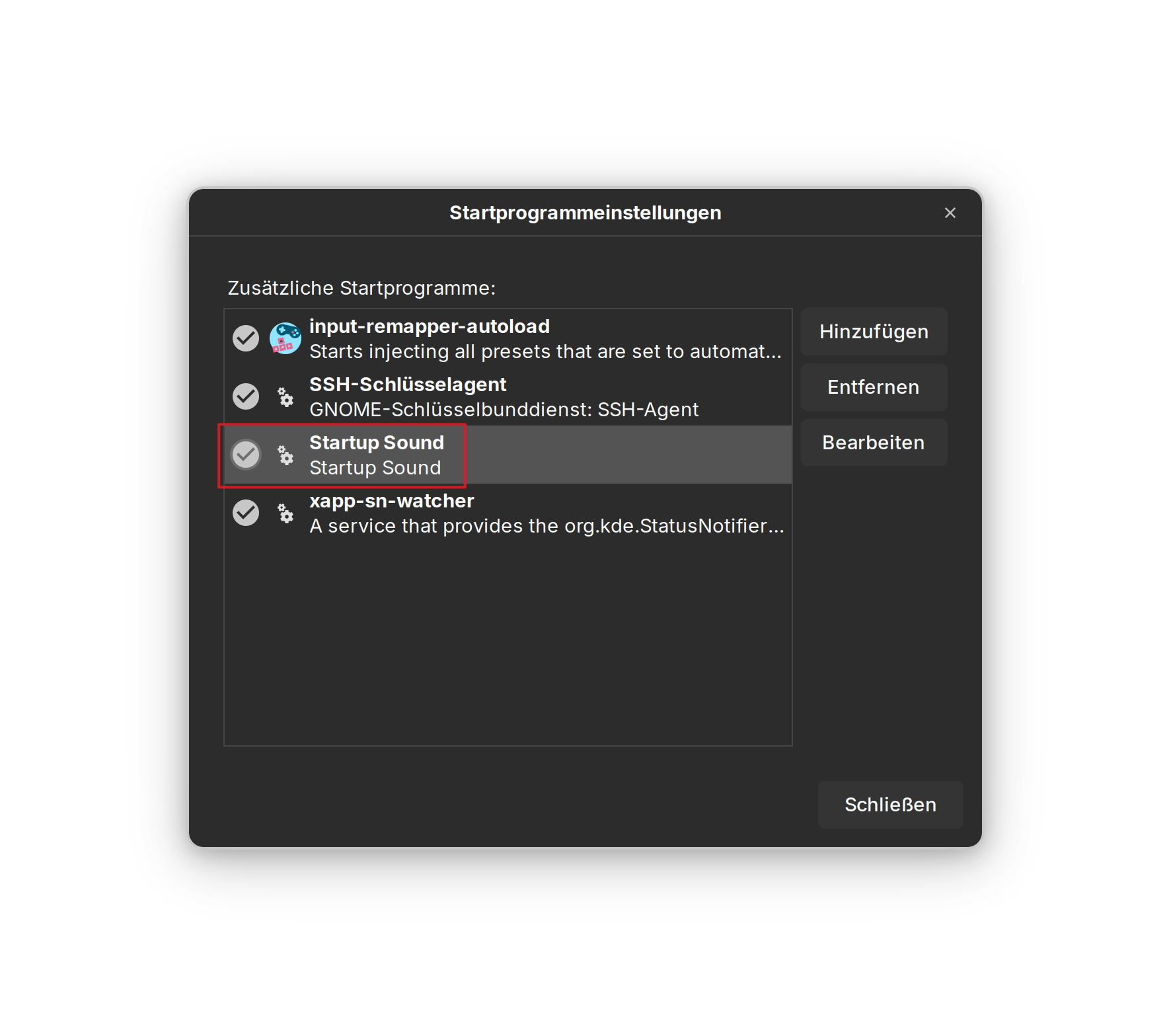
The sound at system start (startup sound) you can enable at startup programs.
It's a little easier to configure system sounds in the Cinnamon or KDE Plasma desktop environments.
I tried to get custom sound themes to work in Zorin, but only some sounds played, many did not.
See if this lengthy LM Forum post helps (I didn't know sound had a power-save function!):
There is not much System Sound. Mostly only Warntones. Like @Forpli already wrote, You can set up a Tone in the Settings:
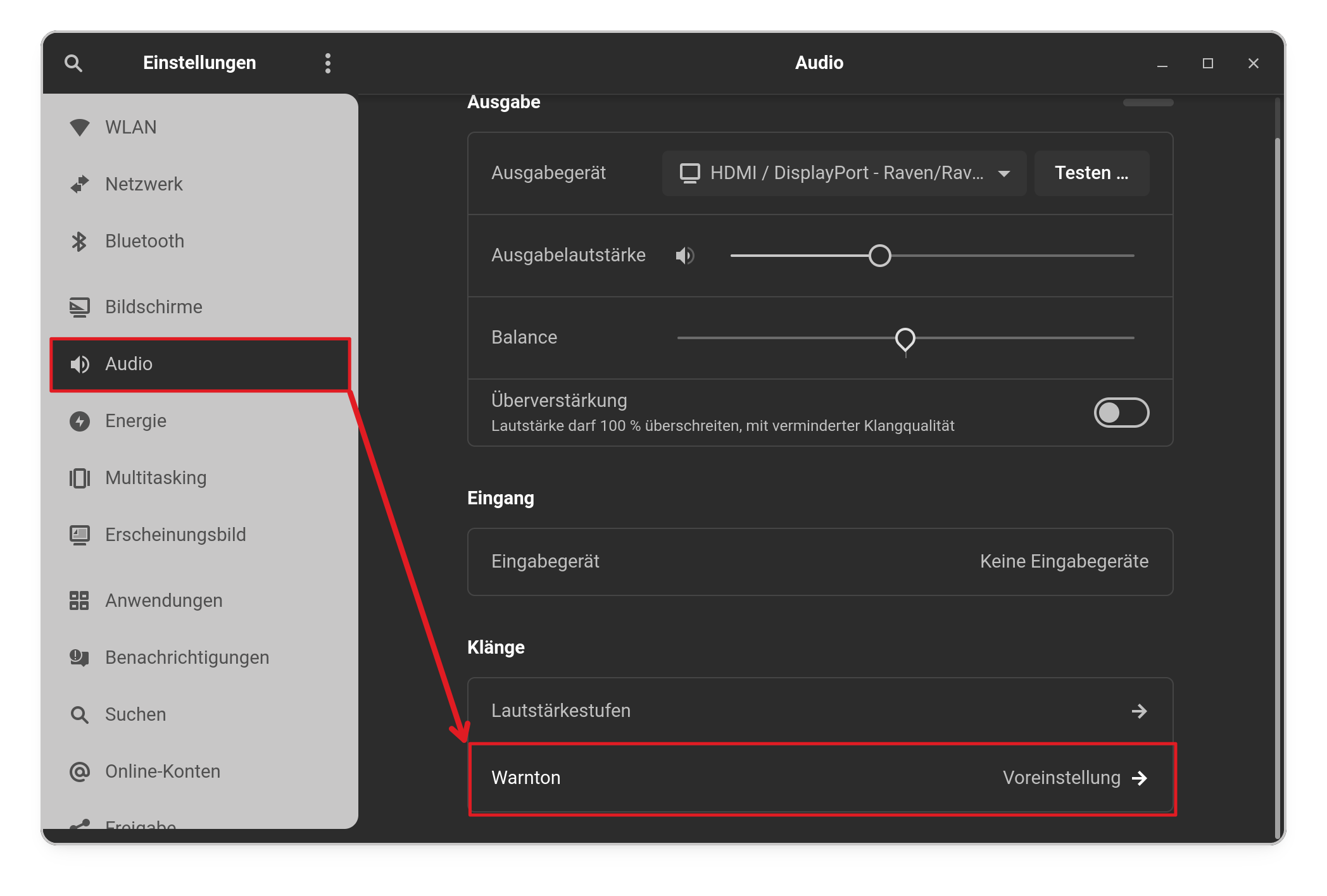
There is not much Choice but because You don't hear it often it shouldn't bother too much I guess.
I had no idea Zorin 18 had sound, especially the Desktop Login sound.
I'm on Zorin 17 and the only sound I hear is when I insert a flash drive.
That are the sounds of the Zorin sound theme which you find at /usr/share/sounds/zorin/stereo. On my Zorin 18 system I don't hear all of them, e.g. empty trash is not played.
I'm not sure if really all are implemented for special actions.
In Zorin 17 it is similar.
You could be right. I don't think many of them play at all. The only one I hear on my Zorin 17 is when I plug in a thumb drive or SSD.

The YouTube comment mentions too that not many sounds are heard.
I booted Zorin 18.1 Live and the KDE Ocean sound did play when selecting "Live" or "Install". However in the video it says the Ocean sound plays when Logging in. 
Open startup applications click add then make it look like this
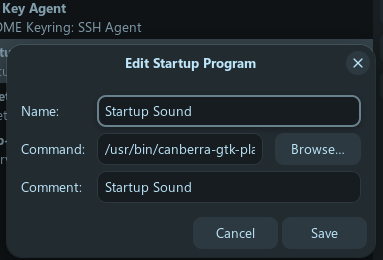
the command line is
/usr/bin/canberra-gtk-play --id="desktop-login" --description="GNOME Login"
this will play to default startup sound will also play it when you log back in as well
make sure to hit save ....lol
If ya want to use your sounds we will start another thread and ill help whoever to do that
Ok, I get a weird thump sound at some events, so I thought there were sounds. Videos online, or local play with sound fine.
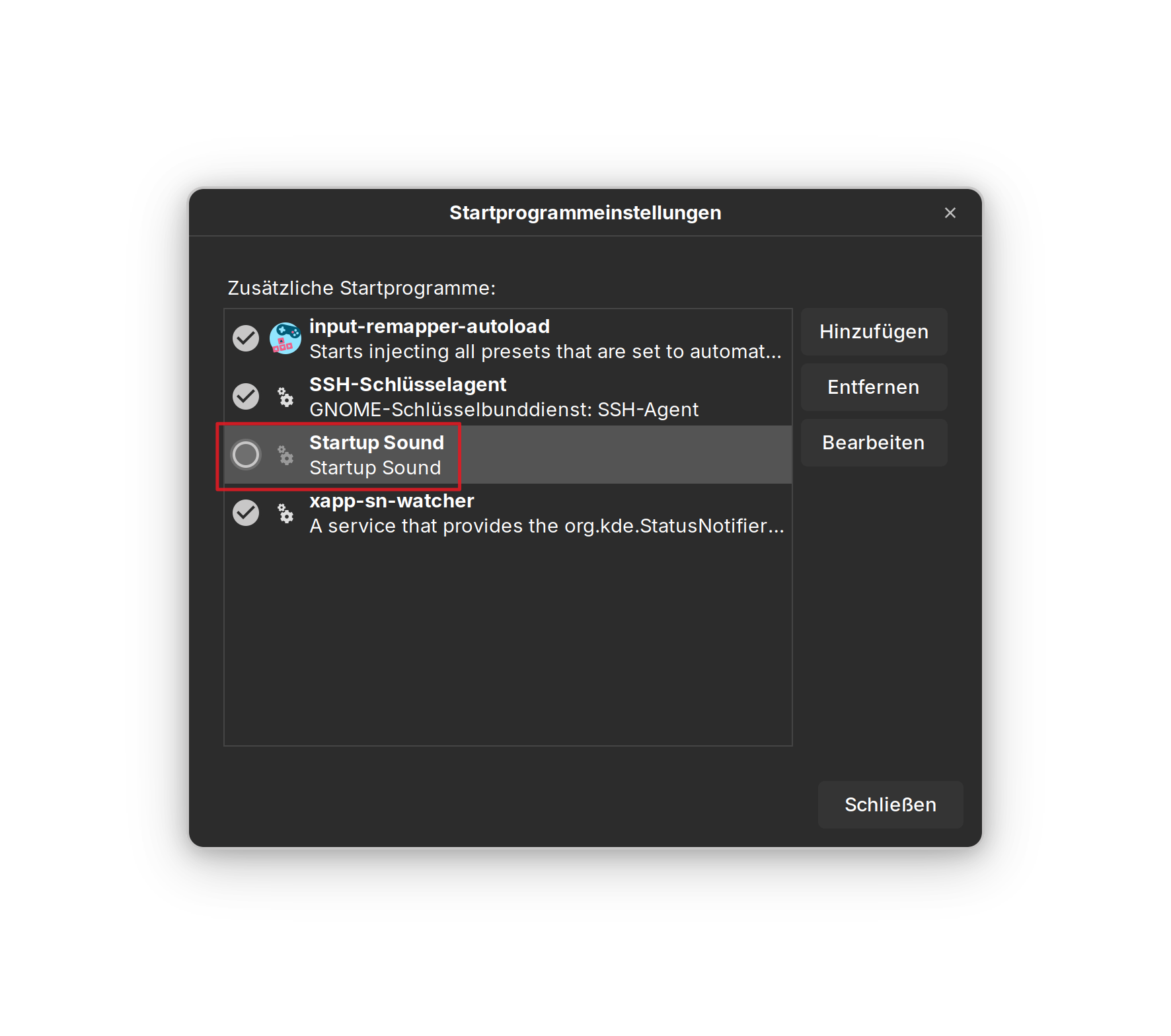
When you boot Zorin in live mode you will hear a startup sound. This gets muted post install. It is present in Startup Applications, just enable it and you will then get the login sound.
That shouldn't be neccessary. The Startup Sound is there by default but disabled. It is enough to mark it as active:
2 Likes
Ah ..ok...was just making sure in case the command was needed
1 Like
So the Startup Sound entry just needs to be toggled on in Startup Applications, no command line needed? That clears it up. I'd been assuming the login sound was missing entirely rather than simply disabled by default after install. Good to know enabling it is the whole fix, since the live session sound working fine had me second-guessing things.
1 Like
Yes, only enable it at autostart programs.
2 Likes
That correct. Simply click on the Marker. When the Entry itself shouldn't exist - for whatever Reason - You have to add it of Course first like @wesoliv429 has shown.
1 Like
You can, if you wish replace the default sound with a sound of you choice as well. you will need to convert the sound to an .ogg file or you can use your sound as it is and just add the path to that sound so the system can find it