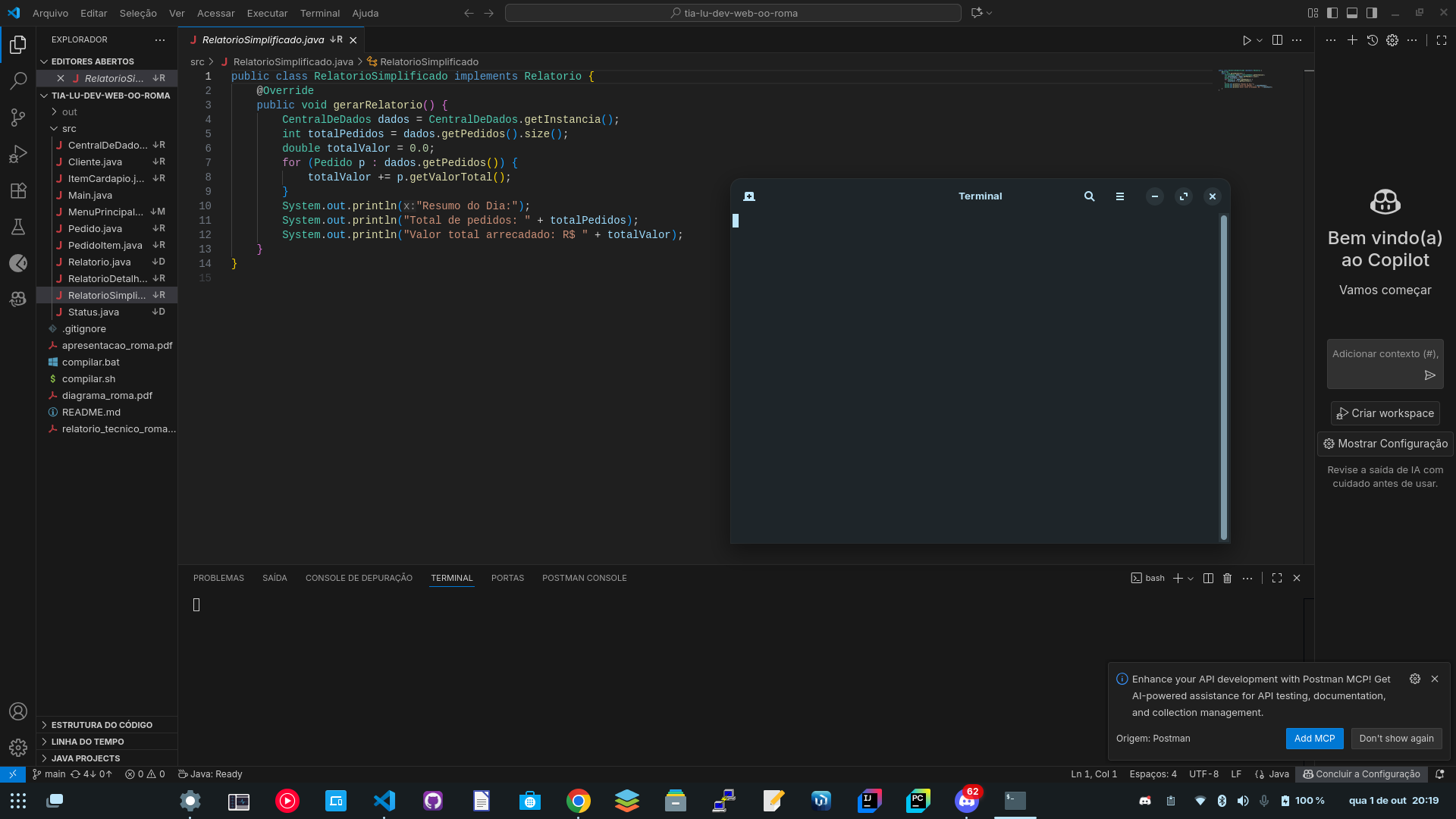
Hey everyone, I'm currently making a project using Ionic, then the software updater updated and now my terminal is not initializing. It opens normally but it doesn't start to release the prompts/commands. I've tried to solve this issue using TTYY but it still doesn't work. Can someone help me how to fix this? I need the terminal to develop the project on Ionic 'cause it uses the CLI. Not even the terminal starts on VSCode. Take a look how it shows.
Hi, and welcome to Zorin OS!
Do you recall what were the updates about? And, besides the updates, have you installed anything else recently?
My first thought would be some background process inside the ~/.bashrc or similar files that are loaded when the terminal boots. A quick test to check that is to simply rename this file.
As you can't run commands at the moment, launch the file manager and press Ctrl+H to reveal hidden files. There, you should see the ~/.bashrc and possibly other related files. Rename those to ~/.bashrc.bak or something around those lines, for backup. Then, launch a new terminal and see if the issue persists. If it doesn't , it means you have something in there that is blocking execution.
A few other things to try if this doesn't solve the problem:
-
Can you interact with other elements from the terminal window? For example, the button to open a new tab, open the settings menu, etc.
-
Can you create a new user account and log in to that account, to verify if the same issue happens there? You can create new users through Settings → Users.
-
Launch Logs from the applications menu and check if there are any errors or warning messages there.
1 Like
Welcome to the Forum!
I would suggest to install a different Terminal and see if it behaves the same. You could install for Example Ptyxis from the Software Store. Or another one. Should it work, try to reinstall the Gnome Terminal with sudo apt reinstall gnome-terminal
If you boot to Grub Menu, then select Zorin on 6.8 (recovery - assuming you are booting kernel 6.8; You can enable networking in the recoveyr menu, then arrow key down to Drop o root prompt
This should give a working terminal.
Run
sudo apt update
and see if you got a partial upgrade. If any held packages, run
sudo apt install followed by the package names separated by a space.
This topic was automatically closed 90 days after the last reply. New replies are no longer allowed.