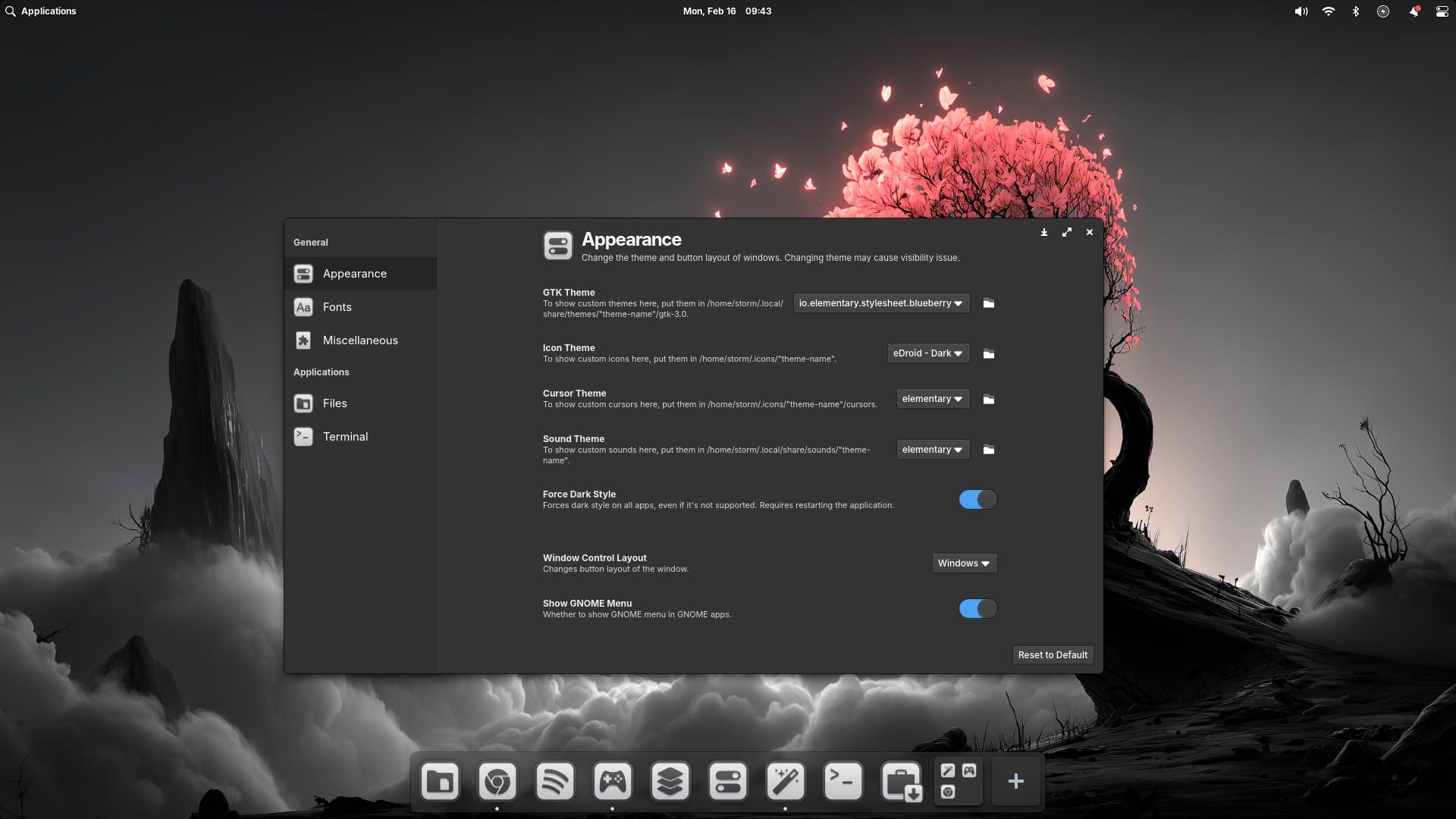
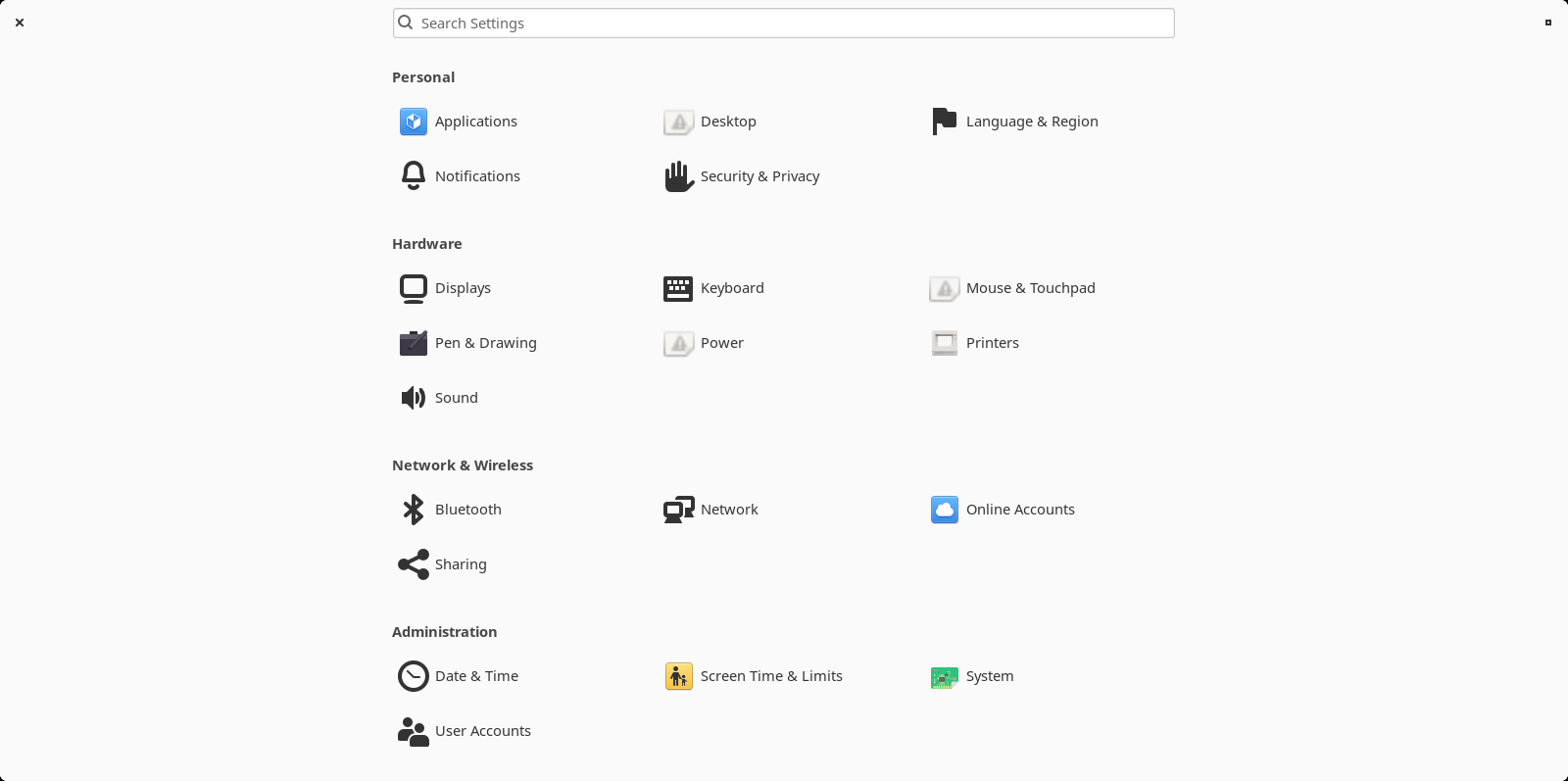
Flatpaks don't work for me in live session, they are too big. Especially now after installing Pantheon, I probably don't have any RAM left. The installation felt huge. When the RAM is filled the package manager stops working and I can only shutdown so I don't want to risk that now.
But good to know that there is the possibility to change themes, thank you for the information!
I can try that...For me it is just easier to test other desktops with the .isos I already have on my stick, and I want to explore what is possible in Zorin and what can be changed easily and what leads to problems.
The fact that the Windows close and maximize buttons were on different sides of the window irritated me the most and could not be changed. There was also no minimize button.
Where is that? I don't have settings for windows.
I tried to install dconf-tools because I read that it is needed to change the buttons of the windows, but the package isn't found.
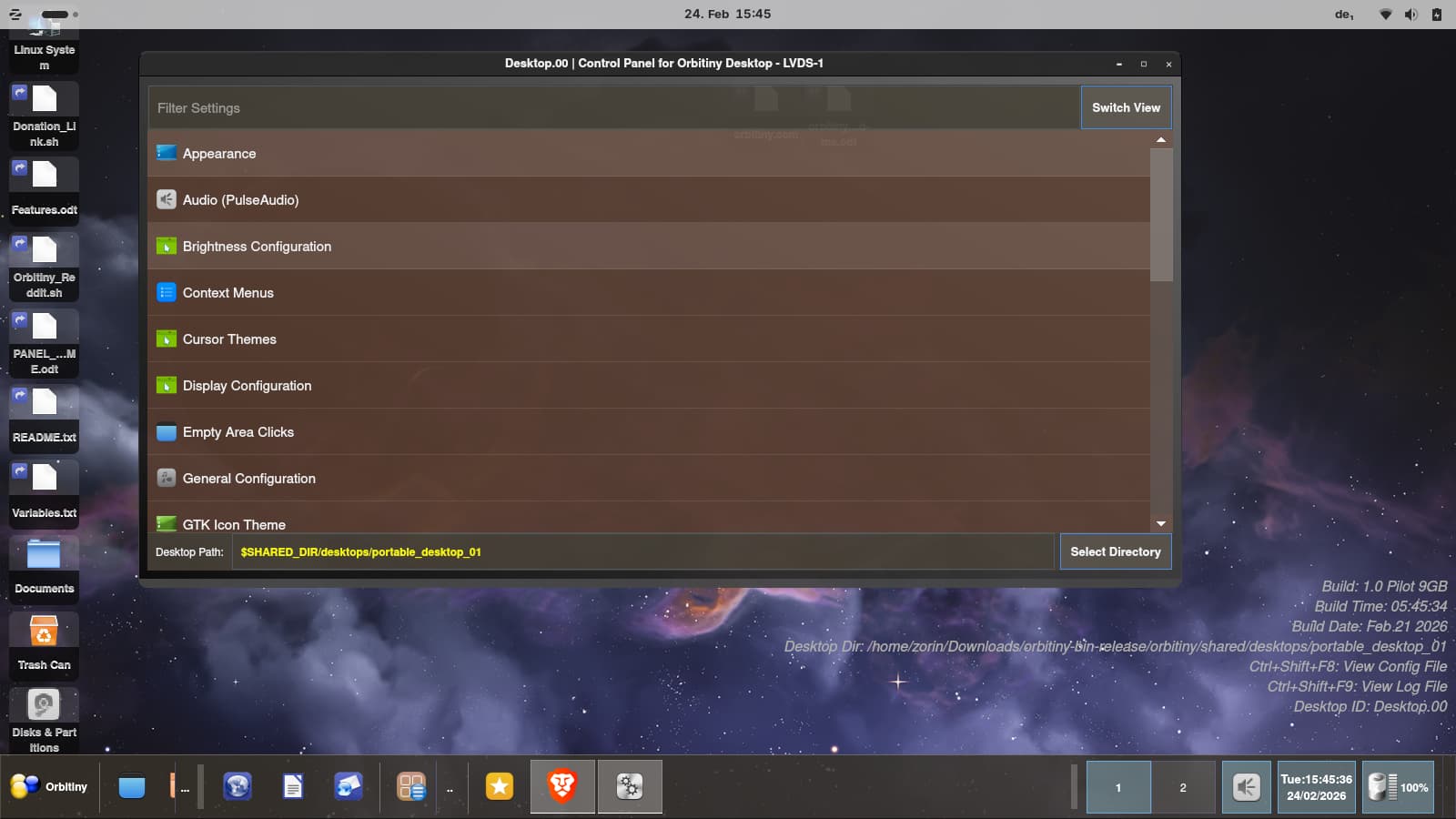
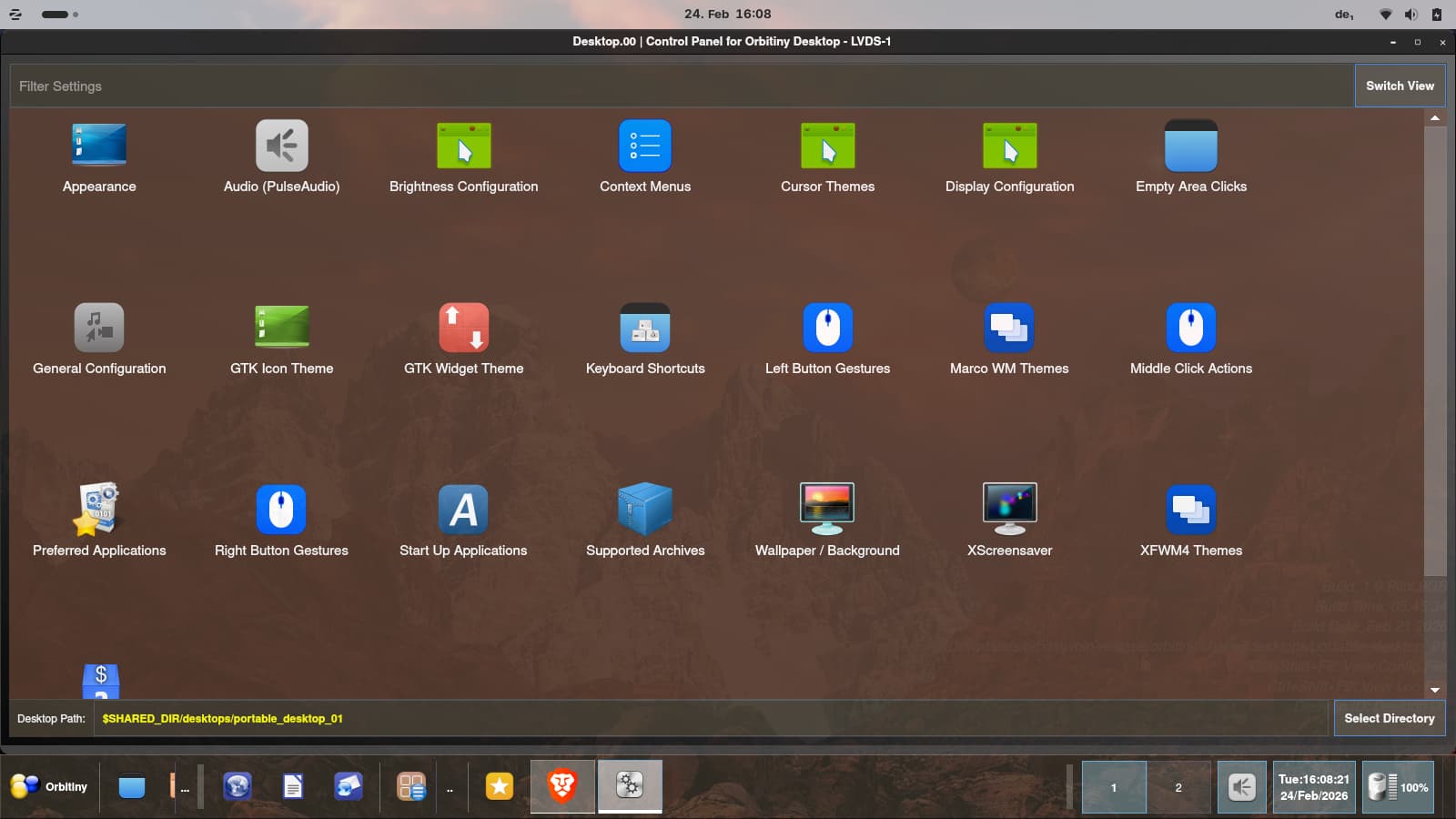
My first look into Orbitiny desktop today, installed on Zorin 18 live session... Many desktop icons, it looks very confusing, I need to find my way around first.
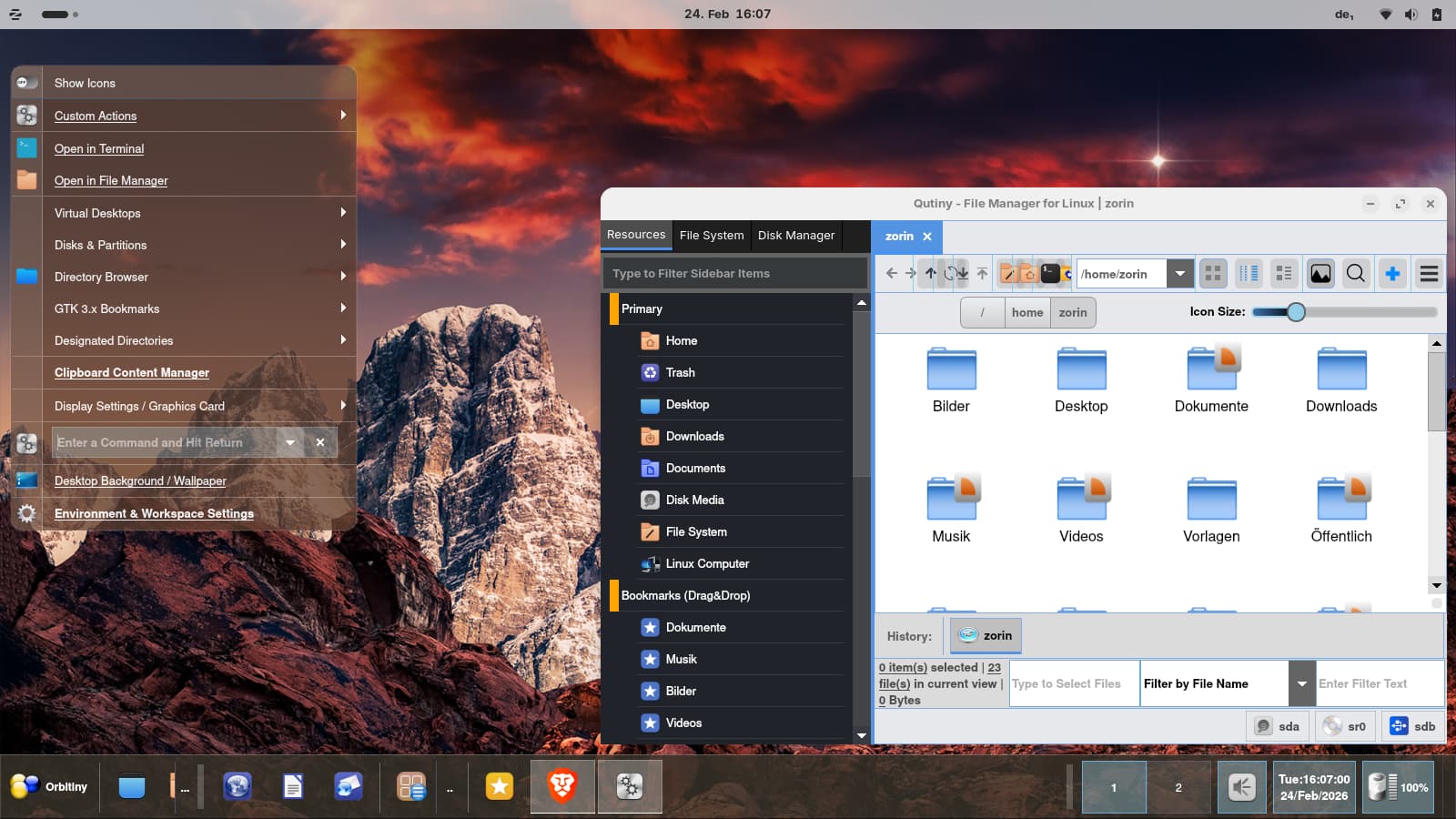
The file manager is special from the look. Interesting. You can adjust many things in this desktop, some are similar like in Enlightenment/Moksha (the menu which opens on a right click on the desktop).