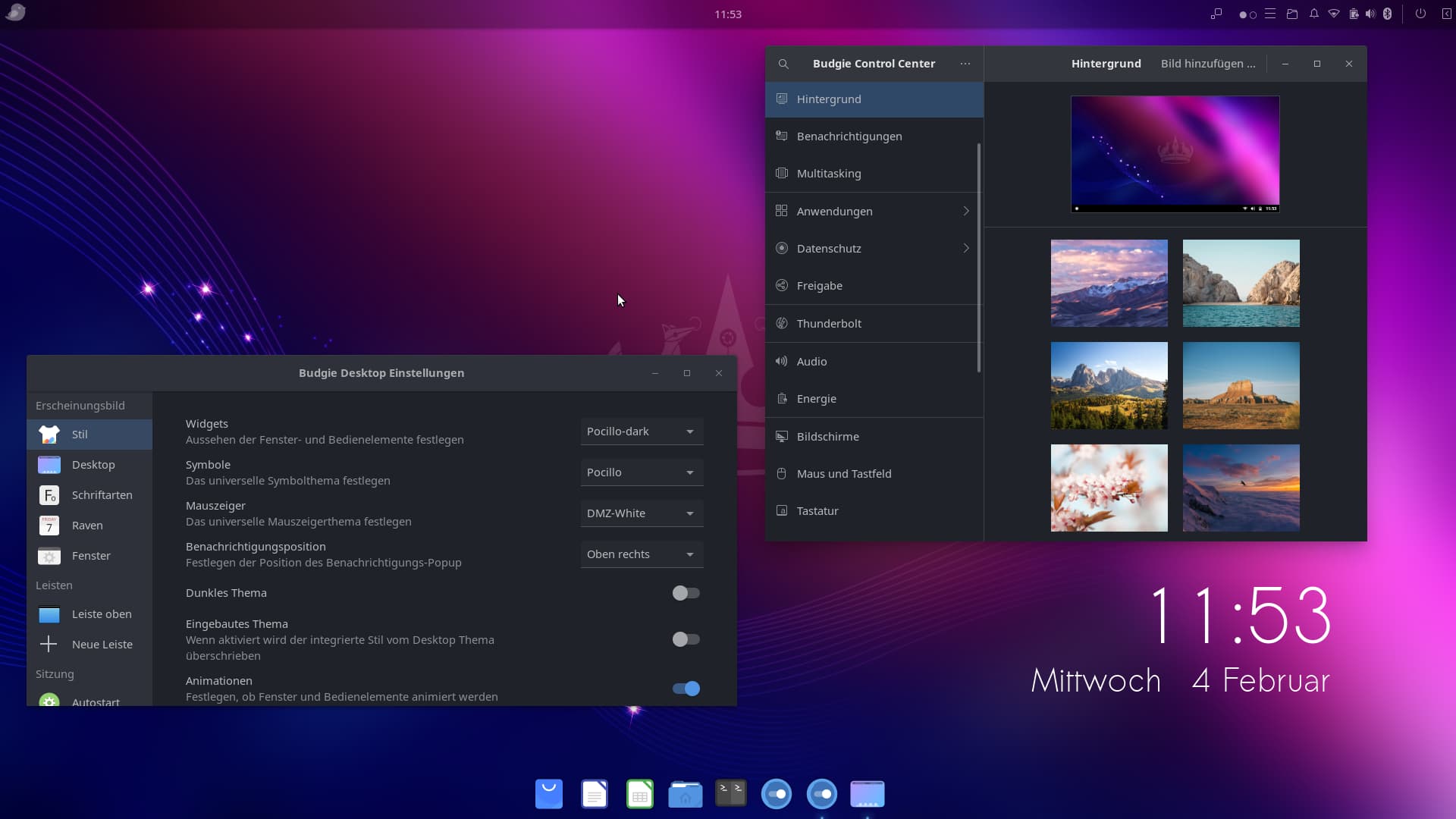
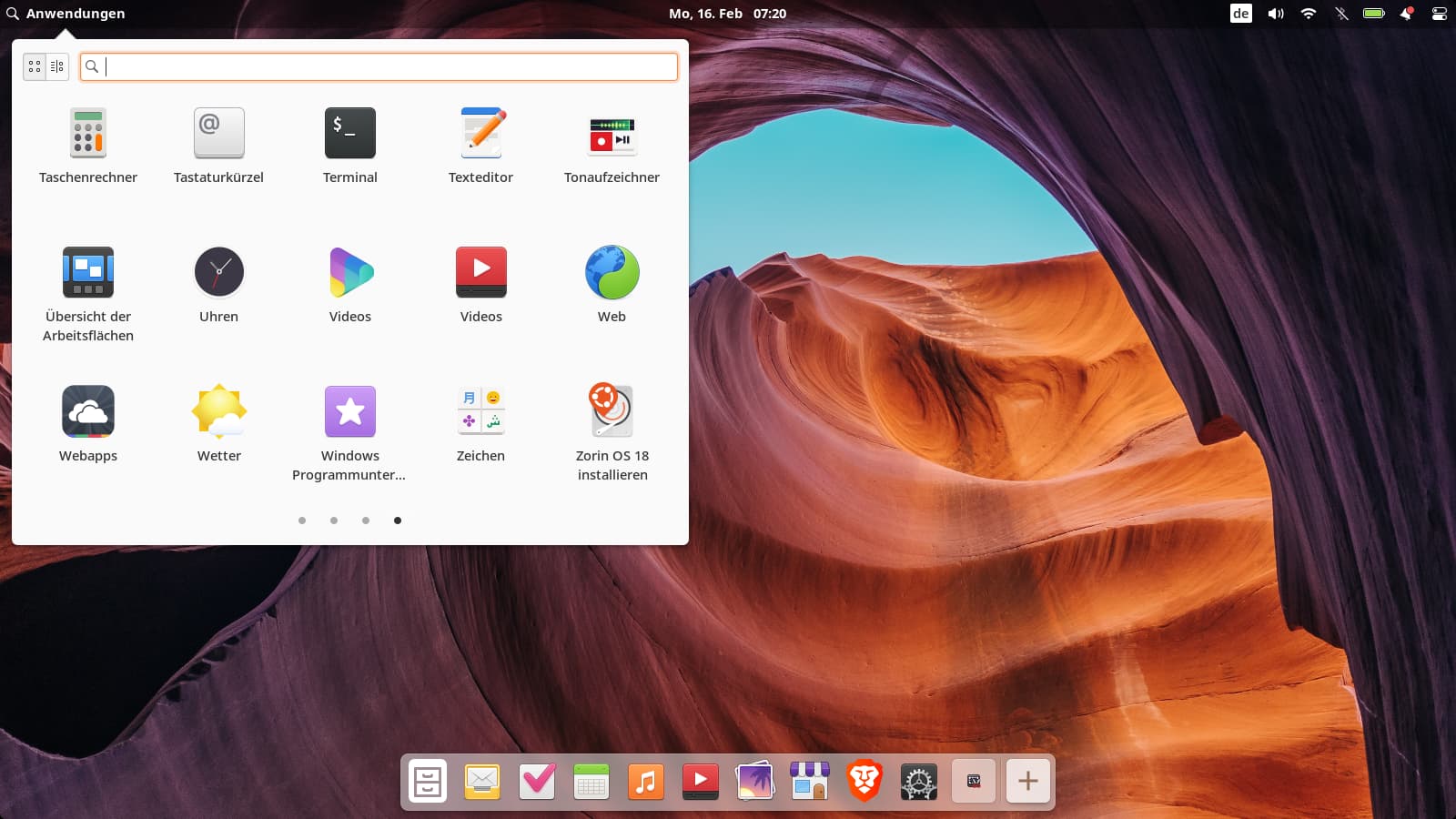
Today I tested Budgie desktop in Zorin 18 live session.
It was not a good experience, got a lot of errors because of window shuffler and when I switched back to gnome, I was prompted every minute to send a bug report.
I haven't read about good experiences with installing Budgie DE here in the forum, so I'm interested if anyone had more luck and is satisfied with Budgie in Zorin?
I tried again with a fresh live session and this time I disabled the gnome extensions for the new user account before installing the budgie desktop, and it worked. Only libre office and font manager opened very slow.
Last time, I had also installed xfce4 beforehand, which may have been excessive for live session and only 8 GiB RAM.
I like the icon theme of budgie (Pocillo), the app for configuring the loginscreen, tilix and plank dock.
I'm not sure what's so special with budgie. I wouldn't recommend the installation on Zorin core because of the conflicts. The number of newly installed packages was enormous - compared to other desktops.
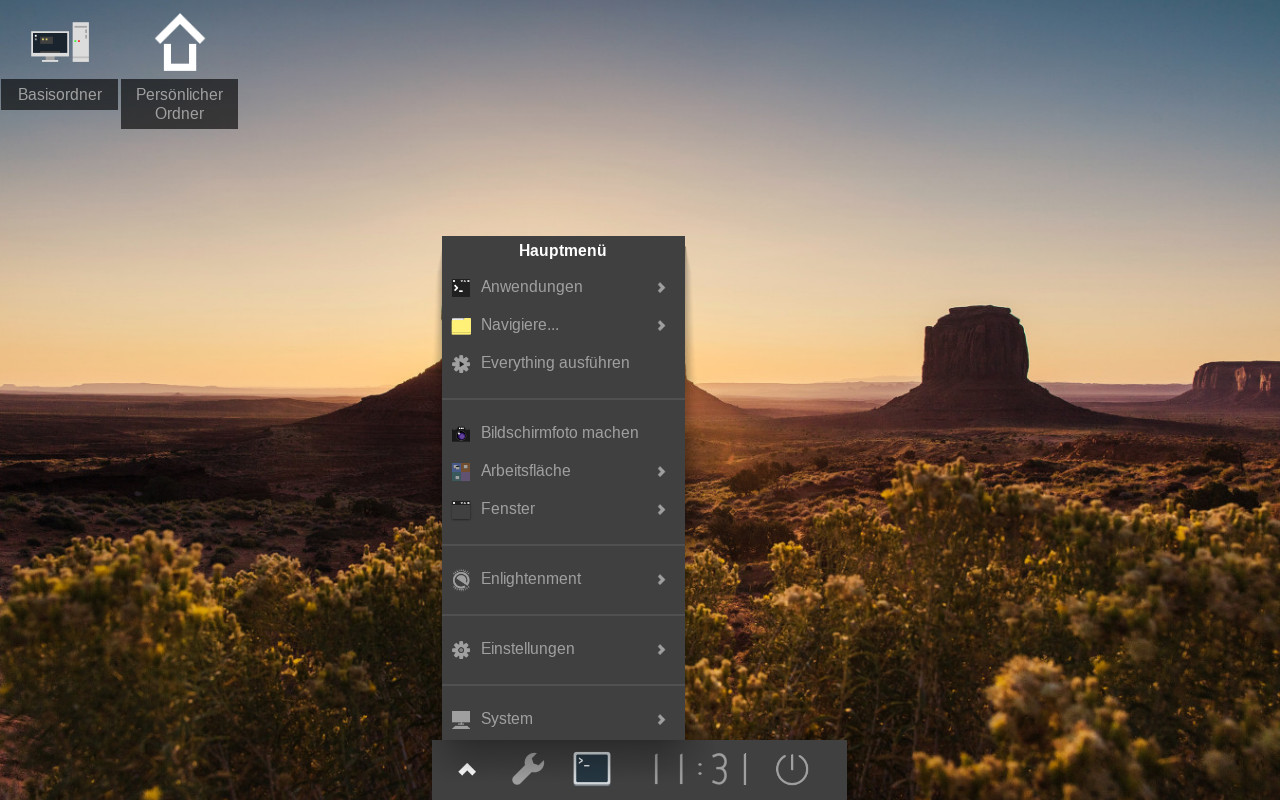
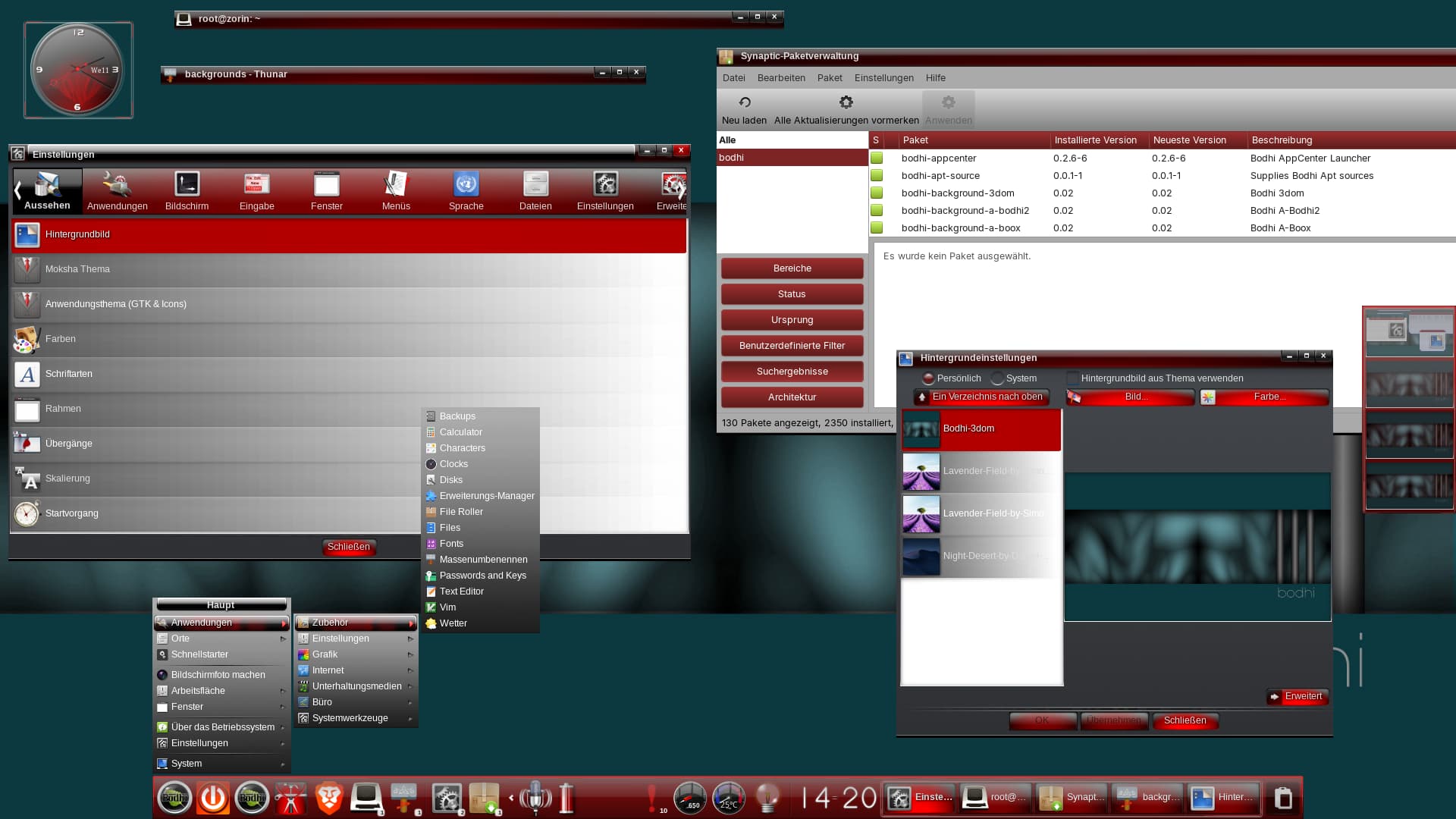
Yesterday I tested Enlightenment and Mate in Zorin 18 live session. Enlightement made no problems and was somehow unique, I haven't seen such a desktop before. The screenshot tool with the integrated tools and the modules you can add to the desktop were new to me and interesting. It is highly configurable.
But the default look isn't mine.
Mate displayed an error regarding an indicator after each login.
I had tested XFCE and Cosmic some time ago in Zorin 18 live session, both without installation problems.
Now I have installed Enlightenment as a forth desktop on my Zorin 17 Lite VM. Very minimalistic at the moment, I need to explore how to use the new desktop.
I've tried running Enlightenment for a while off an on. My main issue with it is the documentation. I couldn't find most of what I wanted to do, without actually digging in myself and figuring out what's going on. Very frustrating. If you wanted a different type of Enlightenment experience, Bodhi is definitely interesting. At least their documentation leads you to the correct areas, but they forked off Enlightenment to make their Moksha desktop.
Yes, I agree. It requires proper training and strong nerves. Many of the functions are not easy to find. I liked Moshka better at first glance, but I was scared to add the Bodhi repo to Zorin to install the Moshka desktop or to build it from source with an offered script.
So that I can work on it more intensively, it is now permanently installed, but I can switch to another desktop at any time.
I'm going to test Bodhi Linux in a live session the next days.
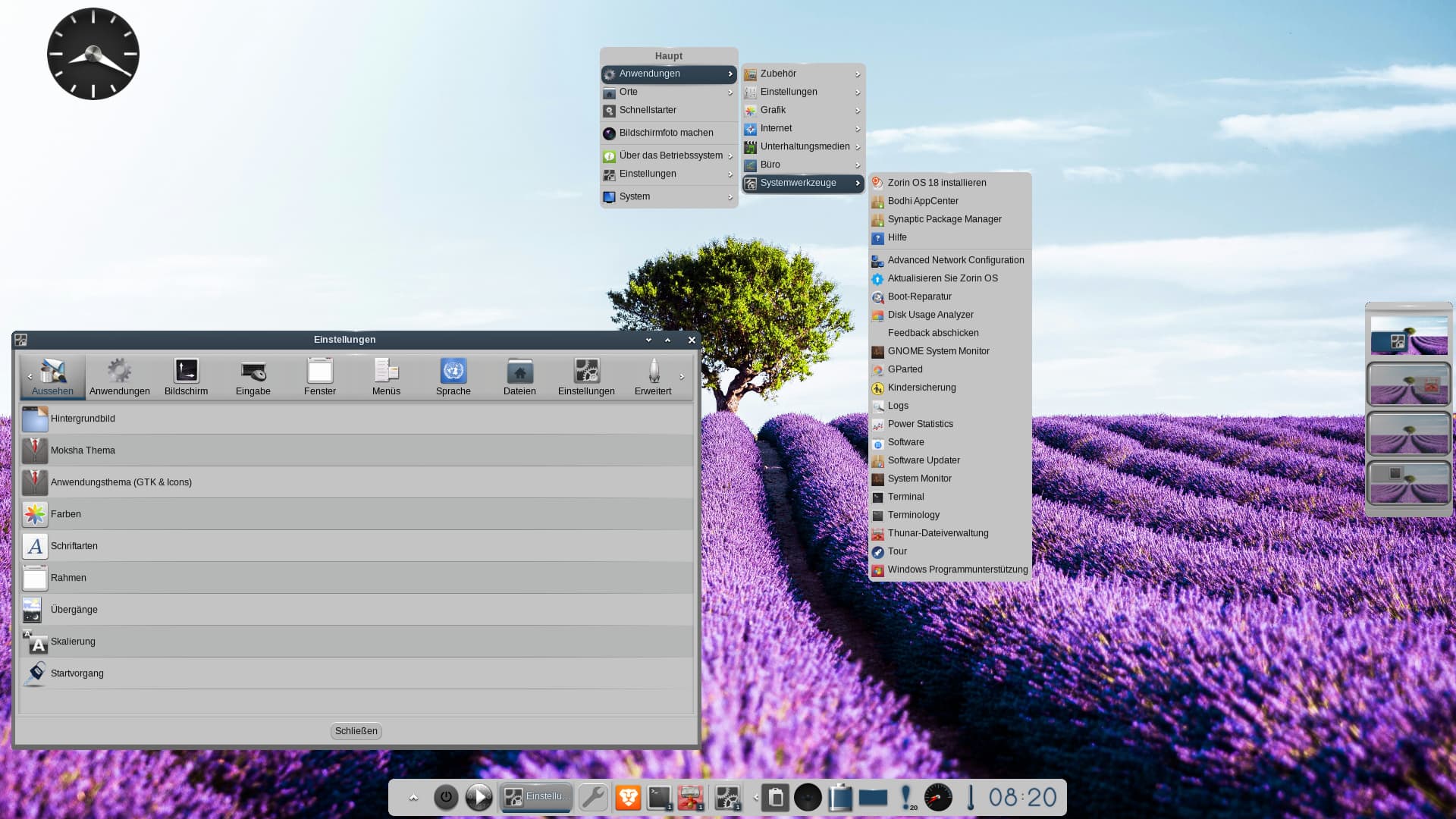
That is the desktop with the new Zenithal theme which will be released in Bodhi 8.
I think it looks a bit old-fashioned - I don't like it, even though I usually prefer light themes. I like the rounded corners of the panel and windows but not the grey color tone.
It seems to me that some things are not working properly yet. I am experiencing more issues than yesterday when I installed Moksha on Debian 12 XFCE, e.g., I cannot log out and switch to the Gnome session. I am stuck on the Moksha desktop. There was also an error message during installation: “gtk has no release candidate.”
I installed terminology afterwards (it wasn't installed with the script because there are apparently still bugs with it) – and was satisfied, but only used it briefly and tested the paste function.
Edit: The test yesterday with the older Moksha 7 desktop on Debian 12 worked much better. To me it seems as the desktop of Moksha 8 is still in development. Today gtk(4?) apps had the wrong window titlebar with the default green moksha theme, apps which need root rights (synaptic, gparted, bodhi app center) didn't work with pkexec, the policykit seems to be missing or wrong, they only started from terminal after elevating to root with sudo -i.
There is no theme-pack in this version, but you can download all single moksha themes when you search for "bodhi" in synaptic.
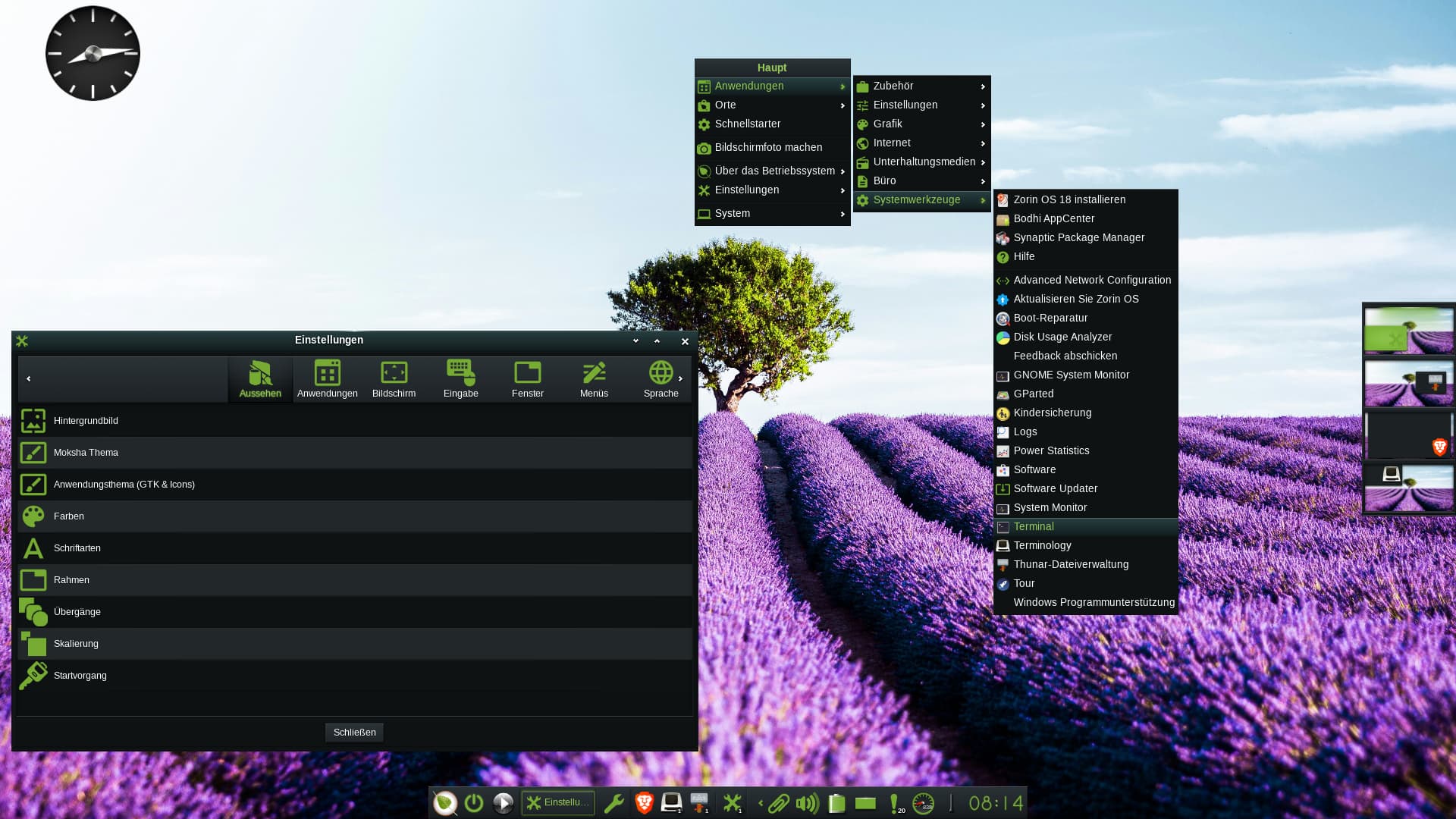
I find you can create modern looks with the different themes (here: "Moksha passion" theme).
It's a shame that there are so few themes available for these desktop environments. Many of the themes I looked at were even worse. However, I'm impressed by the functionality of the desktop, which runs really well with 8 GiB RAM.
Oh dear, I can't give you any tips on that, you know so much more about Linux than I do. If you want to test it in a Zorin live session (which I would recommend for a first test, as the Bodhi repositories are added), you need to create a second user account with password login so that you can select the Moksha session.
There are different scripts. I think the ones for ubuntu 22 or debian 12 are better tested, but with the scripts for ubuntu 24 and debian trixie you get some newer functions.
Edit: The ibar didn't work correctly. You need to do a right-click on the panel>shelf> contents and remove the ibar and then add it again, then it works. You need it when you want to add apps to the panel.
Can someone please help me to change the font color in Enlightenment, especially in the main menu and settings panel? In post no.6 you can see how the font color looks. It is not white but grey, only when you hover something it has a white font color, so there is low contrast and it is hard to read. Jammy (Enlightenment version 25) and Noble (version 26) have the same problem.
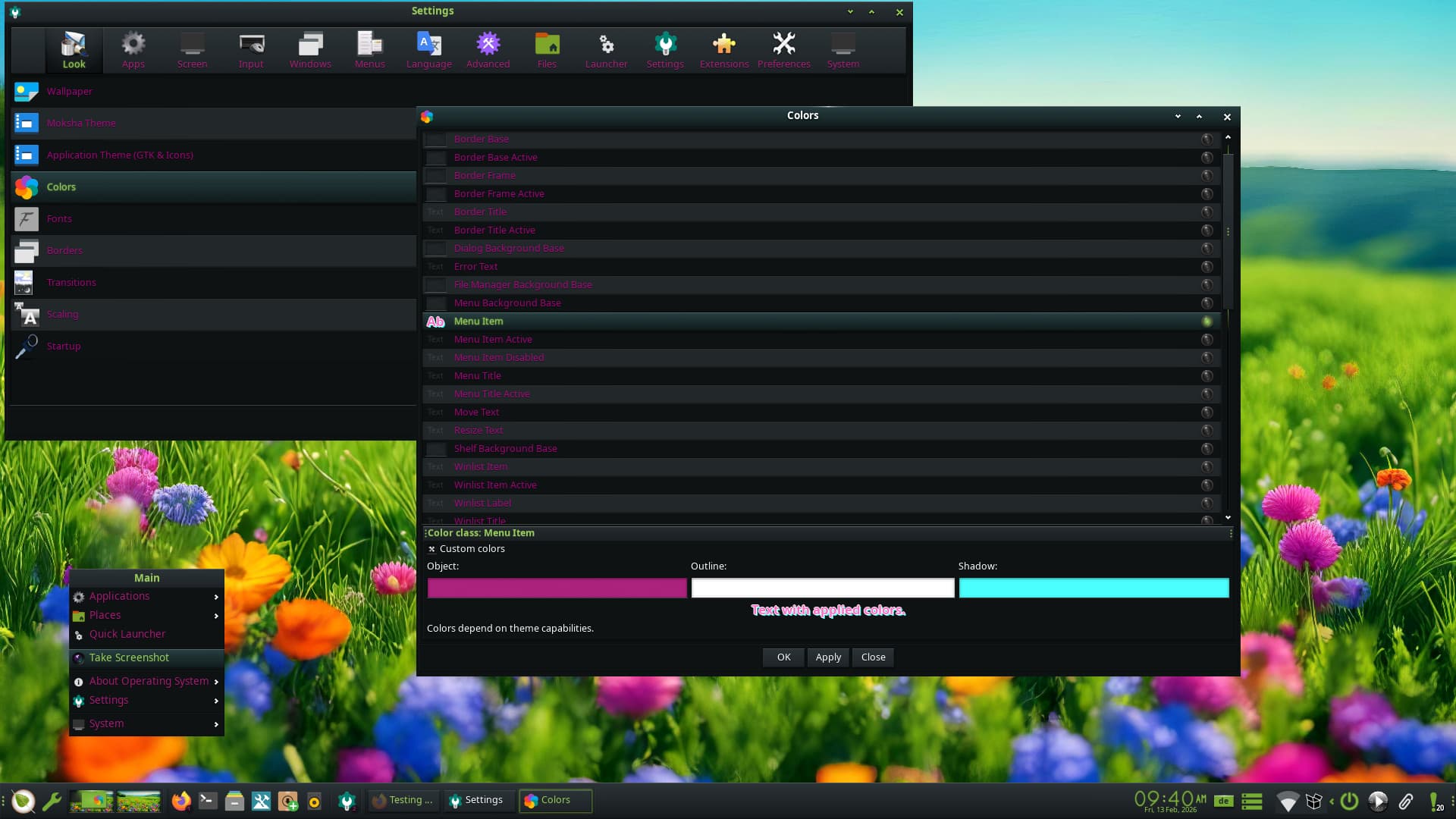
Edit: As I'm on MX Moksha live session at the moment and have no access to enlightenment, I tried it there to change the font color. In Moksha the font is usually good readable, but now I tried to change the font color from white to pink for testing. After many attempts I got it to work and hope I can apply the same method on Enlightenment later.
At settings > colors you need to set a custom color for
Window Manager >
Menu item
Border title
Menu title
and
Widgets > List item text (Even)
You can set other custom colors for active items.
Today I tested Pantheon desktop of Elementary OS in Zorin 18 live session. I wouldn´t recommend the installation of this desktop, it makes troubles. As I´m not able to reboot in the live session, I don´t know if it would be better after a reboot, but I had to repair the package manager and many settings didn´t work correctly and had an exclamation mark icon in the system settings app.
The live version doesn't work as good as the real installation. There's over a half GB package download that may do the difference. The only beef I have at the moment is they can't fix the icon theme for the application menu.