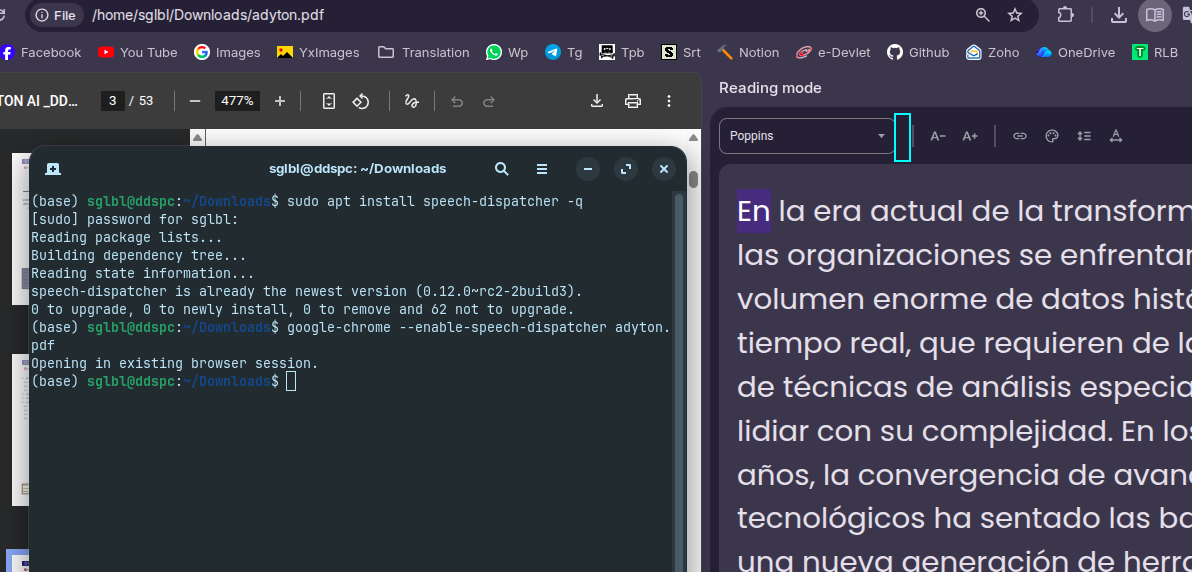
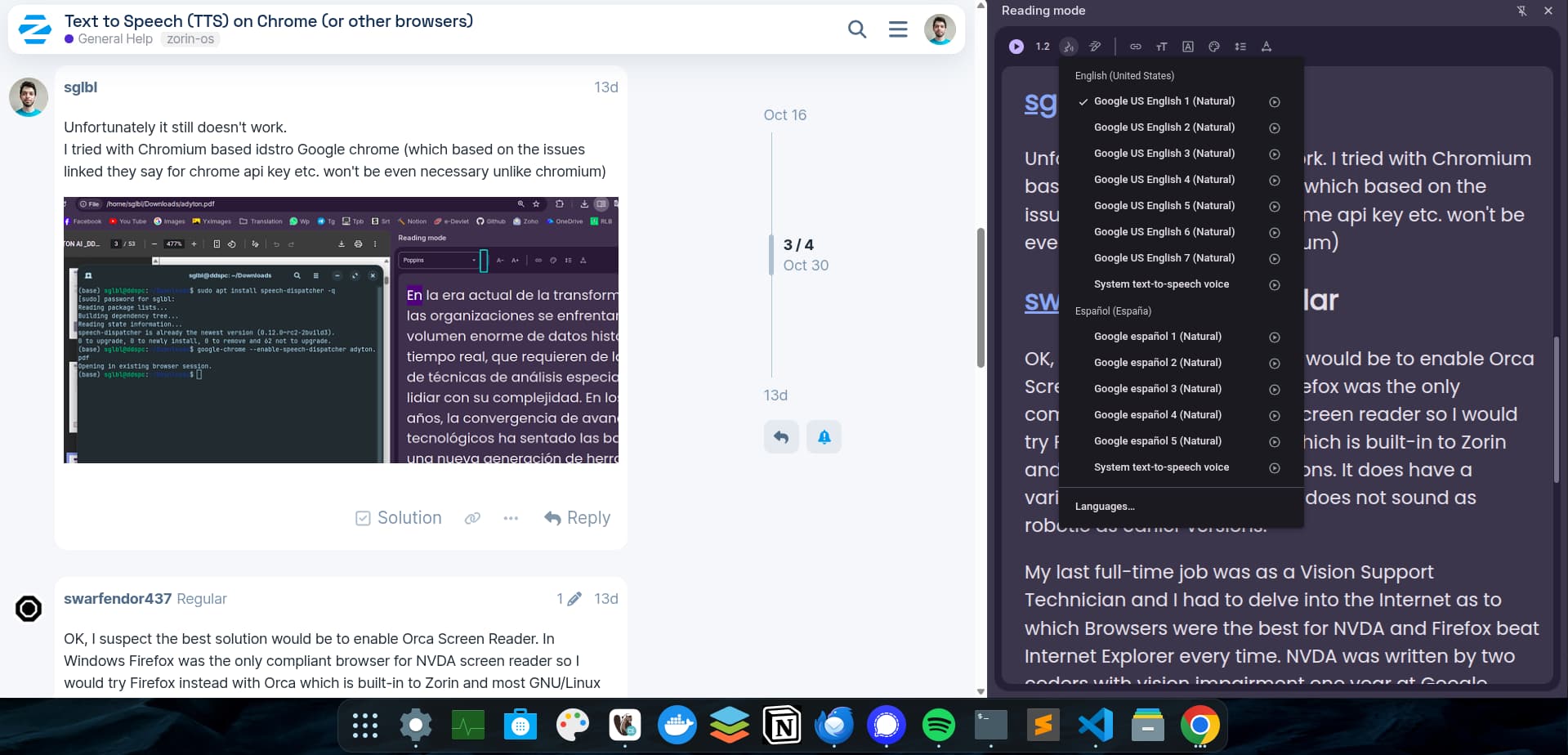
After I restart my computer, when I open a webpage with "Reading Mode" on chrome, I still don't see read aloud option button.
On windows, other than the default offline voices, installing voices from Windows 11 Settings/Languages was adding new voices.
On Ubuntu I didn't have the voices until one day voice option appeared on Reading mode -not sure how-
How can enable the text-to-speech voice? Am I missing some packages?
Unfortunately it still doesn't work.
I tried with Chromium based idstro Google chrome (which based on the issues linked they say for chrome api key etc. won't be even necessary unlike chromium)
OK, I suspect the best solution would be to enable Orca Screen Reader. In Windows Firefox was the only compliant browser for NVDA screen reader so I would try Firefox instead with Orca which is built-in to Zorin and most GNU/Linux distributions. It does have a variety of different voices and does not sound as robotic as earlier versions.
My last full-time job was as a Vision Support Technician and I had to delve into the Internet as to which Browsers were the best for NVDA and Firefox beat Internet Explorer every time. NVDA was written by two coders with vision impairment one year at Google summer of code. This is great for individuals who would otherwise need to purchase JAWS and spend (as at October 2025) £1,850 with an additional £155 SMA for the next two major releases!
Orca was written by an employee of Sun Microsystems a few years prior to Oracle acquiring them. The backend settings are very similar to JAWS. So GNU/Linux is inclusive of all users ... as long as Wayland is not adopted as the only screen compositor as Orca and any other accessibility functions rely on xorg. Which might be your issue. Are you using 'Zorin desktop' (Wayland)? When you get to the login page and you select your username, a small cog appears lower right (lower left if Arabic language is used). Click on the cog and make sure that Zorin Desktop on xorg is enabled.
[On a side note years ago I found a comment from a user of JAWS who could not get it to read PowerPoint files and the response at the time from Freedom Scientific helpdesk was that nobody there new enough about PowerPoint!]