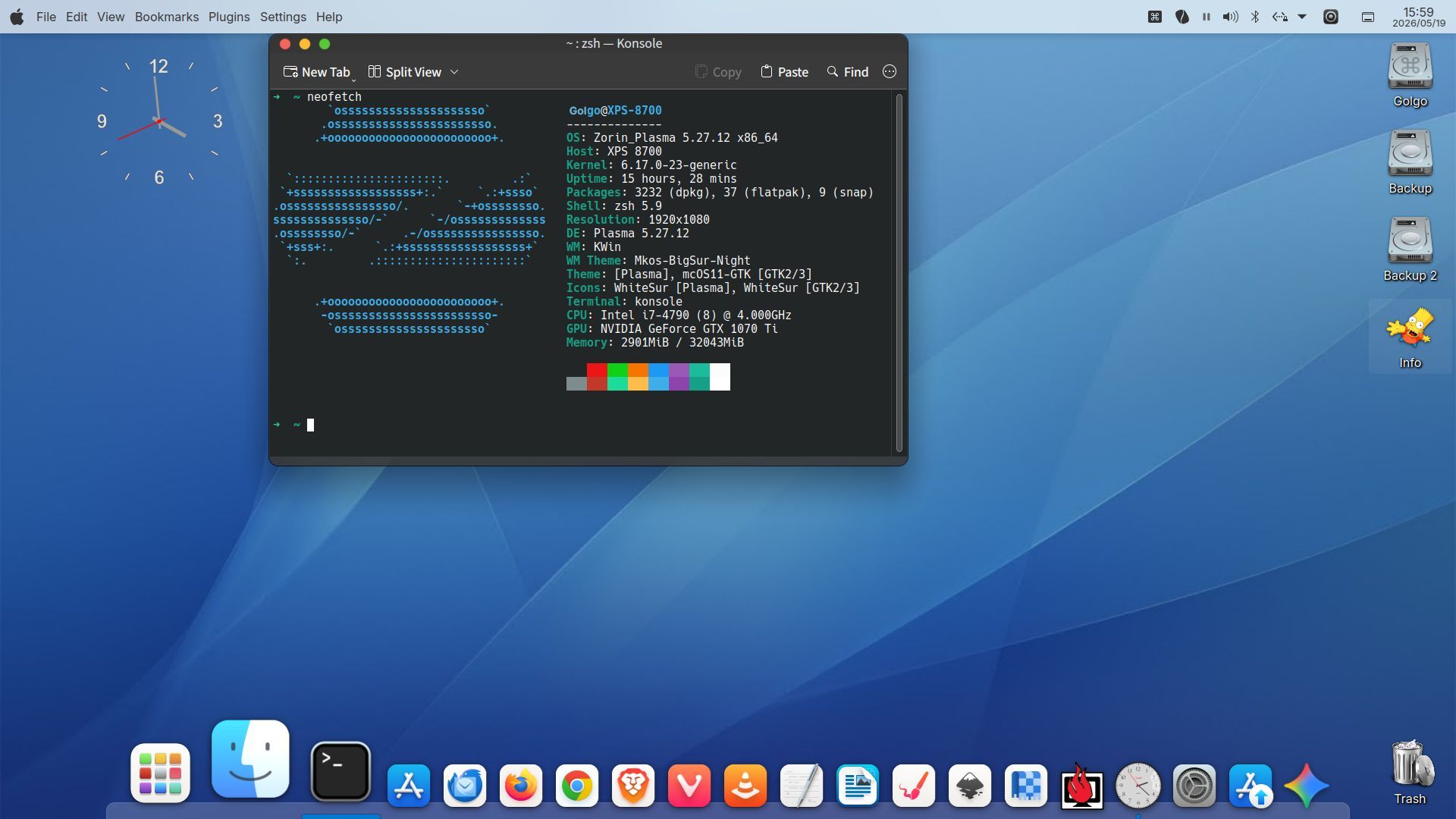
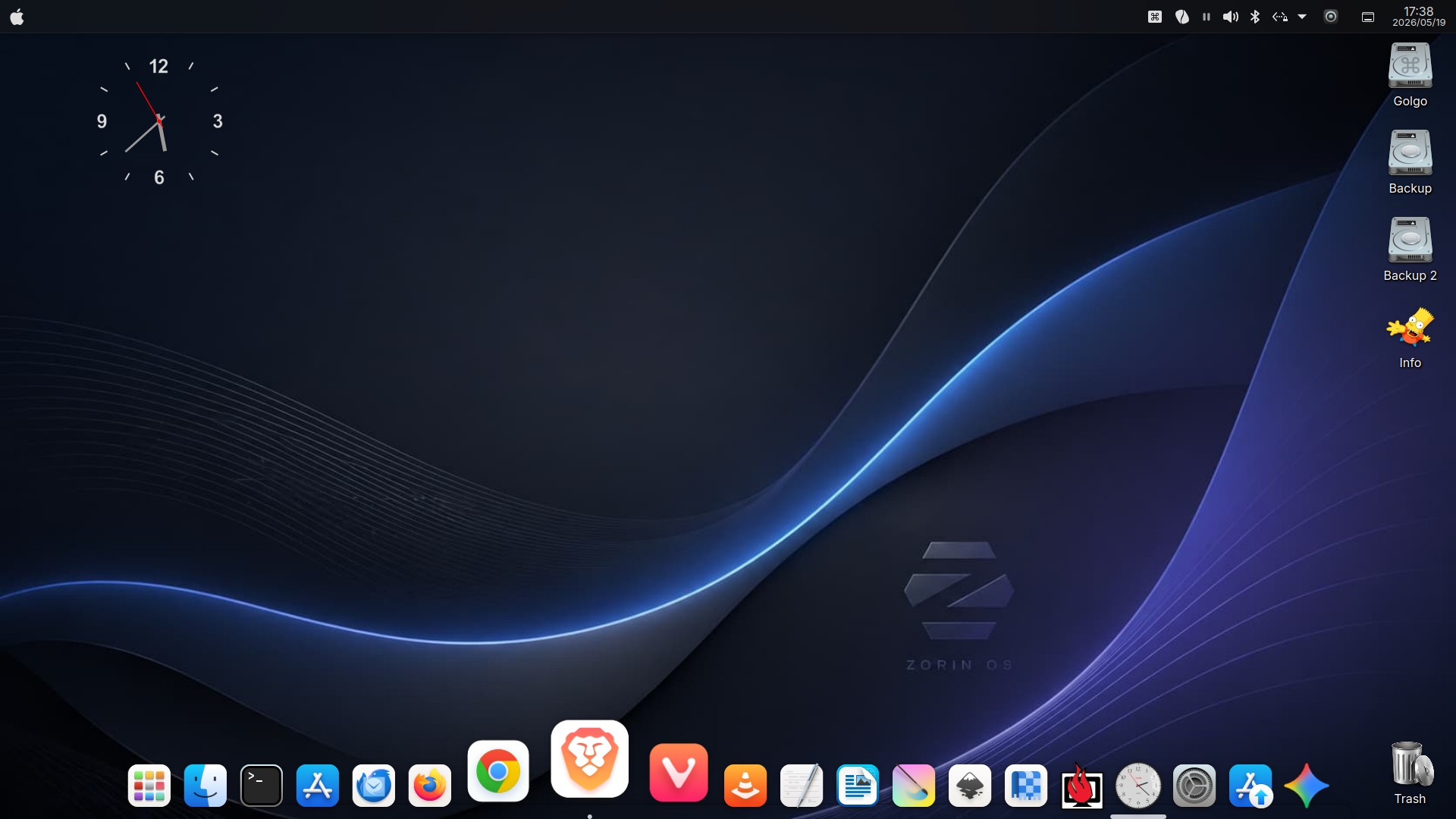
Even as a Linux newcomer who wouldn’t be able to answer any questions about the technical details or inner workings, the Chimera environment I built with your guidance is running so comfortably. I truly believe this is because the underlying base, Zorin OS 18.1 Core, is incredibly stable. Thank you, Zorin!
I wanted to share my feedback and report on how wonderful the KDE Plasma environment is, along with a few minor things I'm figuring out.
The Top 3 Advantages I’m Enjoying Right Now:
Seamless Light/Dark Mode Switching via Koi: Above all, the biggest benefit for me is being able to easily switch between Light and Dark modes, and even schedule them seamlessly using the "Koi" utility. It works beautifully.
The Return of the Mac-Style Global Menu: GNOME completely removed the ability to display application menus in the top menu bar (like macOS does). However, in KDE, I was able to achieve this perfectly by embedding the "Global Menu widget" into the KDE panel. It works flawlessly.
Dolphin’s Superior File Management: Unlike Nautilus, Dolphin makes renaming files and folders incredibly easy and intuitive, which improves my daily workflow.
A Couple of Current Challenges / Minor Annoyances:
Drag & Drop Behavior in KDE: I find it a bit inconvenient that I cannot drag and drop files/folders directly into another folder icon to move them. Currently, I have to open the destination folder or device window first before I can perform the drag-and-drop.
The Browser Download/Nautilus Bug: The only thing that frustrates me right now is that when I open downloaded files directly from the download icon in Firefox or Chrome, the browsers stubbornly launch Nautilus—even though I have set Dolphin as the top priority file manager in the KDE System Settings.
As a newcomer with only 6 months of Linux experience, I couldn’t completely purge GNOME from my system like you might have done, which is probably why Nautilus is still lurking in the background!
Once again, thank you so much for guiding me to this amazing desktop environment. I am truly enjoying my Linux journey thanks to your help!
I immediately gave your commands a try and successfully ran all of them, but unfortunately, Nautilus is still being called as stubbornly as before...
Since my browsers (Firefox, Chrome, and Brave) are all the traditional .deb versions rather than Flatpak, it seems they are persistently ignoring the KDE system settings and directly targeting GNOME's defaults behind the scenes.
It is a bit a shame it didn't solve it, but I truly appreciate your kind help and the detailed commands! Thank you anyway!
By the way, swarfendor437, I totally agree with you about the Windows style! Honestly, the actual Windows 10 is so much easier to use than Windows 11. I got so fed up with Windows 11 that it actually drove me to try out Zorin OS in the first place!
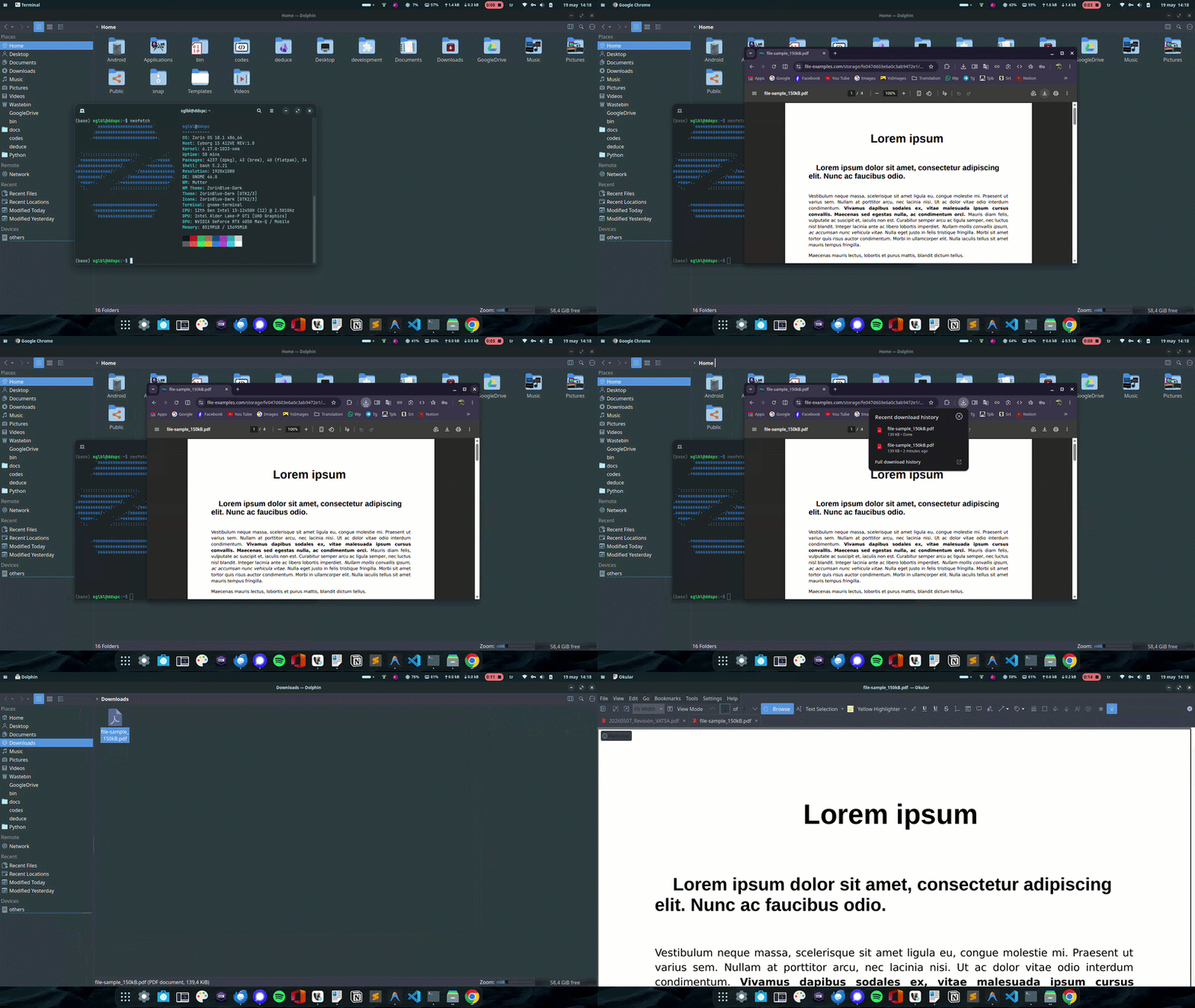
I also have .deb for all my apps but it works. Screenrecord Gif:
Note: Save location File Picker is not Nautilus, it's Gtk.Filechooser even though looks really similar. (GTK = GNU Image Manipulation Program Toolkit that's used by GNOME):
I thought that file-saving window was Nautilus itself, but it was actually the GTK File Chooser window. They look so incredibly similar that I got totally confused! !
Thank you so much for making the GIF video to explain it to me, sglbl.
Your explanation makes perfect sense!
No problem. I also realized that when I needed to access to recent accessed folders and via file chooser, using 'alt r' shortcut was working but nautilus itself didn't have the feature of showing recently accessed directories, only files.
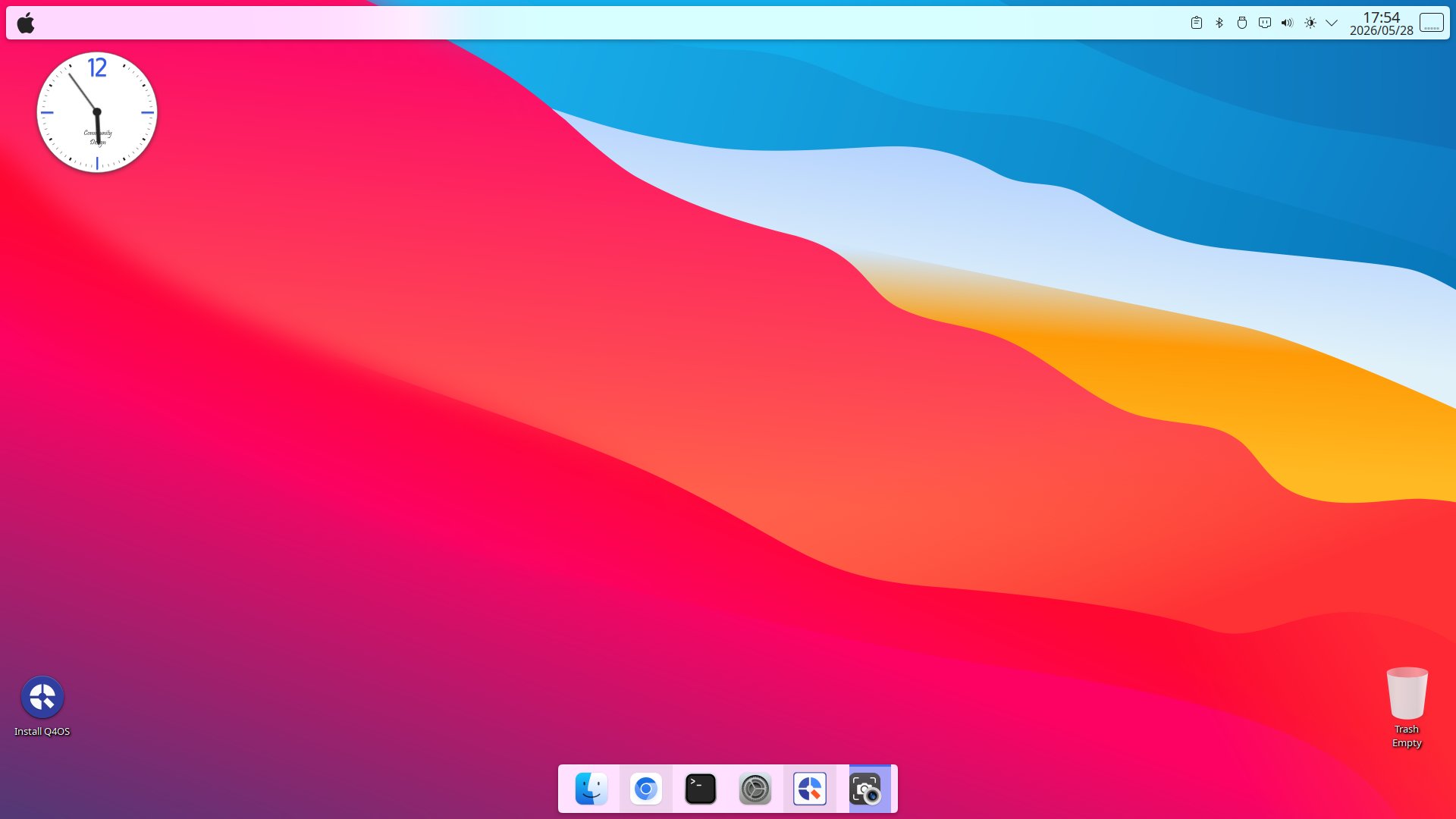
I wanted to share my experimental results with Q4OS.
I gave Q4OS (with the WhiteSur theme) a spin in a Live USB environment, and it seems to run flawlessly without any major issues or stress.
Unlike the Zorin-Plasma 5 Chimera setup, I noticed that dragging and dropping files or folders into the Trash now works perfectly out of the box in the Q4OS WhiteSur environment.
However, it's a bit of a shame that we don't have a highly-functional dock like "Latte-Dock" anymore, nor light/dark theme scheduling apps like the old "Koi_0.2.4.1_amd64.deb".



 lol
lol