Hi Everybody,
Since the last update on zorin os core 18.1 the active corner function doesn't work anymore (when the arrow of the mouse goes to the top left corner i can't activate the overview and see all my windows !).
Can you help me to recover this function please ?
Thank you
1 Like
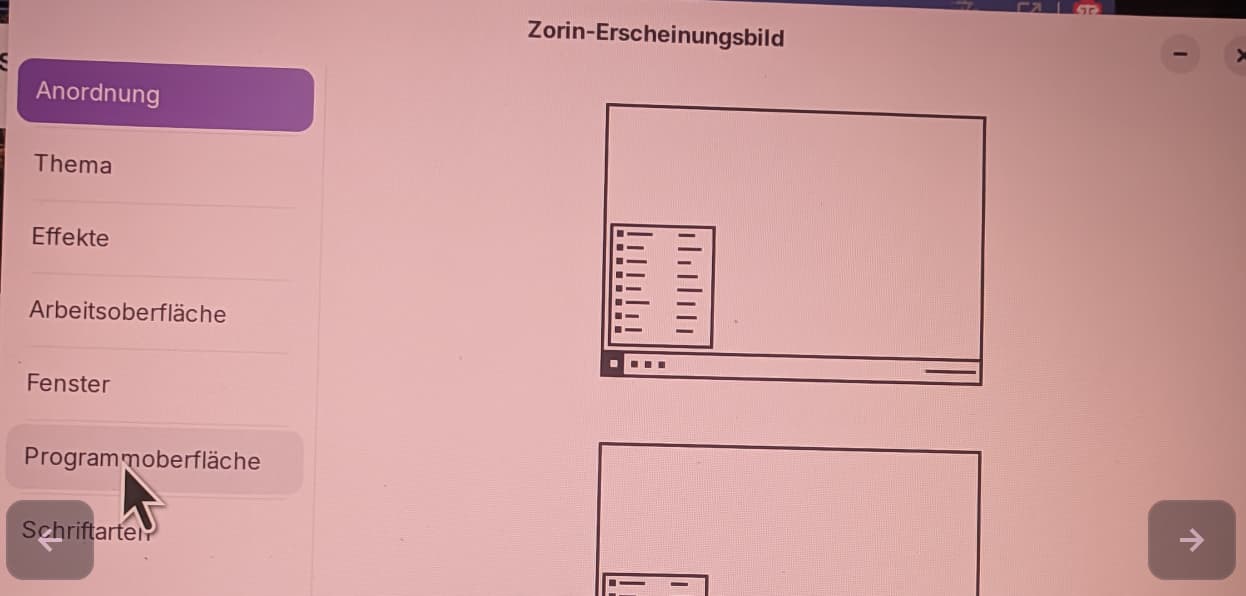
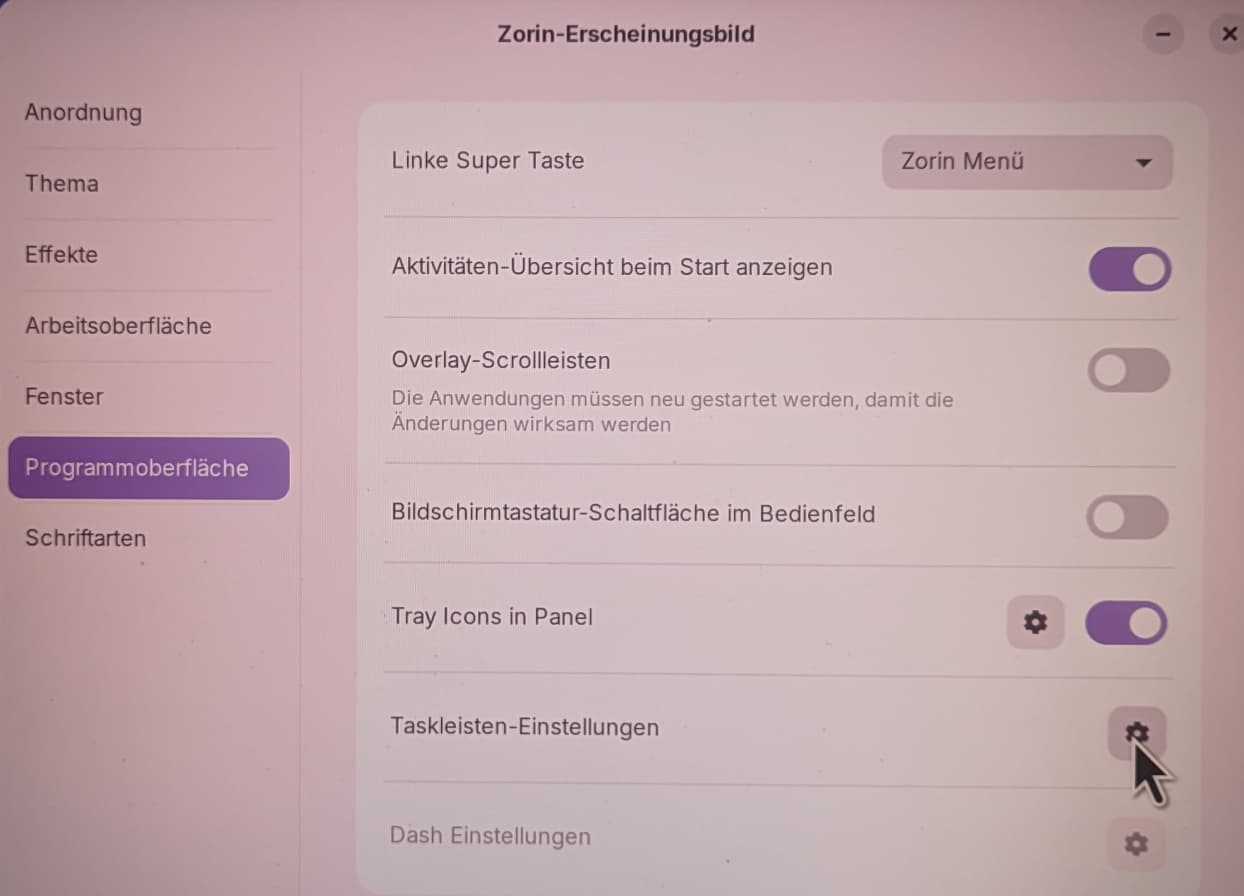
You can open Zorin Appearance over the Zorin Start Button.
Then choose:
Program interface - Taskbar Settings - Position.
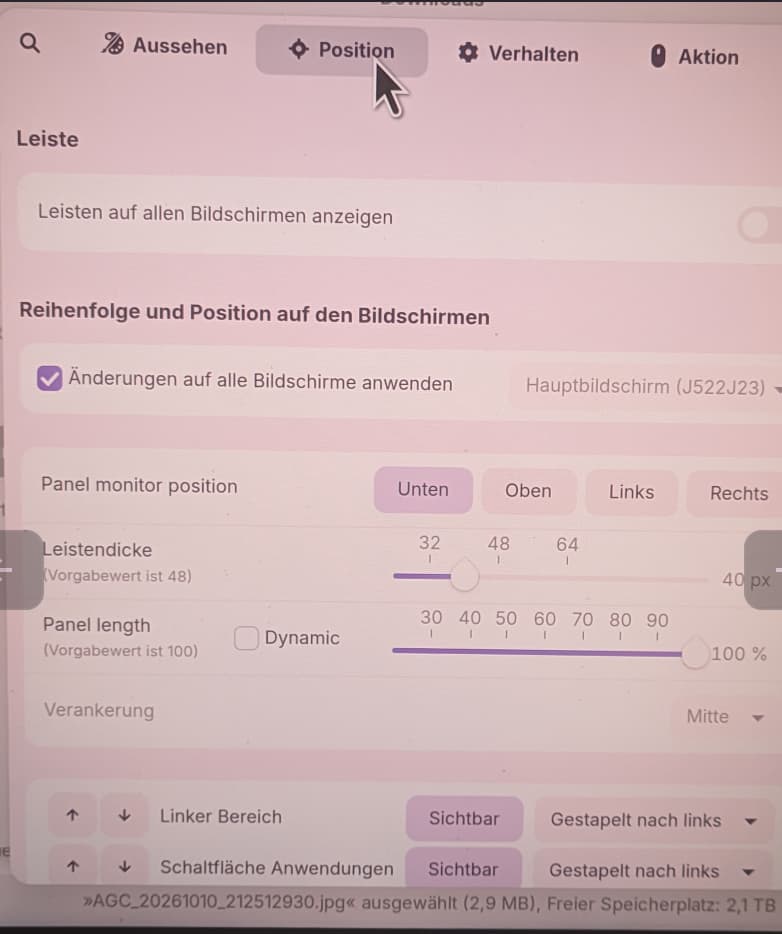
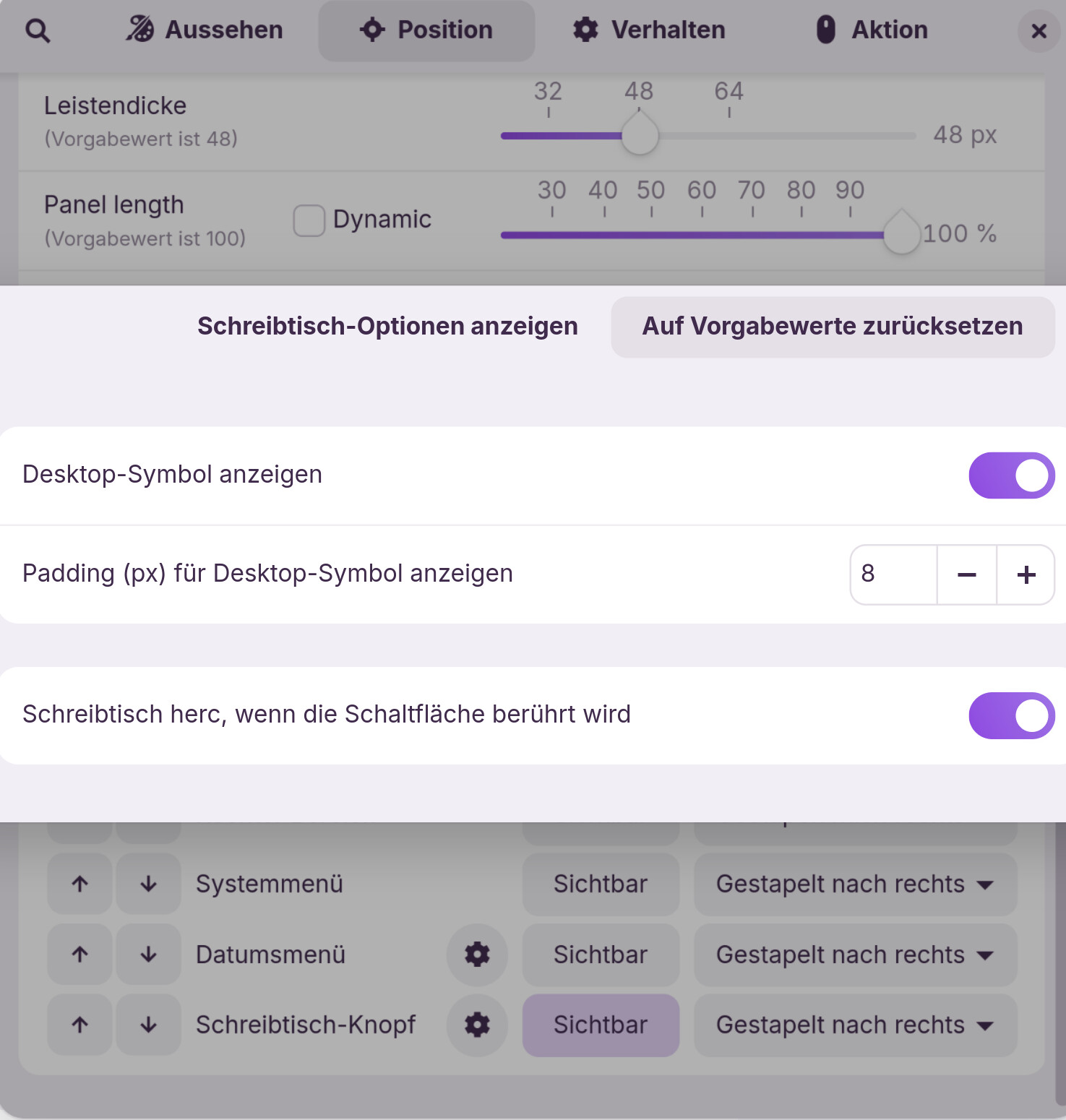
Here you can choose for desk knob (the last entry in the list - what you called "Active Corner"?)

and activate to "Visible":

Here you also could adjust what exactly should happen, when you click on the desk knob.
Did You checked in Settings>Multitasking if the Active Corners are still enabled?