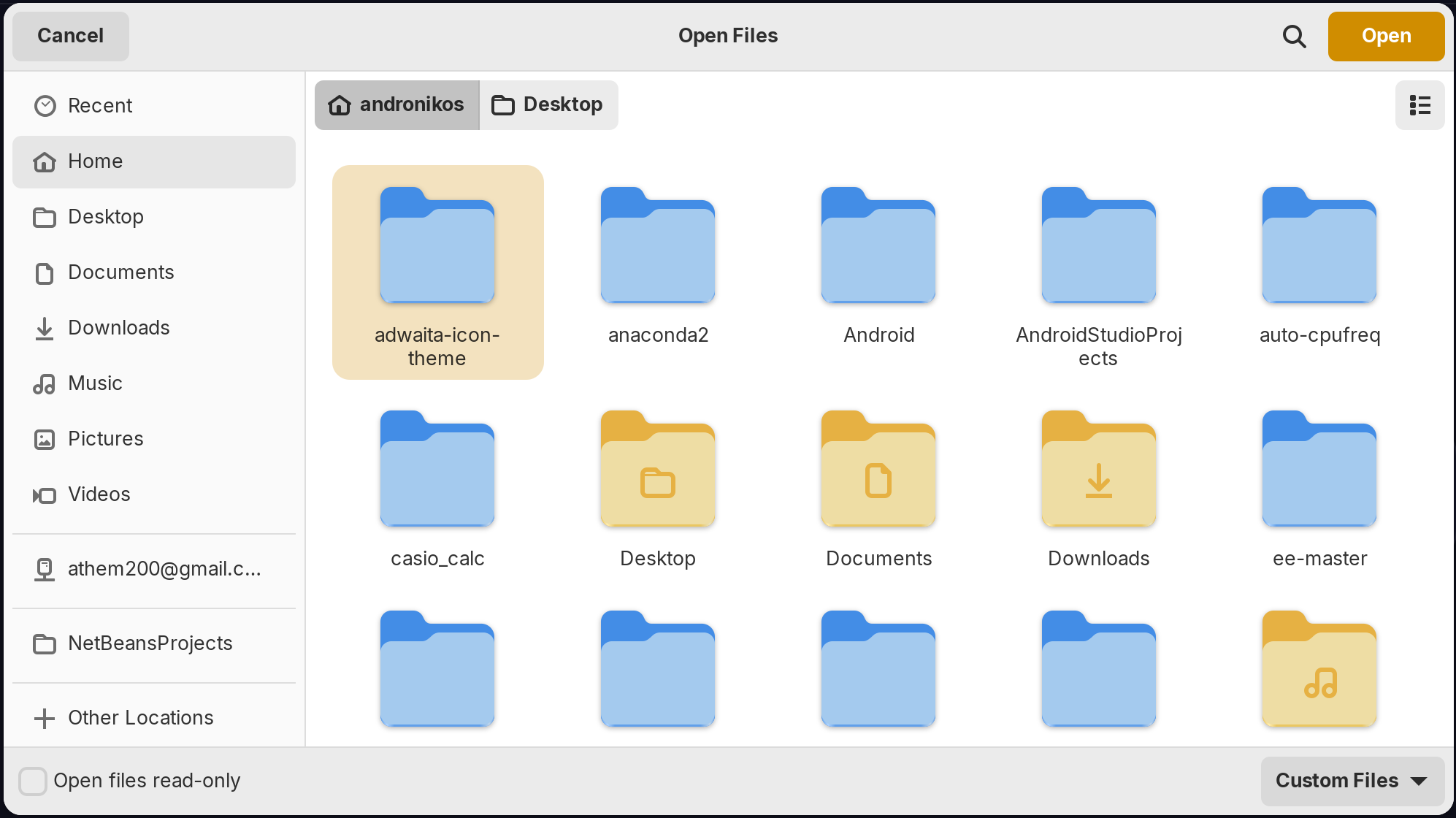
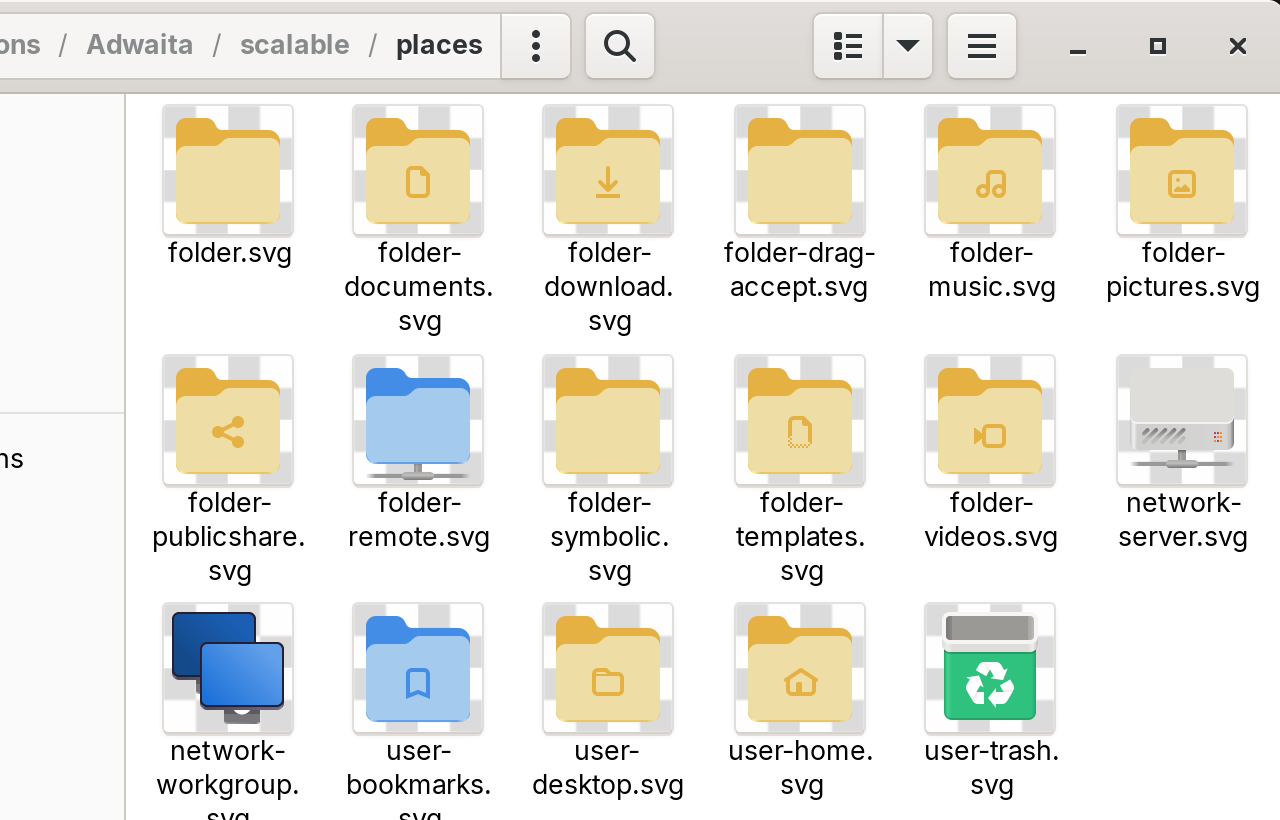
I once decided to modify the default adwaita blue svg folders to a yellowish by modifying the svgs...It worked kind well until the open file dialog continued to show the blue folder icons alongside the new icons and i couldnt find anything to fix it nor where that blue folder leftover came from...I generated also pngs for all short of required sizes and replaced them and thensudo gtk-update-icon-cache /usr/share/icons/Adwaita but nothing...even logging out and in didnt change a thing. The weird thing is that the new folder svg icon shows fine in other places in nautils....Is there any way to fix this?
The File Picker looks a bit like Nautilus, but it is not Nautilus.
It is a separate application.
And Gnome locks it down (annoyingly) offering little to modify it.
So the only way is to use the Icon Theme images themselves.
You are on the right track. But, the File Picker Application calls on the Symbolic icons heavily. If you replaced only the regular icons, not the symbolic ones, then that might be the cause of it displaying different icons, since it is displaying Symbolic ones.
Try replacing the Symbolic Icons In your icon theme copy and testing that.
You are here in scalable/places. Did You checked 16x16/places, too?
@Aravisian where can i find the symbolic icons?
In the same icon directory you found the other icons you changed. It is the folder called "symbolic."
there is no symbolic directory
root@hp-15s:/usr/share/icons/Adwaita# ls
16x16 256x256 512x512 96x96 icon-theme.cache scalable-up-to-32
22x22 32x32 64x64 cursors index.theme
24x24 48x48 8x8 cursor.theme scalable
root@hp-15s:/usr/share/icons/Adwaita#
Some themes use "scalable" folder name, instead. Do you have that?
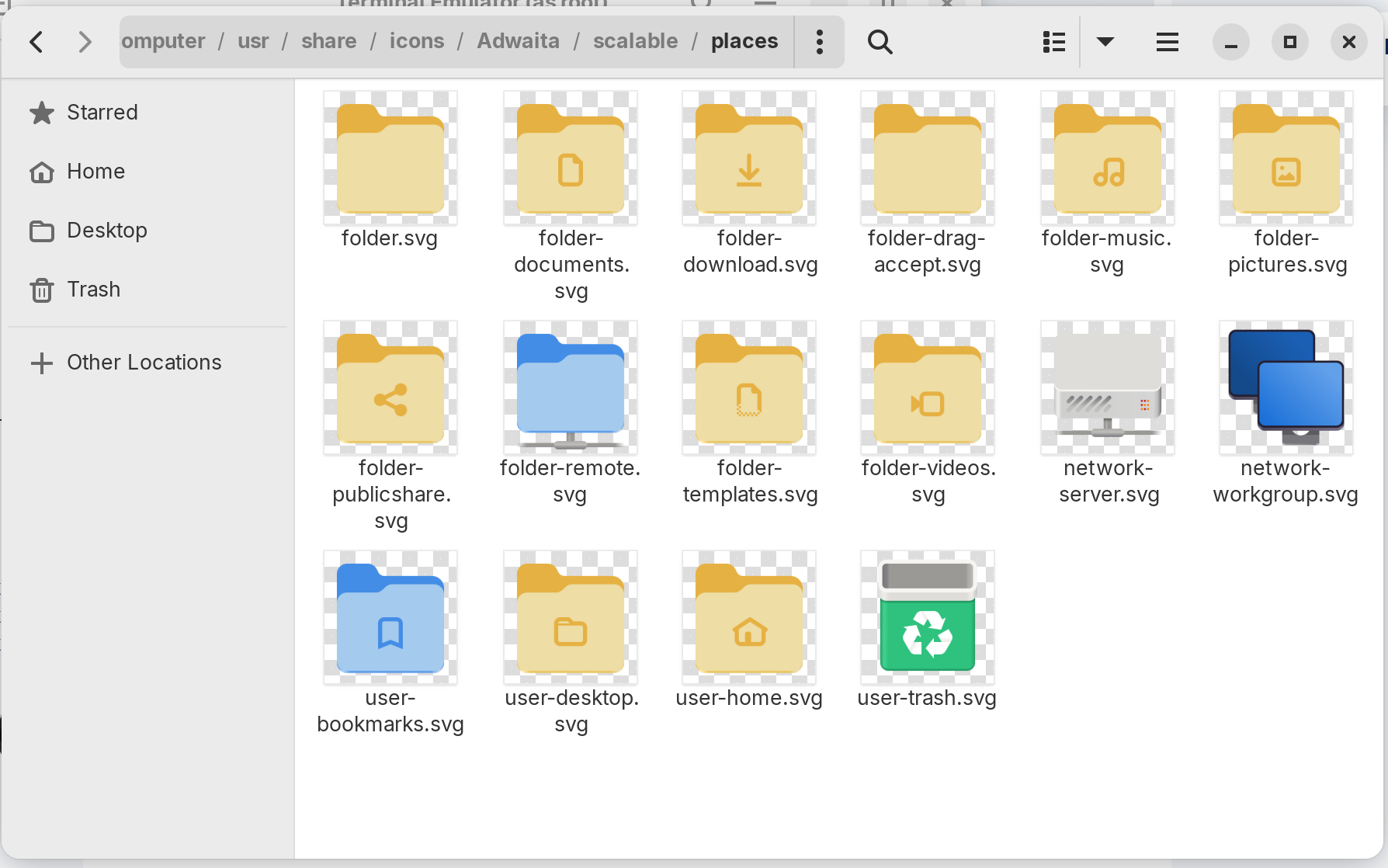
I just looked in mine and I have /usr/share/icons/Adwaita/symbolic
But I think I remember you wanted an Older version of Adwaita icons, right?
I use adwaita-icon-theme_43-1_all.deb which is according to my gnome shell 43.9 (gnome 42.9) my shell, was updated probably after updates
this is a bit more modern than what was already there

Ah, ok. I must have confused you for someone else who was asking recently about the Zorin 15 Adwaita icons. OOps.
Did you create a copy of the icon theme and place it in ~.icons and modify them there?
The name of the icon isn't folder, in Gnome it's called; inode-directory
Find the .svg and replace it.
4 Likes
thank you so much I've been trying to fix it all night
This topic was automatically closed 90 days after the last reply. New replies are no longer allowed.