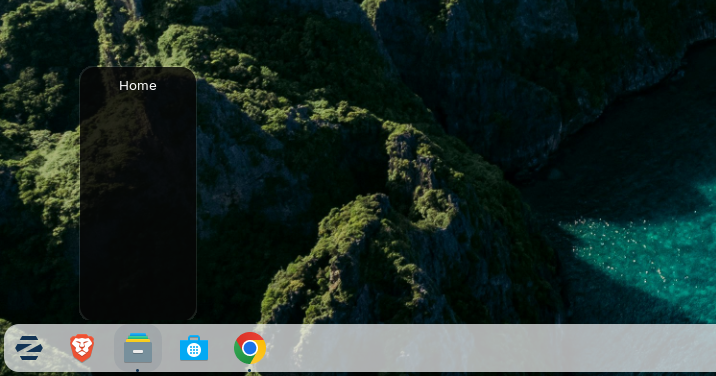
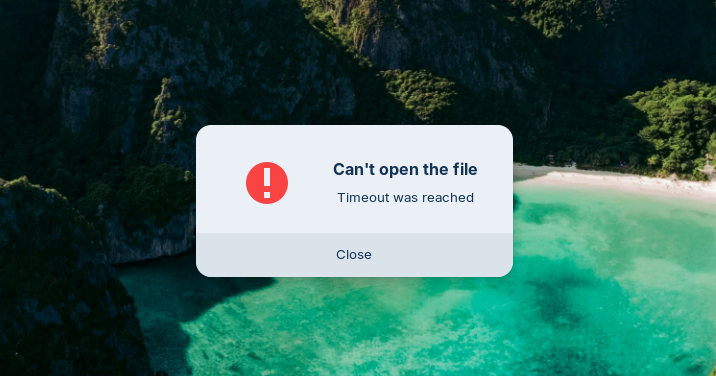
Sometimes something like a bug happens. When I click on a file, it doesn't open. It starts loading, then gives an error at the end.
Try to remove folder-color:
sudo apt purge folder-color
It is an extension for the file manager Nautilus to change folder colors which often makes problems. Test if it helps.
Which file format has the file? Where is it saved (on a internal drive or external)?
Does this happen when you use Chrome browser and choose a file there? If yes, and Chrome browser is installed as flatpak package, then you need to give Chrome permissions to have access to your files. You can do this by installing the app flatseal, or you install Chrome browser as .deb package then you have no problems with permissions.
If you want to install the .deb package, please remove the installed version first.
1 Like
I removed folder-color as you mentioned. The issue doesn’t seem to be related to Chrome.
The problem happens occasionally — when I try to open any folder, it just keeps loading and then gives a timeout error. After restarting the computer, everything works normally again.
I hope your suggestion will resolve the issue.
I don't get the error anymore. Thank you very much for the support.
1 Like
This topic was automatically closed 90 days after the last reply. New replies are no longer allowed.