I've followed the instructions on the official post of the forum for installing third party themes, however, when opening the Zorin Appearance, it is not there.
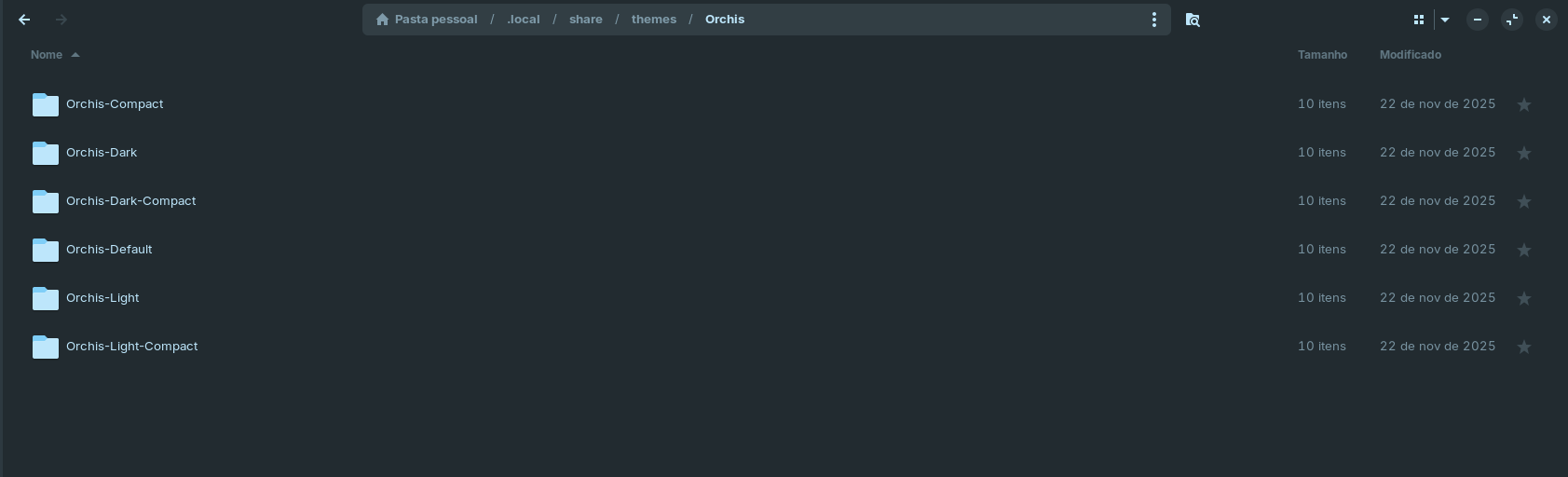
Here's some screenshots
Did you use the installation script to install the theme?
Open the extracted theme folder, right click on the empty space and select Open in Terminal, then enter this code:
./install.sh
To install all colored colored themes
./install.sh -t all
Welcome to the Forum!
Can You say what You mean with ''it is not there''? Do You mean the Option to switch the Theme or aren't the Themes listed?
For the Case, You don't see the Option to change the Theme, You have to go to Appearance and click there on ''Other'':

An Alternative would be to install gnome tweaks to double-check if the Theme is detected. You can install it with sudo apt install gnome-tweaks
For the Theme itself, You should check if in the Theme Folders are index.theme Files included. If not, it will not work.
And I see actually now another Thing, You should change: You have the Structure
~/.local/share/themes/Orchis/ and then the actual Theme Folders. You should pack the Theme Folders directly in the themes Folder and not bundled. So, Orchis-Compact, Orchis-Dark etc. should be directly in ~/.local/share/themes/