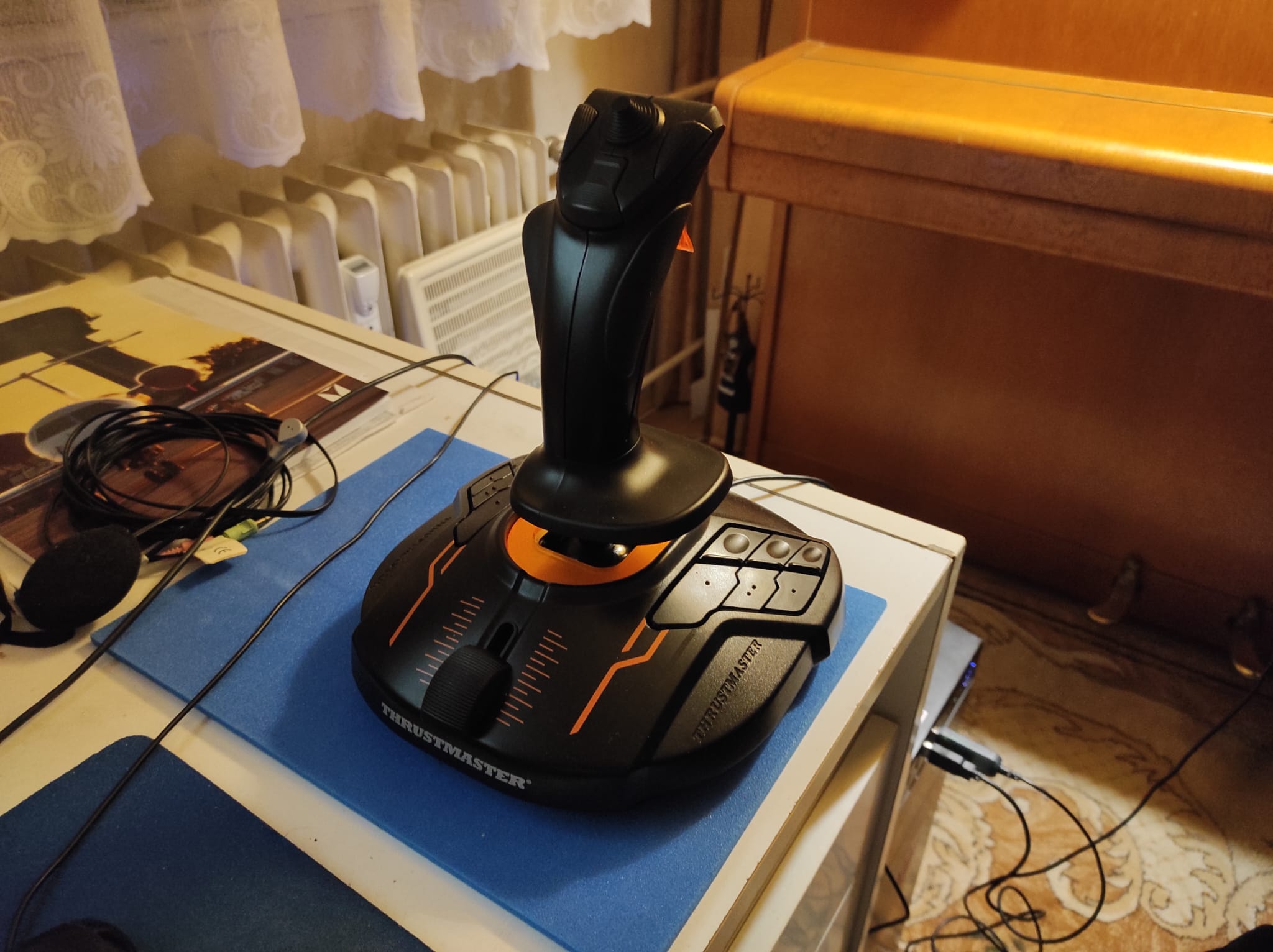
Finally we decided to buy a new PC and got rid of the old one. I also bought a joystick Thrustmaster T.16000M FCS, because I got recommendation on it and also because I heard Thrustmaster in general has good support on linux.
And here goes our problem: when we plugged it in, after some time, it did install its drivers and in general, it can run well in games, but there is this pop-up saying it could not connect somewhere (it´s just a general pop-up stating connection failed or something like this).
And my question is two-fold:
1.) Is there something else I should do, apart from just plugging it in? Is there some SW we can use for calibration and button remapping?
2.) How do we get rid of failed connection message (I noticed it is less prevalent as it used to, therefore I was not able to take a screenshot)?
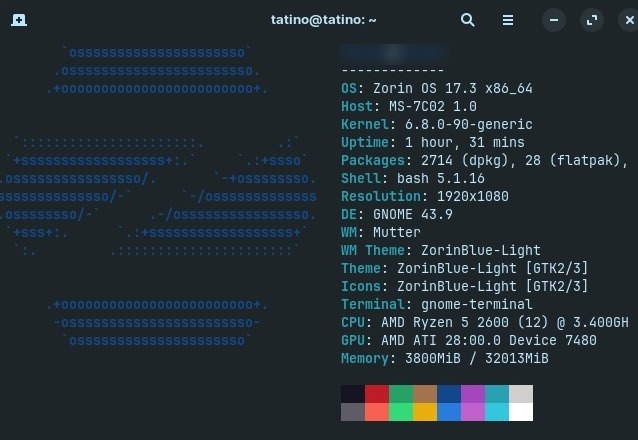
Running Zorin 17.3, latest version (still waiting for 18.0 upgrade path). In case it would be needed, I am adding also neofetch from the PC itself.
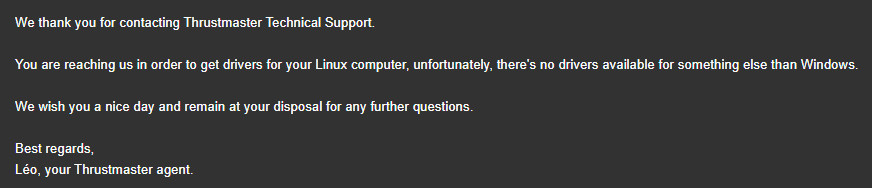
They have only windows installers.
Have tried to install them via Bottles and they installed successfully, but I cannot run them, they do not turn up (maybe I am doing something wrong, I am not that experienced with Bottles).
Input Remapper could solve all the issues, but does it work also for the stick recalibration itself? I could not have find it there.
Hmm ... I wouldn't think so. Input Remapper is more directly for remapping Buttons. Maybe contacting the Manufacturer with a Mail or over a Contact Page and ask there for Linux Support/Instructions.
So, what I found was, that it is supported through the Kernel and should work out of the Box.
I found something, maybe that could help. It is a program called jstest-gtk which is a Tool for testing and set up Joysticks. Because You are on Zorin 17, I don't know if it is available in the Repos; on Zorin 18 it is. You could see if You can install it:
sudo apt install jstest-gtk
Another Program would be AntiMicroX what You can find as Flatpak in Gnome Software, too.