Storm
August 20, 2025, 3:31pm
1
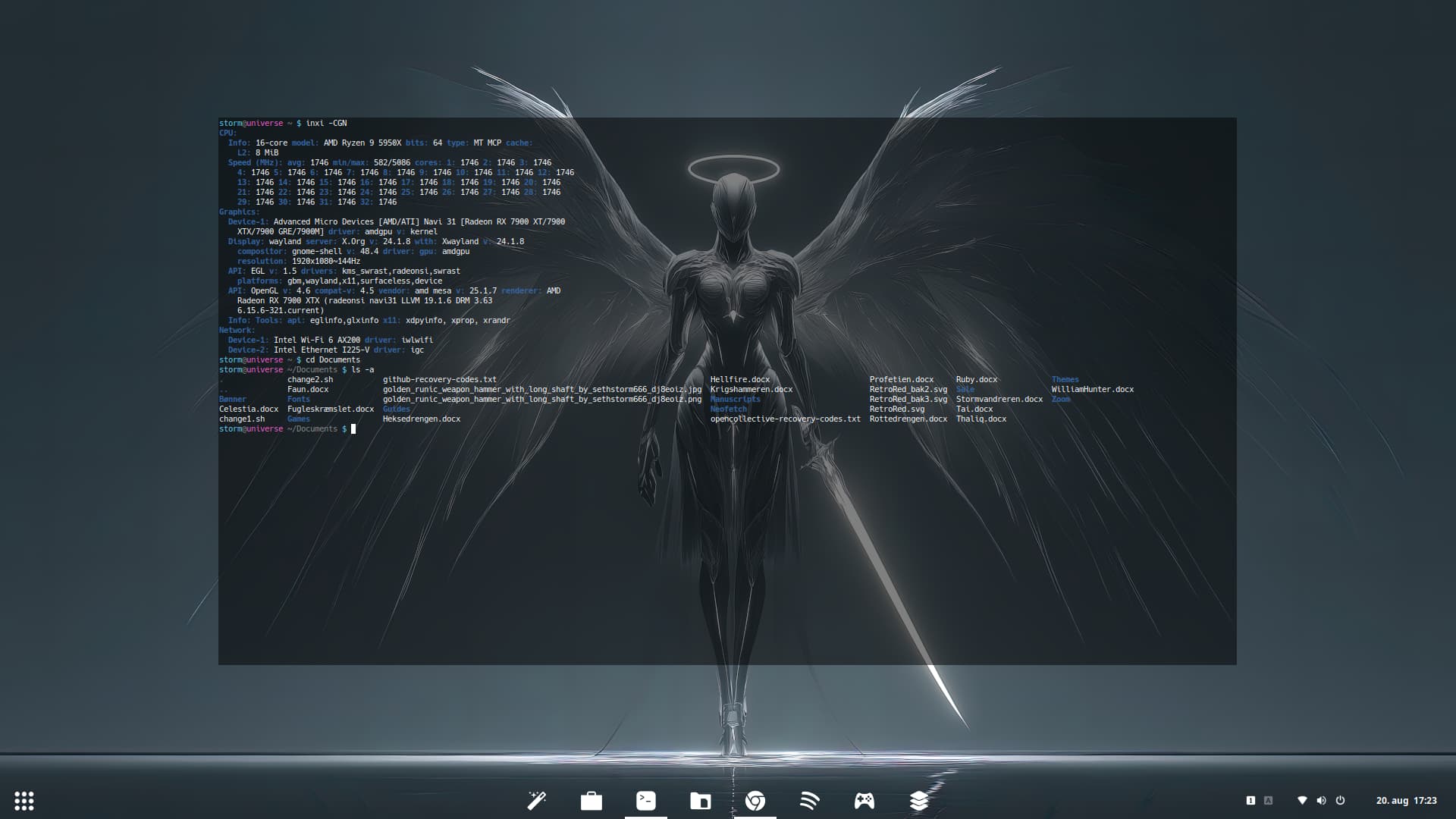
This is not a Zorin question, but I havn't got any responds on Solus forum. It's a niche question I guess
Anyone else using Tilda in Wayland (Gnome)?
EDIT: No error is shown when launcher the terminal via another terminal
1 Like
zenzen
August 20, 2025, 3:43pm
2
Any chance that there's simply another shortcut from Gnome conflicting with it?
Storm
August 20, 2025, 3:47pm
3
Just double checking. It uses F1 which seems to be free in Gnome shortcut settings. I also tried setting it to F2 with same result.
Forpli
August 20, 2025, 3:52pm
4
I'm not sure. Maybe starting tilda with --dbus flag could help?
zenzen
August 20, 2025, 3:55pm
7
I have the same behavior on Zorin OS 17 so it might just be a bug
1 Like
Storm
August 20, 2025, 3:56pm
8
I wondering if it still maintained. Going to see to fill out a bug report.
zenzen
August 20, 2025, 4:00pm
9
So what's so special about this terminal emulator? Not sure I get that "drop down" feature
Forpli
August 20, 2025, 4:01pm
10
You could take a look here:
opened 11:52PM - 09 Sep 21 UTC
I have Fedora 34 , Gnome 40 running on my computer.
Tilda drop down function wo… rks well when I use web browser, but it doesn't work when I am on desktop or libreoffice or nautilus window...etc.
Is there way to fix this?
Thank you.
"For future readers, I've fixed this issue as follows (for GNOME):
Use GNOME Tweaks > Startup Applications > Add Tilda D-BUS.
GNOME Settings > Keyboard > View and Customize Shortcuts > Custom Shortcuts > Add a new shortcut with the following command: tilda -T
Log out + login or just start tilda d-bus app."
1 Like
Storm
August 20, 2025, 4:07pm
11
Already found the report, but thanks
I manage to get it re-appear by running tilda --dbus -T from my normal terminal.
Storm
August 20, 2025, 4:12pm
13
SOLVED!!!tilda --dbus -T as a shortcut in Gnome shortcut settings and it works!
1 Like
Only to add that because I've saw it on the github Page:
So, running this on Wayland can be done, but it looks for me that Xorg seems to be prefered for it.
1 Like
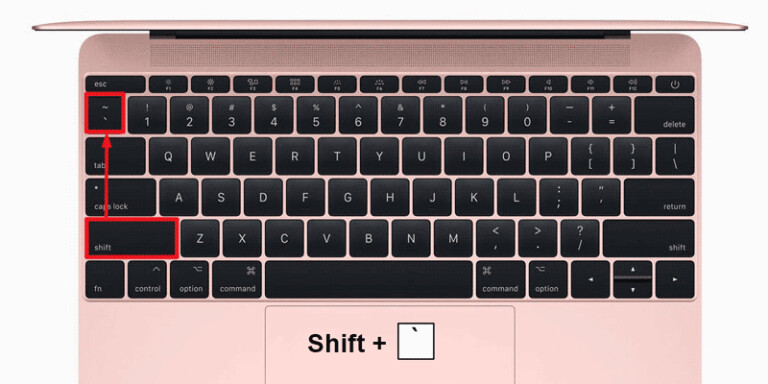
This Is Tilda
Shift your gears to hit Tilda
1 Like
system
November 19, 2025, 8:17am
17
This topic was automatically closed 90 days after the last reply. New replies are no longer allowed.