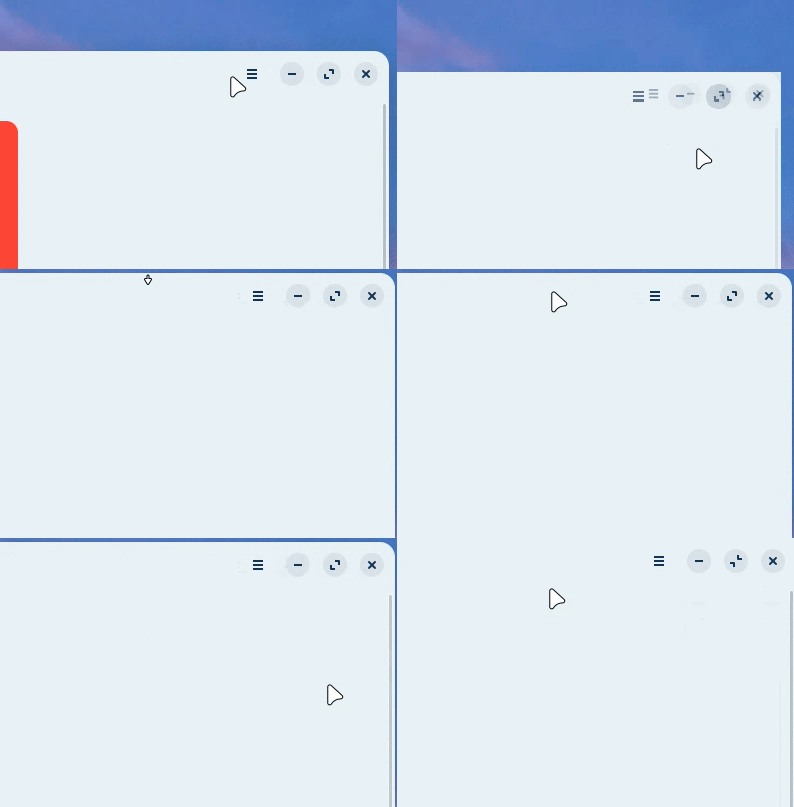
On Zorin 18, drag and touch a window on the top of the screen make it resize the window instead of actually maximize it.
It causes some UX little troubles during the use that should be more reliable in my perspective:
Cause of this resize behavior, a litte space on the top of the window (and sides) turns the movement of quickly move the cursor to the top to drag that "maximized" window not to work properly.
Instead, that little space make my cursor enter on the "resize mode".
I know this is a little problem. That may not affect everyone depending on each person's workflow.
However, I trully believe that this "extra thinking" on a simple movement should not exist.
Just tried in Zorin 18 installed in Virtualbox. I don't get this behavior ...
When move a window to the top of the screen i have choice (from Zorin tilling manager i guess) to maximize, or resize in different possibilities (full, quarter or middle screen materialized by this blue zone).
I guess this is due to Zorin Tilling Shell.
Zorin is an Ubuntu and Gnome based distribution - you could disable Zorin Tilling Shell and replace it for instance with Tilling Assistant.
To do so install Extension Manager from Zorin App Center and manage / disable / install what is needed.
Edit : Just take precautions by installing "exotic extensions" - but you shouldn't have trouble with these famous extensions and well used such as "Tilling assistant".
Exactly, yeah.
Here in you're video we can see the same behavior. When you clip the window on the top of the screen it's resized to fill the entire screen instead of actually maximize.
Well, I see.
But instead of getting some manual adjusts, I decided to post a feedback cause think that it should work properly out of the box.
Zorin is great. It's just some little touchs here and there that would make it reliable for new users and beginners.
I imagine that this behavior of windows is intentional. A maximized window, which you get when you turn off the Zorin tiling function, does not look good together with the floating taskbar.
You can reduce the outer gaps at Zorin appearance > Windows > Advanced Window Tiling > outer gaps and set them to 0 if you don't like the appearance or disable the Advanced Window Tiling.
Well, as Forpli said, this is maybe the way Zorin team wants it to looks. But, i guess it's fine to make a feedback anyway.
But remember that most of the time you can tweak and adjust free software the way you want it to behave - especially these desktops environments.
Zorin seems to propose a "way to go" by default because the purpose is to help users switching to Linux, but as far i tested Zorin, users are not "doomed" as i could felt it in Windows, we can - with caution - modify and share tips
First, your tip about solves the problem to me, thanks!
But if I can say, it may be intentional, yeah. But we're being speculative at this, and opnionated about if it looks good or not.
Personally, a resized window and a miximized one, for me looks both great even with the floating taskbar. And dont think they look are so different in the end.
So, if its intentional due the look, personally, I don't think it's a good enough trade off leaving this little gap on the top of a windows that is full sized on the screen and making me think twice when I just want to quickly grab and drag.
May don't bother most of people, and it's fair. But I feel that if it was a maximized by default, no one may notice.
No complains about the other tiling presets tho.
Thank you guys! I will leave the topic here in case of the Team find that useful in any User Experience way.
I made this small adjustment and it worked for me. But as a user, it might be better if it wasn't necessary.
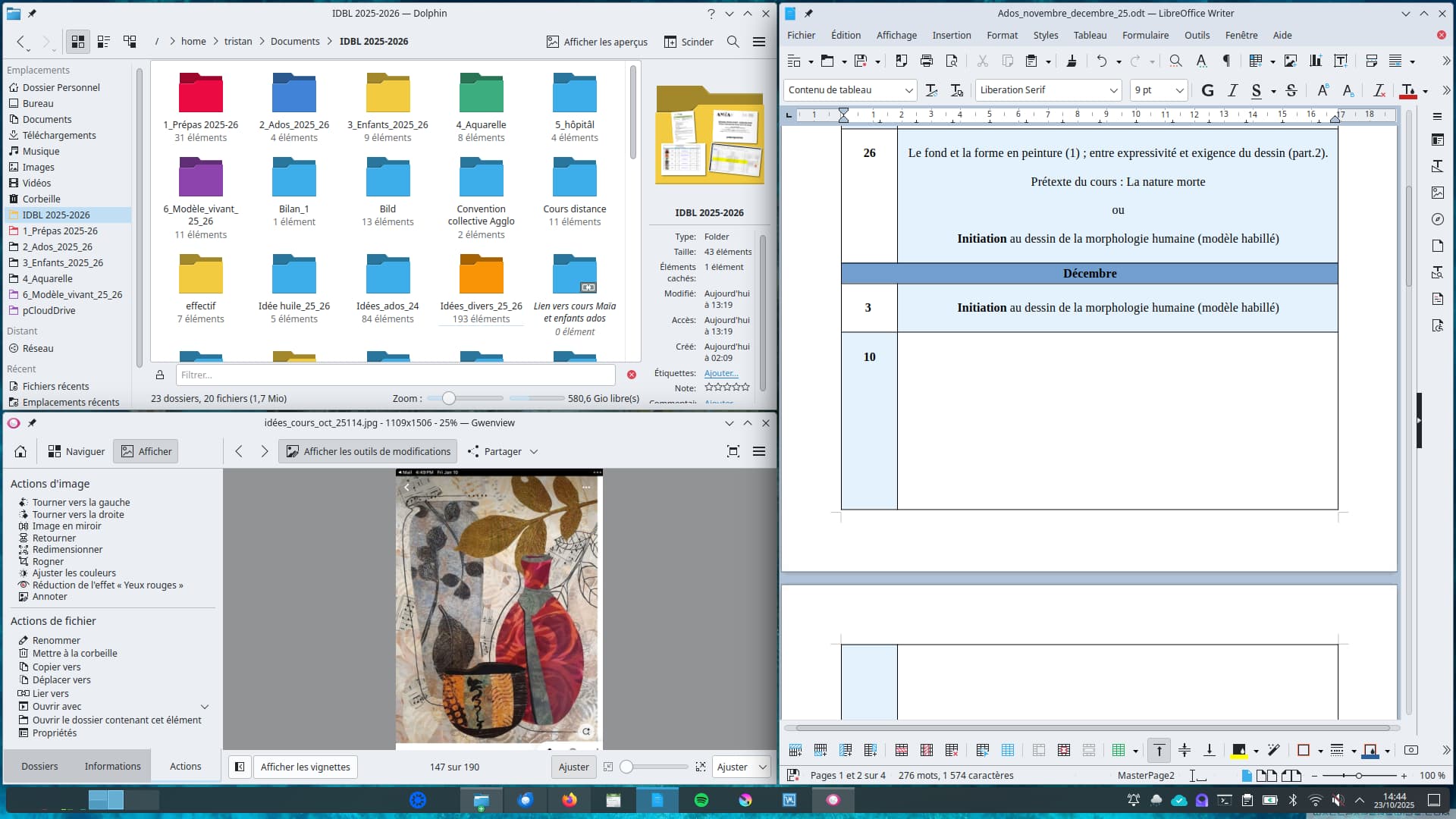
Just for sharing : As i used mostly Kubuntu 24.04 these days,I just paid attention to the fact that the new kde plasma tilling mode let appear this kind of space on the borders but only if you use this particular implementation. In my opinion, it looks great with the floating taskbar activated.
But if you simply pull the window on the the top of the screen it will maximize as usual.
example below in the middle of work :