Transfer Large Amount Of Files Between Computer & Phone? Consider Using LocalSend!

As some of us know, Zorin OS comes with Zorin-Connect, which is like a suite solution, for connected devices. Unfortunately, its not the best out there, and I find file transferring to be archaic at best.

Note: This APP needs to be installed, on both the computer, & your phone, and they both need to be open and active to function. The APP is found in both software stores respectively.
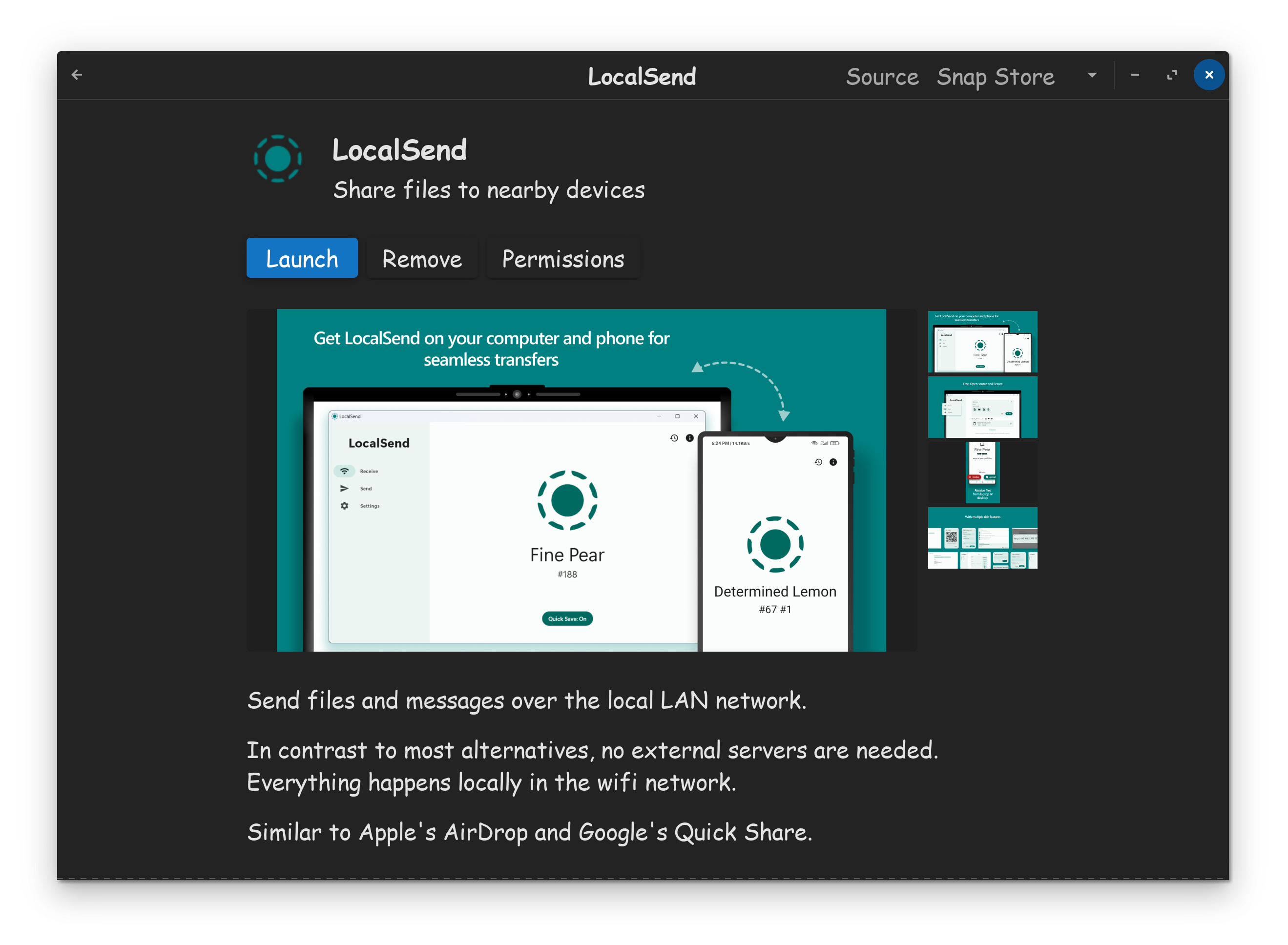
I found, LocalSend to be a much better APP, as its easier to transfer large amounts of files, contained within folders, in 1 giant sweep. Additionally, LocalSend is also safer, as it doesn't use the internet, and only works on devices that are on the same network.
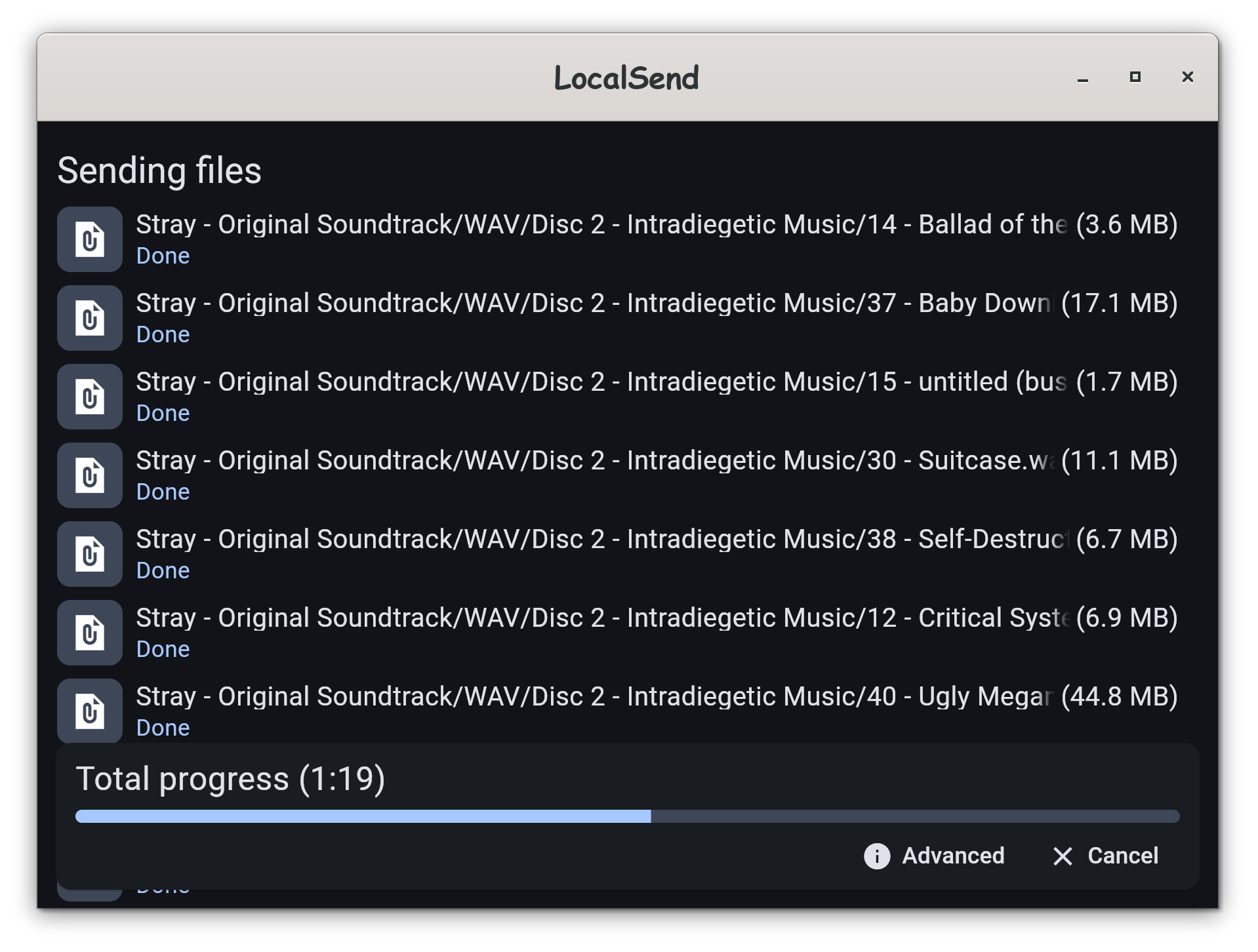
I bought the soundtrack for Stray on Steam, which comprised of equal parts MP3, and lossless WAV files. Using LocalSend, I transferred 2.2GB from my computer, to my phone.

On the first attempt, I had an error, but all I needed to do, was restart my phone, problem was solved. What I was impressed by, was the sheer speed of the WIFI transfer, 300MB/ps, wasn't much slower then my 1GB/ps wired connection.

I'm impressed by, how light weight the LocalSend APP is on both devices, yet it functions far better, is easier to use, and looks far better the Zorin-Connect. I'm giving this APP my recommendation!


6 Likes

If you have used Syncthing, can you tell how does it compare to that? I've been using it for a long time and I'm not sure if it's worth switching over to this, although it looks quite nice.

1 Like

I tried localsend on my and partners PC (both Zorin 17.3), couldn't get it to connect at all. I didn't spend much time to troubleshoot though.

I've had Syncthing on both for a while - we have a 'shared' folder to drop things in, its been very useful indeed, especially as we are often not on the same network. It does have an Android app (I just looked it up) but its now discontinued although there is a fork.

So far as the phone is concerned I tend to stay in the dark ages and sit waiting on the USB connection. I do occasionally transfer a bunch of lectures to listen to when i'm travelling, so maybe I'll give localsend a go - thanks for the recommend.

I've never used Syncthing, so I am unable to comment on that.

LocalSend is a simple file send and receive utility. It does appear to have a quick save function which I am not using, which might be the equivalent to sync, IDK.

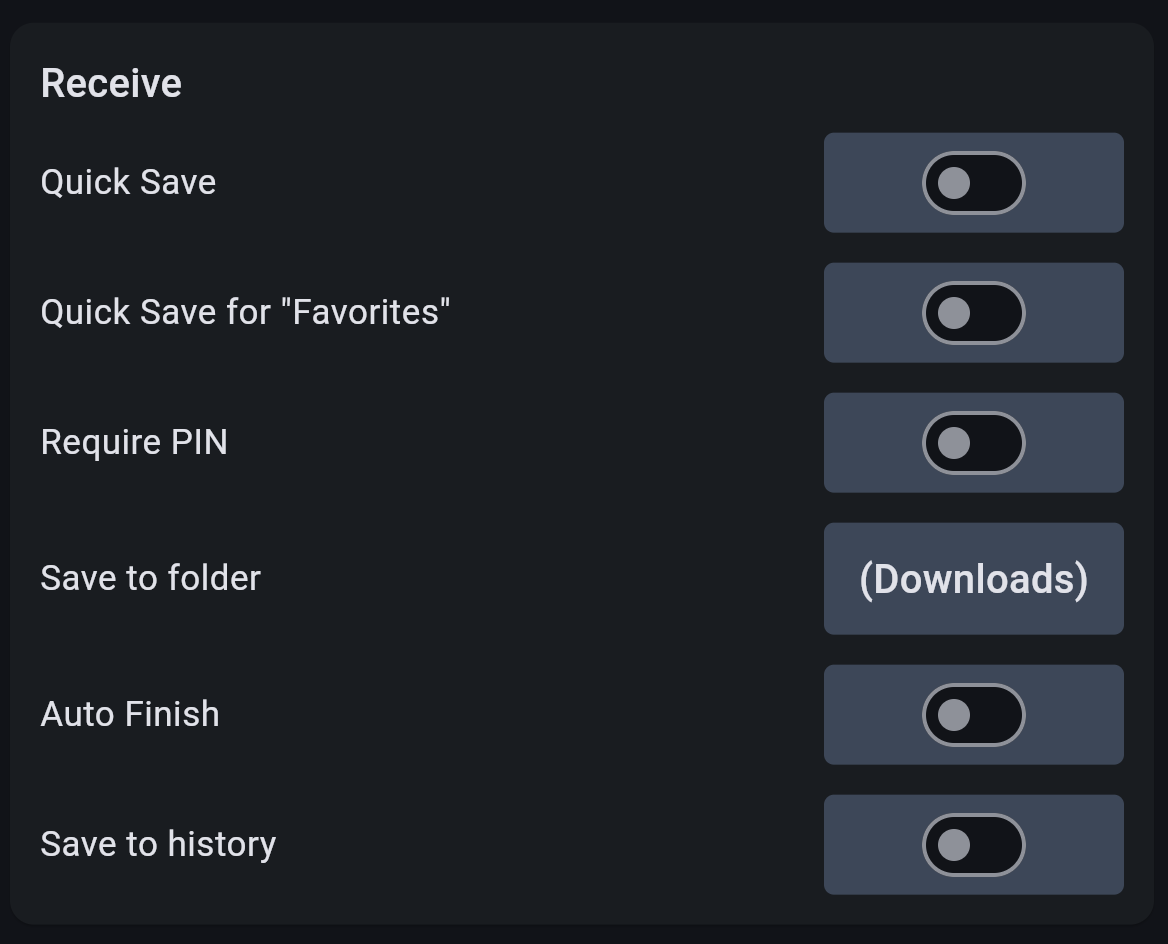
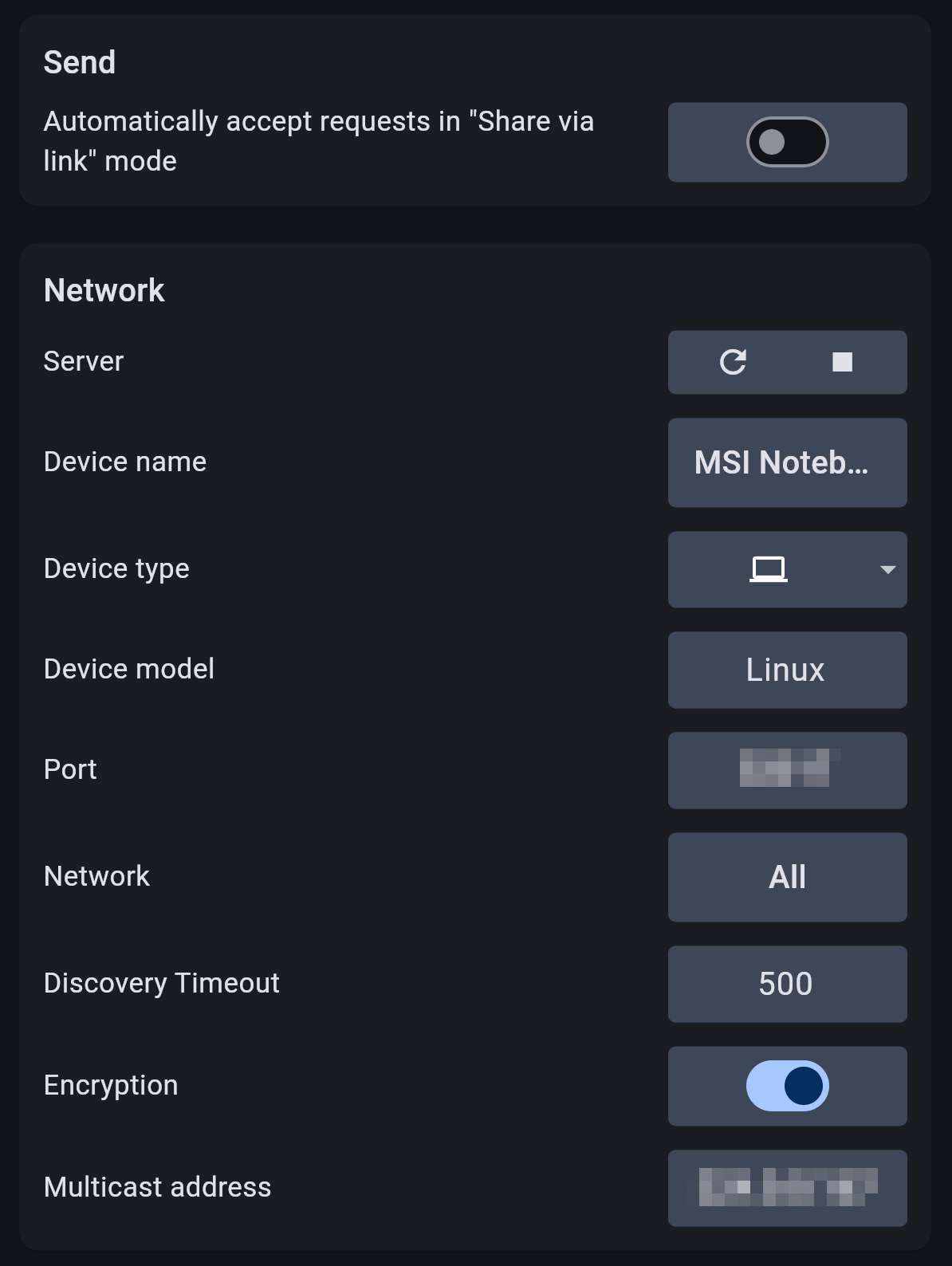
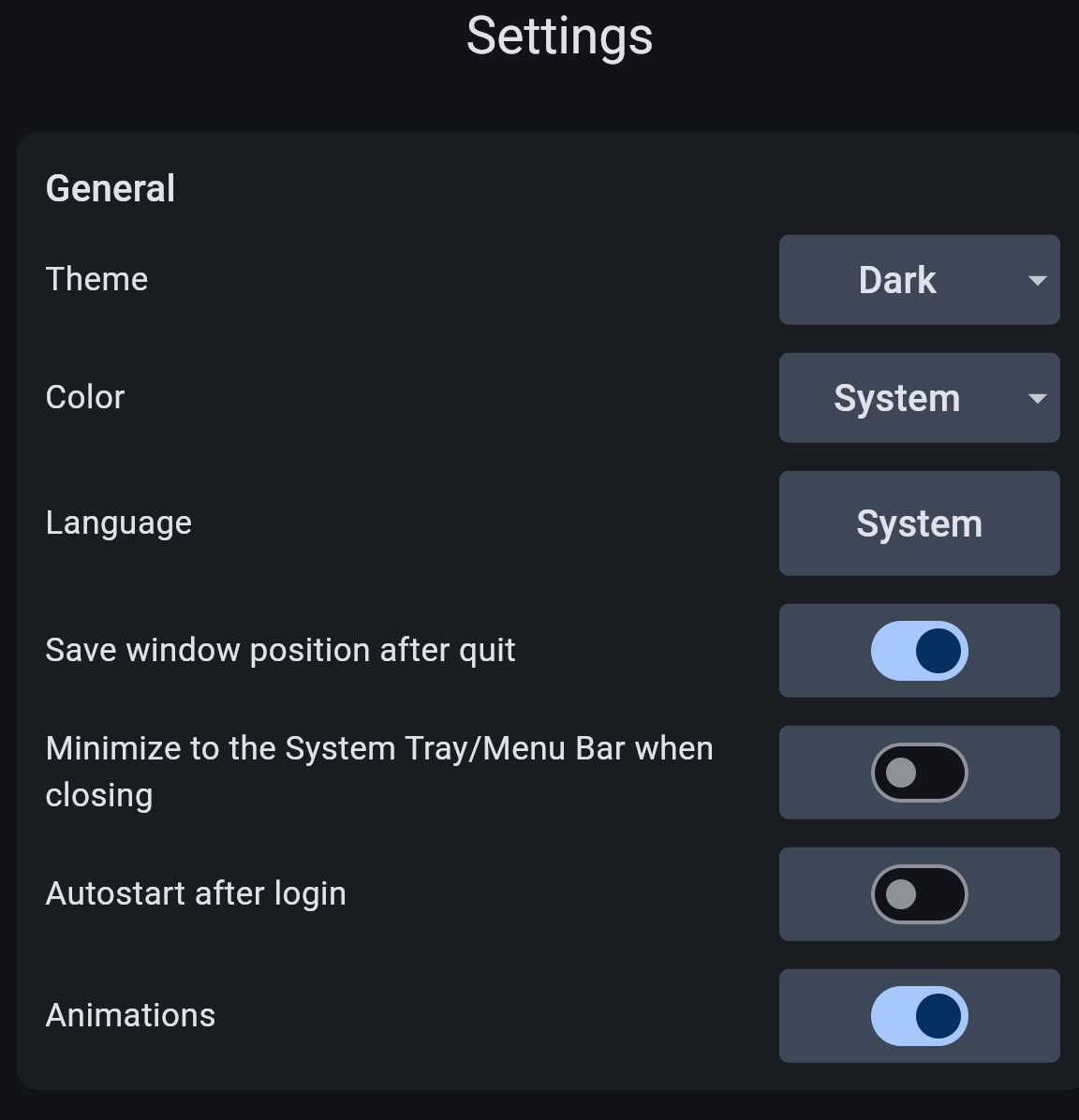
Please also note, this APP comes with Encryption, which is good when your on an open network, where security might be an issue. There are lots of options on the settings page.


Both devices need to be on the same network, and both need to connect using the same WIFI protocol, IE, if one device is on 2.4GHZ connection, so must be the other device. Both APPS need to be running. Select files you want to send first, then click the name of the other device you wish to send to, in order to initiate the send.


1 Like

Thank you. yes, both were on the same network and identical connections, sitting next to each other. No device names showed up despite numerous retries and reboots. I uninstalled and went back to Syncthing... I shall try again.

There are two forks, apparently. I've been using the one named "Syncthing-fork" and it has worked quite well. Before that I used the official app and I can't really tell much of a difference, but I'm also not using any of the advanced features.

2 Likes

I just tried out LocalSend today and got it working after one issue. I'm posting it here so if anyone else has a problem this might be the solution.

The issue was that my desktop firewall app was blocking my phone from finding my desktop. There are two options here:

  1. Allow the port (the number you'll find in the app), or
  2. Temporarily pause the firewall

Once I chose one of those options, it was fine and worked quickly and easily.

It's hard to compare it to SyncThing. I use that also, but for the majority of my home drive... all personal documents, music, pictures etc.. It works well with a high quantity of files. But it's designed to be used when you want the same files to stay on two of more devices.

LocalSend makes sense for me if I have something temporarily on my phone and want to move it to my desktop, but I don't want it to stay on my phone afterwards. I assume other users would have a few scenarios where they want to move files without having full synchronization.