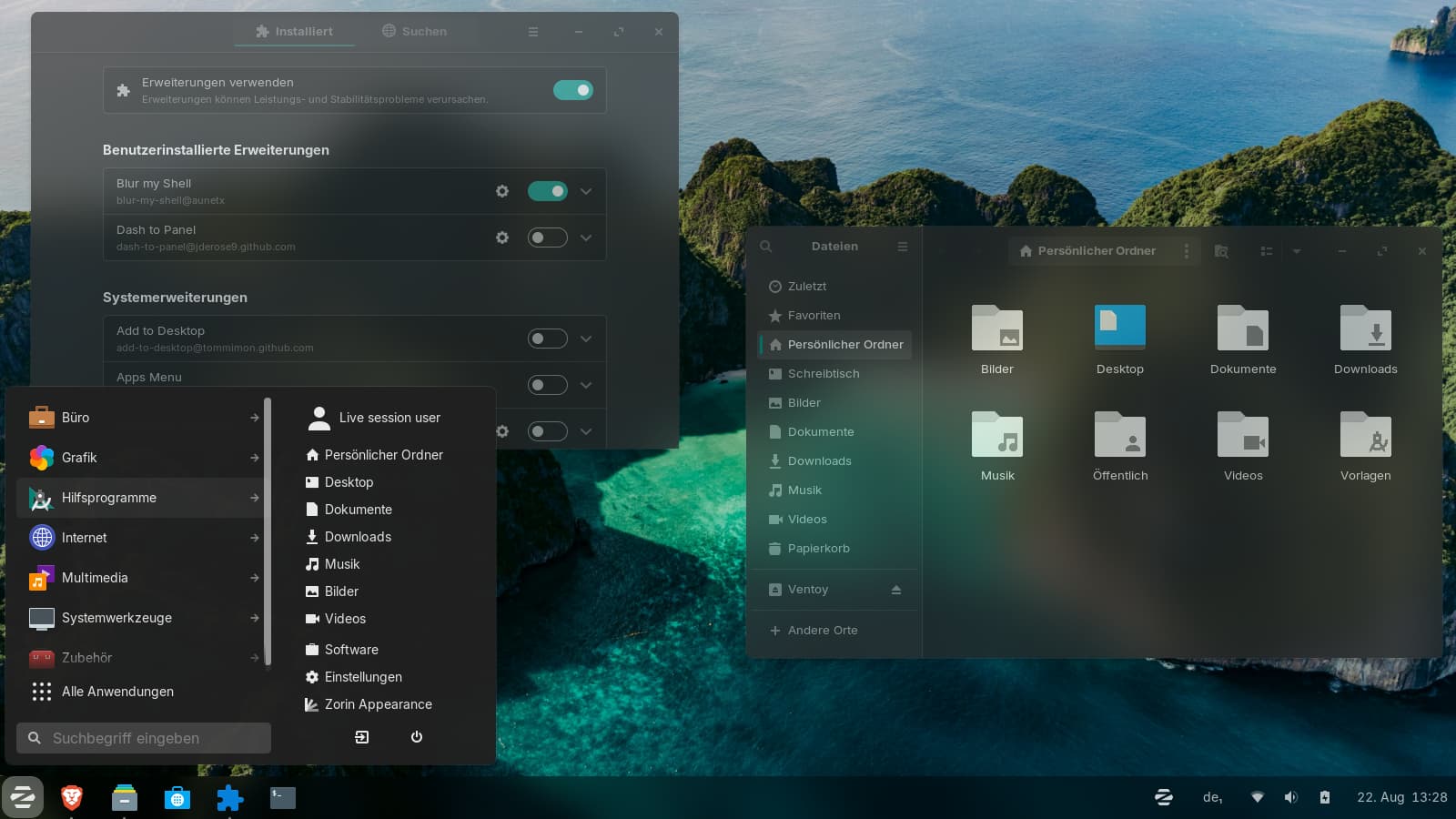
I'm playing with the "Blur my shell extension" and the Fluent theme from github, but I don't get the Zorin menu blurry, and also not the popups of quick settings, calendar etc.
Is it possible with the normal settings to get the same effects as for the normal app windows or do I have to write .css code?
1 Like
That could be related to the Fact that these are Gnome Extensions. Maybe that need to be adressed extra. Did You tried it with Dash To Panel and ArcMenu?
Yes, I have tried them, but with no success. It seems not to be possible. Midnightrose wrote once, that she had added a blurry background image to the menu and the popups to get a blurry look.
I just found an article that this feature will be implemented in the extension version 73:
I disabled the extension version validation check and compiled the extension as shown in the link in a live session of Zorin 18.1 Core (I had to install make and gettext first to get it to work), and now I have blur effect in Zorin menu and popups. 
With the Zorin theme it worked for popups and Zorin menu, the Fluent theme only worked with ArcMenu, not with Zorin menu and not with the popups.
Perhaps my desktop is a bit messed because of my tests with openbar and the Fluent blur installation script, although I had removed them. There are some colors which don't look as usual.
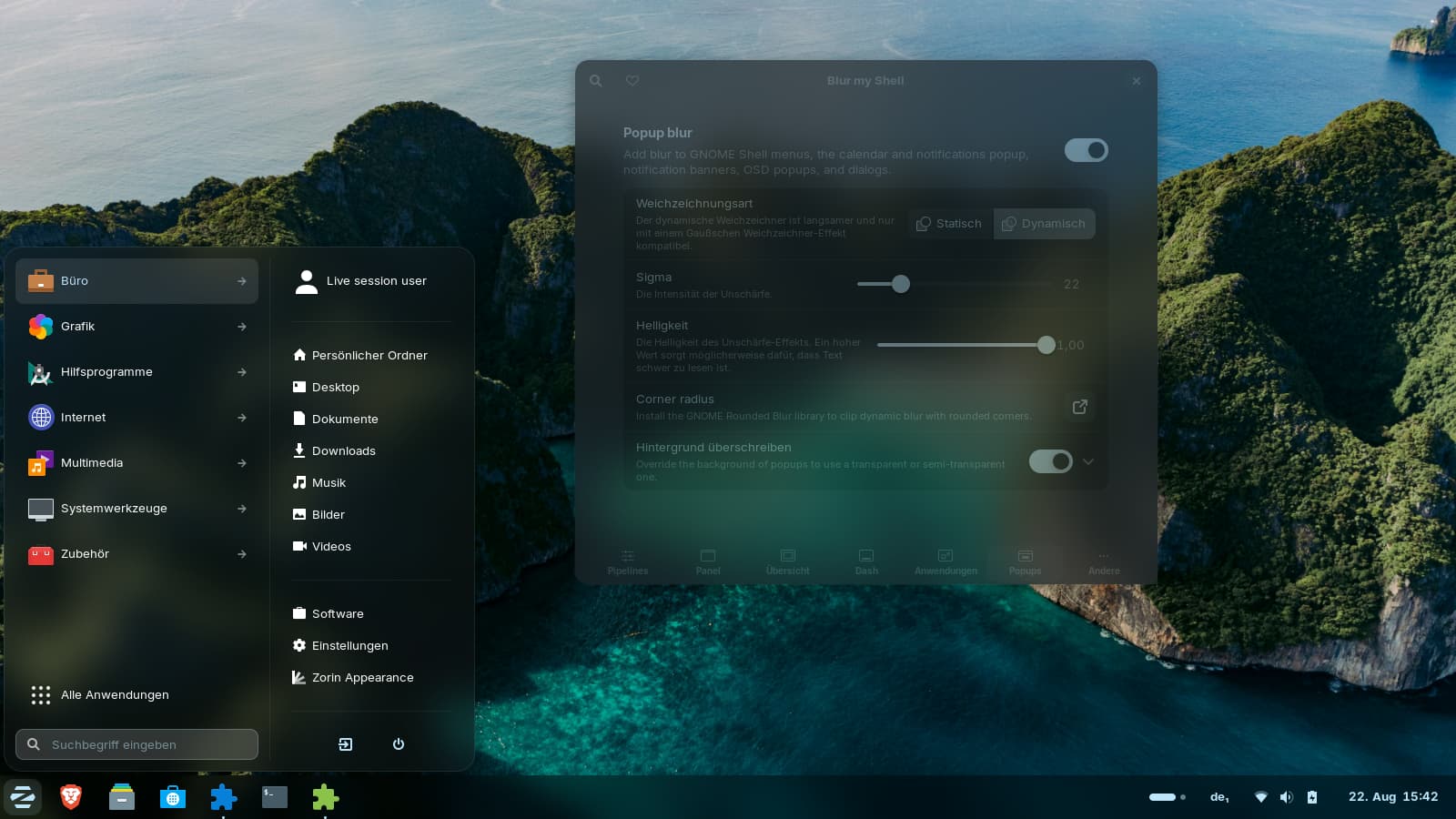
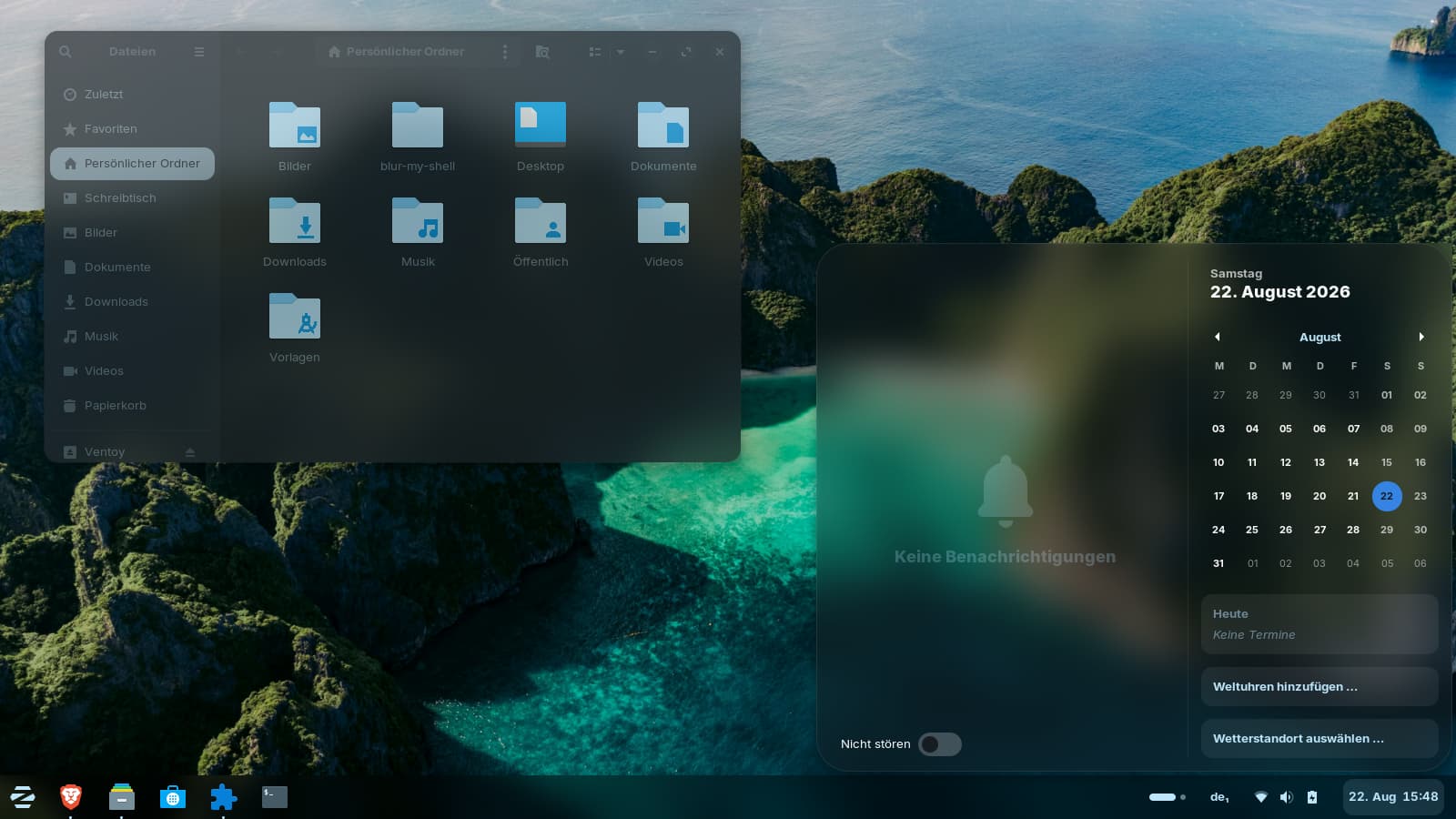
The "Blur my shell" extension looks promising. I find, it worked. You can set different sigma values (that is the strength of the blur) for the applications and the popups.
1 Like
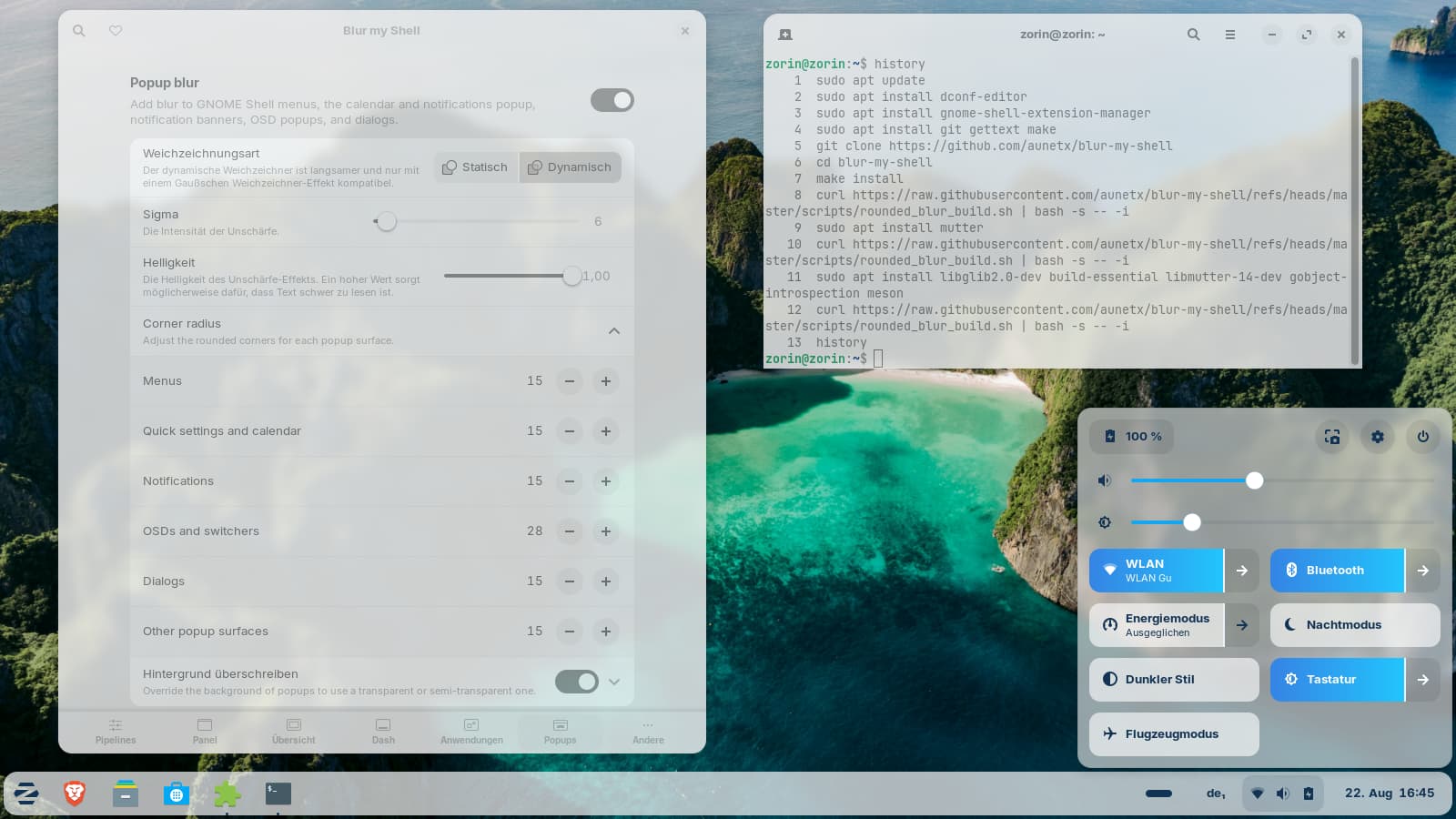
I tested it in a fresh session with the Zorin light theme. It was a bit more difficult to set up.
I noticed, that the Zorin menu and popups had squared black corners and I read in the extension settings that you must install a library to get the rounded corners to work correctly with dynamic blur.
I had to download and install some packages, then the rounded corners worked. But there was written that you have to repeat this script after gnome-shell and mutter updates...not good.
The app grid is not readable and the text very blurry. Only when hovering with the mouse over the labels, the text becomes clear, but still dark.

Yeah, this is a know Problem. @Nourpon has mentioned a couple Values that You have to change in the Theme:
I changed these and then the Fonts were normal again. Seems to be a Zorin Thing. On Debian, I didn't had that with 3rd Party themes.
2 Likes
I'll try it, thank you.
I think is more how themes are coded and Gnome version compatibility with, because some third party themes don't have this "problem".
This happened with Zorin theme. I don't remember if the issue existed in the normal extension version or not. I didn't pay attention to that.
I switched back to the dark theme, and now I can read everything clearly in the app grid - even with text shadows. It was probably just a matter of fine-tuning the settings or a bug in the extension. I don't get the correct text color for light themes to work in app grid. The automatic background style detection for popups isn't working properly either.
The extension seems to be easier to setup for dark themes than for light ones and also looks better with dark themes.
For some inexplicable reason, the overview with the overview often opens when I click somewhere, e.g. on the Zorin menu icon, which has never happened to me before.
These blur effects use up system resources and aren't really recommended on low-performance hardware. I still love sprucing up my desktop every now and then and exploring such things in live-sessions, but I wouldn't set it up that way permanently on my old Dell.
I'd like to know why the accent color is wrong in the popups as e.g. in quick settings. It is always a strange blue independent of the set color of the Zorin theme. It is the same with gnome top bar instead of Zorin taskbar.
Here a screenshot with the Zorin Red Dark theme:
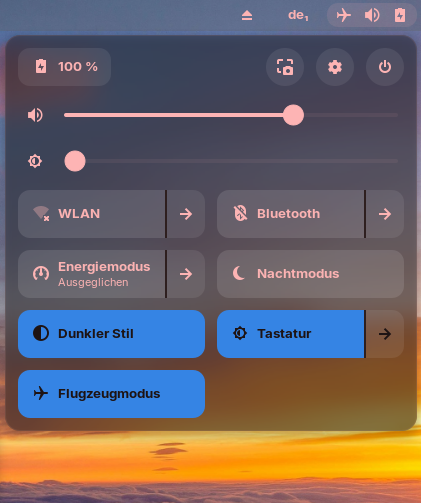
Edit: Ahh...Now I found the solution!  You have to enable "Preserve shell theme" in the settings for the popups. I looks much better now. That has bothered my all the time.
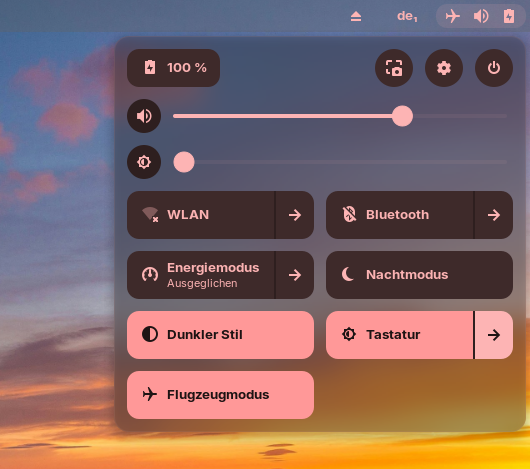
I tested the yaru theme to see if it would work, and everything was fine. Now I'll have to test again if I can get Vinceliuices themes to work with the popups.
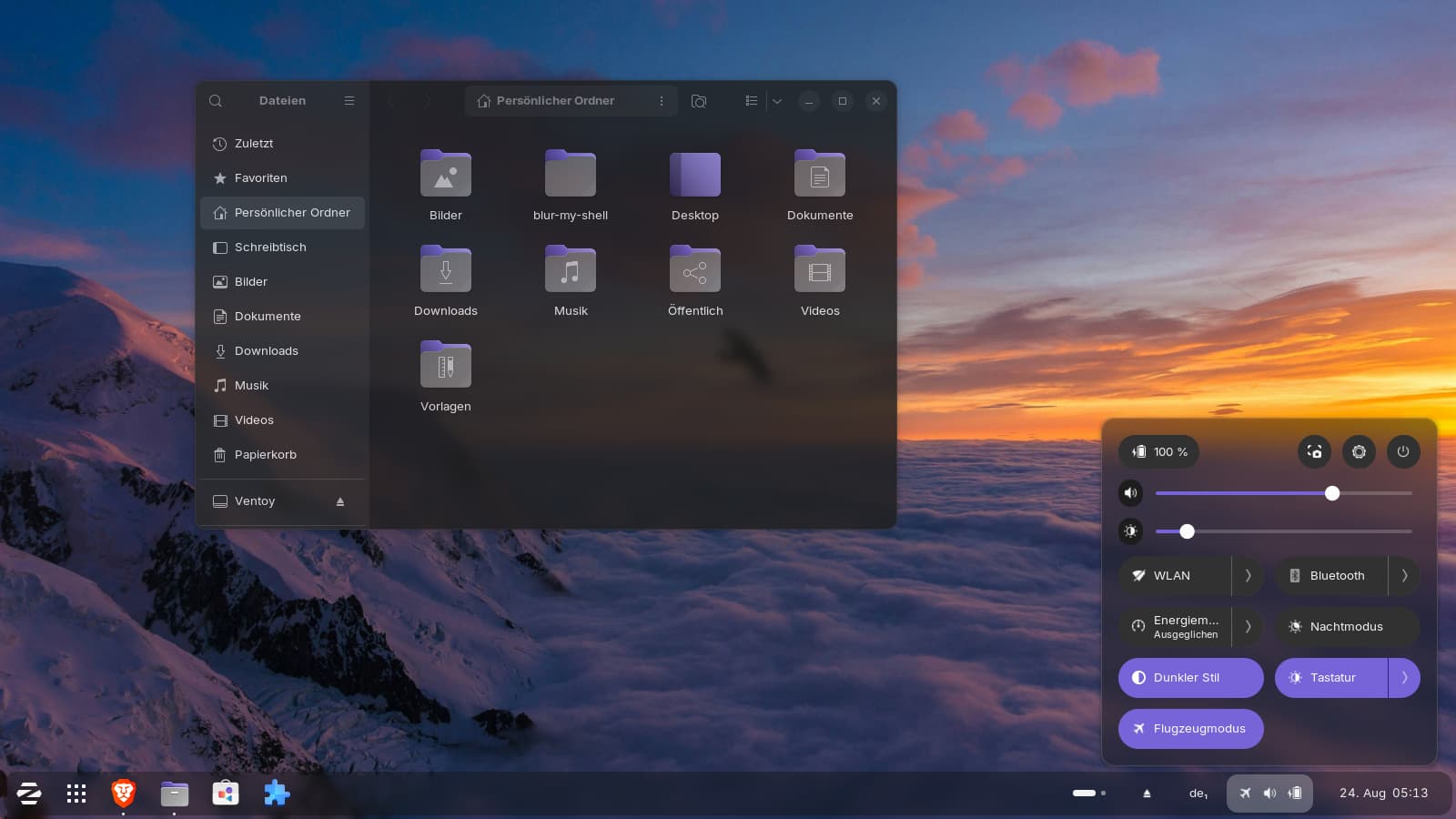
Edit:
With downloading the theme from pling and a manual installation, the popups blur worked for Vinceliuice's Fluent theme.
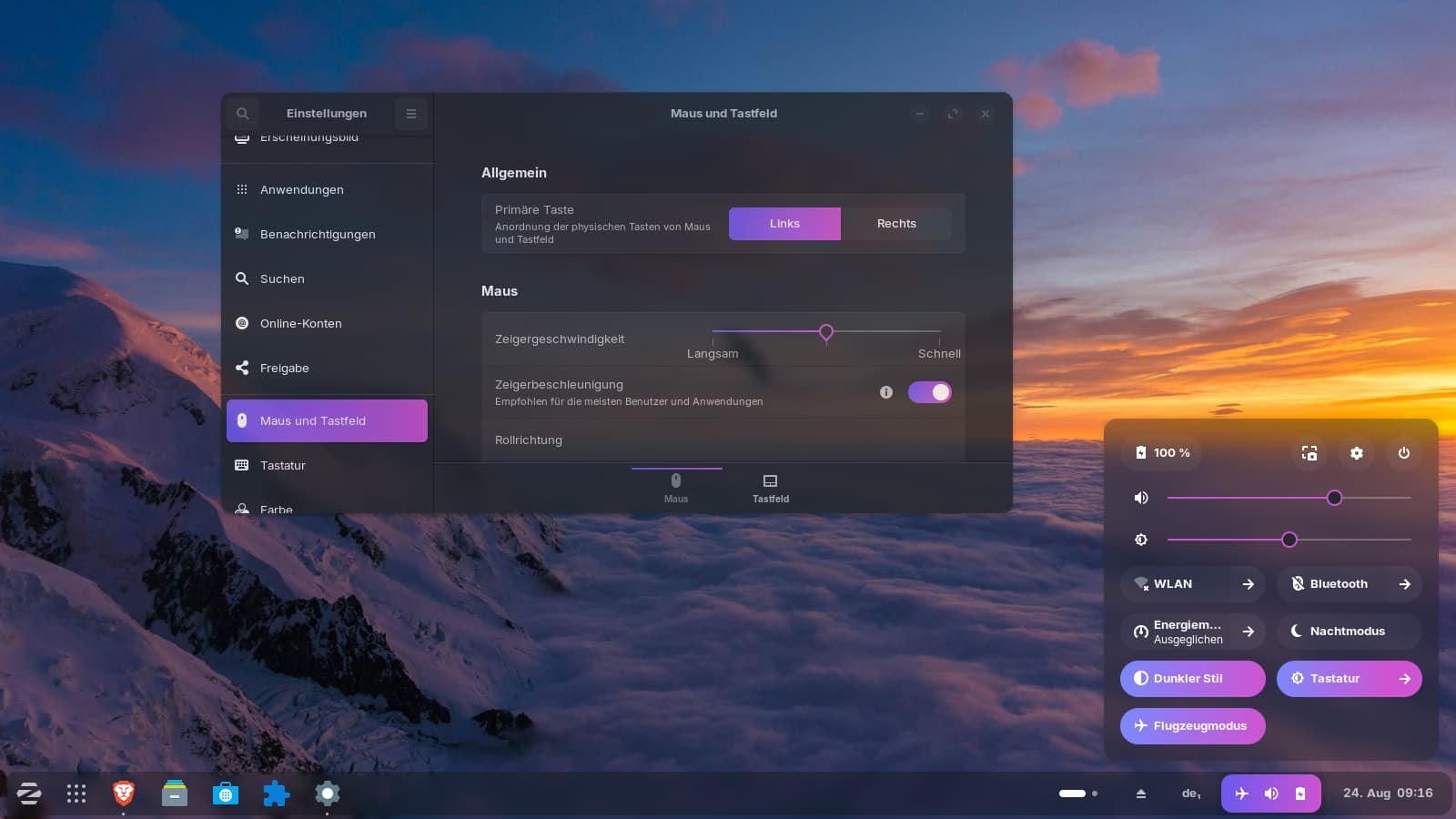
With the Vinceliuice's script I didn't get the Blur my shell extension to work with the popups and also had problems with non-responding windows sometimes.
Hm...But perhaps it is depending on the script of the theme. I tested another installation script of Vinceliuice (Lavanda gtk theme), and this worked with the popups. It has a cool two-color scroll bar with a color gradient when moving the scroll bar.
I really like the look of the desktop with subtle blur effects.
Did You used with the Script the --tweaks blur Value?
No, I had tried that yesterday with Fluent theme and it had not worked as I wanted. This time I didn't use it. Maybe I'll should try again.
I don't like the scripts so much because I don't know what they set as values in blur my shell or if they override something. And they always create .css files in ~/.config and I don't know what you need to do if you want to store your own CSS files there or already have some.
You can rename Your own. When You have them for a specific Thing like with Your Scrollbar, You could name the File scrollbar.css for Example.
1 Like