Hello! New Linux user here (and Windows 10 refugee). I managed to get Zorin 17 set up on my laptop and desktop, but one item I'm missing is Calibre. I tried to install it (in order to convert LibreOffice Writer docs to a Kindle format and transfer by usb cable) but was having too much trouble -- and I don't know the system nearly enough to do much troubleshooting. So I lowered my expectations for the moment and tried to transfer a simple text file. It shows up in the Kindle "document" folder (as viewed in the File Manager), but after trying this a number of times it still won't show up when I'm looking on the Kindle itself. A search on Kindle yields nothing either. Not sure what I'm doing wrong.
Maybe someone could nudge me in the right direction for finding a fairly simple solution to getting docs transferred (without first sending all my docs to Amazon for their approval, of course!).
Thanks for any feedback!
Scott
UPDATE: Several hours after transferring a text file to Kindle (and seeing it in the File Manager), it finally showed up in my Kindle! I have no idea what made it take so absurdly long to display. It wasn't a large file and I've transferred such files before without incident or delay.
I'd still like to get Calibre working for me if possible, but at least it seems I will be able to get text files successfully transferred. Whew!
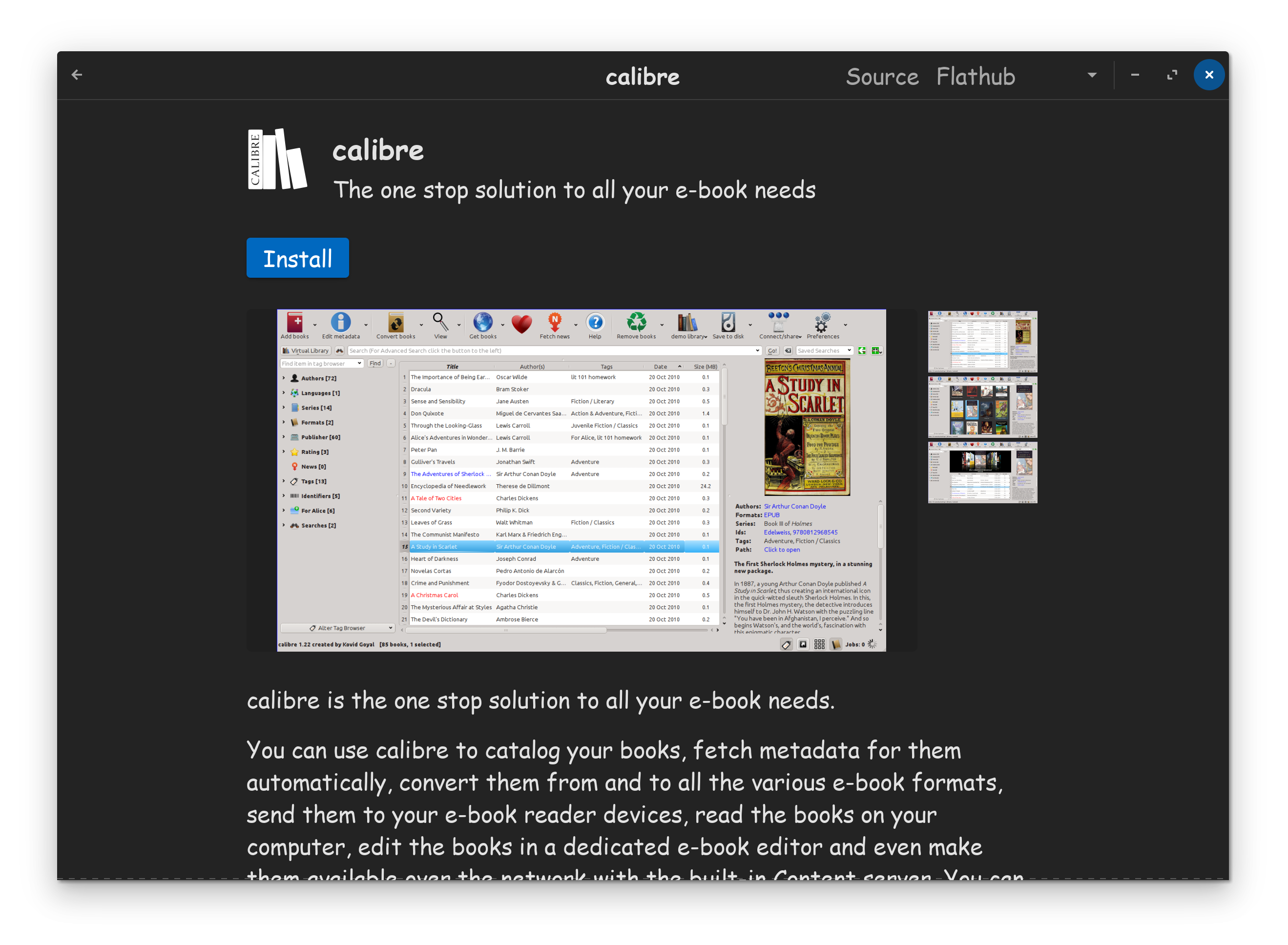
You did not need to download it from the web, and it could very well be, the web version, is whats causing you issues. Zorin OS already has Calibre in the repository, you can find it in the Software Store...
PS: Zorin OS 18, is going to be released on the 14th. Before doing too much setting up on OS 17, you might want to consider waiting to Install OS 18 instead.
I think that was the first thing I tried but something didn't work. Didn't open when I tried. As I recall, that's when I went to download from the Calibre site, with still no luck. I'll retry the repository.
Re: Zorin 18: your comment sounds ominous to a new user (and non-geek) like me. Almost as if I (and every other new-to-Linux user who just switched to Zorin) is going to have to go through the whole installation (and customization) process again for 18! Won't 18 install easily over 17 without losing data (browser profiles/preferences and such)?
Yes, it can install over 17 without losing data by using the Zorin Upgrader tool in the App Menu.
Given the very short amount of time to wait for Zorin OS 18, I believe StarTreker intended to relay that you have the option of waiting, rather than a necessity.
If you install calibre as flatpak also install flatseal and in flatseal set the permissions for calibre to grant the program access to users/system files.


 Won't 18 install easily over 17 without losing data (browser profiles/preferences and such)?