Hello,
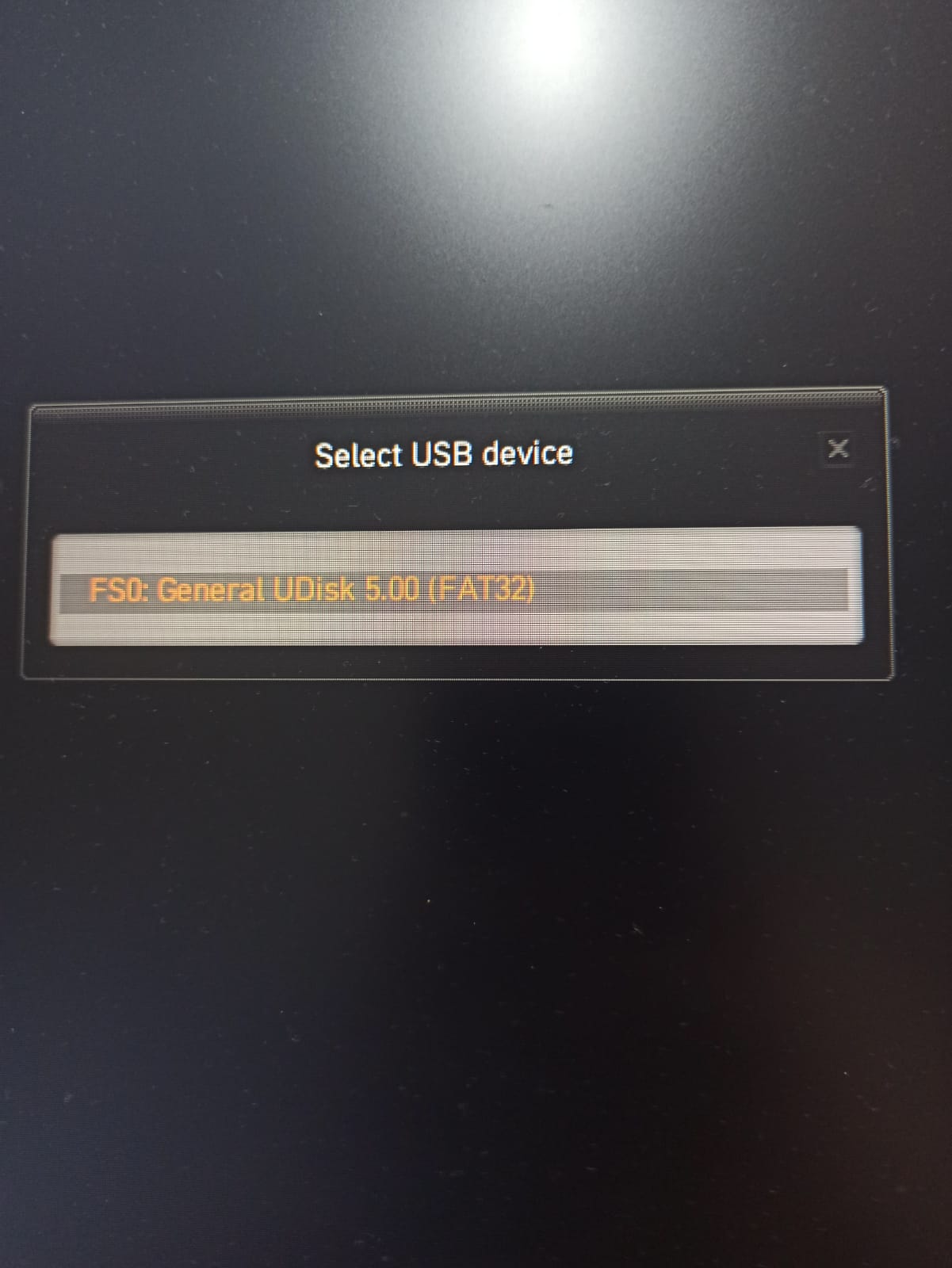
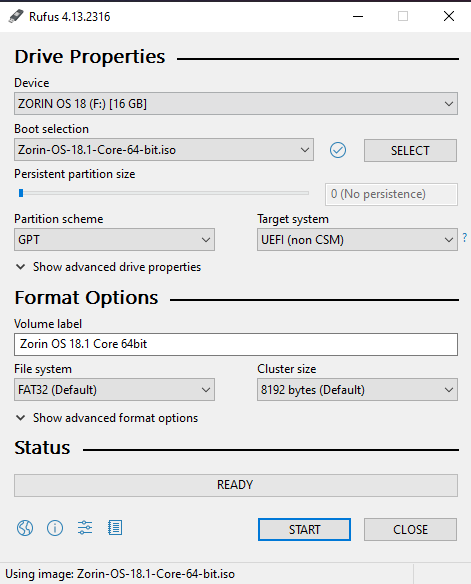
I'm trying to install Zorin OS 18.1 Core from a USB Flash Drive, but whanever I try to boot the flash drive it has the following name "General UDisk 5.00 (Fat32)", when selecting it, nothing happens and the PC reboots.
For further context, I have a dual boot machine with two different SSDs, one using Windows 10 and the other one using Linux Distros, I already installed Ubuntu, Manjaro and PopOS in this SSD and never had problems, this is the first time I'm having this issue;
BIOS is running on UEFI mode, Secure Boot and Fast Boot are disabled;
I've checked the ISO checksum is everything is according to Zorin OS Docs;
Thanks!
Using the DD mode allows the flash drive to boot!
But during the "try or install Zenin OS" menu my screen freezes, I'll try using another flash device