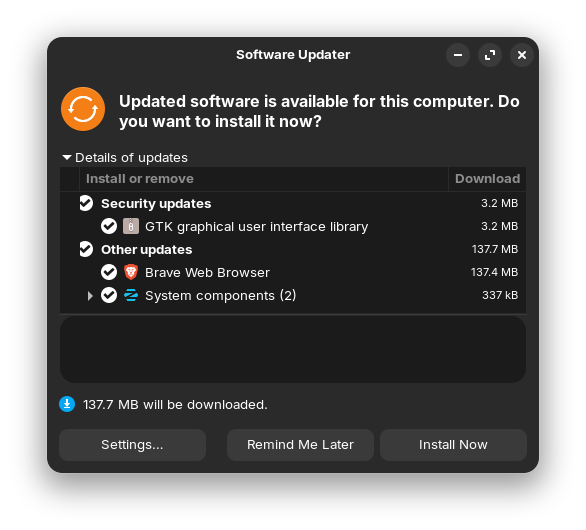
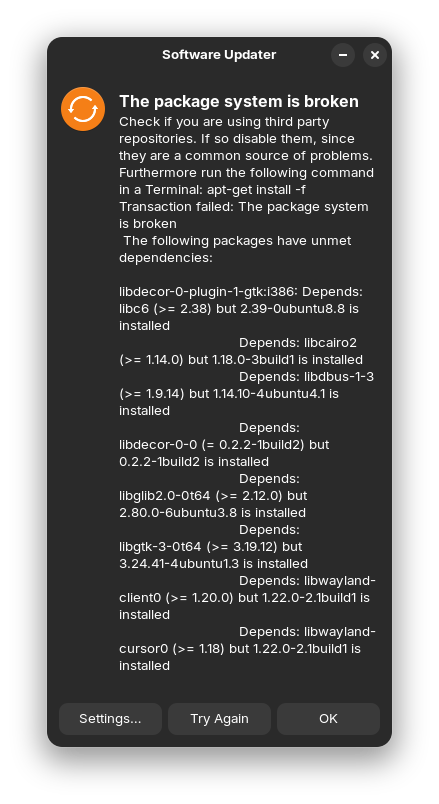
How do I fix this?
Try to run in terminal
sudo apt remove --purge libdecor-0-plugin-1-gtk:i386
and then
sudo apt --fix-broken install
To check if the package manager is repaired, then run
sudo apt update && sudo apt upgrade
and look if there are shown errors.
3 Likes
Welcome to the Forum!
Did You add any Third-Party Sources? Post the Output of the Command sudo apt update && sudo apt upgrade from the Terminal please.
1 Like
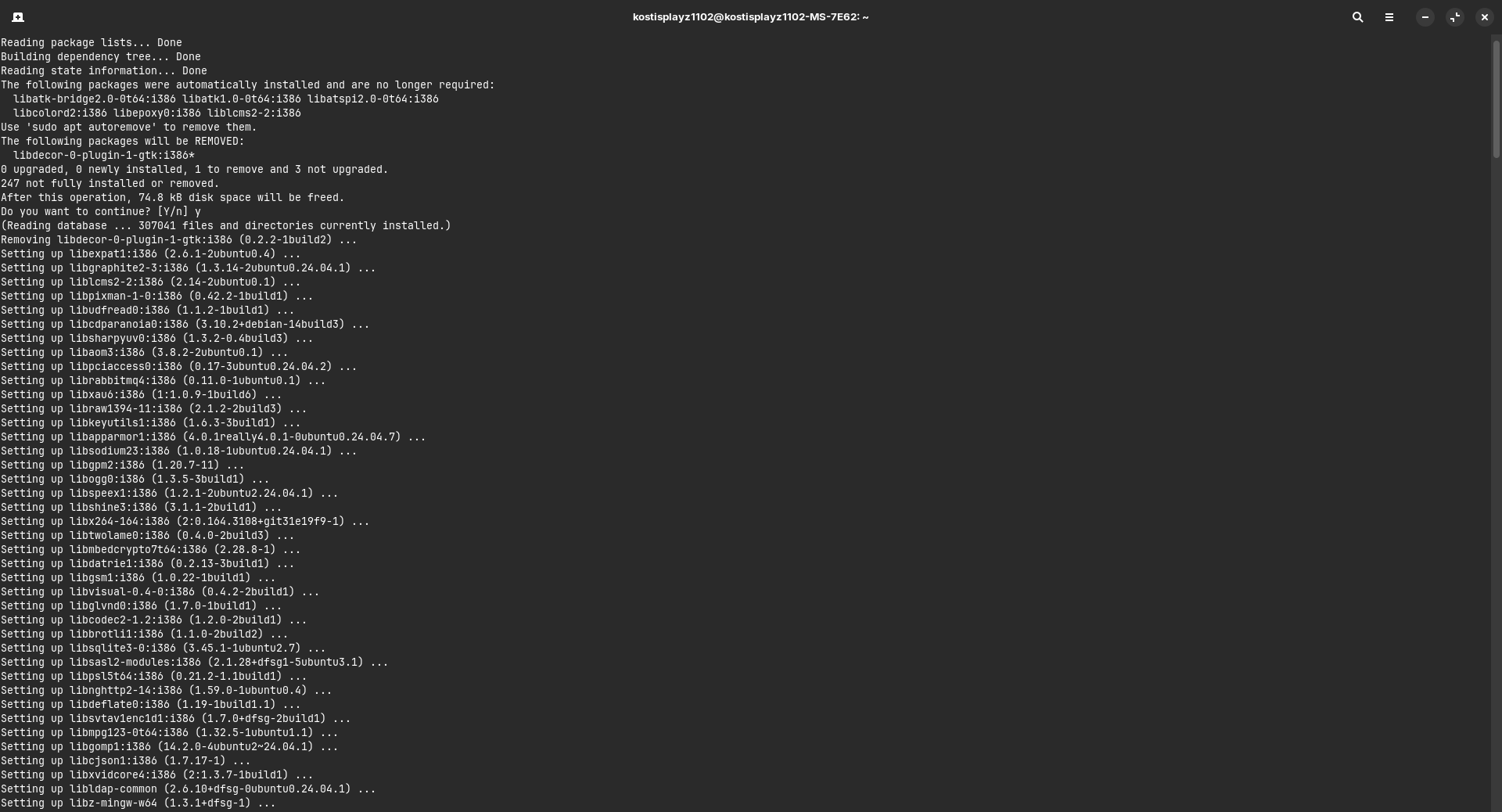
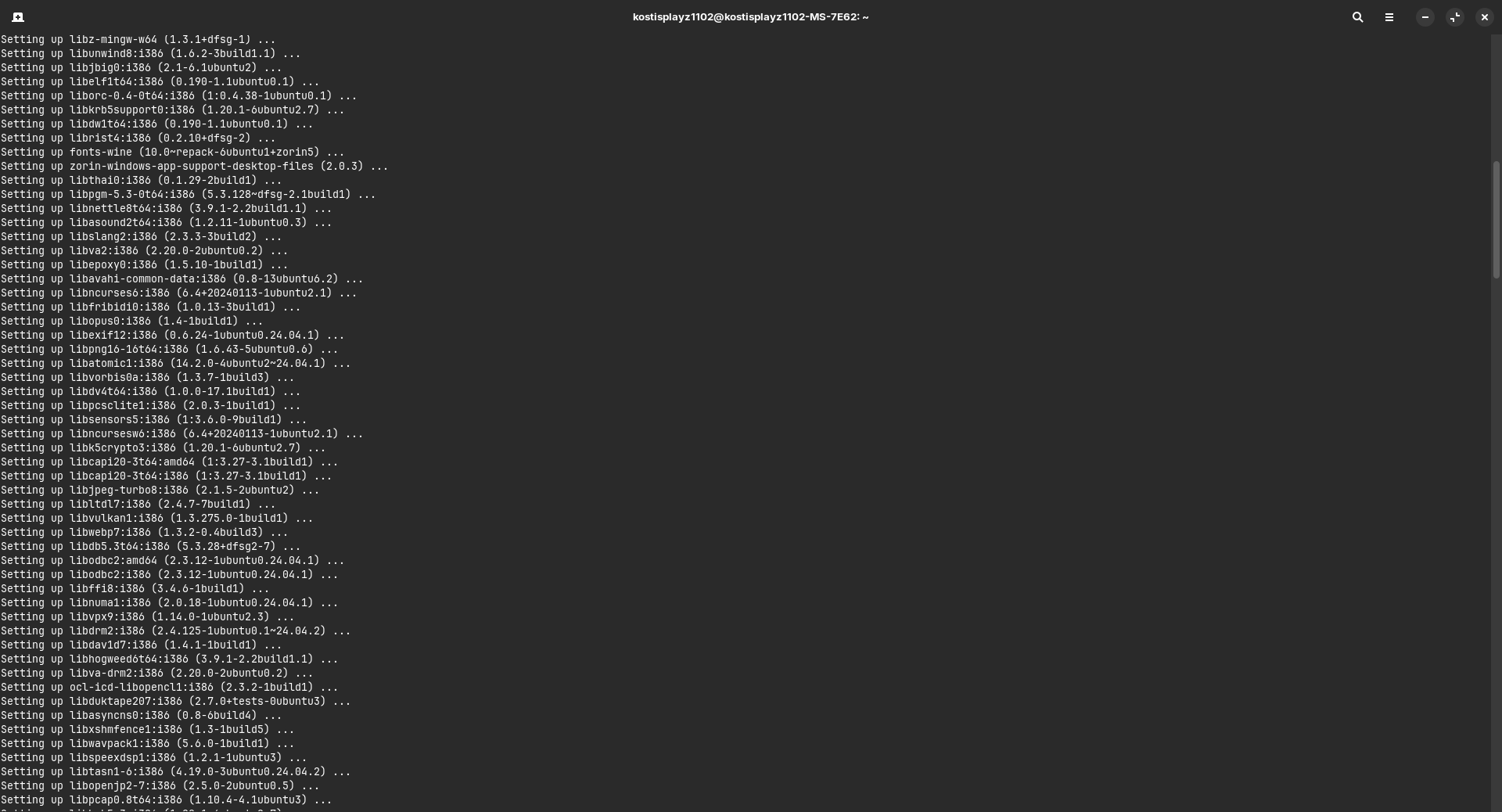
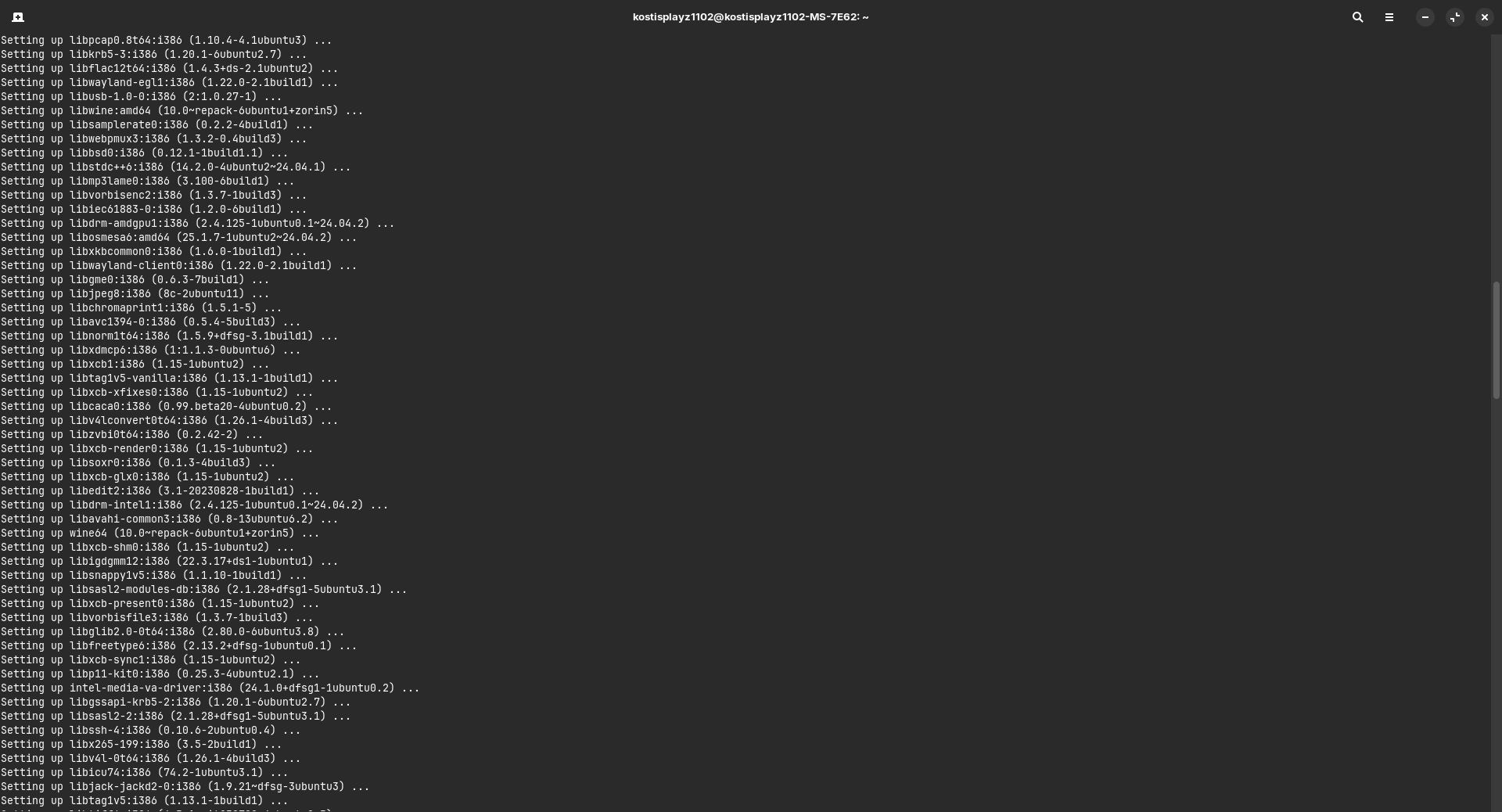
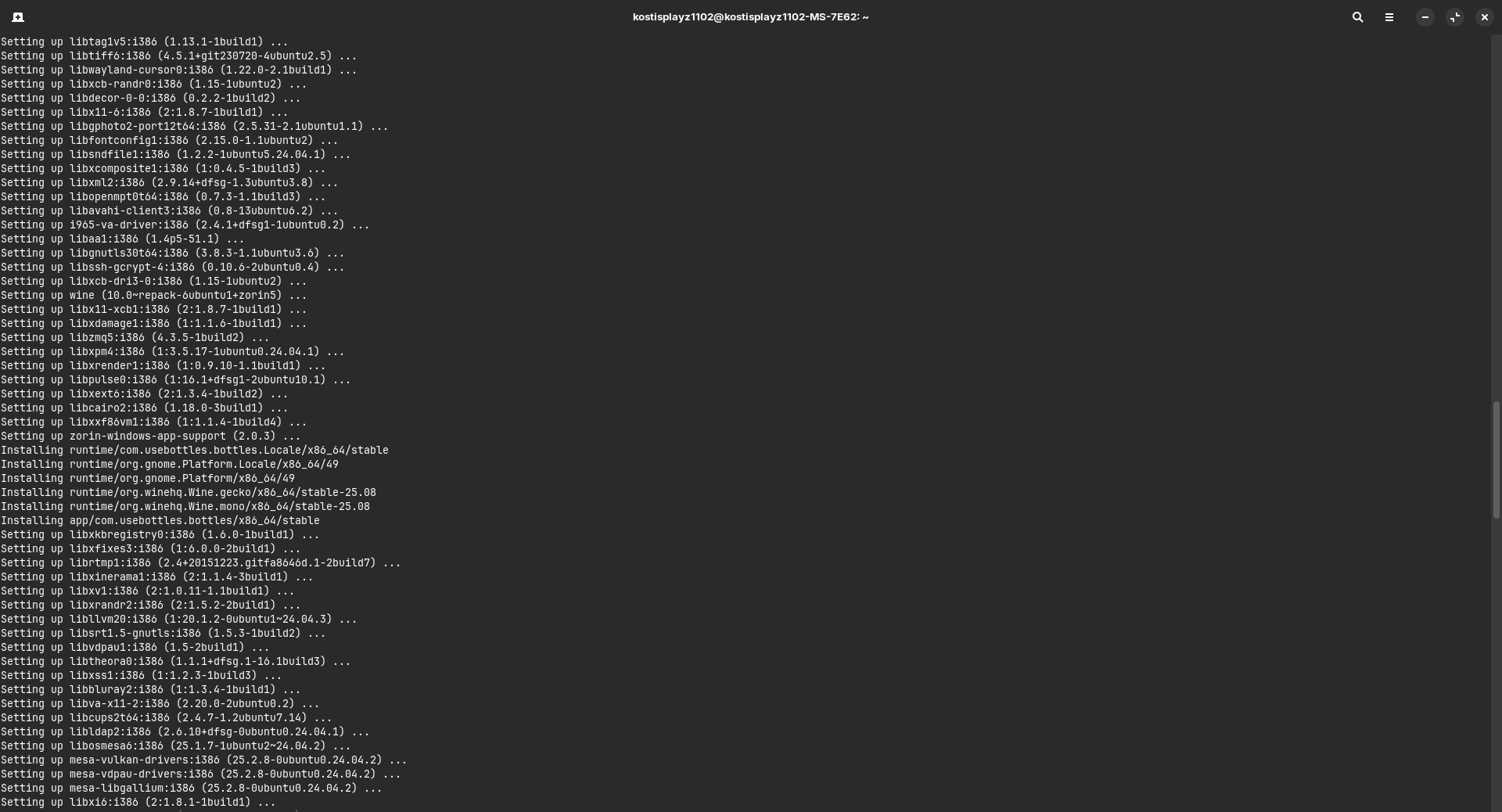
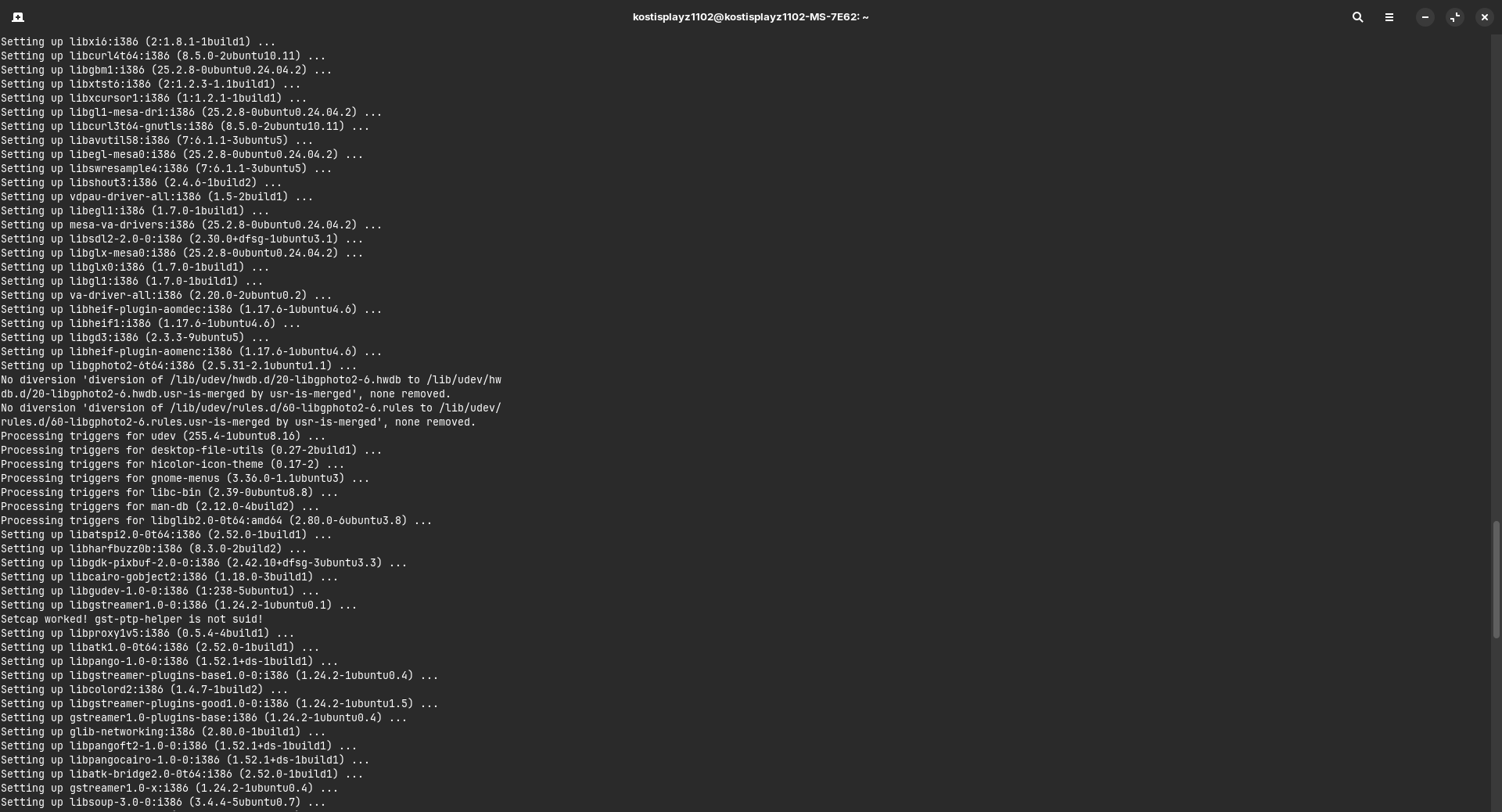
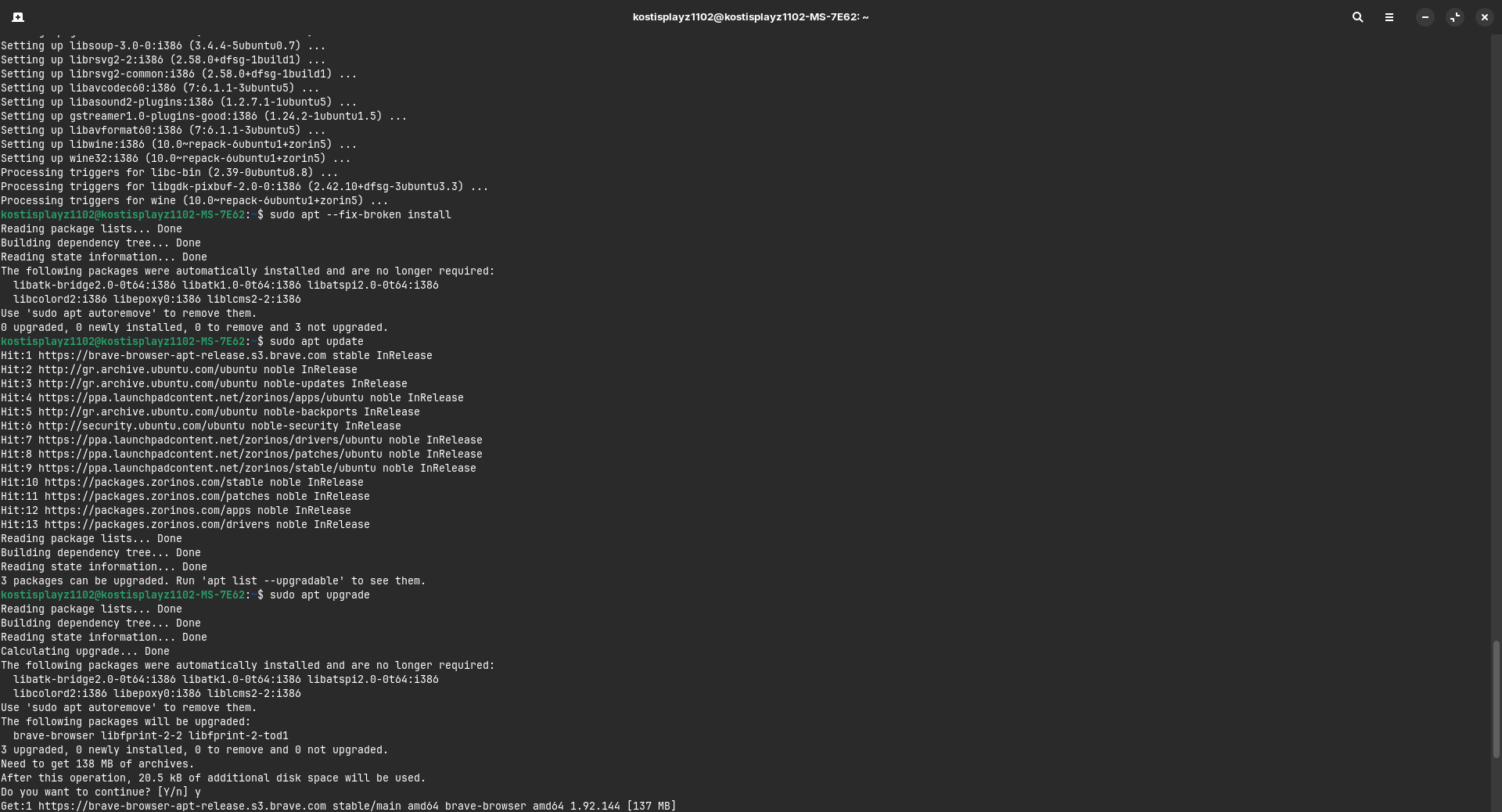
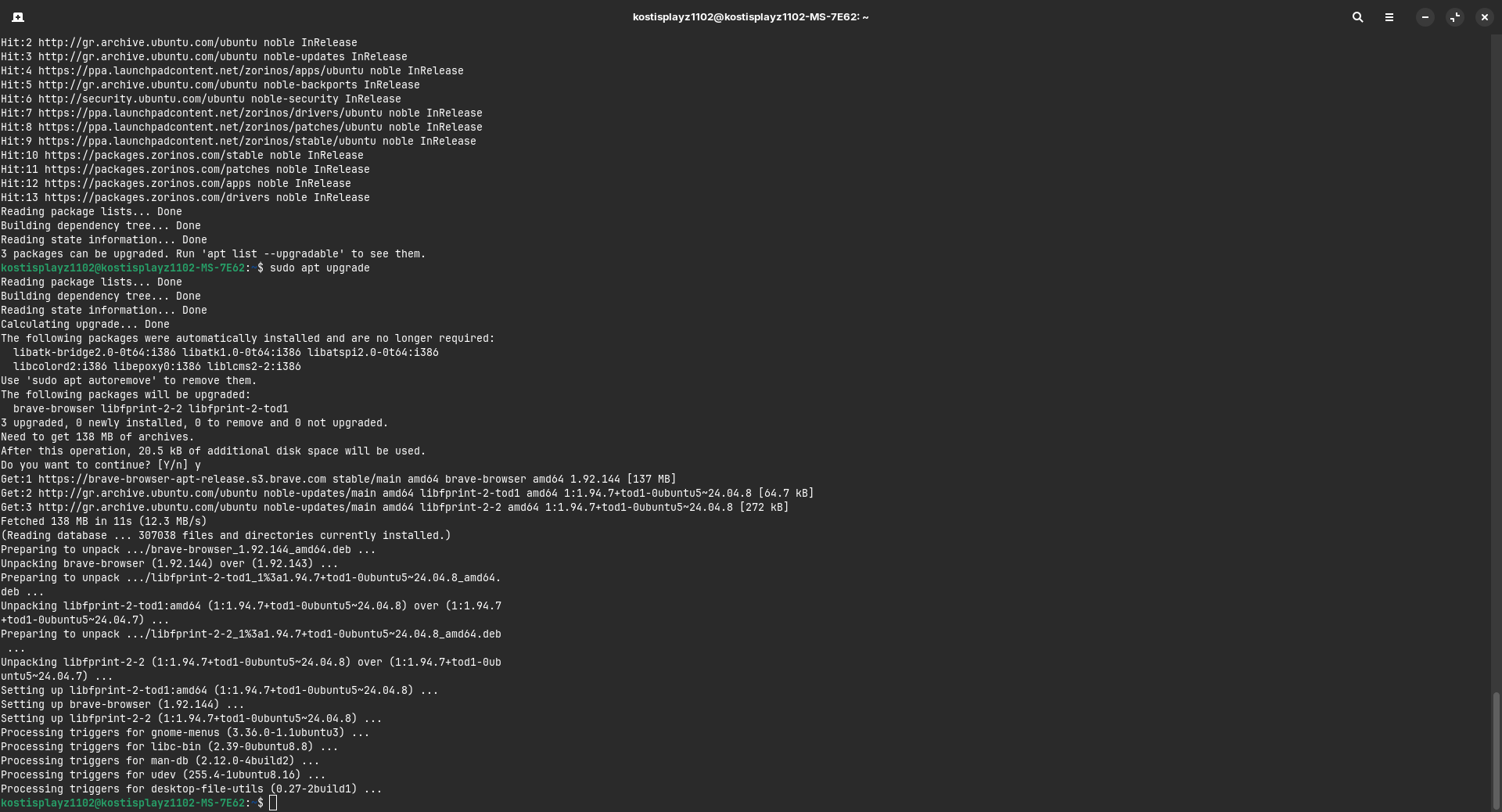
To me it looks good. Do you still have problems?
You could run
sudo apt autoremove
to delete leftovers, but take a look first, what will be removed before you confirm with yes.
1 Like
It says that the following will be removed:
libatk-bridge2.0-0t64:i386 libatk1.0-0t64:i386 libatspi2.0-0t64:i386
libcolord2:i386 libepoxy0:i386 liblcms2-2:i386
You can remove them.
1 Like

I don't think so. That sounds like dependencies of the libdecor plugin.
And when something is missing, we can install it again, because we have the package names documented in this thread. When running the autoremove command we take care that e.g. zorin desktop is not listed.
1 Like
Alright thank you.
1 Like
Do you have tried to install Windows App Support or Wine? The libdecor plugin was incorrectly set as a dependency there and is causing problems for everyone which installs it. You can remove that plugin without worrying.
I did try to install Windows App Support yes. Though it wouldn't let me install it.
1 Like
Windows App support should work now, or doesn’t it? We have repaired the failed installation.
I guess it now works. Thanks.
1 Like