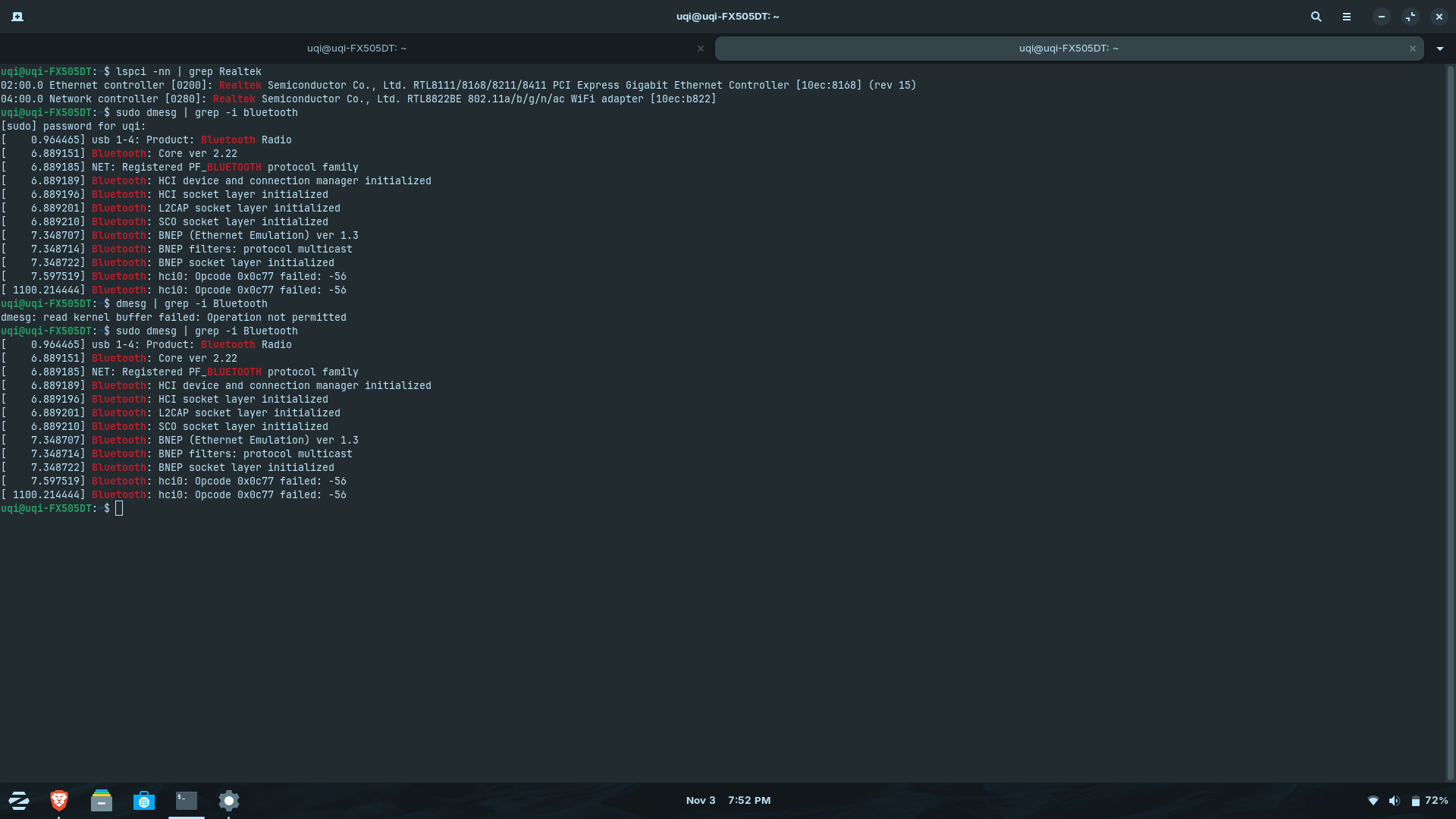
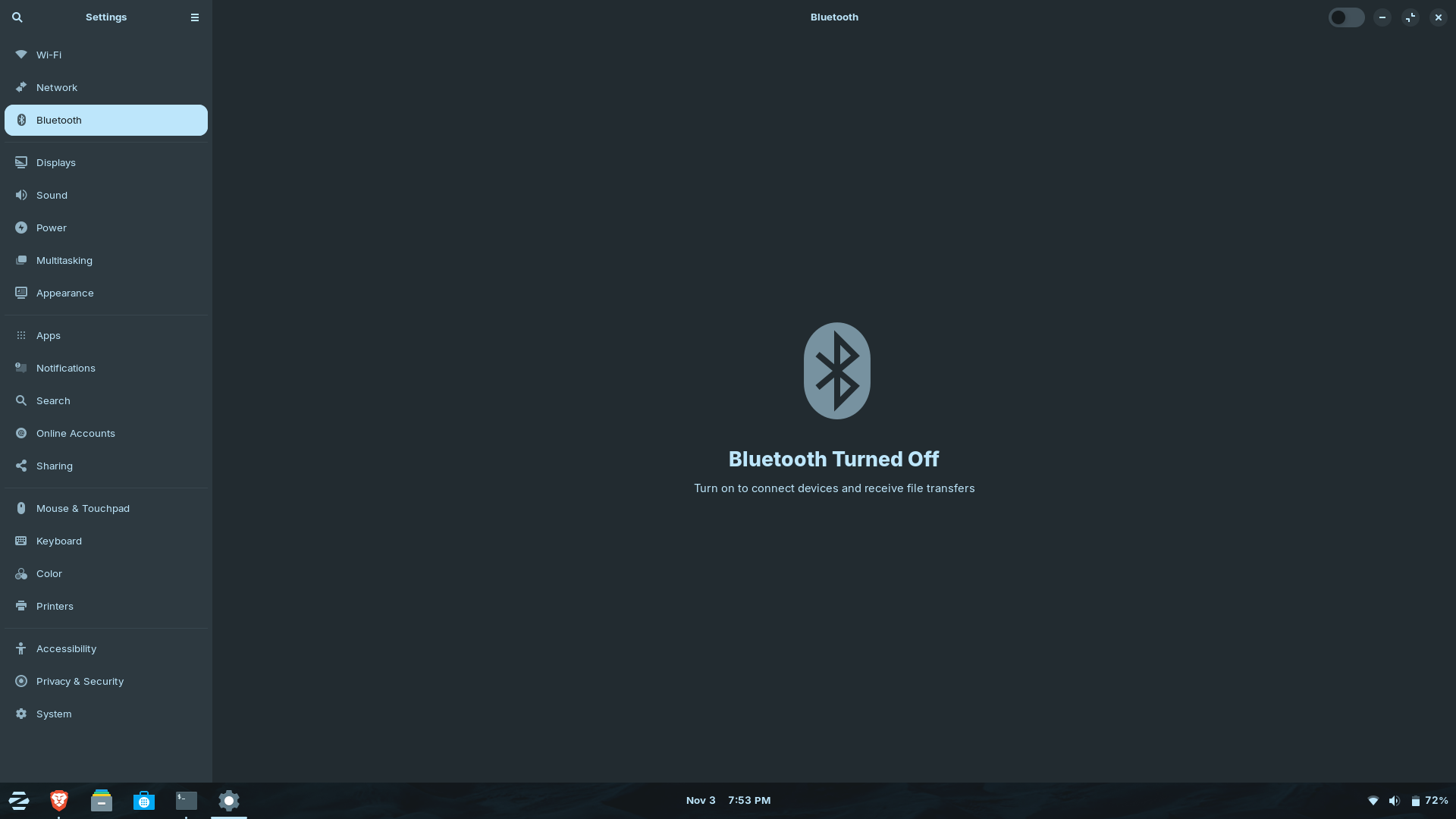
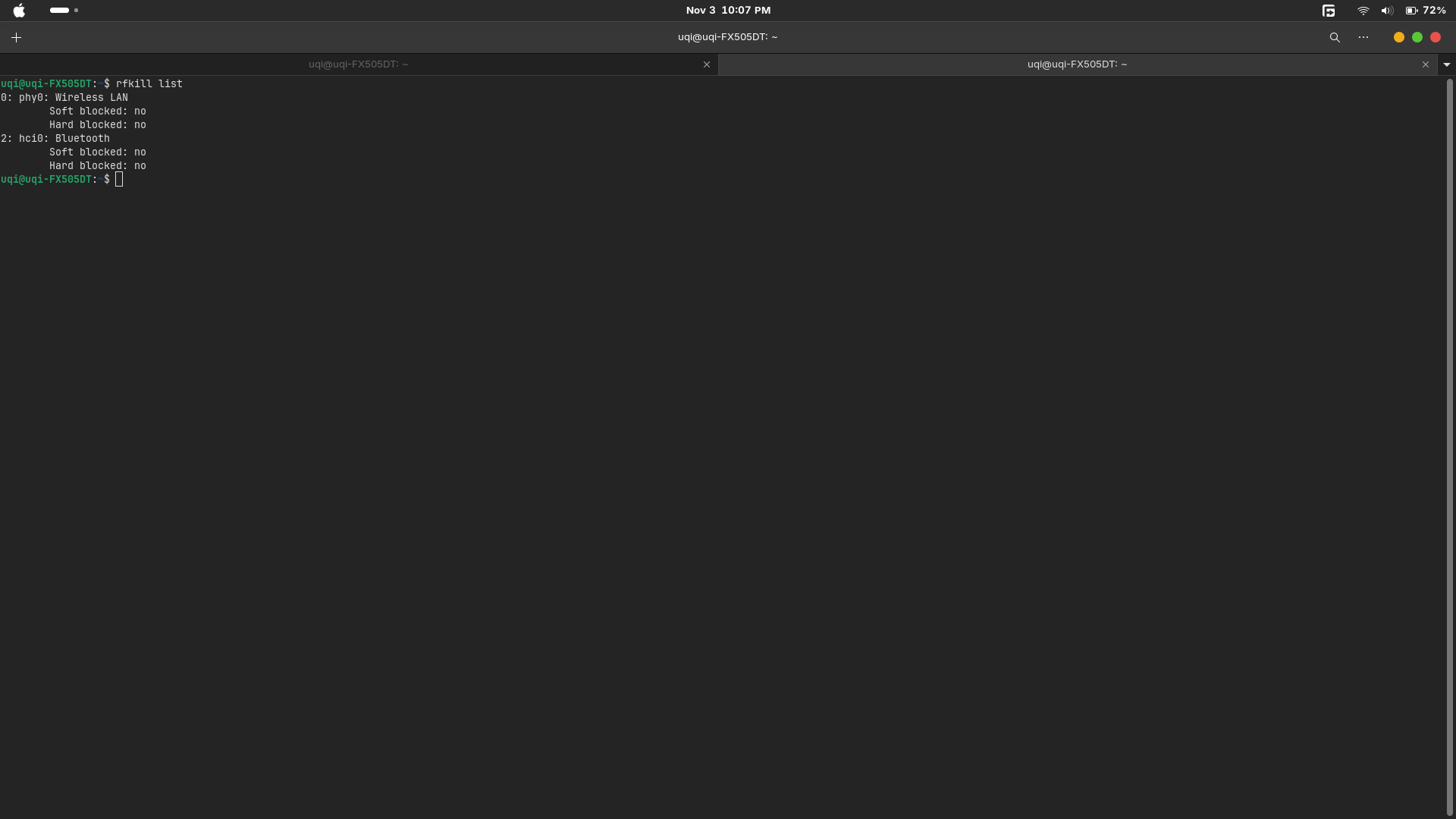
I’m having trouble enabling Bluetooth on my laptop. I am currently dual-booting Windows 11 and Zorin OS 18 Core. The Bluetooth device is detected (Realtek/IMC Networks), but it fails to initialize, and I can’t get it to turn on.
I’ve tried restarting the Bluetooth service, reloading the btusb module, and checking dmesg logs, but the issue persists.
Any advice or guidance on how to get Bluetooth working on Zorin OS in a dual-boot setup would be greatly appreciated.
Are Secure Boot and Fast Boot in BIOS disabled?
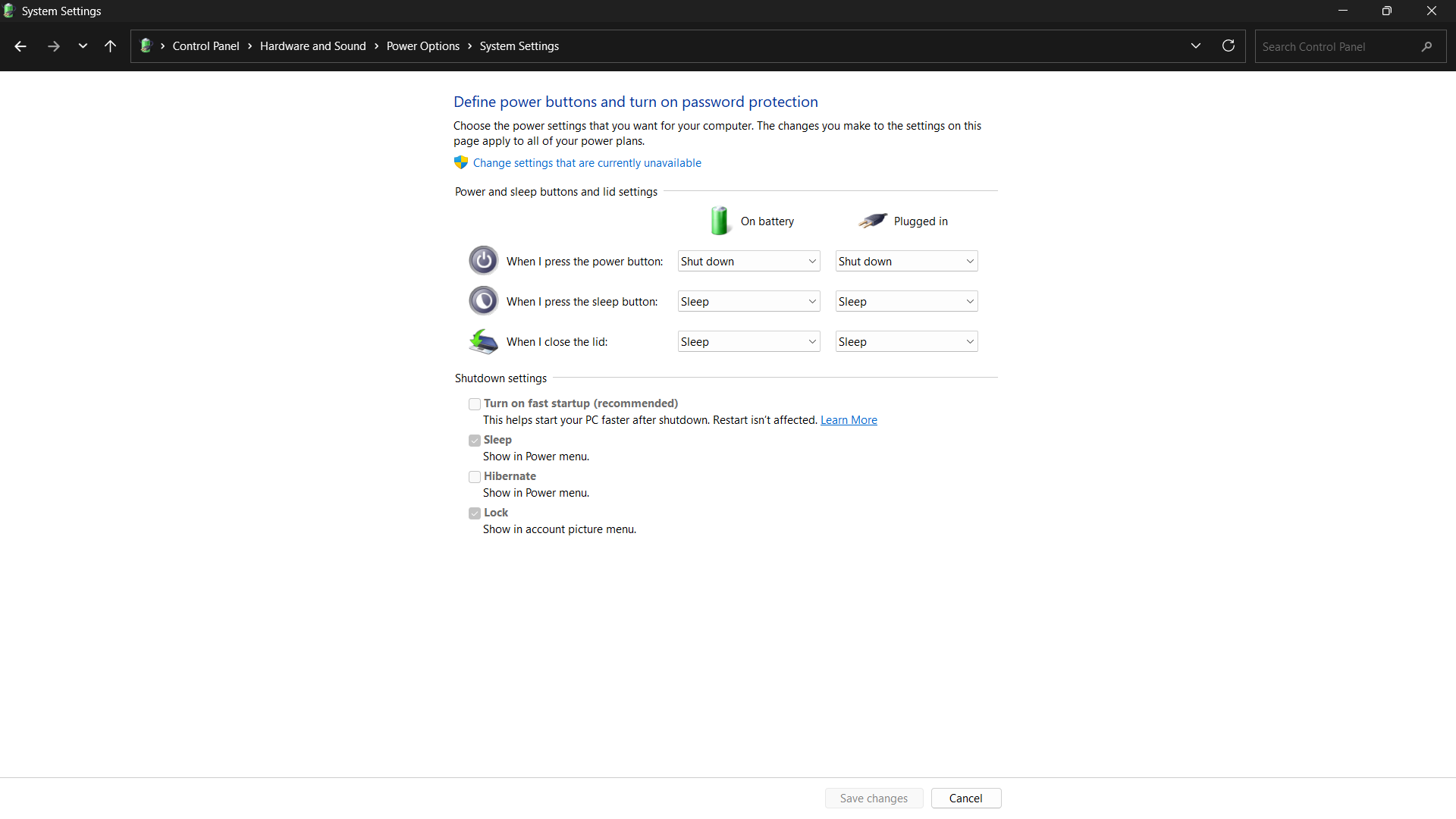
Is Fast Start-Up in Windows disabled?
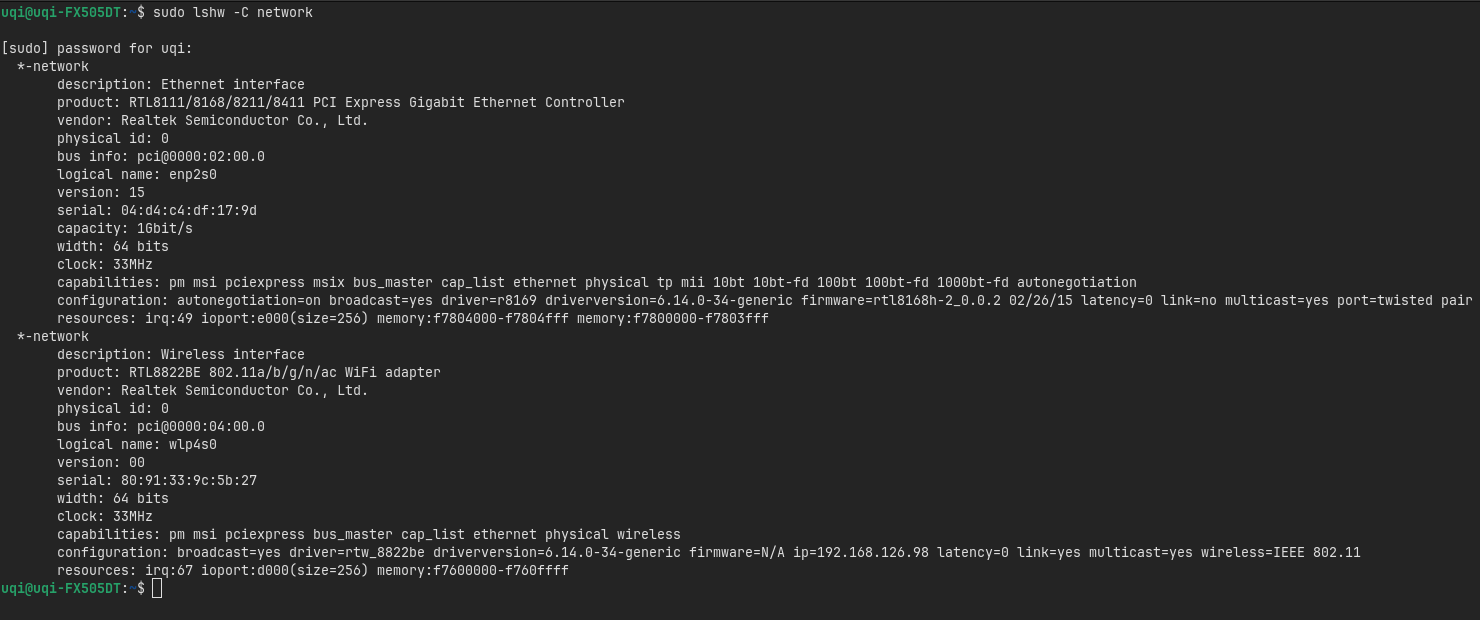
Does Your Wifi work?
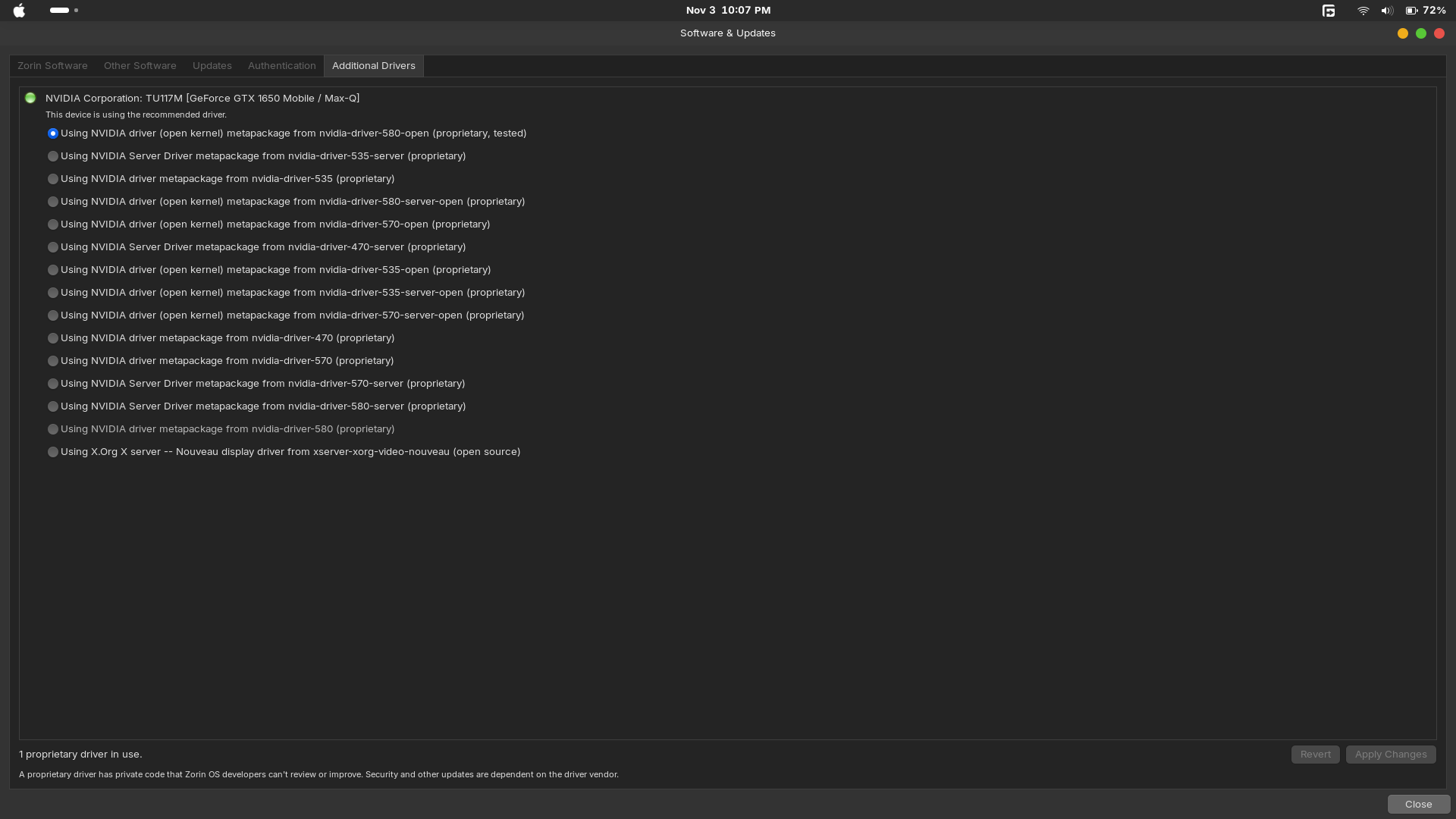
Did You take a Look in the ''Additional Drivers'' in Software & Updates if there is a Driver offered?
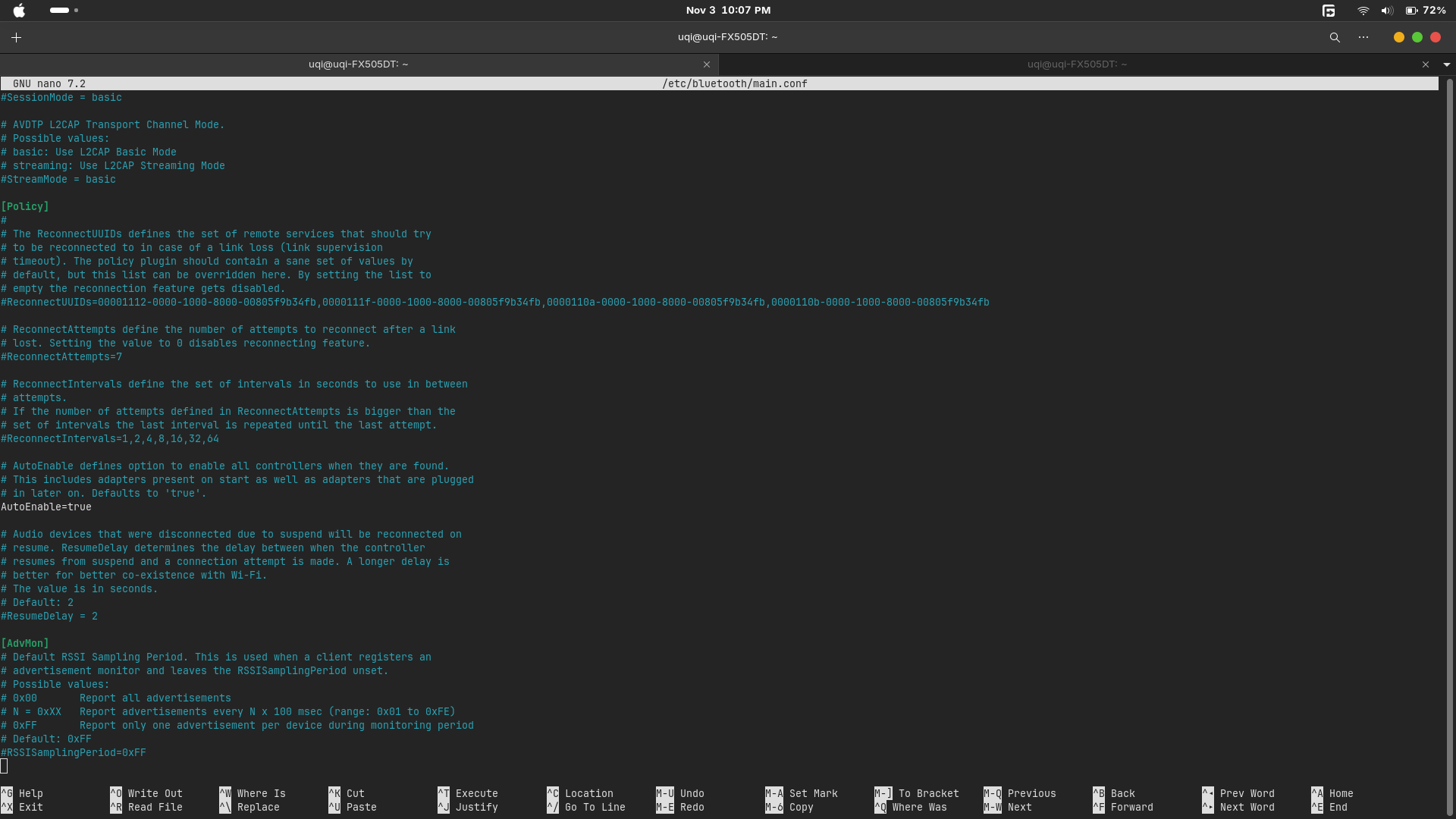
Is in /etc/bluetooth/main.conf AutoEnable set up like this:
Running ls /lib/firmware/rtl_bt/rtl8822b* in terminal, I can see the modules are present in Zorin OS 18.
So it may be a module loading order issue.
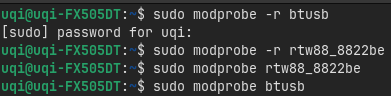
Can you run the following in terminal:
sudo modprobe -r btusb
sudo modprobe -r rtw88_8822be
sudo modprobe rtw88_8822be
sudo modprobe btusb
Then check if Bluetooth is working? if it is, then it is the loading order.
So someone managed to get it working by disabling autosuspend on the btusb module? I’ll try this on my system to see if it allows Bluetooth to work without the Opcode 0x0c77 failed: -56 error. Is that right? cz This is my first time using Linux, huhuhu."
I tried the autosuspend workaround by disabling it on the btusb module and restarting my laptop, but unfortunately it didn’t work on my system. My internal Bluetooth still won’t turn on, showing the same Opcode 0x0c77 failed: -56 error. It seems this issue might be specific to my RTL8822BE card. Thanks anyway for the suggestion
I found on the german Amazon Product Site of this in the Product-Info's that it isn't compatibe with Linux. But in the Comments, I found one User who wrote it would work out of the Box in Linux. Unfortunately there is no specific System named.
@msyauqi FYI. There are a few past threads concerning Tp-link adapters here on the forum, including: Connecting of Tp-Link UB 500 to Zorin Os
But they could be linked to earlier versions of ZorinOS and the linux kernels at the time. So bear that in mind if you go searching for answers.
The problem here is why ub500 is not plug and play because of the old kernel version, right? Around version 5.15. But now the kernel version is 6.14, so it should be plug and play, right? I also checked ls /lib/firmware/rtl_bt/ and the output shows rtl8761bu_fw.bin.zst and rtl8761bu_config.bin.zst. And the ub500 uses that chipset, right?