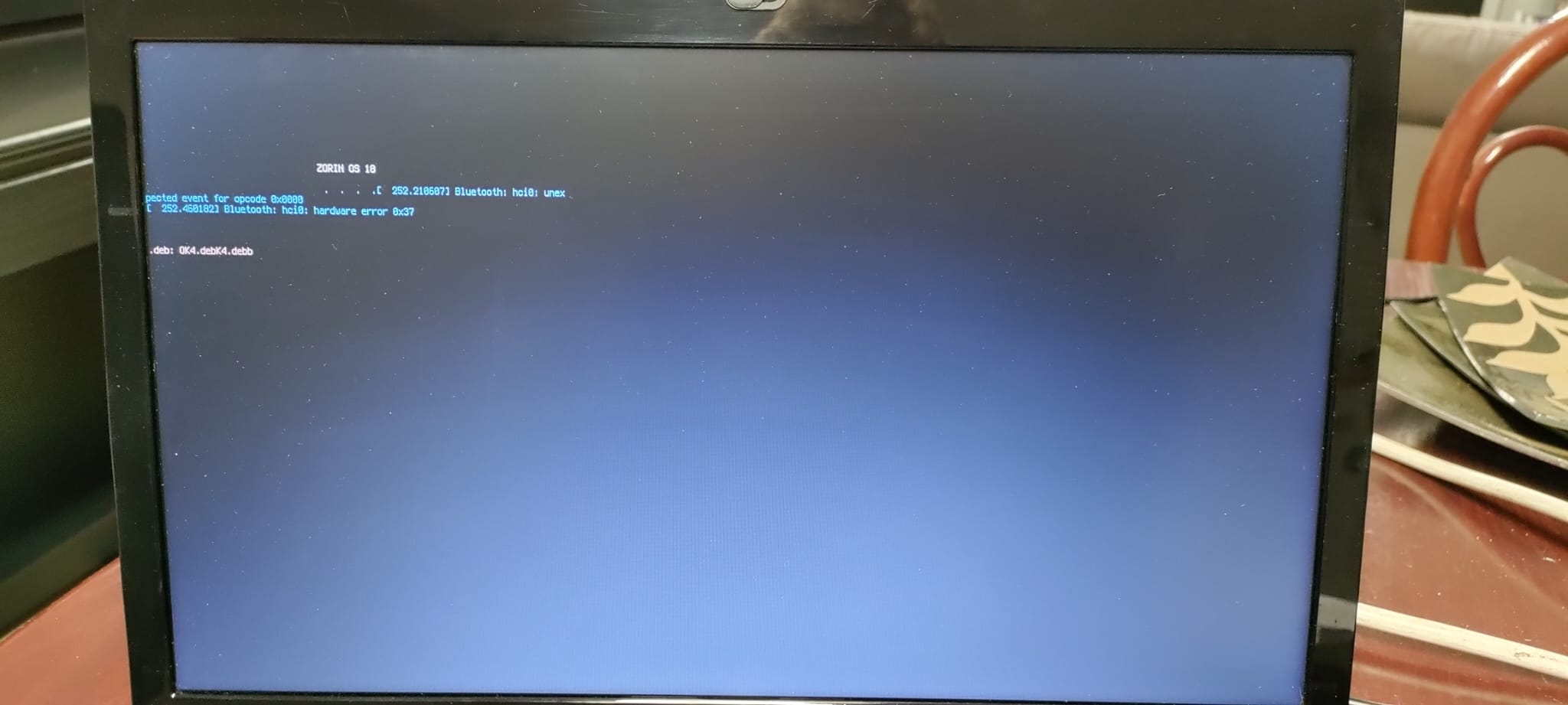
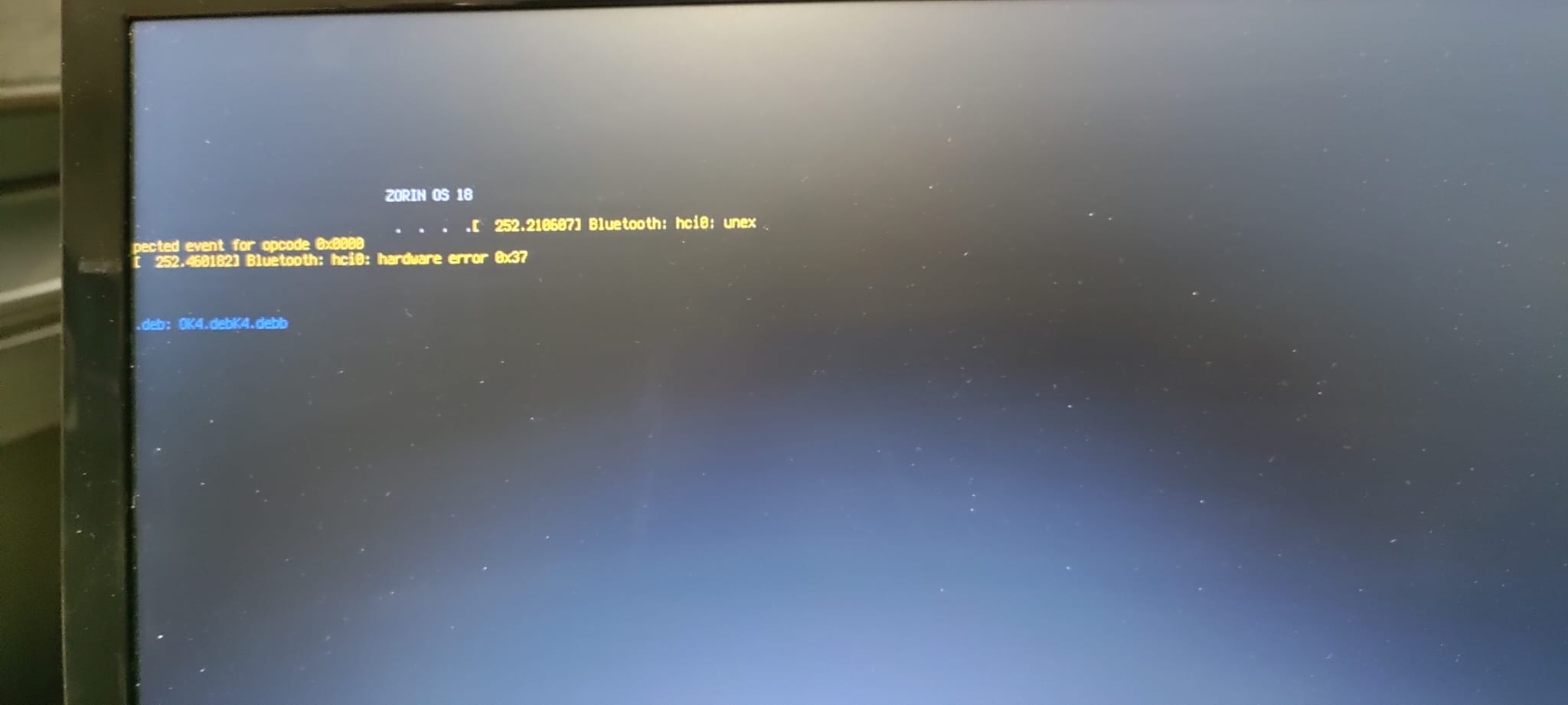
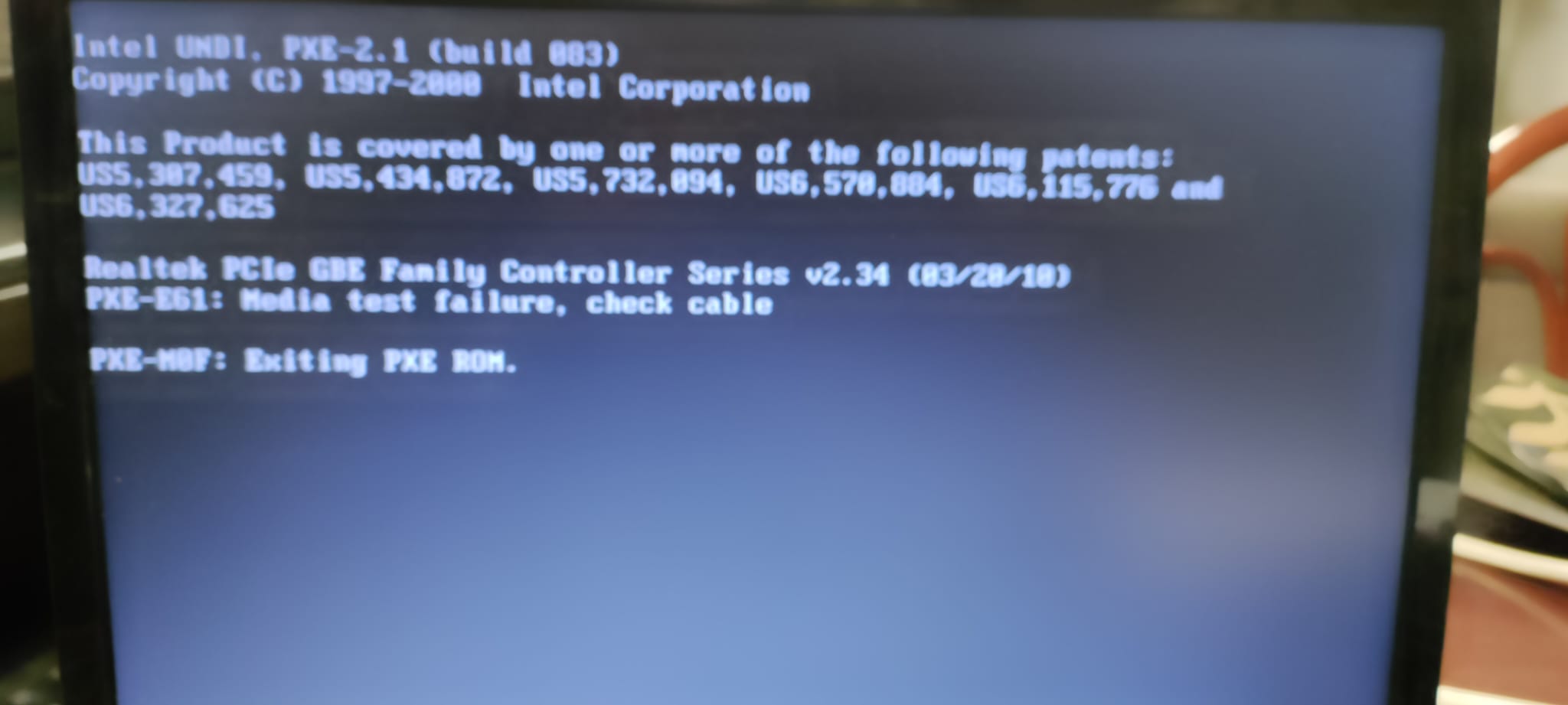
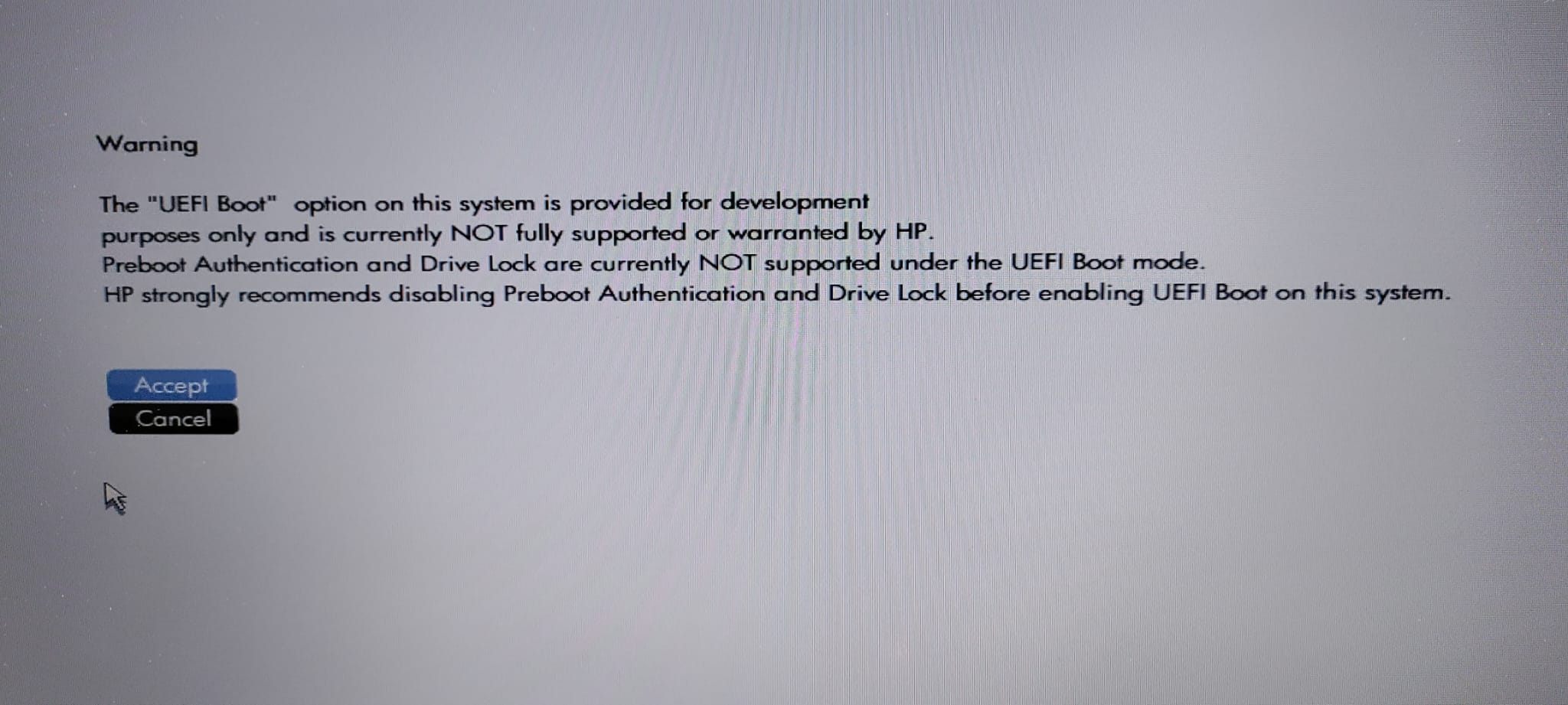
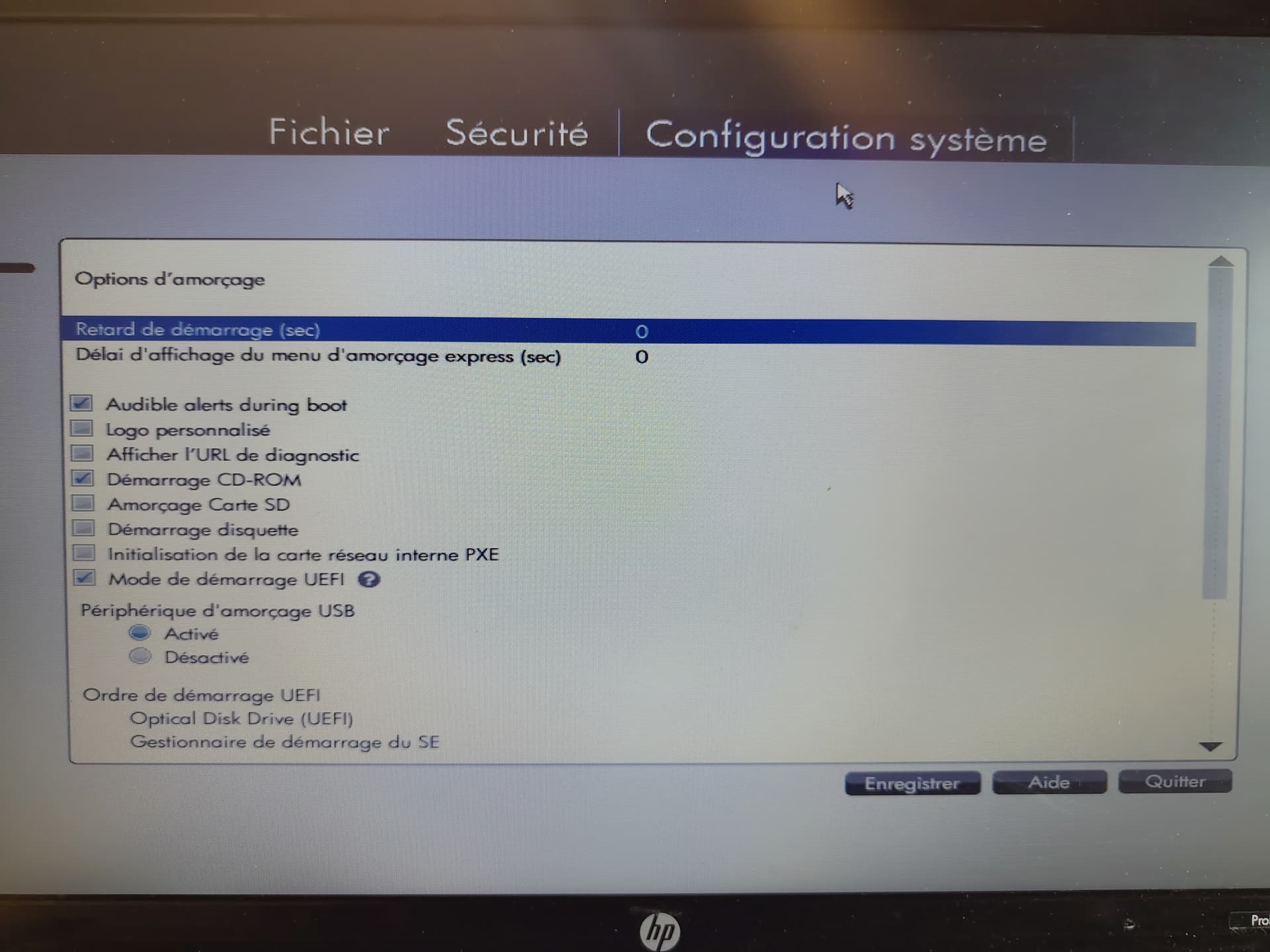
Hi! I've tried to install Zorin OS 18 to an old laptop, an HP ProBook 4520s, but when the installation is supposed to be finished, I remove the USB from where I'm installing it, try to boot it without the USB, and then get a message saying "Non-system disk or disk error, replace and strike any key when ready".
I ran a diagnosis thing on Zorin and it produced the following text:
boot-repair-4ppa2081-zorin1                                              [20251110_1122]

============================== Boot Info Summary ===============================

 => Grub2 (v2.00) is installed in the MBR of /dev/sda and looks at sector 2048
    of the same hard drive for core.img. core.img is at this location and
    looks for (,gpt3)/boot/grub. It also embeds following components:

    modules
    ---------------------------------------------------------------------------
    fshelp ext2 part_gpt biosdisk
    ---------------------------------------------------------------------------
 => Syslinux MBR (5.00 and higher) is installed in the MBR of /dev/sdb.

sda1: __________________________________________________________________________

    File system:       BIOS Boot partition
    Boot sector type:  Grub2's core.img
    Boot sector info:

sda2: __________________________________________________________________________

    File system:       vfat
    Boot sector type:  FAT32
    Boot sector info:  No errors found in the Boot Parameter Block.
    Operating System:
    Boot files:        /efi/BOOT/fbx64.efi /efi/BOOT/mmx64.efi
                       /efi/ubuntu/grubx64.efi /efi/ubuntu/mmx64.efi
                       /efi/ubuntu/shimx64.efi /efi/ubuntu/grub.cfg

sda3: __________________________________________________________________________

    File system:       ext4
    Boot sector type:  -
    Boot sector info:
    Operating System:  Zorin OS 18
    Boot files:        /boot/grub/grub.cfg /etc/fstab /etc/default/grub
                       /boot/grub/i386-pc/core.img

sdb1: __________________________________________________________________________

    File system:       vfat
    Boot sector type:  SYSLINUX 6.04
    Boot sector info:  Syslinux looks at sector 32816 of /dev/sdb1 for its
                       second stage. The integrity check of Syslinux failed.
                       No errors found in the Boot Parameter Block.
    Operating System:
    Boot files:        /boot/grub/grub.cfg /syslinux.cfg
                       /efi/boot/bootia32.efi /efi/boot/bootx64.efi
                       /efi/boot/grubx64.efi /efi/boot/mmx64.efi /ldlinux.sys


================================ 1 OS detected =================================

OS#1 (linux):   Zorin OS 18 (18) on sda3

================================ Host/Hardware =================================

CPU architecture: 64-bit
Video: Core Processor Integrated Graphics Controller from Intel Corporation
Live-session OS is Zorin 64-bit (Zorin OS 18, noble, x86_64)

===================================== UEFI =====================================

BIOS/UEFI firmware: 68AZZ Ver. F.0A(15.10) from Hewlett-Packard
This live-session is in Legacy/BIOS/CSM mode (not in EFI mode).


39bc76ff6662f4fbe9aa116e4c997b41   sda2/BOOT/fbx64.efi
4ba5a5aad43c197e9fb58b76b404d287   sda2/BOOT/mmx64.efi
94c7467f956700d44c5b4dcd3967535c   sda2/ubuntu/grubx64.efi
4ba5a5aad43c197e9fb58b76b404d287   sda2/ubuntu/mmx64.efi
07e25dcaf57c776875f78fa36827c58e   sda2/ubuntu/shimx64.efi
07e25dcaf57c776875f78fa36827c58e   sda2/BOOT/BOOTX64.efi

============================= Drive/Partition Info =============================

Disks info: ____________________________________________________________________

sda	: is-GPT,	hasBIOSboot,	has---ESP, 	not-usb,	not-mmc, has-os,	no-wind,	2048 sectors * 512 bytes

Partitions info (1/3): _________________________________________________________

sda2	: no-os,	64, nopakmgr,	no-docgrub,	nogrub,	nogrubinstall,	no-grubenv,	noupdategrub,	not-far
sda3	: is-os,	64, apt-get,	signed grub-pc grub-efi ,	grub2,	grub-install,	grubenv-ok,	update-grub,	end-after-100GB

Partitions info (2/3): _________________________________________________________

sda2	: is---ESP,	part-has-no-fstab,	no-nt,	no-winload,	no-recov-nor-hid,	no-bmgr,	notwinboot, vfat
sda3	: isnotESP,	fstab-has-goodEFI,	no-nt,	no-winload,	no-recov-nor-hid,	no-bmgr,	notwinboot, ext4

Partitions info (3/3): _________________________________________________________

sda2	: not--sepboot,	no---boot,	part-has-no-fstab,	not-sep-usr,	no---usr,	part-has-no-fstab,	no--grub.d,	sda
sda3	: not--sepboot,	with-boot,	fstab-without-boot,	not-sep-usr,	with--usr,	fstab-without-usr,	std-grub.d,	sda

fdisk -l (filtered): ___________________________________________________________

Disk sda: 111.79 GiB, 120034123776 bytes, 234441648 sectors
Disk identifier: CB607418-1032-4D66-BBE0-95B8471A9790
       Start       End   Sectors   Size Type
sda1     2048      4095      2048     1M BIOS boot
sda2     4096   1054719   1050624   513M EFI System
sda3  1054720 234440703 233385984 111.3G Linux filesystem
Disk sdb: 14.65 GiB, 15728640000 bytes, 30720000 sectors
Disk identifier: 0x0b37c602
     Boot Start      End  Sectors  Size Id Type
sdb1  *     2048 30719951 30717904 14.6G  c W95 FAT32 (LBA)

parted -lm (filtered): _________________________________________________________

sda:120GB:scsi:512:512:gpt:ATA KINGSTON SA400S3:;
1:1049kB:2097kB:1049kB:::bios_grub;
2:2097kB:540MB:538MB:fat32:EFI System Partition:boot, esp;
3:540MB:120GB:119GB:ext4::;
sdb:15.7GB:scsi:512:512:msdos: PHILIPS:;
1:1049kB:15.7GB:15.7GB:fat32::boot, lba;

blkid (filtered): ______________________________________________________________

NAME   FSTYPE   UUID                                 PARTUUID                             LABEL       PARTLABEL
sda
├─sda1                                               09bad84d-c411-4726-9791-810134c44b25
├─sda2 vfat     3665-4542                            572858c4-7c73-4311-93d1-90d5110fa806             EFI System Partition
└─sda3 ext4     d9eabea8-9183-48a8-b620-b735b3658e05 a8e48743-bd86-4b2a-a098-f5ee2ad9b149
sdb
└─sdb1 vfat     62FE-F47B                            0b37c602-01                          ZORIN OS 18

Mount points (filtered): _______________________________________________________

             Avail Use% Mounted on
/dev/sda2   505.8M   1% /mnt/boot-sav/sda2
/dev/sda3    93.6G   9% /mnt/boot-sav/sda3
/dev/sdb1    11.1G  24% /cdrom

Mount options (filtered): ______________________________________________________

/dev/sda2   vfat            rw,relatime,fmask=0022,dmask=0022,codepage=437,iocharset=iso8859-1,shortname=mixed,errors=remount-ro
/dev/sda3   ext4            rw,relatime
/dev/sdb1   vfat            ro,noatime,fmask=0022,dmask=0022,codepage=437,iocharset=iso8859-1,shortname=mixed,errors=remount-ro

===================== sda2/efi/ubuntu/grub.cfg (filtered) ======================

search.fs_uuid d9eabea8-9183-48a8-b620-b735b3658e05 root hd0,gpt3
set prefix=($root)'/boot/grub'
configfile $prefix/grub.cfg

====================== sda3/boot/grub/grub.cfg (filtered) ======================

Zorin OS   d9eabea8-9183-48a8-b620-b735b3658e05
### END /etc/grub.d/30_os-prober ###
UEFI Firmware Settings   uefi-firmware
### END /etc/grub.d/30_uefi-firmware ###

========================== sda3/etc/fstab (filtered) ===========================

# <file system> <mount point>   <type>  <options>       <dump>  <pass>
# / was on /dev/sda3 during installation
UUID=d9eabea8-9183-48a8-b620-b735b3658e05 /               ext4    errors=remount-ro 0       1
# /boot/efi was on /dev/sda2 during installation
UUID=3665-4542  /boot/efi       vfat    umask=0077      0       1
/swapfile                                 none            swap    sw              0       0

======================= sda3/etc/default/grub (filtered) =======================

GRUB_DEFAULT=0
GRUB_TIMEOUT_STYLE=hidden
GRUB_TIMEOUT=0
GRUB_DISTRIBUTOR=`( . /etc/os-release; echo ${NAME:-Ubuntu} ) 2>/dev/null || echo Ubuntu`
GRUB_CMDLINE_LINUX_DEFAULT="quiet splash"
GRUB_CMDLINE_LINUX=""
GRUB_THEME=/usr/share/grub/themes/zorin/theme.txt
GRUB_DISABLE_MEMTEST=true

==================== sda3: Location of files loaded by Grub ====================

           GiB - GB             File                                 Fragment(s)
  72.647533417 = 78.004695040   boot/grub/grub.cfg                             1
  66.634155273 = 71.547879424   boot/grub/i386-pc/core.img                     1
  14.198238373 = 15.245242368   boot/vmlinuz                                   2
  14.198238373 = 15.245242368   boot/vmlinuz-6.14.0-33-generic                 2
  85.127689362 = 91.405160448   boot/initrd.img                                3
  85.127689362 = 91.405160448   boot/initrd.img-6.14.0-33-generic              3
  85.127689362 = 91.405160448   boot/initrd.img.old                            3

===================== sda3: ls -l /etc/grub.d/ (filtered) ======================

-rwxr-xr-x 1 root root 18123 May 17 13:12 10_linux
-rwxr-xr-x 1 root root 43192 May 17 13:12 10_linux_zfs
-rwxr-xr-x 1 root root 14513 May 17 13:12 20_linux_xen
-rwxr-xr-x 1 root root   786 May 17 13:12 25_bli
-rwxr-xr-x 1 root root 13120 May 17 13:12 30_os-prober
-rwxr-xr-x 1 root root  1174 May 17 13:12 30_uefi-firmware
-rwxr-xr-x 1 root root   722 Jul 11 07:24 35_fwupd
-rwxr-xr-x 1 root root   214 May 17 13:12 40_custom
-rwxr-xr-x 1 root root   215 May 17 13:12 41_custom

====================== sdb1/boot/grub/grub.cfg (filtered) ======================

Try or Install Zorin OS
Try or Install Zorin OS (safe graphics)
Try or Install Zorin OS (modern NVIDIA drivers)
UEFI Firmware Settings
Power Off

========================= sdb1/syslinux.cfg (filtered) =========================

DEFAULT loadconfig

LABEL loadconfig
  CONFIG /isolinux/isolinux.cfg
  APPEND /isolinux/

==================== sdb1: Location of files loaded by Grub ====================

           GiB - GB             File                                 Fragment(s)
            ?? = ??             boot/grub/grub.cfg                             1

================== sdb1: Location of files loaded by Syslinux ==================

           GiB - GB             File                                 Fragment(s)
            ?? = ??             syslinux.cfg                                   1
            ?? = ??             ldlinux.sys                                    1


Suggested repair: ______________________________________________________________

The default repair of the Boot-Repair utility would reinstall the grub-efi of
sda3,
using the following options:  sda2/boot/efi
Additional repair would be performed: unhide-bootmenu-10s use-standard-efi-file

Blockers in case of suggested repair: __________________________________________

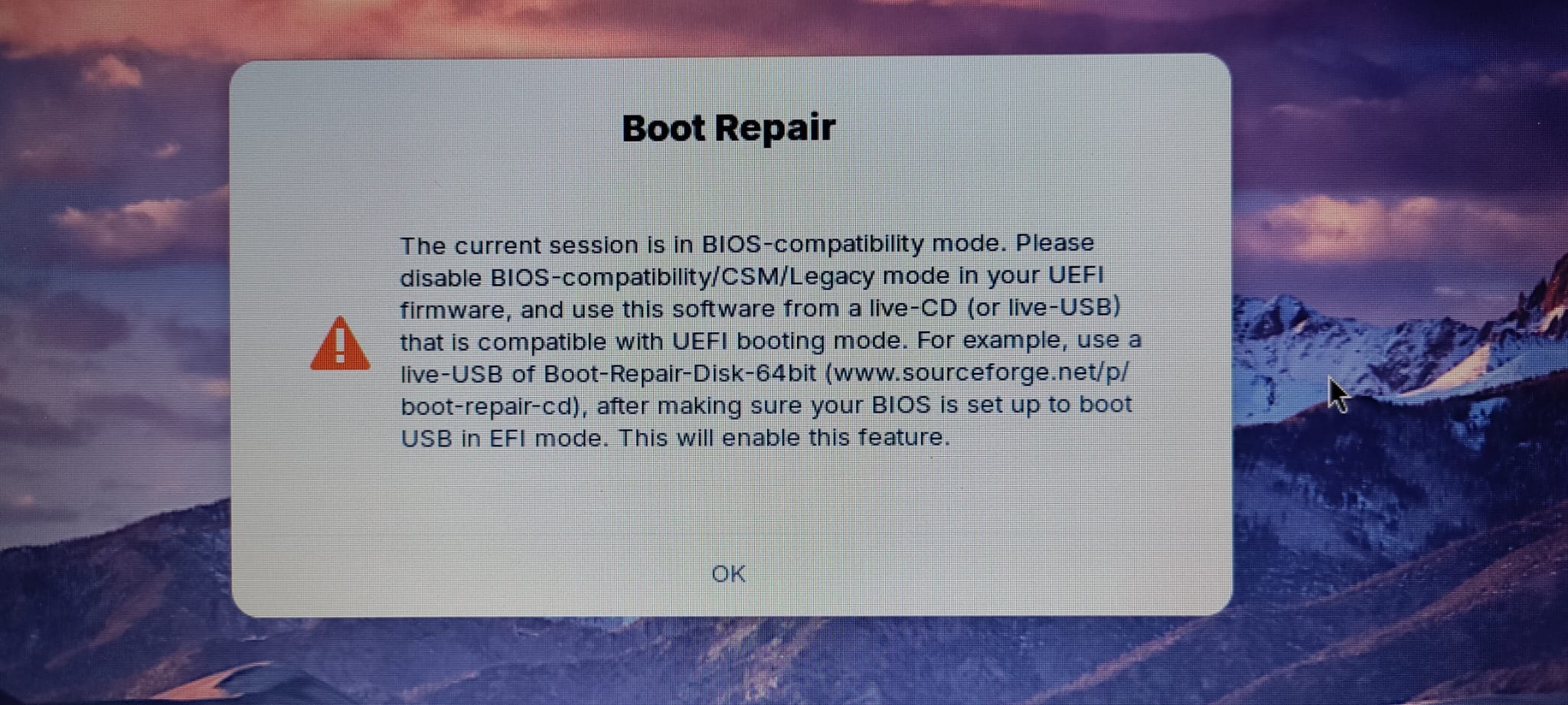
 The current session is in BIOS-compatibility mode. Please disable BIOS-compatibility/CSM/Legacy mode in your UEFI firmware, and use this software from a live-CD (or live-USB) that is compatible with UEFI booting mode. For example, use a live-USB of Boot-Repair-Disk-64bit (www.sourceforge.net/p/boot-repair-cd), after making sure your BIOS is set up to boot USB in EFI mode. This will enable this feature.

Final advice in case of suggested repair: ______________________________________

Please do not forget to make your UEFI firmware boot on the Zorin OS 18 (18) entry (sda2/efi/****/grub****.efi (**** will be updated in the final message) file) !
The boot of your PC is in BIOS-compatibility/CSM/Legacy mode. You may want to retry after changing it to UEFI mode.

sprunge.us ko ()
paste.ubuntu.com ko ()Non-system disk or disk error, replace and strike any key when ready
Does anyone know what's happening? Thanks!