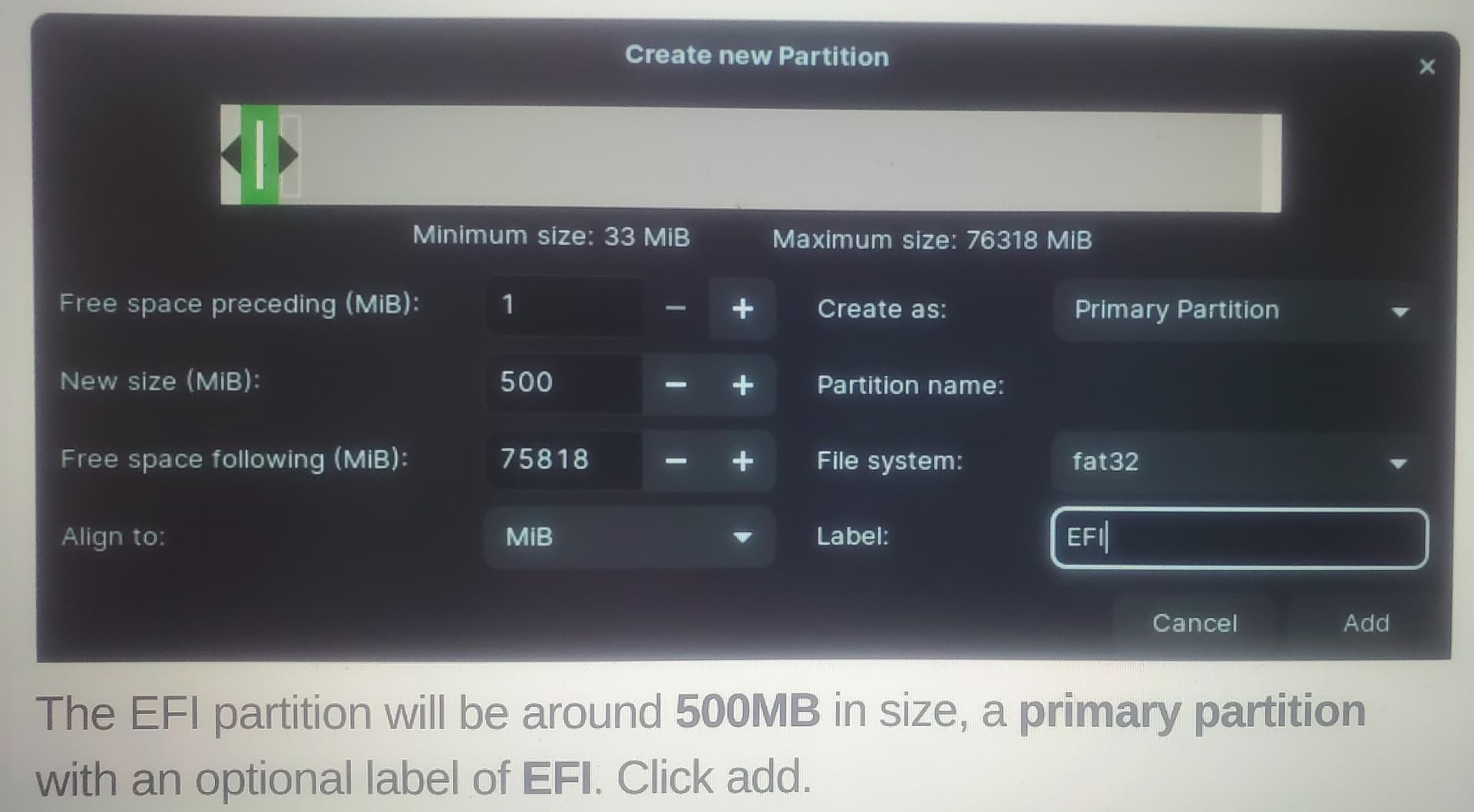
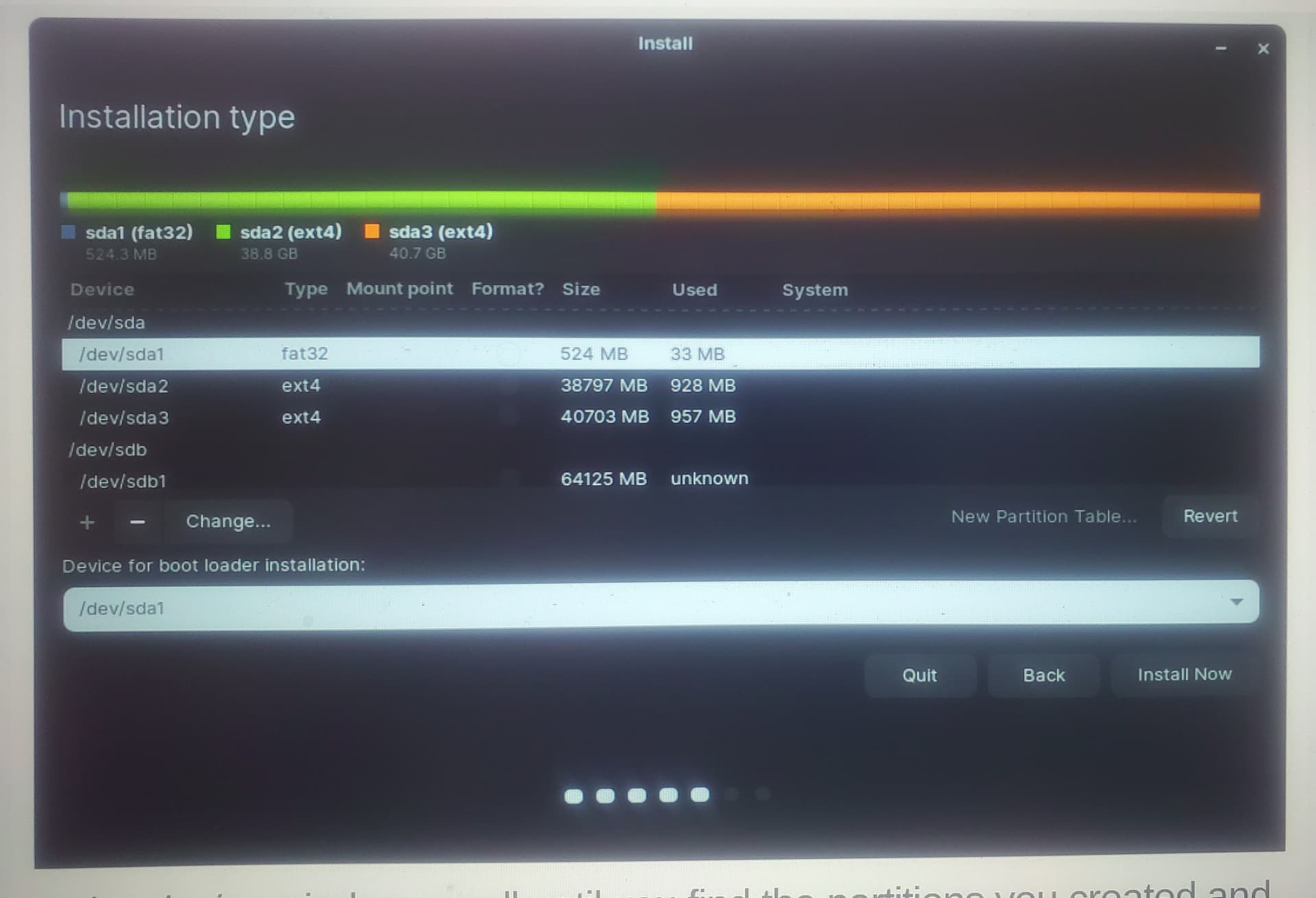
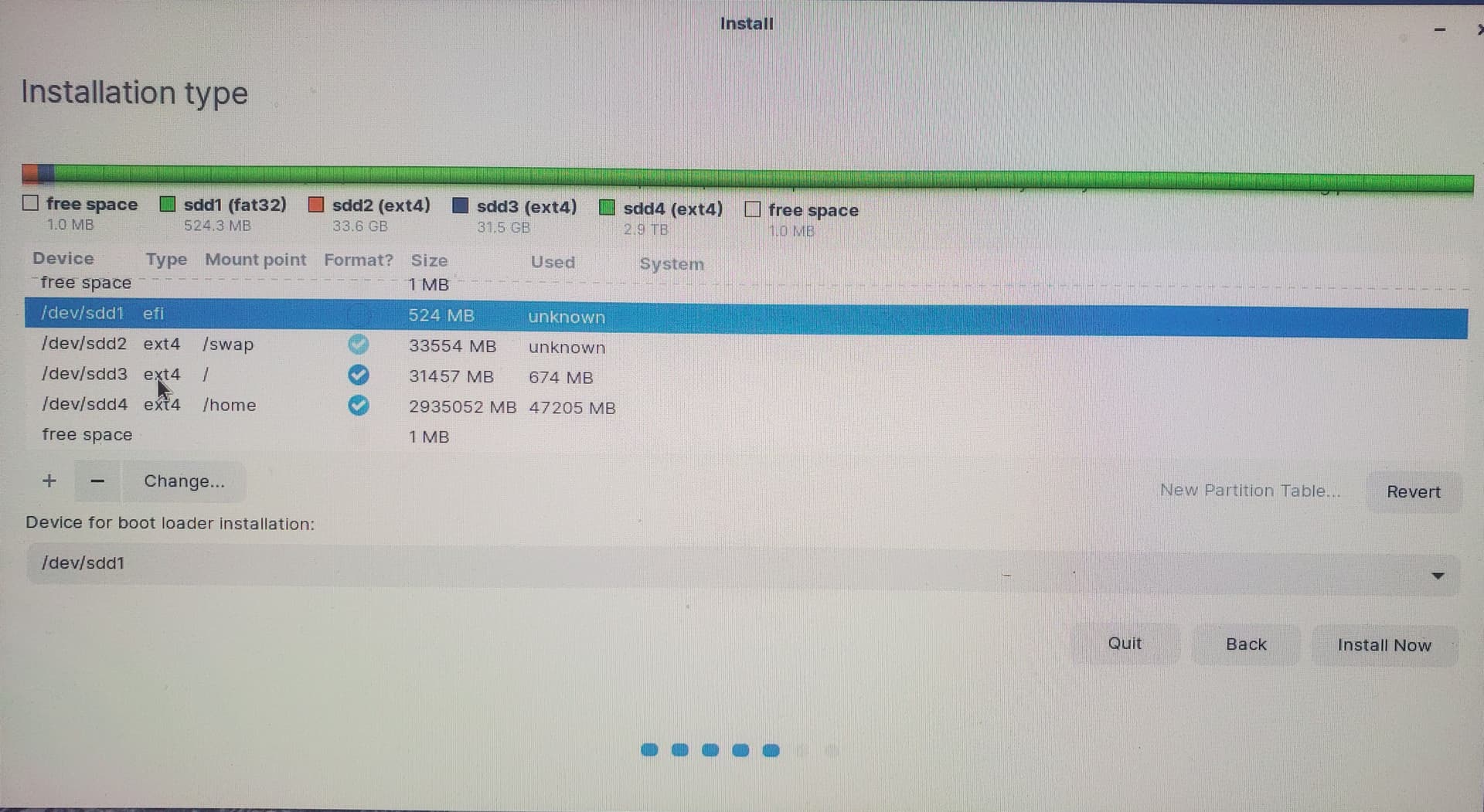
Carmar, that was never a choice. Here is an example of what my choices are when I'm setting a partition up.
This picture is as I first ever partition the HD.
The second is what I do during actual Zorin installation.
Here the only thing I'm told to do is to make sure that at the bottom I choose this partion as "Device for boot loader installation"
At no time have I ever seen what you show me about EFI. I've followed the partition and installation instructions from this forum as best I can. Many thanks and if anything else pops up, let me know!
See the little "-" next to the "Change" button in your second pic?
First, click that to delete the fat32 partition (524MB) and then click "+" after that.
Second, enter "50 MB" for the upper field and for "Use as:" field take the dropdown selection to EFI (may say "EFI/ESP").
If you're not even getting that EFI/ESP dropdown selection, then I will defer to others to chime-in.
TY Carmar. I will give that a look see but I do not believe there is ever a choice like you show. Many thanks and I'm going to see! I can't thank you enough for helping.
Harvey, now that I've looked, the computer is thinking this is a UEFI and not a legacy. Since we've all determined that I'm an ignoramus, why UEFI or Legacy? You know why one over the other? I also think I see how to change it to Legacy. Your thoughts are more than welcome and you are so greatly appreciated. TY, PC
I remember windows some recognize mbr and gpt and how many partition you can create on this system with typical partition. Some people have problem with that "hard drive uninitialized".
Harvey,
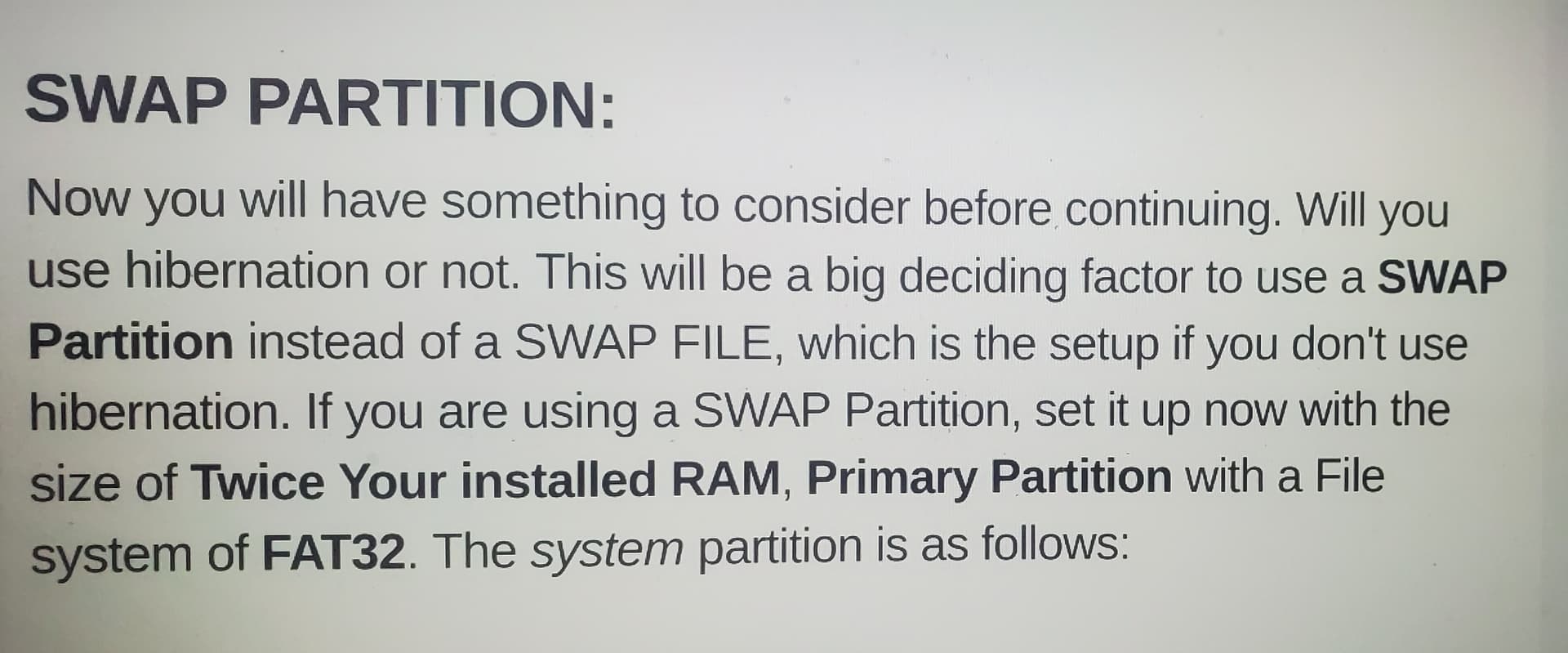
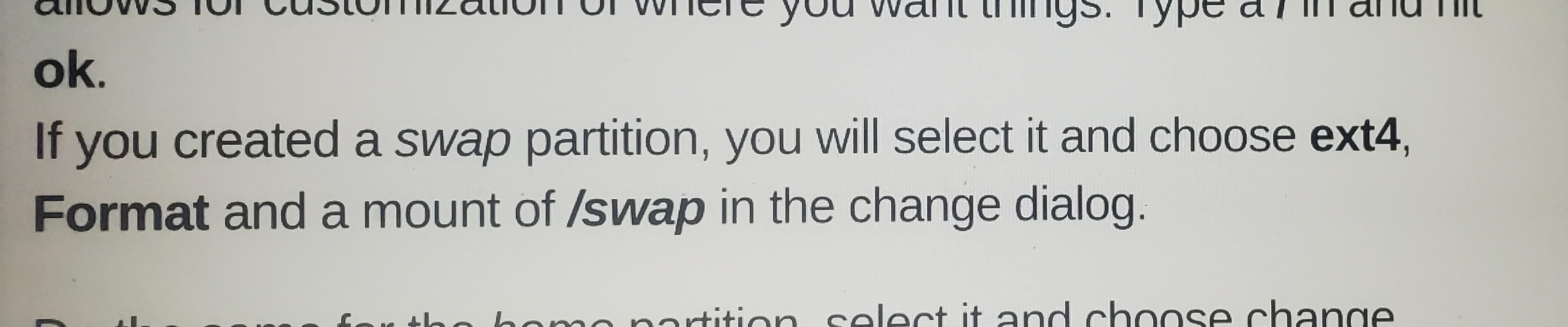
Although I've previously made my swap file as a fat32 as a shot in the dark, the instructions I've followed show two differing choices.
The initial partioning sad to make the swap file a fat32 as seen here:
I can do either so let me know your thoughts. I will use the ext4 for now.
Here is what my drive looks like now as I'm about to Install. I believe it will still be UEFI
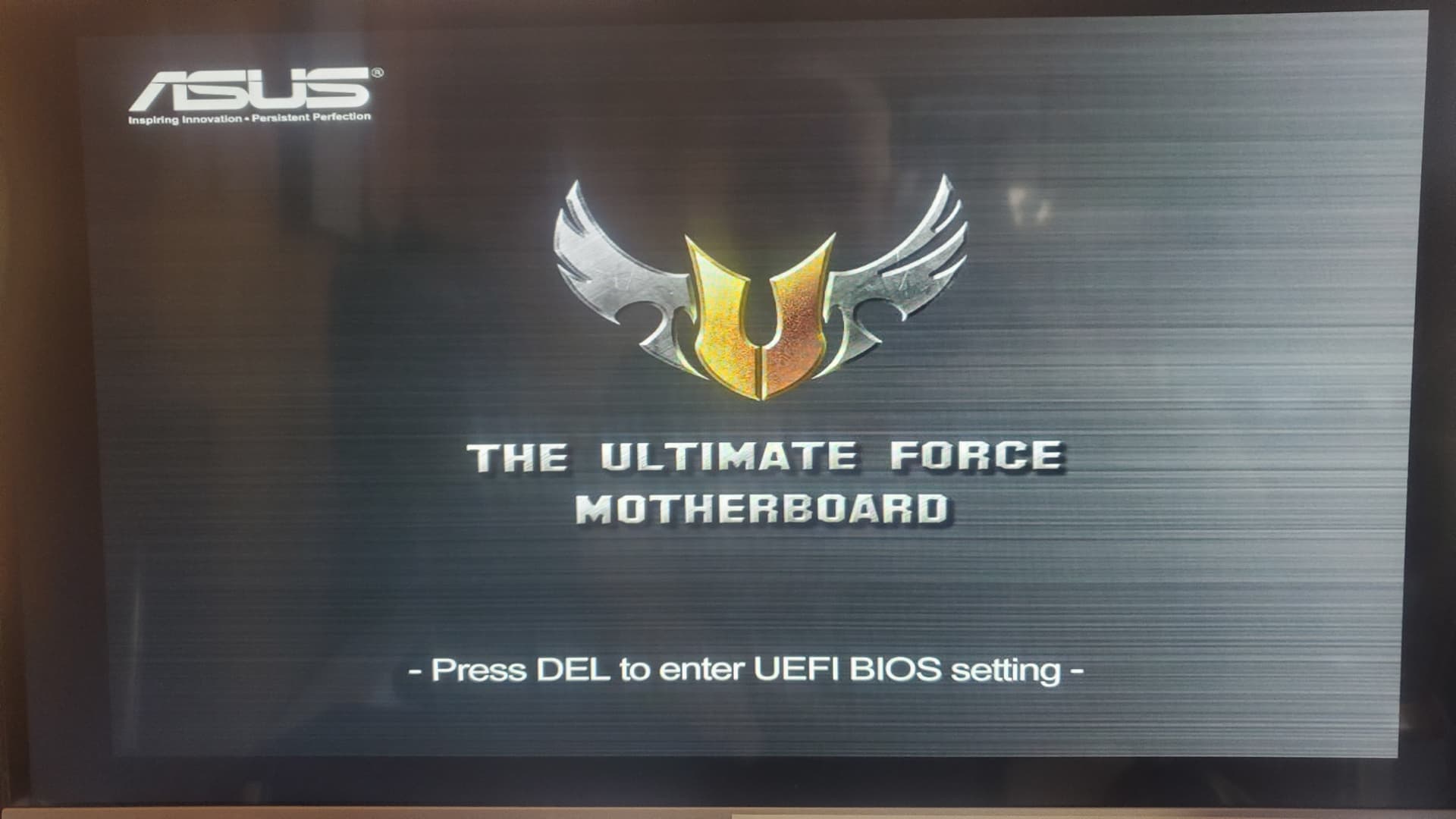
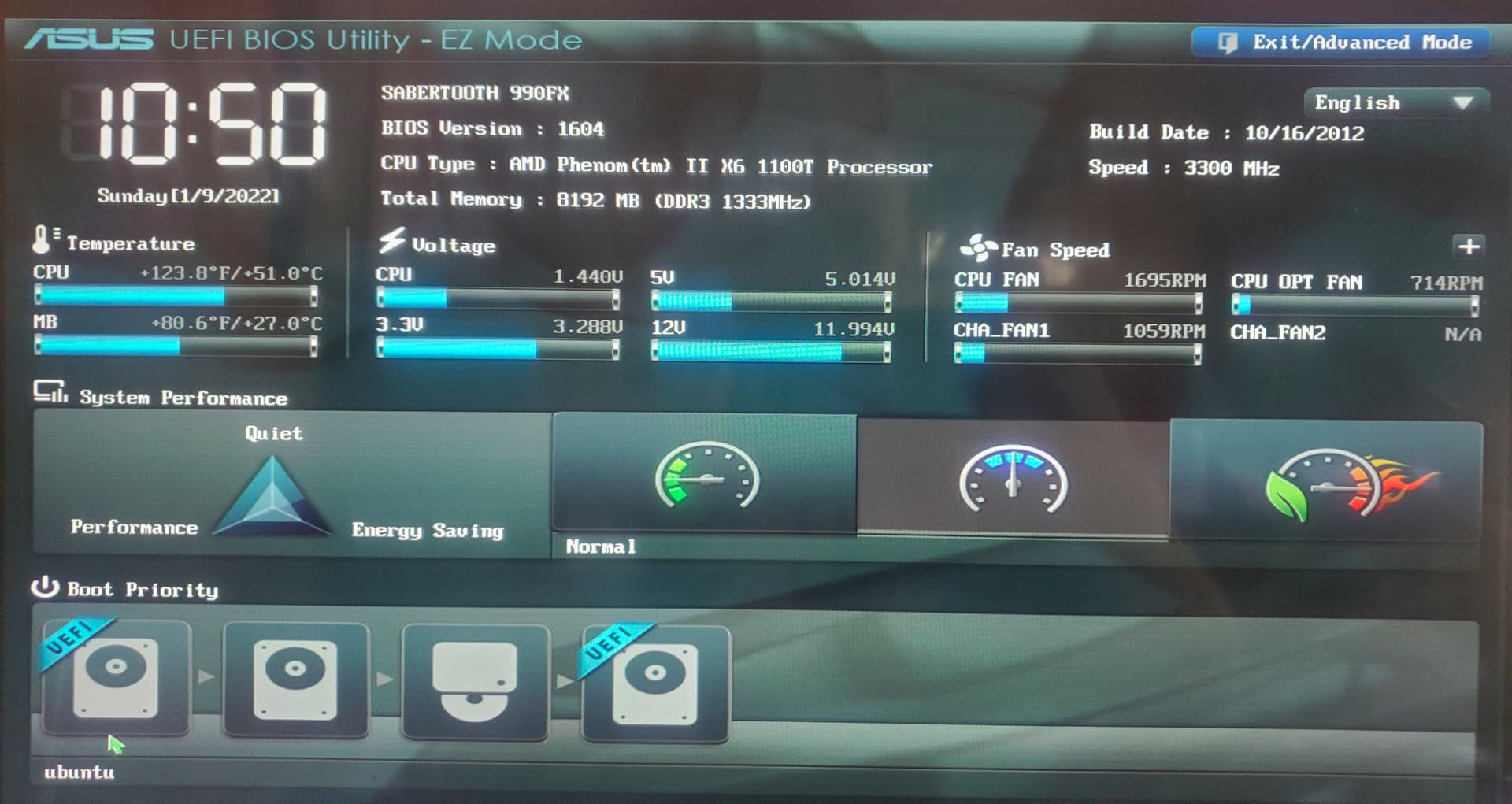
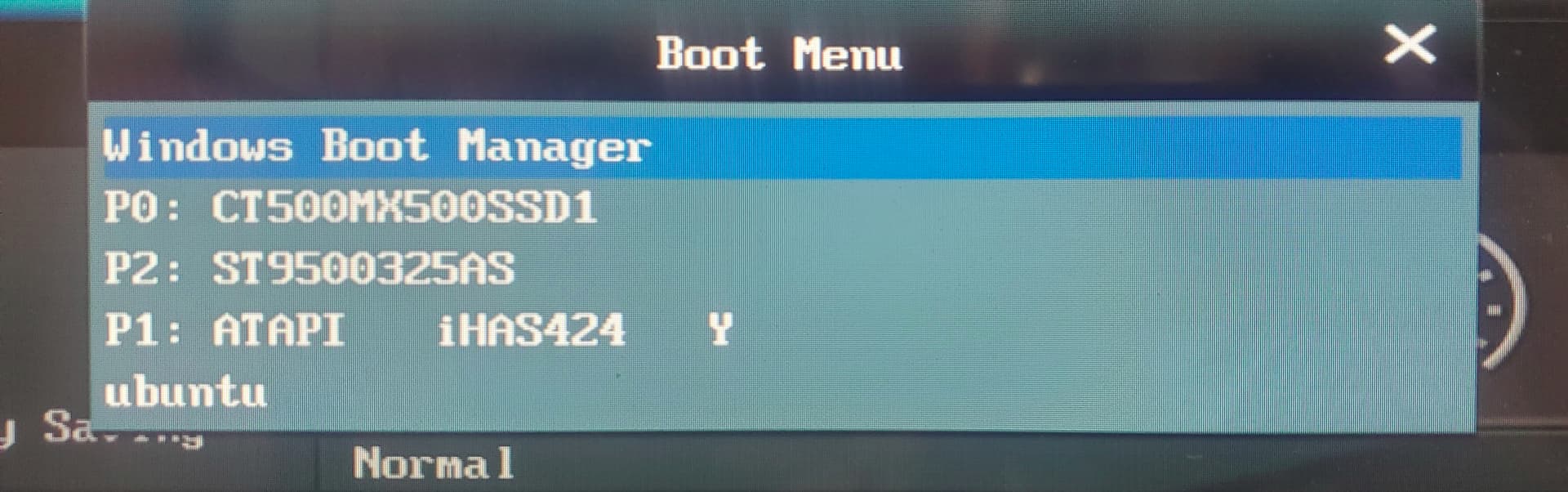
After what appeared to be a good install (thanks to everyone) alas my computer will not boot into Zorin (Ubuntu) no matter what. I'm guessing I will have to ask my motherboard maker (ASUS) because it sure looks like I've asked the UEFI BIOS to load Ubuntu first. However, no matter what the system always loads Windows a) by itself when starting, and b) no matter what I choose from the Boot List. See the pictures. First Picture simply shows that ASUS appears to be UEFI compliant. The Second pict shows the "order" I've chosen at the bottom. Order is left to right. The last shows the list of choices which seems to remain the same no matter what I do to the order. Sigh. Any thought at all and I'm appreciative. Thanks for now. I woldn't be this far with any of you! PC
Update, which should give everyone a good chuckle, ASUS help tell me that there aren't Linux drivers etc to do this! Even I say "what?" How is it possible for the computer to not run Linux Zorin from a second stand alone HD? Zorin runs fine off of the USB boot and install drive. I will continue to search for ways to get the computer not only be able to boot into Linux, but to give me the choice of booting Linux or Windows after the computer has come to life but before loading any OS. I have no idea if this is possible but I can dream right? Again, thanks everyone.
On newer machines you have to disable Fast Boot/Security boot option inside of Windows before you can even load the BIOS! (Only found out about this via montly Jitsi LUG (Linux User Group) meeting yesterday.
The fact that Windows 10 boots every time is down to the fact that when Windows 10 shuts down it just puts the Hard Drive to sleep - which prevents you from booting to any GNU/Linux you have installed. You need to go to Power Settings then click on Advanced and turn the sleep mode for the drive to off!
Also in respect of the BIOS, ensure CSM is disabled - if you have installed Zorin using the MBR method then you need to change the BIOS setting to EFI/Legacy mode.
Harvey, we already know I'm clueless so bear with my crazy questions. Here you are stating that I have created an EFI partion which is what all setup instructions say to do. At no time was I told or did I want to overwrite any windows partition. I have two HD's. One with Windows, one with Linux. How do I "switch" devices to boot? I've told the system to choose the freestanding all on its own Linux drive to be loaded before all others. I've even manually selected that drive but no matter what the computer starts in Windows. I have to believe we are all missing something.
I did tell it to allow third party driver and upgrade at install. Graphics works in Windows still and works when I boot Zorin from the booting USB stick.
So, why does my machine ignore all direction to boot from the Hardrive that only has Zorin on it? Yet happily boot from the USB stick? I for one do not understand.
I'm now going to try some of the other suggestions I see here but PLEASE keep them coming. I love this fiddling even if I have to bang my head on the wall on occasion!
Swarfendor, thanks for the suggestion and do not think I've given the sleeping disc thing a shot just yet.
I'll gues that I did use the MBR method but frankly was not paying attention when I created the Jump Drive and then installed as I don't recalled being asked so I just let the system do it's thing.
If I understand it, if Zorin was installed using MBR, you feel I need to change the BIOS to EFI/Legacy mode. I'd ask why since I made no changes to my Laptop (although the Laptop is much newer) but I will still give this a try assuming I can find where I go to find the switch for EFI/Legacy.
Many thanks for now and I will report back soon! PC
CSM should be enabled and set to UEFI/Legacy (dual boot mode - not dual boot mode for OS's just to be clear!).
Also under Boot menu in BIOS should be Secure Boot - change it to 'Other OS'.
Swarfendor I've confirmed my BIOS mode is Legacy although I'll be danged if I can see how to change it if I wanted/needed to!
Also, I've found no place to select/deselect CSM much less anything about Secure Boot. I might be out of luck as my motherboard is simply too old? 2010 last updated in 2012. I'll look to see if there are any of the ASUS BIOS utility updates and get back with you.
I'm still mind boggled that this goof ball system will allow Zorin to boot up via the USB, but not from it's own HD in my computer. Dang it! All the best, PC
That's a good place to start. One of the first things I stated in my unofficial manual for Zorin 15 is that before you do anything else, update your BIOS!
Many thanks. I will still poke around for a while for the single most obvious issue to me is that the motherboard etc will allow booting up via the USB which by all measure is just another "hard drive" as far as a computer sees it, but not the Hard Drive I've installed Zorin onto? It makes NO sense whatsoever. Again MANY thanks. Take care, PC
From your picture of your bios it looks like you have the same bios I have on my Asus M5A99FX motherboard. It doesn't show in your picture but just below where it shows the boot devices you should have a small window to click on to enter Advanced mode. From there you can turn off secure boot and check that CSM is turned on. I also had a lot of problems getting things to work until I changed the setting for my USB ports. You want them to be set up for UEFI/Legacy as swarfender has posted. Also I found that my USB ports were set for only partial initialization at start-up. You need to change that to full initialization. I hope this helps some.