Sorry this is not on Zorin ..... this is on the Mint OS update I just received this morning hopefully Zorin will follow .... I must say that this is the first time I have had an update to the NVIDIA Panel in either Zorin or Mint that I can remember in resent years or at least that made changes to the panel itself ..... and I've been on Zorin for 4 years but Mint less than a year ..... I double boot ....
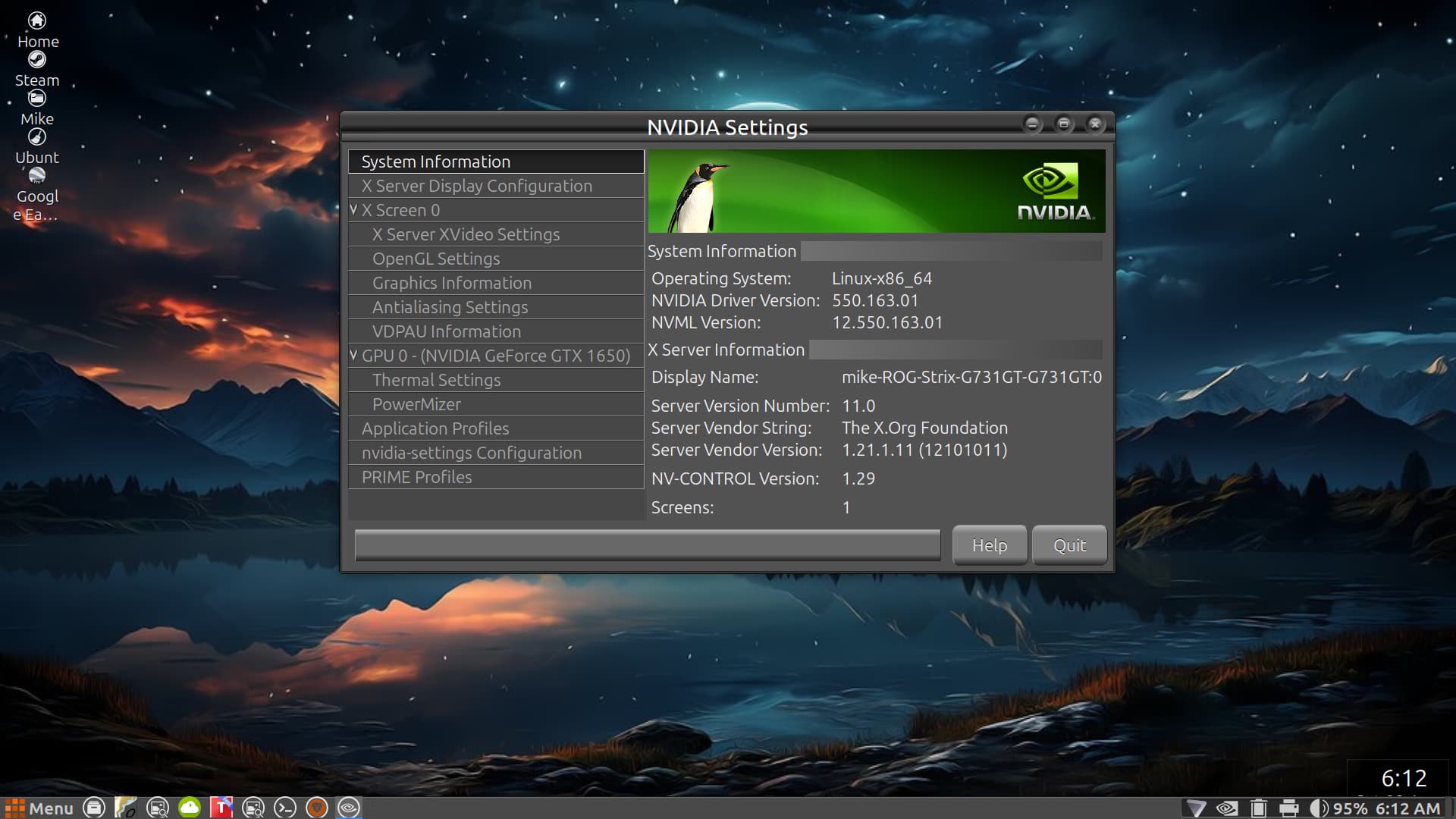
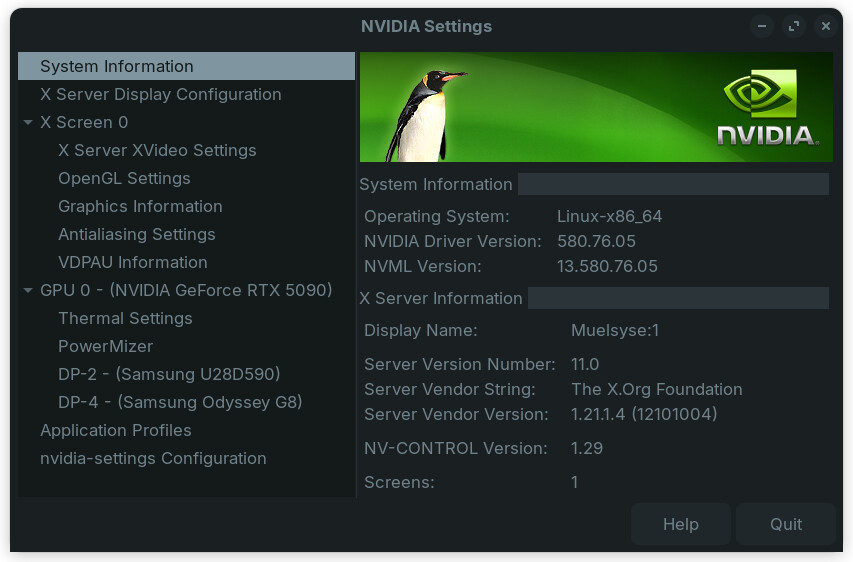
I'm not sure what's new to you, but as I recall this is part of the driver package. It ought to be on Zorin. What's there now that wasn't before? I don't think I see anything I don't remember from back when I used the graphics-drivers PPA, and I seem to have everything you do while using Nvidia's .run installer, except PRIME profiles, but I don't have an integrated GPU. (Well, I do, but it's disabled in BIOS.)
1 Like
Curious about the mention of Samsung, are they referencing SSD's?
Both of my monitors are Samsung. DP2 and DP4 are the ports they're on on the GPU. Odyssey G8 is the newer one, and U28D590 was one of Samsung's very early 4k monitors, old enough they weren't putting a lot of effort into branding them yet.
1 Like
Not sure what is new as I should have taken a screen shot first of my NVIDIA Settings Panel ..... the selections on the left had side looked to me to have more choices than before perhaps I need my glasses checked ...... LOL ..... thanks for the information ....
1 Like
I'm looking at your screenshot, wheres your Prime Profiles, did you miss your Amazon Prime payment this month? jk 

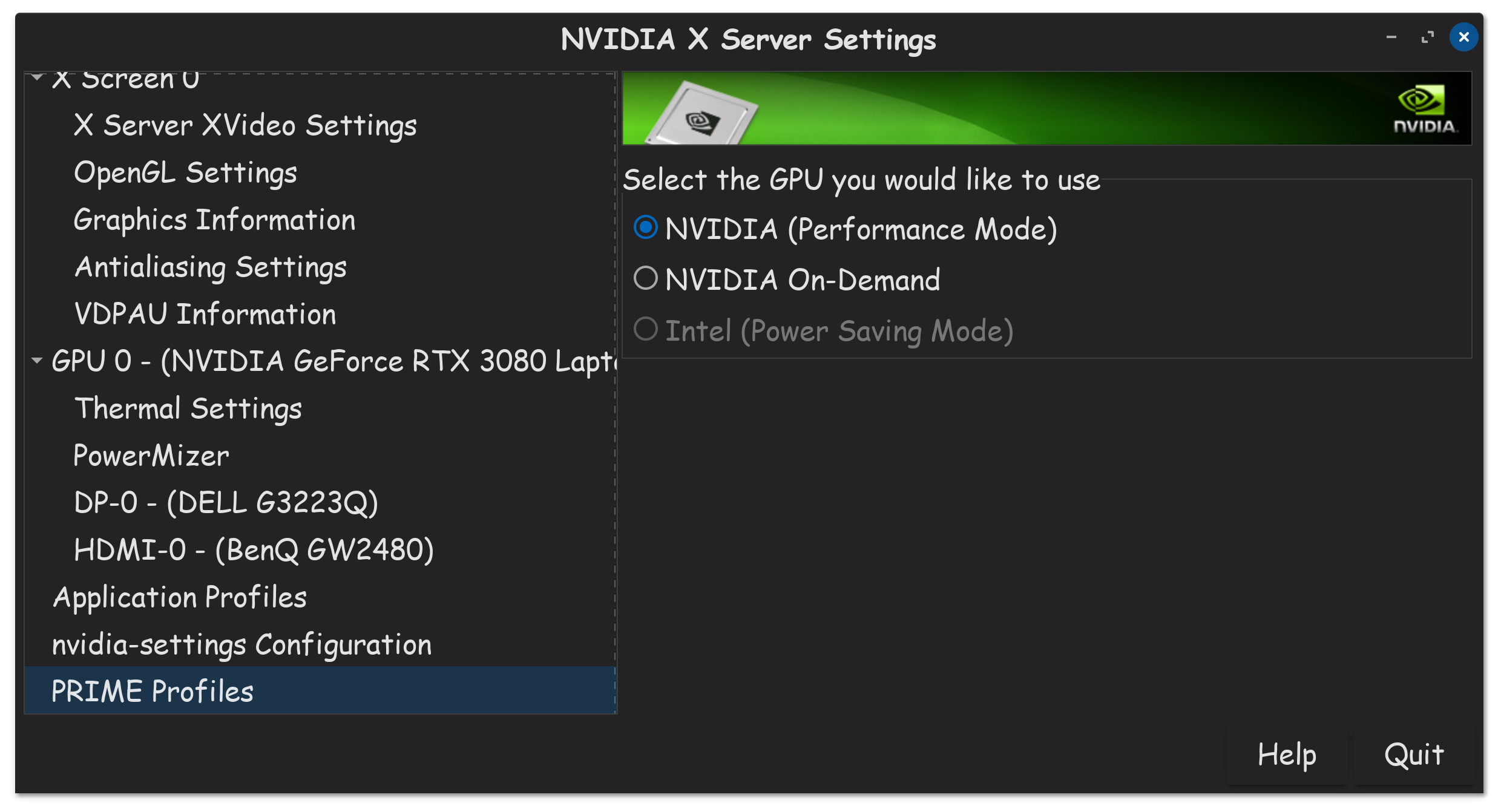
This is how I put my computer into Performance Mode, cause when this baby gets to 88MPH, your going to see some serious stuff.

Yeah, pretty much like that. 
I think its funny how that speed was the pinacle of most cars back then. Fun story, the Delorian couldn't even achieve that without modification either. Now cars today, with their fancy fuel injection computers, tell you where to go computers, warm your rear computers, they can go 140 on average.
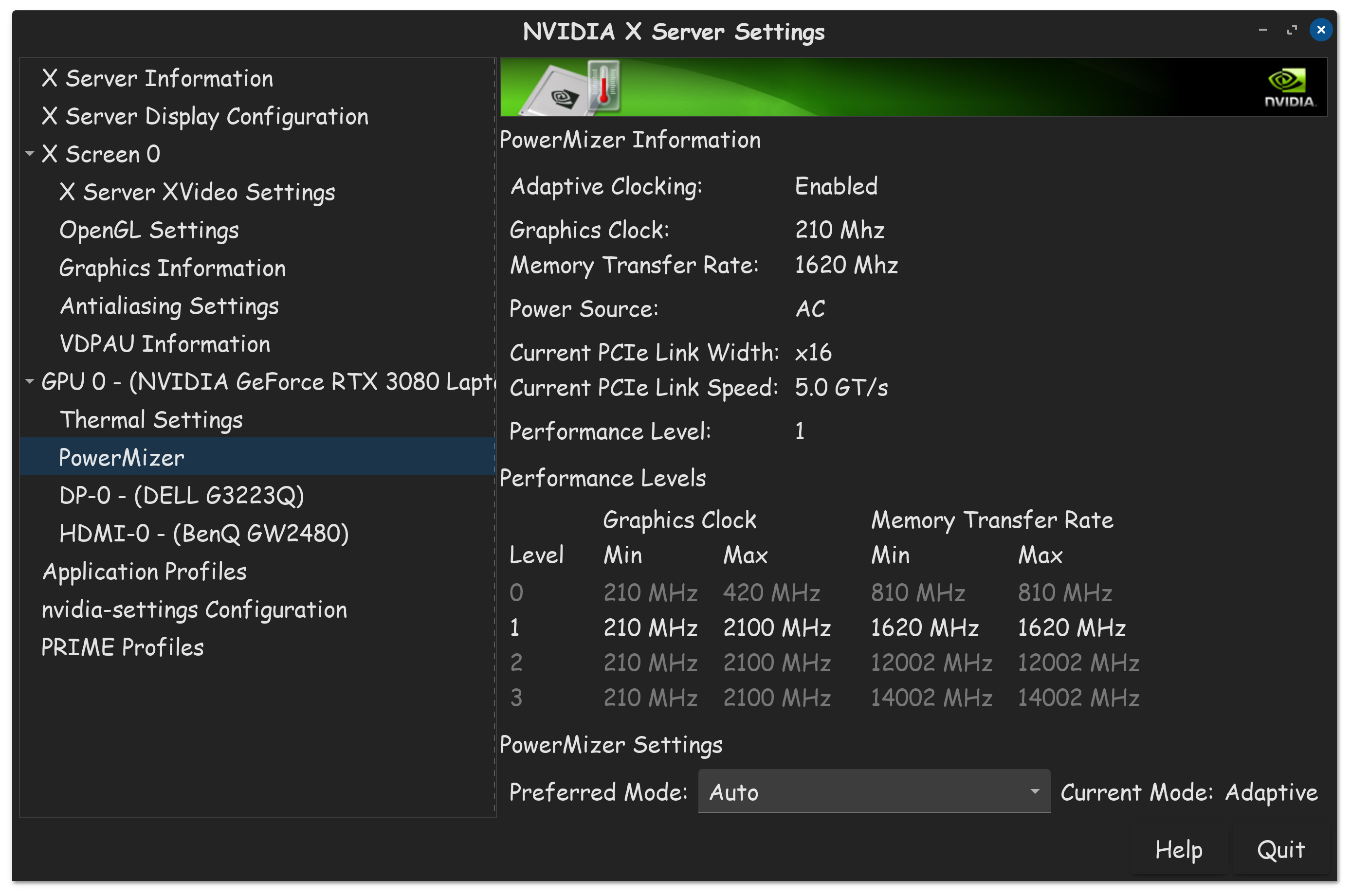
This is where we crank her up, floor it performance, pedal to the metal, we end up in the next century. I tell you what though, that 5090 of yours don't even need to be floored, cause if you did, your computer will pop your room breaker lol. Who needs a heater when you have a 5090? Just keep your thermals in check there.
I too have an integrated GPU, cause its a notebook afterall, but what good is it when I am always connected to power? I too remember disabling my integrated GPU. Only thing going to give me 1.21 jigawatts, is my Nvidia 3080 GPU. Great Scott!

1 Like
This topic was automatically closed 90 days after the last reply. New replies are no longer allowed.