Hi, I have Zorin 18 Pro, and I hadn't had any issues with the dual boot with Windows 11; they were working together perfectly. The other day I ran several updates on Windows and also updated my graphics card drivers (RTX 4070).
The next time I tried to boot into Zorin, an error appeared (I don’t remember exactly what it was and I made the mistake of not writing it down, but it was something like 'display error') and the system wouldn't start.
I restarted and ran the system in recovery mode, but it told me I couldn't make any changes due to a lack of space, so I decided to delete Zorin and reinstall it.
I reinstalled it, and now, even though it's installed alongside 'Windows Boot Manager,' the GRUB menu no longer appears. In my boot menu, it only shows Windows Boot Manager directly; Zorin doesn't show up anymore. I have no way to enter Zorin—it’s installed, but I can't use it.
Do you know what the problem might be? By the way, my PC is a laptop and I cannot open it or remove the battery to reset the CMOS.
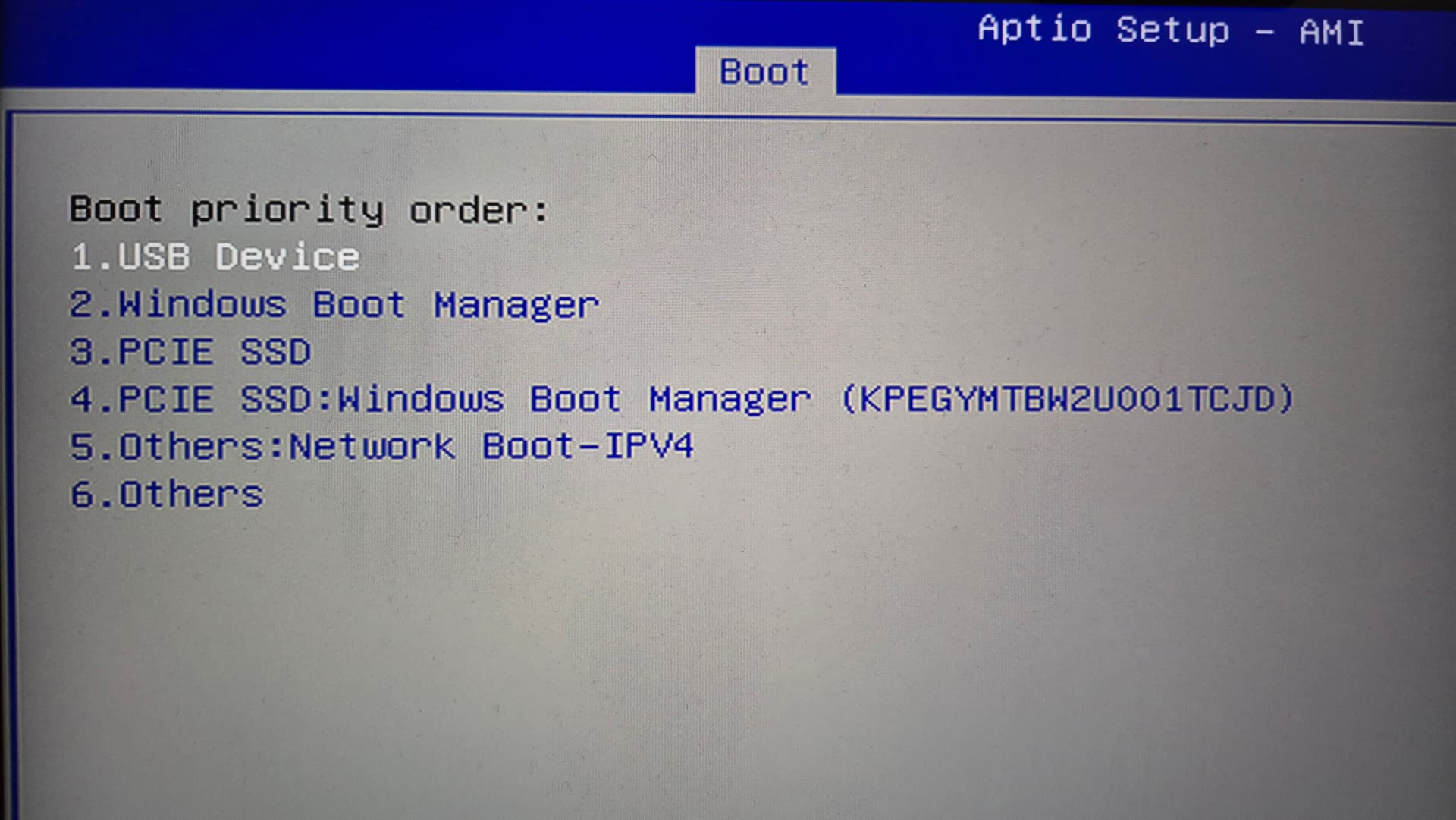
The options in my BIOS are quite limited since it's a laptop. Let me check and I'll get back to you, but what I do remember is that within the boot order, there is no option for 'ubuntu'.
And that’s the strangest part—as I mentioned in my post, I already had my system working perfectly. That error occurred, and after reinstalling, it didn't work at all and wouldn't even boot.
You could try it with Boot Repair ... Start the Bootstick with Zotin on it, choose ''Try Zorin'' to get in Live Session and look there for ''Boot Repair'' and let it run.
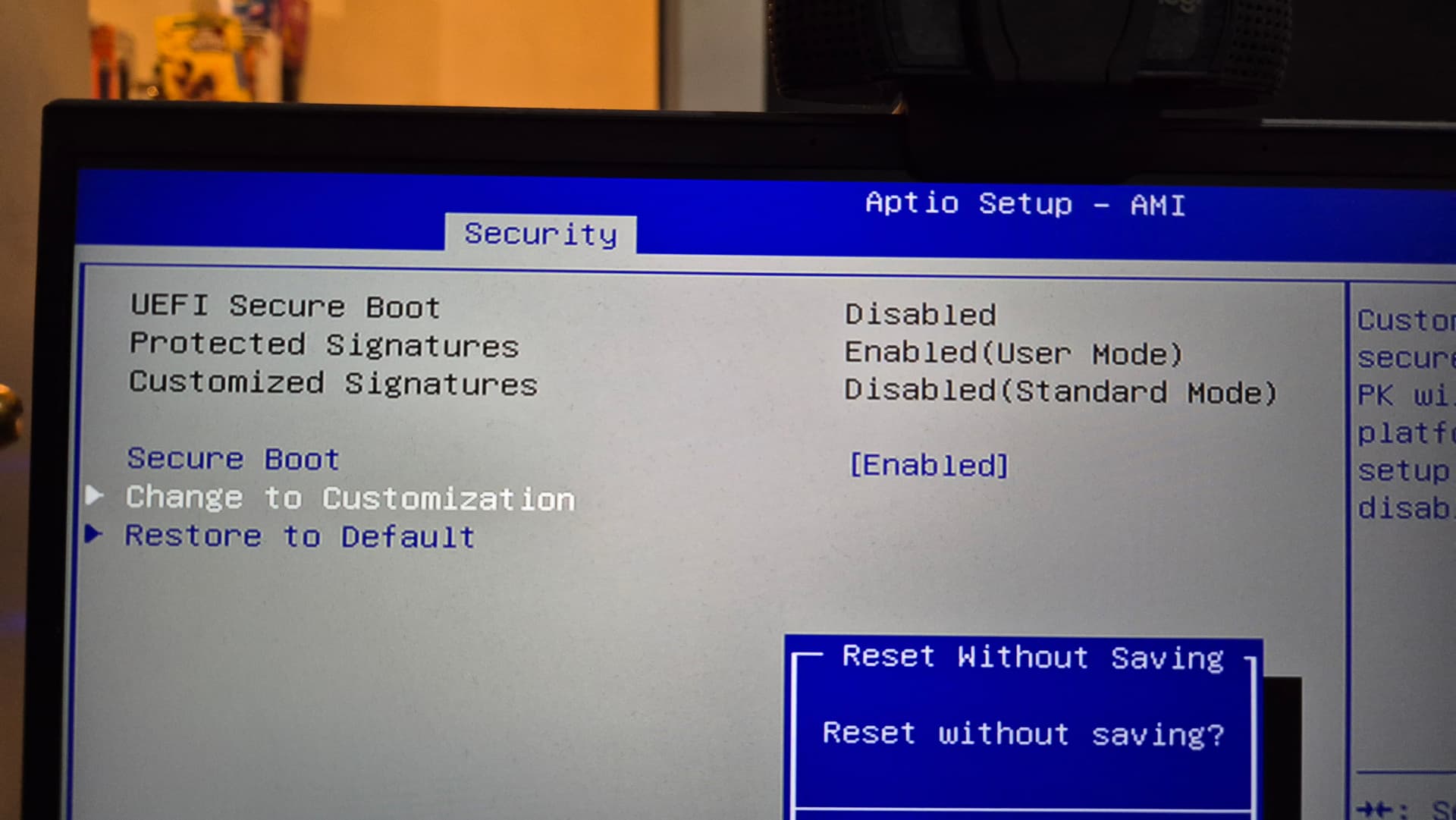
It sounds like your windows update may have reactivated secure boot or TPM and this is preventing Zorin/Ubuntu from booting so it thinks Windows is your only OS and therefore doesn't go to grub menu.
There should be a BIOS option to deactivate Secure Boot.
I still have dual boot but haven't accessed Windows in a couple of months so may have the same situation as you to deal with when I do.
Well secure boot is disabled and I dont have fast boot... The UEFI bios its a lie in my laptop, it just have legacy mode.
Fast Start-up on windows is disabled.
I mounted the bootstick using rufus and nope, i dont have the ubuntu entry in my boot order anymore... it just dissapeared.
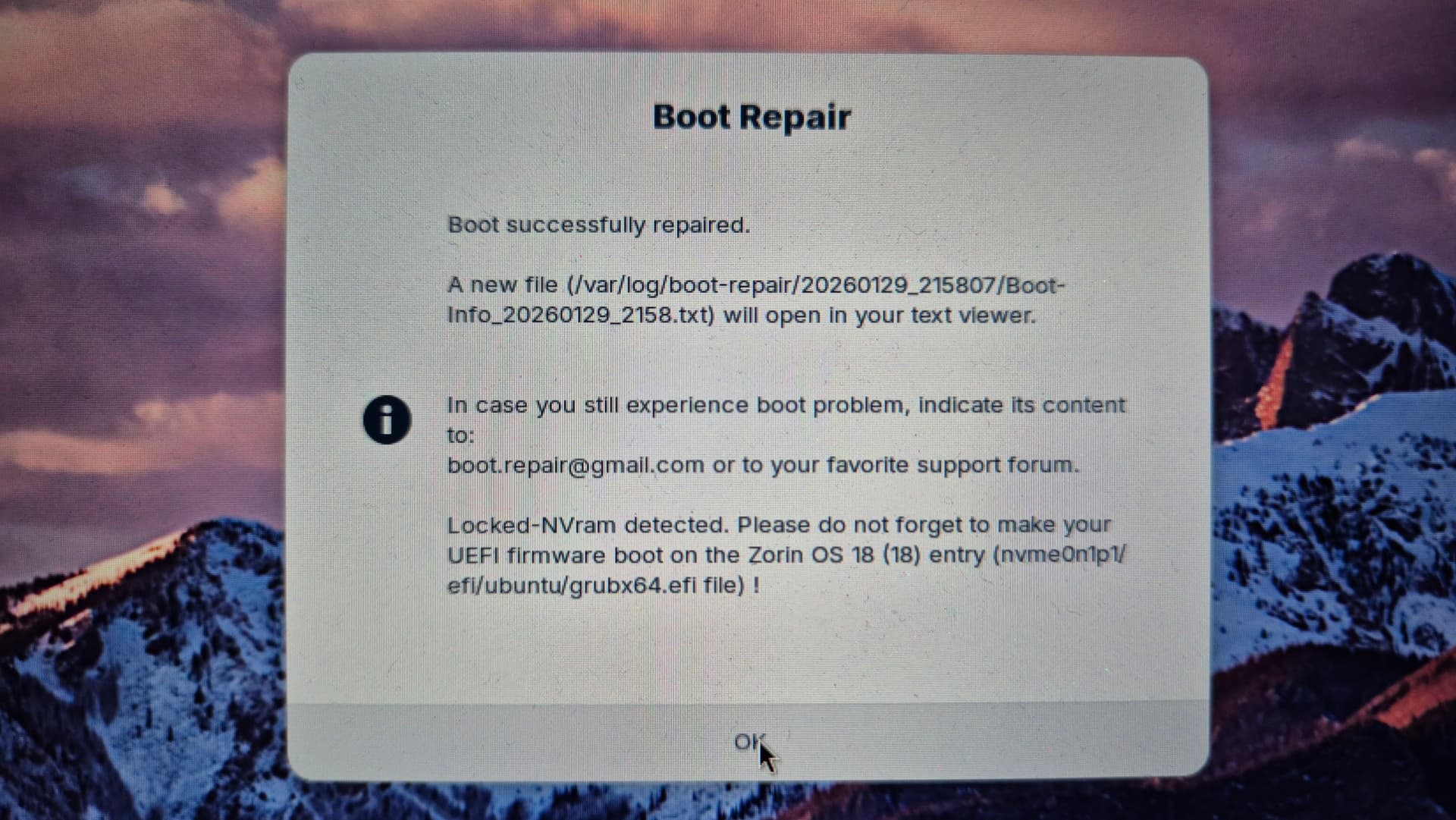
I used the boot repair tool and choosed repair the MBR and at the end this message came up.
I saw something about windows locking the NVRam... And im starting to believe this could happen... But how i can fix it?, i have a laptop with no removable battery and I cant open it because im going to lose warranty
Ok i was searching through the forum and found this...
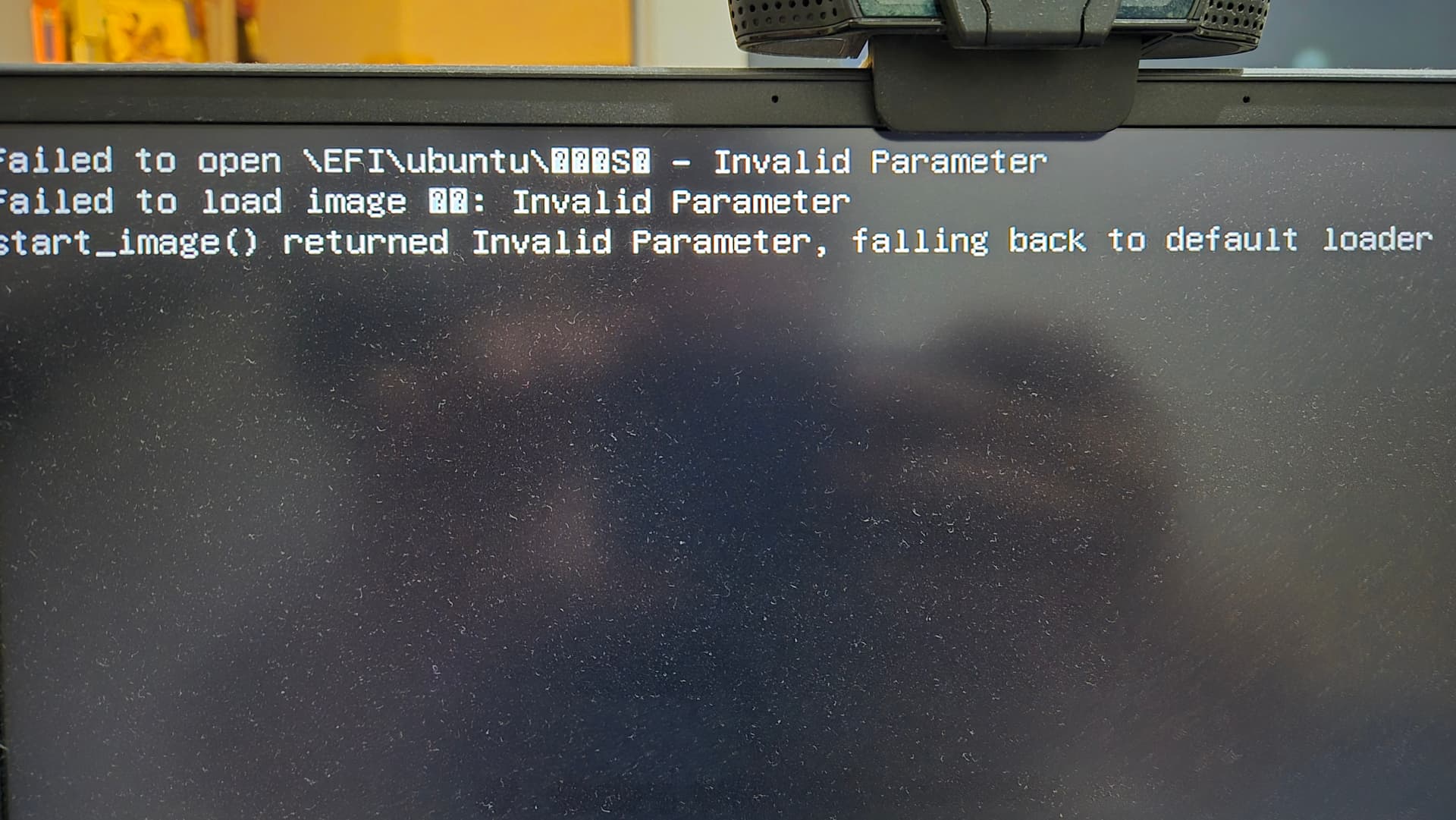
The command on windows actually worked !!!, now I can see again the ubuntu boot option and i have my GRUB back... I just have a problem... Before the grub i got an error, not a big deal I think because I still can use my dual boot... But, im seriously thinking on only keep Zorin...
Thanks for the help guys
This is for all those who are having problems with dual booting with windows and zorin... If the NVram its locked and you can't reset it for some reason, try adding again the zorin boot option on the NVRam using this.
Open Administrator Command Prompt, copy and paste.